HelloGrowthCRM software
Built for real small-business sales teams
HelloGrowthCRM helps reps qualify faster, follow up on time, and close more deals—with practical automation in one place.
- AI lead scoring and pipeline visibility
- Built-in dialer, WhatsApp, and email automation
- Sales forecasting and RevOps-ready reporting
Cloud based contact center solutions are software platforms hosted online that manage customer communications across channels like phone, email, chat, and social media without requiring physical hardware on-site. These solutions help small businesses handle inbound and outbound calls, messages, and customer inquiries efficiently from any location with internet access.
Why this comes up / what goes wrong
Small businesses often start handling customer contacts using basic tools like personal phones, email, or spreadsheets. As customer volume grows, this approach leads to lost leads, slow follow-up, and inconsistent customer experiences. Without a centralized system, tracking conversations and managing sales or support tasks becomes chaotic. Cloud based contact center solutions offer a scalable, accessible way to organize communications and improve customer responsiveness without heavy upfront investment in hardware.
Step-by-step
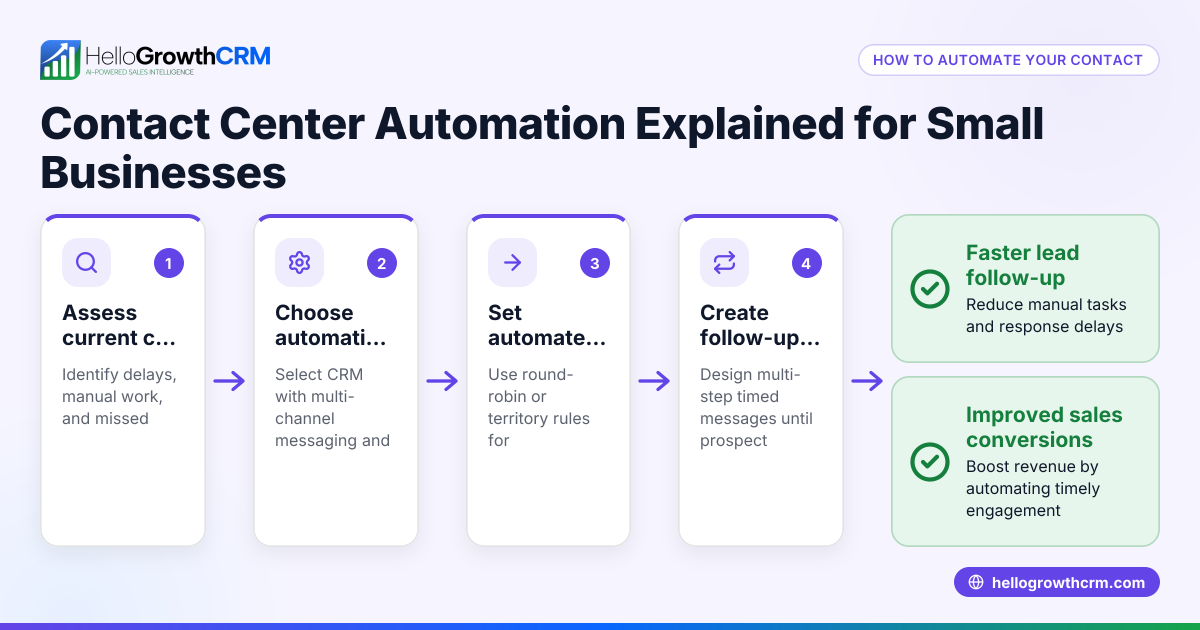
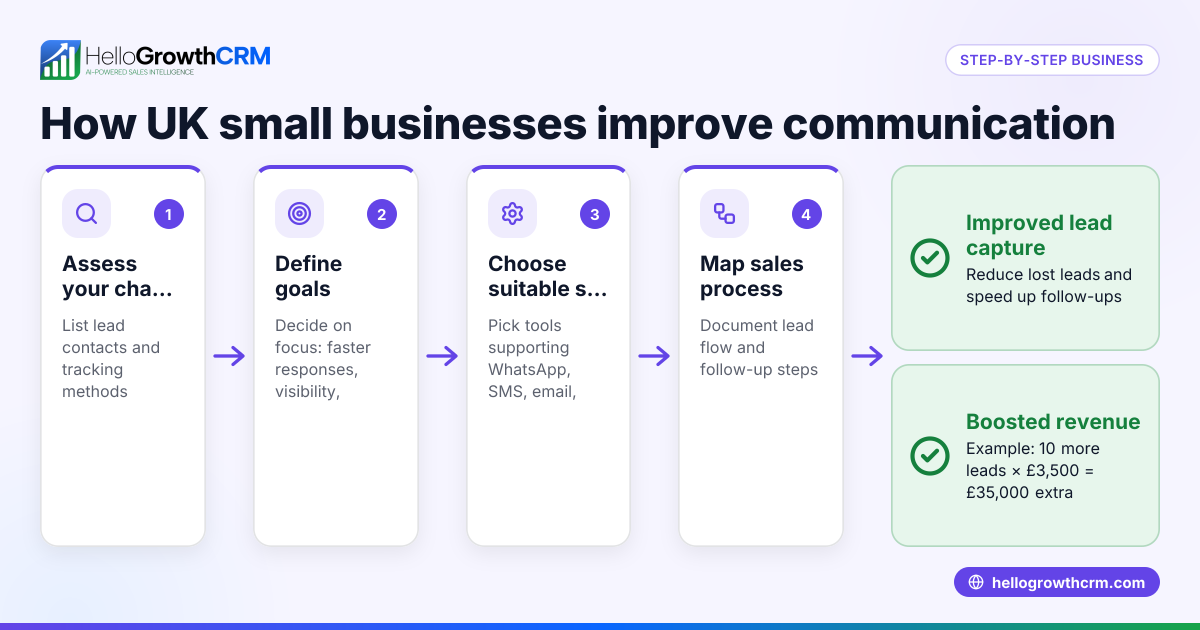
- Assess your communication channels and volume: Identify where your customers contact you most (phone, WhatsApp, SMS, email). Review call and message volumes to estimate the capacity you need.
- List essential features: Decide which features matter most—call routing, multi-channel messaging, CRM integration, AI lead scoring, or built-in dialers. Prioritize based on your sales and support workflows.
- Research cloud providers: Look for vendors specializing in solutions for small to mid-sized businesses. Confirm they support your key channels and offer easy setup.
- Evaluate integration capabilities: Check if the solution integrates with your existing tools like email, web forms, or sales tracking spreadsheets. Seamless integration reduces manual work.
- Test user experience: Trial the platform with your team to confirm it is user-friendly and encourages adoption. A complex system may cause resistance.
- Plan data migration and training: Prepare to move existing contacts and conversation histories into the new system. Schedule training sessions for your team.
- Set up automation and workflows: Configure call routing, message sequences, and task boards to streamline follow-up and sales processes.
- Monitor and optimize: Use reporting features to track response times, lead conversion, and customer satisfaction. Adjust settings as needed.
Example (fictional figures)
A residential real-estate team in Phoenix, Arizona, receives about 500 calls and 300 WhatsApp messages monthly. They currently track leads in spreadsheets and miss some inquiries, which affects revenue.
- Monthly communication volume: 500 calls + 300 messages = 800 contacts
- Estimated average sale value per lead: $12,000
If they improve follow-up and reduce missed leads by adopting a cloud based contact center solution, they can recover additional sales.
Suppose they reduce missed leads by 50 leads monthly:
- Additional monthly revenue: 50 × $12,000 = $600,000
This example shows how better communication management can impact revenue significantly.
Common mistakes
- Choosing a solution without multi-channel support: Prevent by confirming the platform handles all your customer contact methods, including WhatsApp and SMS. See WhatsApp and SMS CRM.
- Ignoring integration needs: Avoid manual data entry by selecting a system that integrates with your web forms and email.
- Underestimating training time: Ensure your team understands the new workflows to prevent low adoption.
- Not monitoring performance metrics: Use built-in reporting to catch issues early and improve.
- Selecting on price alone: Balance cost with features and ease of use.
- Neglecting mobile access: Choose a cloud solution accessible from mobile devices to support remote work.
How to Know If Your Cloud Contact Center Is Working for You
After setting up your cloud contact center solution, you want to make sure it’s actually helping your business. Here are some simple ways to check if you’re on the right track:
- Track response times: Are customer calls and messages being answered faster than before? Quicker replies usually mean happier customers.
- Monitor missed contacts: Keep an eye on how many calls or messages go unanswered. A drop in missed contacts shows improved communication.
- Check team adoption: Are your staff using the system regularly? If they avoid it or find workarounds, the tool might be too complicated or not fitting your needs.
- Review customer feedback: Listen to what your customers say about their experience. Positive feedback or fewer complaints indicate better service.
- Look at sales or support outcomes: Are leads converting more often? Are support issues resolved faster? These results show the system is supporting your goals.
- Adjust and improve: Use the platform’s reports to spot bottlenecks or issues, then tweak workflows or training to fix them.
Regularly reviewing these points helps you get the most from your cloud contact center and keeps your customers satisfied.
Frequently asked questions
What are the main benefits of cloud based contact center solutions? They reduce upfront costs by eliminating hardware, enable remote access, support multiple communication channels, and improve customer response times through automation and centralized management.
Can small businesses afford cloud contact center software? Yes, many providers offer scalable pricing and plans suited for small teams, allowing businesses to pay only for what they need.
How hard is it to switch from traditional phone systems? Switching involves porting phone numbers and training staff but is usually straightforward with provider support. Cloud systems often integrate with existing tools.
Do cloud contact centers support WhatsApp and SMS? Many modern cloud contact centers include WhatsApp and SMS capabilities, essential for meeting customers where they communicate most. Learn more about WhatsApp and SMS CRM.
Is a built-in dialer important? A built-in dialer streamlines outbound calling directly from the platform, improving efficiency and tracking. See the benefits of a built-in CRM dialer.
Key takeaways
- Cloud based contact center solutions centralize customer communications without hardware.
- They support multiple channels like phone, WhatsApp, SMS, and email.
- Choose a solution that integrates with your existing tools and fits your team’s workflow.
- Proper training and monitoring are critical for successful adoption.
- Avoid common mistakes by prioritizing multi-channel support, integrations, and user experience.
Start improving your customer communication management today. Start on the Free Forever plan (200 leads, no credit card).
For more information on tailored solutions, visit HelloGrowthCRM for the United States.
Ready to put this into practice?
Set up your pipeline, WhatsApp follow-ups, and AI lead scoring in minutes — free, no credit card.
Try HelloGrowthCRM freeGet CRM tips in your inbox
Join thousands of sales professionals who get weekly insights on CRM strategy, AI automation, and pipeline optimization.

The HelloGrowthCRM team publishes guides on CRM strategy, AI sales tools, and revenue operations for small business sales teams.