HelloGrowthCRM software
Built for real small-business sales teams
HelloGrowthCRM helps reps qualify faster, follow up on time, and close more deals—with practical automation in one place.
- AI lead scoring and pipeline visibility
- Built-in dialer, WhatsApp, and email automation
- Sales forecasting and RevOps-ready reporting
Creating a new email is a routine but essential task for UK small business owners. Whether you need to send a quotation, follow up on a lead, or communicate internally, knowing how to create and send a clear email ensures your message is professional and effective.
Why this comes up / what goes wrong
Small business owners often juggle multiple communication channels like WhatsApp, email, and spreadsheets. Without a clear process for creating emails, messages can be sent late, to the wrong person, or with missing information. This can cause lost leads, confusion, or delays in closing deals. Knowing the exact steps to create a new email and what to check helps avoid these issues and improves your business communication.
Step-by-step
- Open your email platform: Use your preferred email client or webmail service where you manage your business emails.
- Click 'New Email' or 'Compose': This button is usually at the top left or centre of the screen.
- Enter the recipient's email address: In the 'To' field, type the full email address of the person you want to contact. Double-check for typos to avoid sending to the wrong address.
- Add CC or BCC if necessary: Use 'CC' (carbon copy) to send a visible copy to others, or 'BCC' (blind carbon copy) to send copies discreetly. Only add these if relevant.
- Write a clear subject line: Summarise the email’s purpose in a few words, such as “Quotation for Cleaning Services – May 2026”.
- Compose the email body: Begin with a greeting, state your message clearly and politely, and end with a call to action or next steps.
- Attach files if needed: Click the attachment icon and select documents like quotations, contracts, or PDFs.
- Review your email: Check spelling, grammar, and that all necessary information is included.
- Send the email: Click the ‘Send’ button to deliver your message.
If you need to pause, save the email as a draft to return to later.
Example (fictional figures)
Sarah runs an accountancy practice in Birmingham. On 15/04/2026, she needs to send a quotation to a prospective client.
- Sarah opens her email platform and clicks 'New Email'.
- In the 'To' field, she types: client@example.com
- Subject line: “Quotation for Accountancy Services – April 2026”
- Email body: "Dear Mr Jones,
Please find attached the quotation for our accountancy services.
The total cost for the year is £12,000.
We look forward to your response.
Best regards, Sarah"
- She attaches the PDF quotation document.
- She reviews for spelling errors and confirms the attachment is included.
- Finally, she clicks ‘Send’.
This process ensures Sarah sends a professional, clear email.
Common mistakes
- Entering an incorrect recipient email: Prevent this by double-checking the address before sending.
- Using vague or missing subject lines: Always include a clear subject to help recipients prioritise your email.
- Forgetting to attach files: Attach documents before sending; verify attachments are included.
- Writing overly long or unclear messages: Keep emails concise and to the point to maintain reader attention.
- Failing to review before sending: Spelling or grammar mistakes reduce professionalism; proofread carefully.
- Misusing CC and BCC fields: Use CC to copy visible recipients and BCC to protect privacy; misuse can confuse recipients or expose emails.
Avoid these by following the step-by-step guide and reviewing your email before sending.
Doing this in HelloGrowthCRM
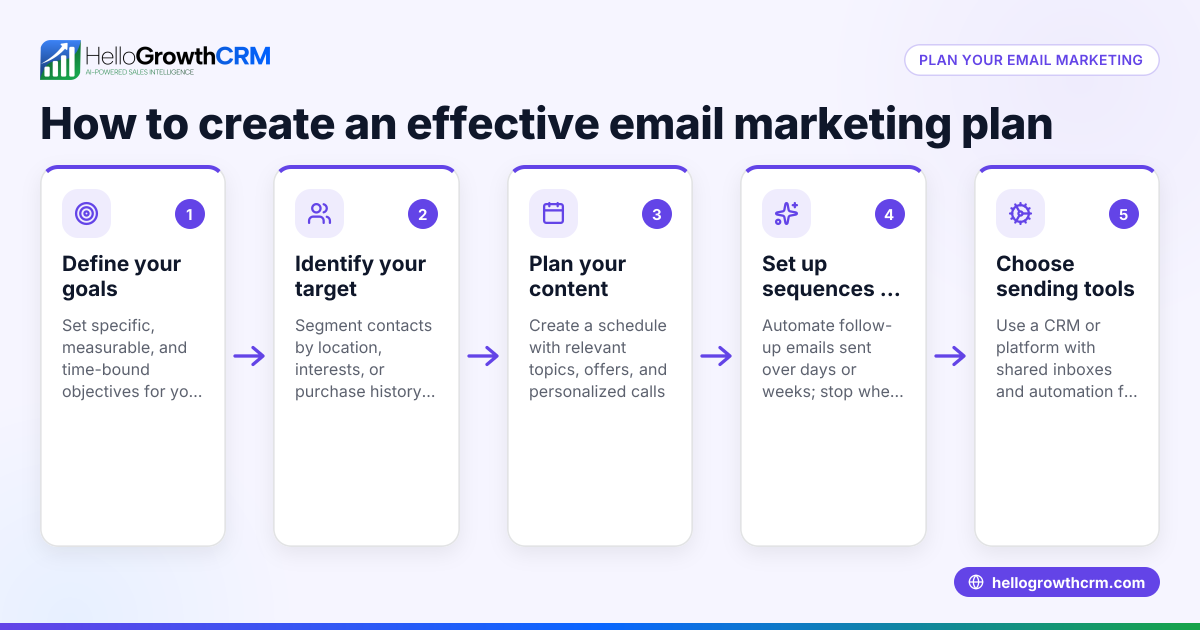
HelloGrowthCRM includes HelloMail, a shared inbox that lets your team manage inbound emails from leads and customers without switching apps. Replies to quotation emails are visible to everyone involved in the deal, reducing missed follow-ups or duplicated responses. You can also set up sequences and campaigns: automated five-step follow-ups over two weeks send messages via email, SMS, or WhatsApp and stop as soon as a prospect replies. This saves time and keeps your sales process active without extra manual work. Learn more about email automation and sequences and how HelloGrowthCRM supports UK businesses at HelloGrowthCRM for the United Kingdom.
Frequently asked questions
Can I create a new email on my phone? Yes, most smartphones have email apps with a ‘Compose’ or ‘New Email’ button. The steps are similar: open the app, tap ‘New Email’, enter the recipient, subject, message, and send.
What should I include in a professional email? Include a clear subject line, a polite greeting, a concise message explaining the purpose, any necessary attachments, and a sign-off with your name and contact details.
How do I avoid my email going to spam? Avoid spammy words, use a clear and relevant subject line, do not send large attachments without warning, and ensure your email address is recognised by the recipient.
Can I automate follow-up emails? Yes, with HelloGrowthCRM’s sequences and campaigns, you can automate multi-step follow-ups that pause automatically when a prospect replies. This keeps your sales process active without manual effort.
What is the difference between CC and BCC? CC (carbon copy) sends a visible copy to others, while BCC (blind carbon copy) hides recipients from each other. Use BCC to protect privacy when emailing multiple people.
How do I attach files to an email? Click the attachment icon (usually a paperclip) in your email platform, browse to select the file(s) you want to send, and confirm they are attached before sending.
Key takeaways
- Click ‘New Email’ or ‘Compose’ to start your message.
- Enter the correct recipient email and a clear subject line.
- Keep your message concise, polite, and professional.
- Attach relevant files before sending.
- Review your email carefully to avoid mistakes.
- Use HelloMail and sequences in HelloGrowthCRM to manage and automate email follow-ups.
Clear and timely emails help your business communicate effectively and win more leads.
Start managing your emails and follow-ups smarter with HelloGrowthCRM. Start on the Free Forever plan (200 leads, no credit card).
Ready to put this into practice?
Set up your pipeline, WhatsApp follow-ups, and AI lead scoring in minutes — free, no credit card.
Try HelloGrowthCRM freeGet CRM tips in your inbox
Join thousands of sales professionals who get weekly insights on CRM strategy, AI automation, and pipeline optimization.

The HelloGrowthCRM team publishes guides on CRM strategy, AI sales tools, and revenue operations for small business sales teams.