HelloGrowthCRM software
Built for real small-business sales teams
HelloGrowthCRM helps reps qualify faster, follow up on time, and close more deals—with practical automation in one place.
- AI lead scoring and pipeline visibility
- Built-in dialer, WhatsApp, and email automation
- Sales forecasting and RevOps-ready reporting
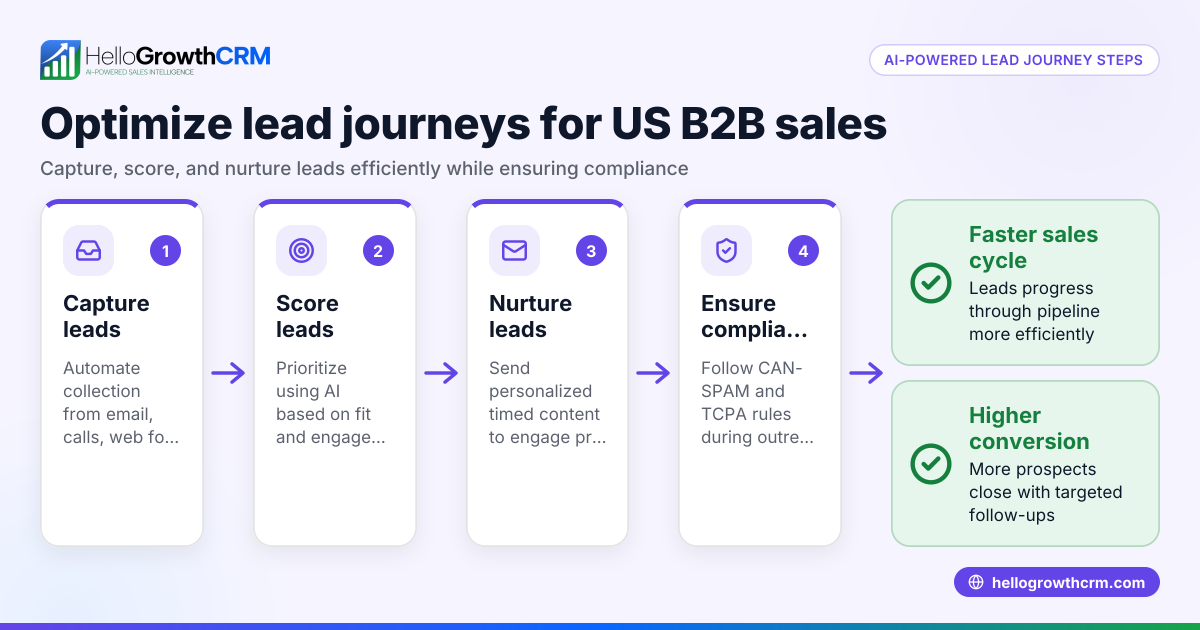
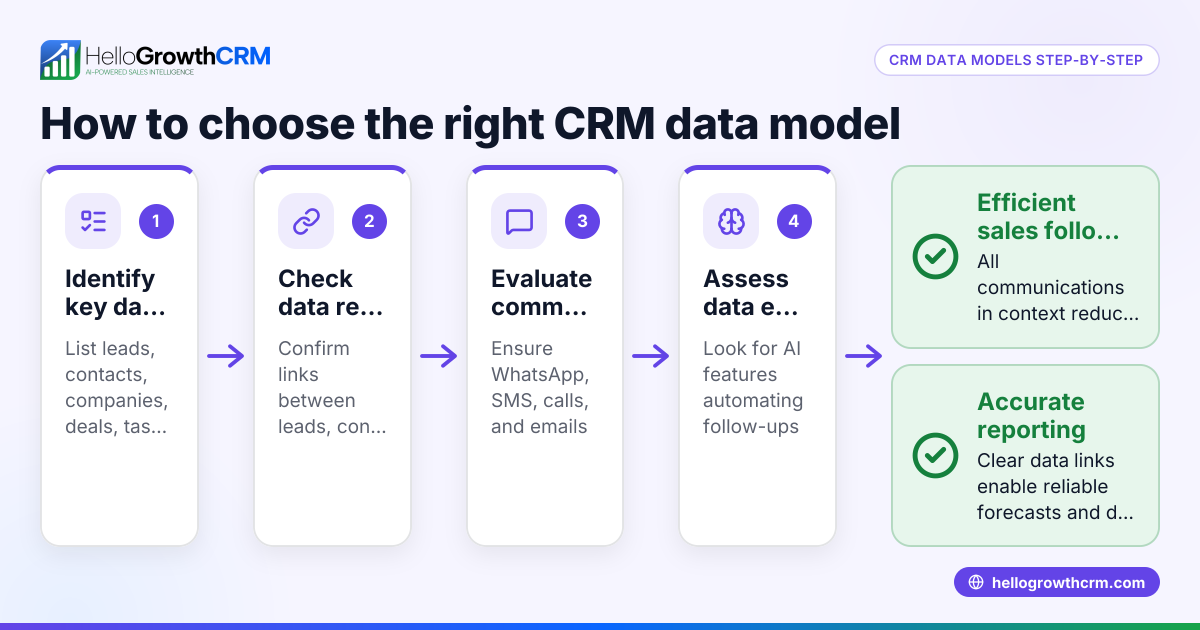
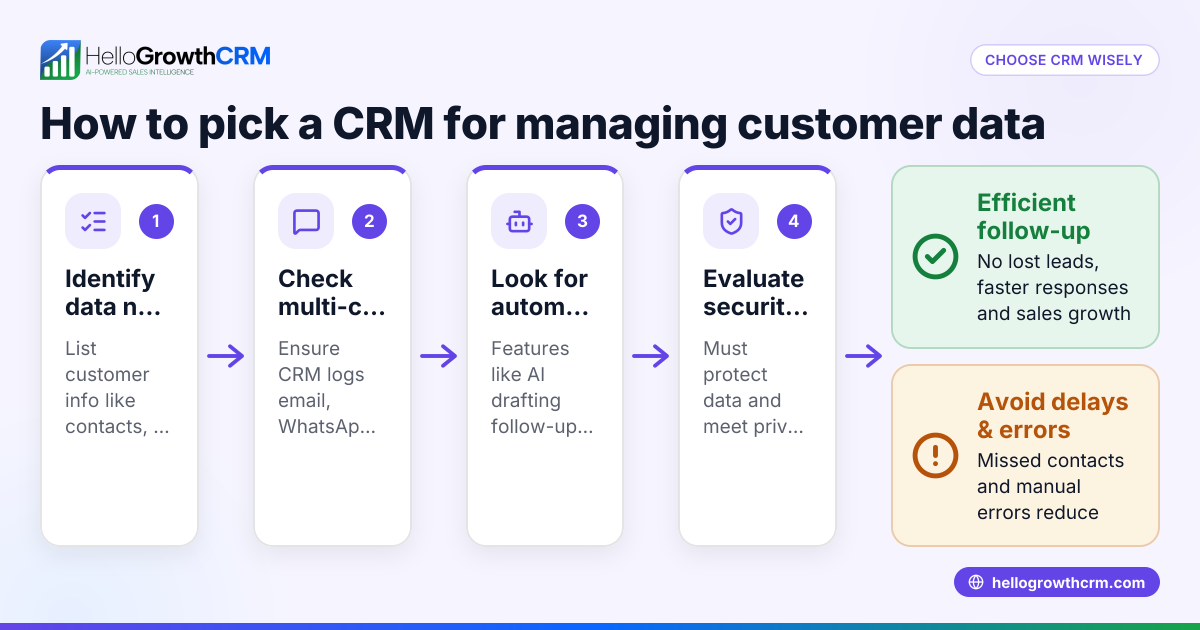
CRM data capture means automatically collecting and organizing your leads’ and customer information into your CRM system. This ensures your sales team has accurate, up-to-date data in one place to act quickly and close deals without losing leads due to slow or manual follow-up.
Why this comes up / what goes wrong
Many small business owners start tracking leads manually using paper notes, spreadsheets, or text messages. This approach often causes lost or duplicated leads, delayed follow-up, and no clear visibility into sales progress. When leads come from multiple sources like web forms, phone calls, or WhatsApp, consolidating data quickly becomes difficult. Without proper CRM data capture, sales teams waste time searching for information instead of selling.
Step-by-step
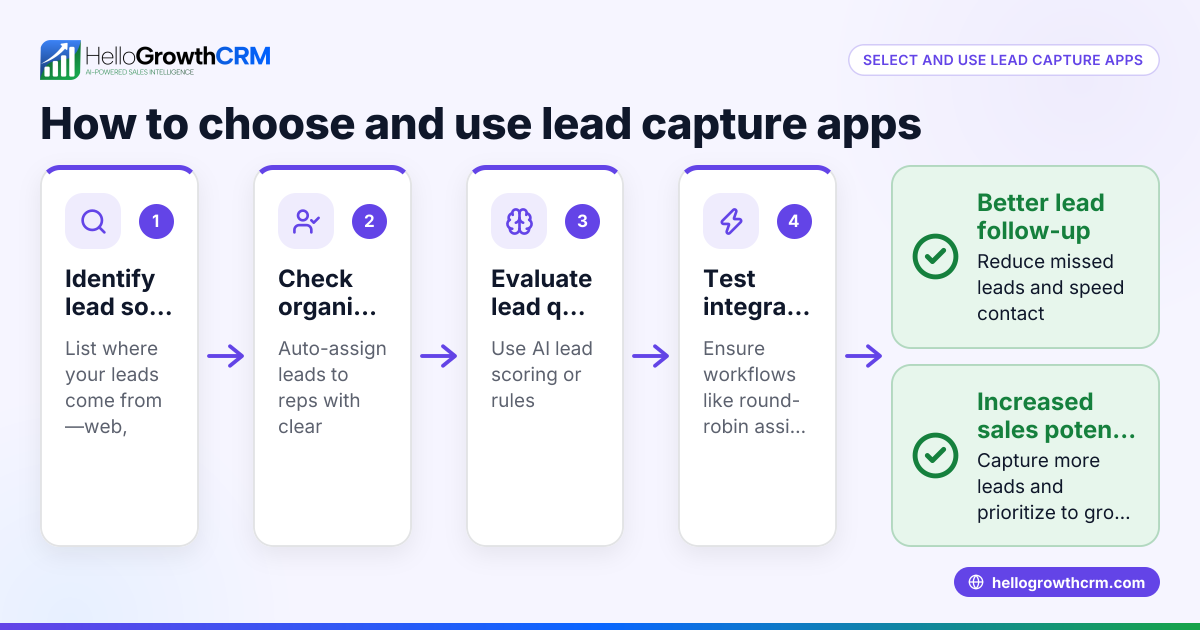
- Identify your lead sources: List where your leads come from — website forms, emails, phone calls, social media, WhatsApp messages. Check which sources support automatic integration with a CRM.
- Choose CRM software with data capture features: Select a CRM that can automatically capture leads from your sources, especially web forms and messaging apps like WhatsApp and SMS.
- Set up web form and integration capture: Connect your website lead forms to the CRM so new leads flow in automatically without manual entry.
- Enable messaging capture and logging: If you communicate with leads on WhatsApp or SMS, use a CRM that logs those conversations on the lead’s record.
- Use AI tools for follow-up drafting: Some CRMs offer AI agents that draft follow-up messages after calls or chats, so reps save time and keep leads engaged.
- Test your capture system end-to-end: Submit test leads from each source and verify they appear correctly in the CRM with all relevant details.
- Train your sales team: Make sure everyone knows how to use the CRM for data entry, follow-ups, and checking lead status.
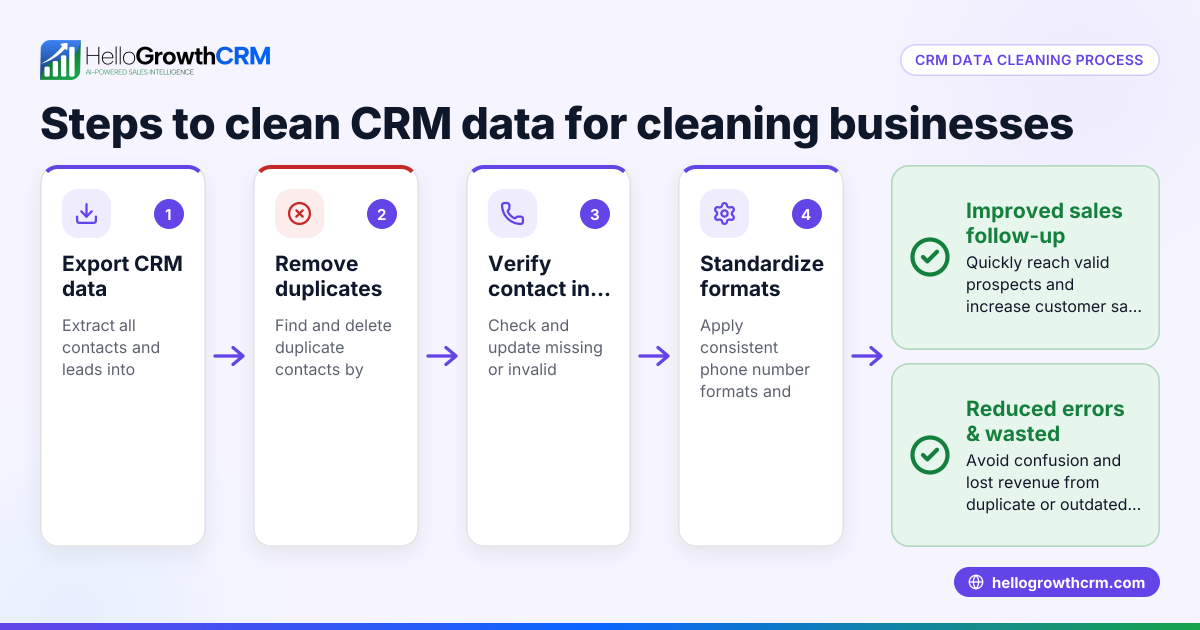
- Regularly audit data quality: Check for duplicates, missing info, or outdated leads and clean the database periodically.
Example (fictional figures)
A two-location dental practice in Columbus, Ohio, wants to improve lead capture. They get leads from their website, phone calls, and WhatsApp.
- Website form captures 50 leads per month.
- Phone calls generate 30 leads per month.
- WhatsApp messages generate 20 leads per month.
They set up automatic capture:
- Website leads flow into the CRM instantly.
- Phone calls are logged via a built-in dialer.
- WhatsApp conversations are logged and linked to lead records.
If they lose 5 leads monthly due to manual errors, the lost revenue is calculated as:
Lost leads = 5 leads Value of one new patient = $500 Lost revenue = 5 leads × $500 = $2,500 per month
By automating capture, they can recover $2,500 per month in potential revenue.
Common mistakes
- Relying on manual data entry: Leads get lost or entered incorrectly. Prevent this by automating capture from forms and messaging apps.
- Not capturing messaging conversations: Sales reps miss context from WhatsApp or SMS chats. Use a CRM that logs these messages automatically.
- Using multiple disconnected tools: Data scattered across email, spreadsheets, and phone logs causes inefficiency. Choose an integrated CRM solution.
- Ignoring data quality checks: Leads become outdated or duplicated. Schedule regular database cleanups.
- Skipping team training: Sales reps don’t use the CRM properly. Provide clear training and documentation.
- Not testing capture setups: Leads fail to appear in CRM unnoticed. Always test new capture methods end-to-end.
Doing this in HelloGrowthCRM
HelloGrowthCRM supports CRM data capture with features designed for small and mid-sized US businesses. It logs WhatsApp conversations with leads on their records and allows follow-ups via WhatsApp and SMS messages, keeping all communication in one place. Its AI agents draft follow-up messages after calls, so sales reps only review and send, saving time. HelloGrowthCRM has completed a SOC 2 Type II examination and supports CCPA data-subject rights. Learn more about WhatsApp and SMS CRM and the built-in CRM dialer that help streamline your data capture and sales process.
Frequently asked questions
What is CRM data capture? CRM data capture is the process of automatically collecting lead and customer information from various sources into a CRM system, so sales teams have accurate, centralized data.
Why is capturing WhatsApp and SMS messages important? Many small businesses communicate with leads via WhatsApp or SMS. Capturing these messages in the CRM ensures no conversation context is lost and follow-ups are timely. See how HelloGrowthCRM supports this with WhatsApp and SMS CRM.
How can AI help with CRM data capture? AI agents can draft follow-up messages and update records automatically after calls or chats, reducing manual work and speeding up lead engagement. HelloGrowthCRM offers such AI agents to assist sales teams.
How do I test if my CRM data capture is working? Submit test leads from each source and check they appear correctly in the CRM with all details and communication logged. Also, test follow-ups and task assignments. Using a CRM with a built-in CRM dialer can help log calls automatically.
Can I capture leads from my website forms automatically? Yes, most CRMs support integration with web forms so leads flow directly into the system without manual entry.
What are common pitfalls to avoid with CRM data capture? Avoid manual entry, disconnected tools, poor data quality, and lack of team training. Automate capture and regularly audit your data.
Key takeaways
- Automate lead capture from website forms, calls, WhatsApp, and SMS to avoid losing leads.
- Use a CRM that logs messaging conversations and supports follow-ups on those channels.
- AI agents can draft follow-ups after calls, saving time for sales reps.
- Test your data capture setup thoroughly and train your team.
- Regularly clean your CRM data to maintain quality.
- HelloGrowthCRM supports WhatsApp and SMS logging, AI follow-up drafting, and secure data residency.
Start capturing your leads efficiently today. Start on the Free Forever plan (200 leads, no credit card) and see how HelloGrowthCRM helps your team stay organized and responsive.
Ready to put this into practice?
Set up your pipeline, WhatsApp follow-ups, and AI lead scoring in minutes — free, no credit card.
Try HelloGrowthCRM freeGet CRM tips in your inbox
Join thousands of sales professionals who get weekly insights on CRM strategy, AI automation, and pipeline optimization.

The HelloGrowthCRM team publishes guides on CRM strategy, AI sales tools, and revenue operations for small business sales teams.