HelloGrowthCRM software
Built for real small-business sales teams
HelloGrowthCRM helps reps qualify faster, follow up on time, and close more deals—with practical automation in one place.
- AI lead scoring and pipeline visibility
- Built-in dialer, WhatsApp, and email automation
- Sales forecasting and RevOps-ready reporting
Lead capture apps collect and organize potential customer information from web forms, calls, WhatsApp, and other sources, helping businesses follow up quickly and convert leads. This article explains why lead capture apps matter, how to evaluate them step-by-step, a practical example with detailed calculations, common mistakes to avoid, and how HelloGrowthCRM supports lead capture and qualification.
Why this comes up / what goes wrong
Small and mid-sized business owners often find themselves losing leads or struggling with slow follow-up because inquiries arrive through multiple channels like web forms, text messages, email, or phone calls. Without a centralized system, leads might get lost in notebooks, spreadsheets, or chat apps. This scattered approach slows down response times and causes missed sales opportunities. Business owners searching for "lead capture apps" want software that collects all incoming leads automatically, assigns them to sales reps, and tracks follow-up tasks. They want to replace manual, error-prone methods with a system that keeps leads organized and moving through the sales pipeline efficiently.
Step-by-step
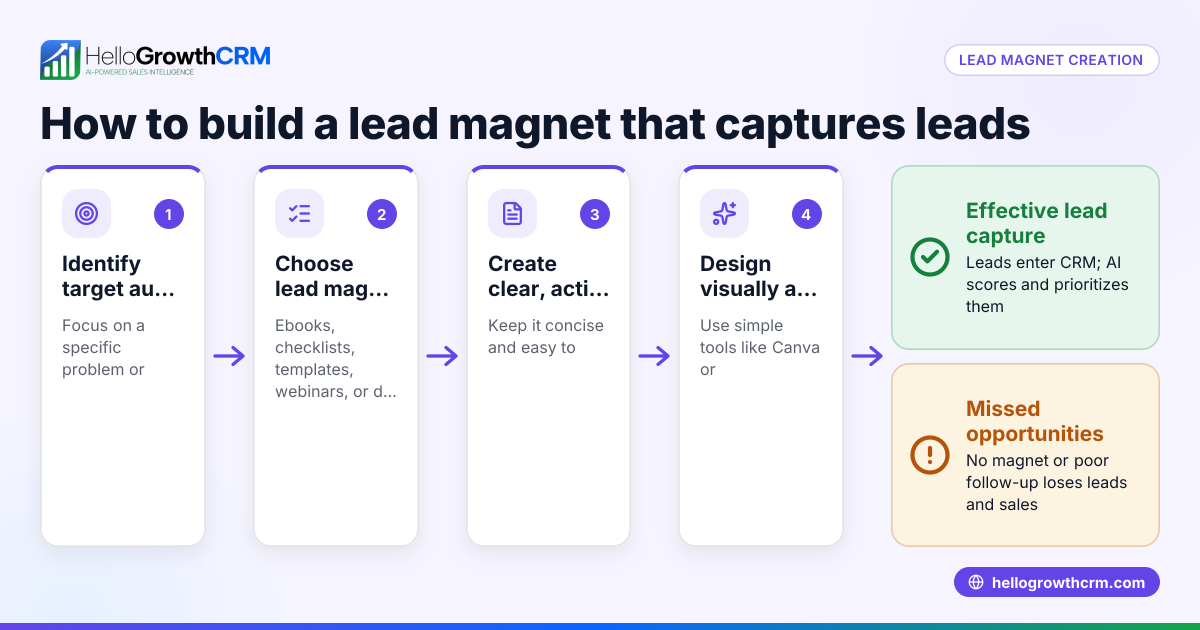
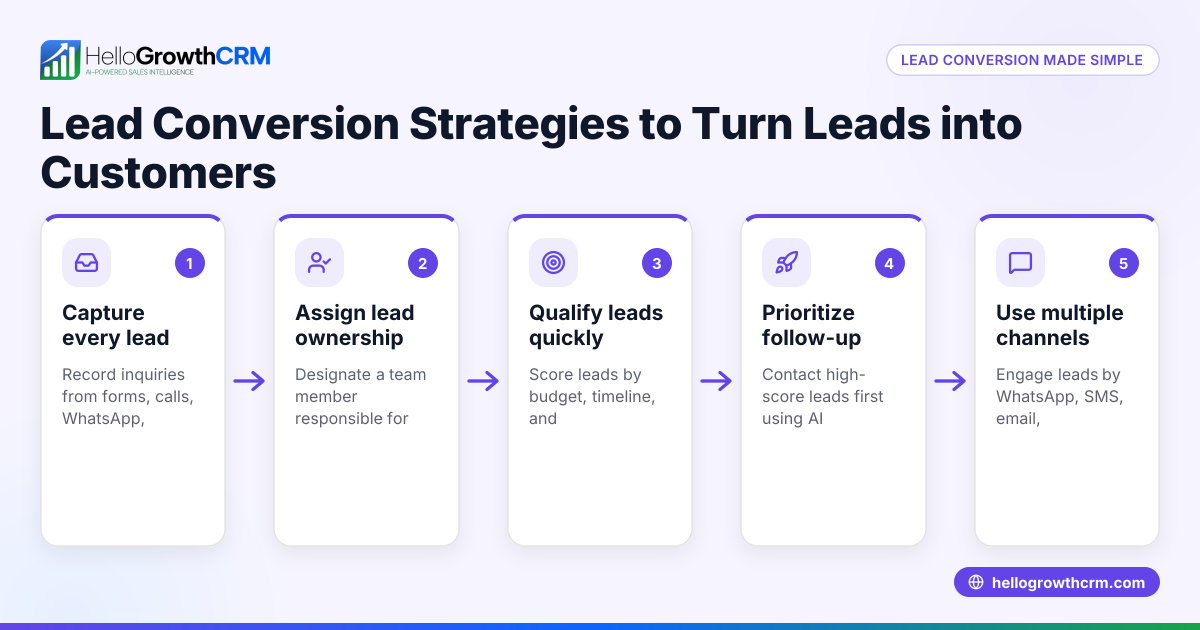
- Identify lead sources you need to capture: List where your leads currently come from—website forms, phone calls, WhatsApp messages, SMS, social media, or marketplaces. Check if the app supports capturing leads from all these channels.
- Check how leads are organized and assigned: Look for apps that automatically assign leads to salespeople or teams with clear ownership. See if they create follow-up tasks so leads don’t go cold.
- Evaluate lead qualification features: Consider apps with AI lead scoring or qualification rules that prioritize leads most likely to convert. This helps your team focus on the hottest prospects first.
- Test integration and automation options: Verify if the app can integrate with your existing tools or marketplaces and supports workflows like round-robin lead assignment or automated task creation.
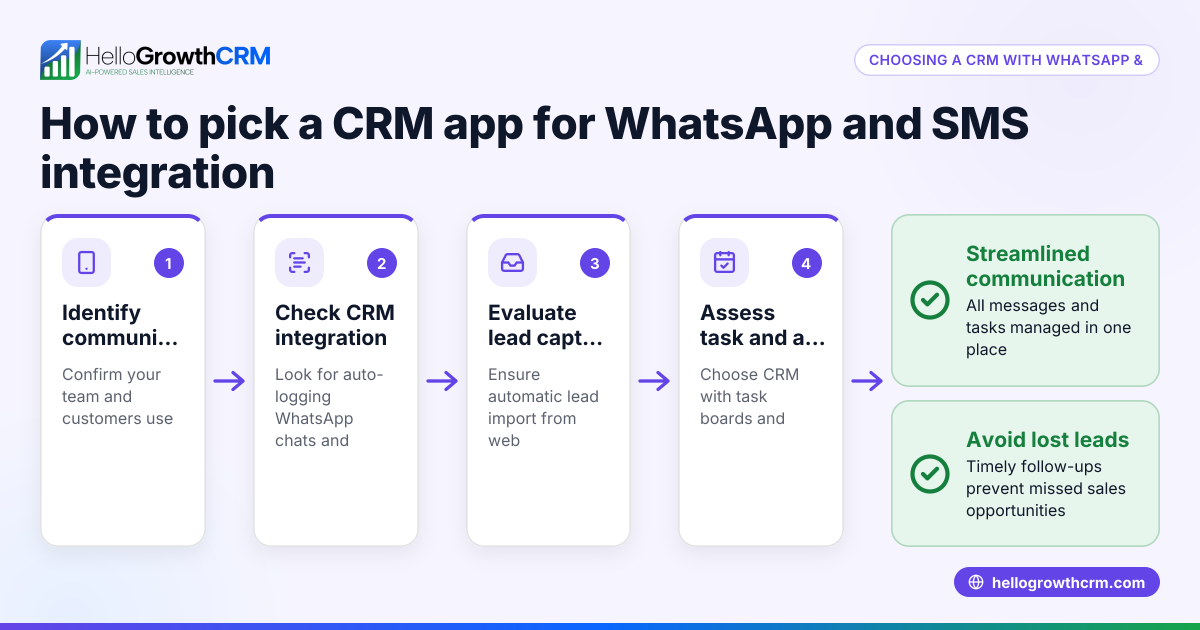
- Assess communication channels included: Choose apps that let you respond directly via WhatsApp, SMS, or email from the platform to keep all interactions in one place.
- Review usability and adoption potential: Pick an app your team will actually use daily, with a simple interface and mobile access if needed.
- Check reporting and forecasting capabilities: Good lead capture apps provide pipeline visibility and sales forecasts to help you plan.
- Consider pricing and scalability: Ensure the app fits your budget and can grow with your business.
Example (fictional figures)
A two-location dental practice in Columbus, Ohio, receives 150 new patient inquiries monthly via website forms, phone calls, and WhatsApp messages.
- The practice estimates it currently misses follow-up on about 30 leads each month due to manual tracking.
- Average patient value: $1,200.
Calculate lost revenue from missed leads:
30 leads × $1,200 = $36,000
They implement a lead capture app that automatically assigns leads to receptionists and hygienists, prioritizes leads using AI lead scoring, and creates follow-up tasks.
After 3 months, missed leads drop to 8 per month.
Calculate improved captured leads:
Previously captured leads = 150 - 30 = 120
Now captured leads = 150 - 8 = 142
Calculate monthly gained revenue from improved capture:
142 - 120 = 22 additional leads captured
22 leads × $1,200 = $26,400
This example shows how organized lead capture and follow-up can directly improve sales.
Common mistakes
- Relying on manual tracking: Leads get lost or delayed. Prevent by using an app that auto-captures and assigns leads.
- Ignoring lead qualification: Calling all leads equally wastes time. Use AI lead scoring or qualification rules to prioritize.
- Using multiple disconnected tools: Leads scattered across email, WhatsApp, and spreadsheets cause confusion. Choose a CRM with integrated communication channels like WhatsApp and SMS CRM (/product/whatsapp-sms-crm).
- Not automating workflows: Manually assigning leads and creating tasks slows sales. Use workflows and lead routing (/product/ai-crm) to automate these steps.
- Choosing complex software: If your team won’t use it, it won’t help. Pick a user-friendly app designed for small teams.
Doing this in HelloGrowthCRM
HelloGrowthCRM captures every inquiry from forms, calls, or WhatsApp as a lead with a clear owner and next step, so leads don’t get lost in notebooks. Its AI lead scoring helps telecallers focus on leads most likely to convert first. Automated workflows and lead routing assign new inquiries round-robin and create first-call tasks automatically. Learn more about AI lead scoring and the WhatsApp and SMS CRM features. HelloGrowthCRM is tailored for US small and mid-sized businesses managing leads efficiently and growing sales teams. See details on HelloGrowthCRM for the United States.
Frequently asked questions
What are lead capture apps? Lead capture apps automatically collect and organize potential customer information from various sources like web forms, phone calls, WhatsApp, and SMS. They help businesses respond quickly and track leads through the sales process.
How do I know which lead capture app fits my business? Identify your lead sources, check if the app supports them, evaluate lead assignment and qualification features, test integrations and automation, and consider ease of use and pricing.
Why is AI lead scoring important? AI lead scoring ranks leads by their likelihood to convert, so your sales team focuses on the hottest prospects first, improving efficiency and conversion rates.
Can lead capture apps handle WhatsApp and SMS communication? Yes, some apps like HelloGrowthCRM integrate WhatsApp and SMS messaging directly into the CRM, keeping conversations centralized and easy to manage.
What common mistakes should I avoid when using lead capture apps? Avoid manual tracking, ignoring lead qualification, using disconnected tools, not automating workflows, and choosing overly complex software.
Key takeaways
- Lead capture apps centralize and organize inquiries from multiple channels to prevent lost leads.
- Prioritize leads using AI lead scoring to improve sales efficiency.
- Automate lead assignment and follow-up tasks to speed response times.
- Use apps integrating WhatsApp and SMS to keep communication in one place.
- Choose user-friendly software your team will actually use.
Start improving your lead capture today with HelloGrowthCRM. Start on the Free Forever plan (200 leads, no credit card).
Ready to put this into practice?
Set up your pipeline, WhatsApp follow-ups, and AI lead scoring in minutes — free, no credit card.
Try HelloGrowthCRM freeGet CRM tips in your inbox
Join thousands of sales professionals who get weekly insights on CRM strategy, AI automation, and pipeline optimization.

The HelloGrowthCRM team publishes guides on CRM strategy, AI sales tools, and revenue operations for small business sales teams.