HelloGrowthCRM software
Built for real small-business sales teams
HelloGrowthCRM helps reps qualify faster, follow up on time, and close more deals—with practical automation in one place.
- AI lead scoring and pipeline visibility
- Built-in dialer, WhatsApp, and email automation
- Sales forecasting and RevOps-ready reporting
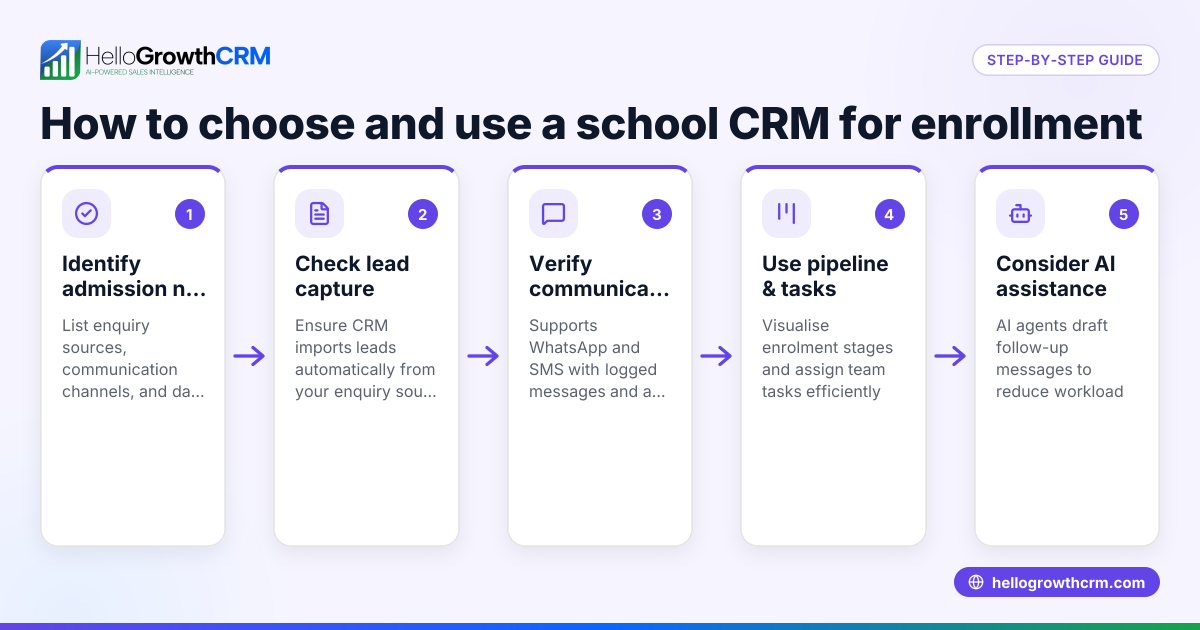
CRM enrollment management means organising and tracking how new leads or customers enter your CRM system, ensuring timely follow-up and smooth sales processes. This article covers why managing enrollment matters, step-by-step actions to set it up right, a practical example, common errors to avoid, and how HelloGrowthCRM supports this process.
Why this comes up / what goes wrong
Small and mid-sized business owners in Australia often struggle with leads slipping through the cracks or follow-ups being delayed because their CRM enrollment process is not well managed. They might capture enquiries from web forms, calls, or messages but fail to assign ownership or next steps clearly. This leads to lost sales opportunities and inefficient use of the sales team’s time. Businesses running sales on text messages, email, and spreadsheets find it hard to keep track of who is responsible for each lead and what the current status is. This confusion grows as the business scales, making a structured CRM enrollment management process essential.
Step-by-step
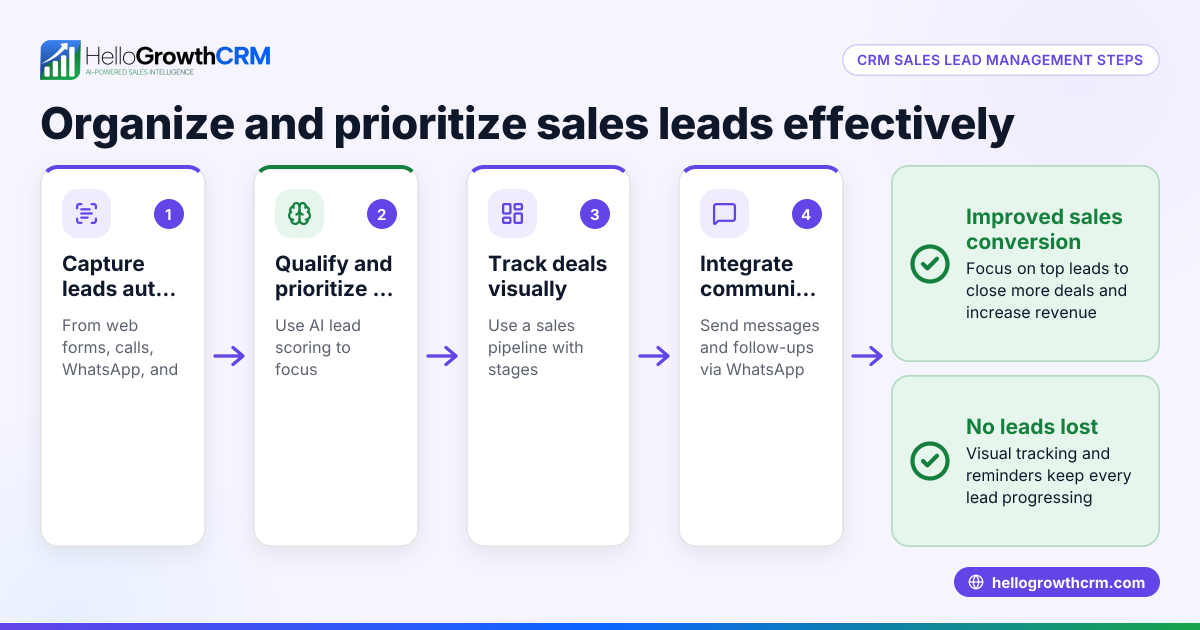
- Capture Every Lead Automatically: Ensure every enquiry from web forms, phone calls, or WhatsApp messages enters your CRM as a lead. Check that no lead is manually entered in notebooks or spreadsheets, which causes loss or duplication.
- Assign Lead Ownership: Allocate each new lead to a specific team member responsible for follow-up. Confirm that the CRM supports clear ownership to avoid confusion.
- Set the Next Step for Each Lead: Define what the next action is for every lead, such as a call, email, or message. This keeps the sales process moving forward.
- Log All Communications: Use a CRM that logs WhatsApp and SMS conversations on the lead record so that all team members see the communication history.
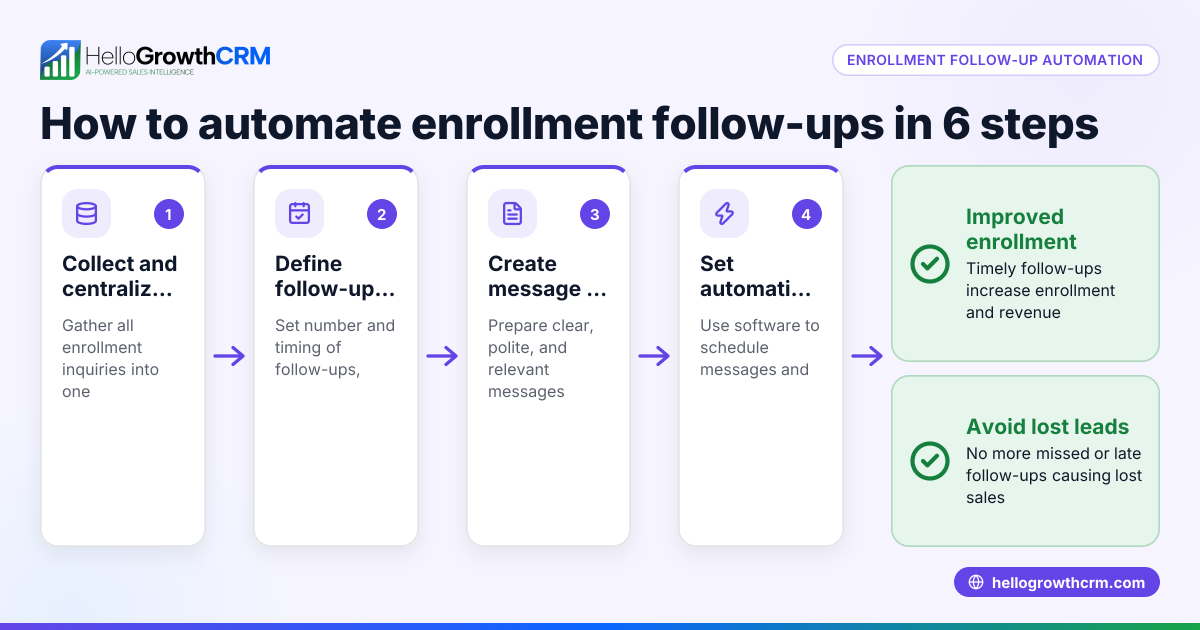
- Use Automated Follow-ups: Implement follow-up sequences via email, WhatsApp, or SMS to maintain engagement without manual effort.
- Review and Update Lead Status Regularly: Have regular check-ins to update lead stages and next steps to keep the pipeline accurate.
- Analyse and Forecast Sales Pipeline: Use CRM reports to track conversion rates and forecast sales revenue.
Check that your CRM offers these features and integrates well with your existing tools. For Australian businesses, a WhatsApp-native CRM with built-in dialer and AI lead scoring can streamline these steps.
Example (fictional figures)
A plumbing and gas business in Perth receives 50 new enquiries in April 2024. They use a CRM enrollment system to manage these leads.
- Total enquiries captured: 50
- Each lead assigned to one of five sales reps (10 leads each).
- Next step set as a WhatsApp message follow-up within 24 hours.
- Each rep sends follow-up messages drafted by an AI agent for efficiency.
Calculations:
Leads per rep = 50 ÷ 5 = 10
If each lead has a 20% conversion rate and average sale value is A$1,200:
Converted leads per rep = 10 × 20% = 2
Total converted leads = 2 × 5 = 10
Total revenue = 10 × A$1,200 = A$12,000
This example shows how structured CRM enrollment and timely follow-up increase conversion and revenue.
Common mistakes
- Not Capturing All Leads Automatically: Leads lost when entered manually or missed. Prevent by integrating web forms and call capture directly into CRM.
- No Clear Lead Ownership: Leads ignored or duplicated when no one is responsible. Prevent by assigning each lead an owner immediately.
- Failing to Define Next Steps: Leads stall in the pipeline. Prevent by setting clear next actions for every lead.
- Ignoring Messaging History: Sales reps unaware of past conversations. Prevent by using a CRM that logs WhatsApp and SMS chats on lead records.
- No Follow-up Automation: Leads go cold without reminders. Prevent by using automated sequences for follow-ups.
- Infrequent Pipeline Review: Leads become outdated or lost. Prevent by regularly updating lead status and reviewing the pipeline.
Doing this in HelloGrowthCRM
HelloGrowthCRM helps Australian small businesses manage CRM enrollment effectively. Every enquiry from a form, call, or WhatsApp lands as a lead with an owner and a next step, instead of being lost in notebooks. WhatsApp conversations with leads are logged on the lead record, allowing follow-ups as messages. After calls, an AI agent drafts the follow-up message for the sales rep to review and send, saving time and ensuring prompt contact. Learn more about HelloGrowthCRM for Australia and its WhatsApp and SMS CRM and built-in CRM dialer features.
Frequently asked questions
What is CRM enrollment management? CRM enrollment management is the process of capturing, assigning, and tracking new leads or customers as they enter your CRM system, ensuring timely follow-up and sales progress.
Why is lead ownership important in CRM enrollment? Assigning ownership ensures accountability so that each lead has a responsible person to follow up, reducing the chance of leads being ignored or duplicated.
How can I automate follow-ups in CRM enrollment? Many CRMs, including HelloGrowthCRM, offer automated email, WhatsApp, or SMS sequences that send follow-up messages based on lead activity or time delays.
Can WhatsApp conversations be integrated into CRM lead records? Yes. Using a WhatsApp-native CRM like HelloGrowthCRM, conversations are logged automatically on the lead record, keeping communication history visible to the team.
How do AI agents help with CRM enrollment management? AI agents can draft follow-up messages after calls and update records, reducing manual work for sales reps and speeding up lead engagement.
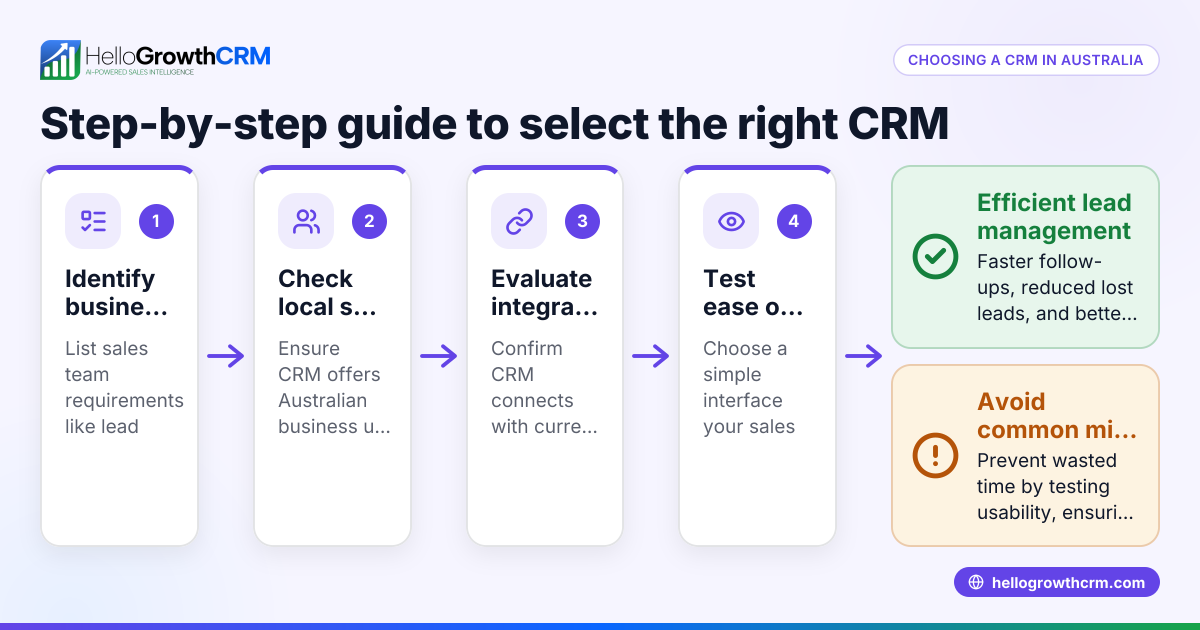
What should I look for when choosing CRM enrollment software? Look for automatic lead capture from multiple channels, clear lead ownership, next-step tracking, communication logging (including WhatsApp/SMS), and automation features.
Key takeaways
- Capture every lead automatically from all enquiry sources.
- Assign clear ownership and set next steps for each lead.
- Use CRM logging for WhatsApp and SMS conversations.
- Automate follow-ups to maintain lead engagement.
- Regularly review and update your sales pipeline.
- AI agents can save time by drafting follow-ups after calls.
Start managing your CRM enrollment efficiently with HelloGrowthCRM. Start on the Free Forever plan (200 leads, no credit card).
Ready to put this into practice?
Set up your pipeline, WhatsApp follow-ups, and AI lead scoring in minutes — free, no credit card.
Try HelloGrowthCRM freeGet CRM tips in your inbox
Join thousands of sales professionals who get weekly insights on CRM strategy, AI automation, and pipeline optimization.

The HelloGrowthCRM team publishes guides on CRM strategy, AI sales tools, and revenue operations for small business sales teams.