HelloGrowthCRM software
Built for real small-business sales teams
HelloGrowthCRM helps reps qualify faster, follow up on time, and close more deals—with practical automation in one place.
- AI lead scoring and pipeline visibility
- Built-in dialer, WhatsApp, and email automation
- Sales forecasting and RevOps-ready reporting
CRM follow up means using software to track and automate contacting leads and customers after initial outreach. It ensures timely responses, prevents lost leads, and keeps sales organized. This article covers why CRM follow-up matters, step-by-step evaluation and implementation, common pitfalls, an example with numbers, and how HelloGrowthCRM supports follow-up with AI, task boards, and sequences.
Why this comes up / what goes wrong
Small and mid-sized business owners often lose leads because follow-up is slow, inconsistent, or forgotten. Sales teams may rely on text messages, emails, or spreadsheets that don't sync or remind anyone to act. Without a clear system, leads go cold, and sales opportunities slip away. Owners looking for CRM follow-up want software that helps their team remember who to contact, when, and what to say next. They want to reduce manual work and avoid chasing down scattered notes. The goal is a follow-up process that runs smoothly, keeps prospects engaged, and frees sales reps from memory or spreadsheet overload.
Step-by-step
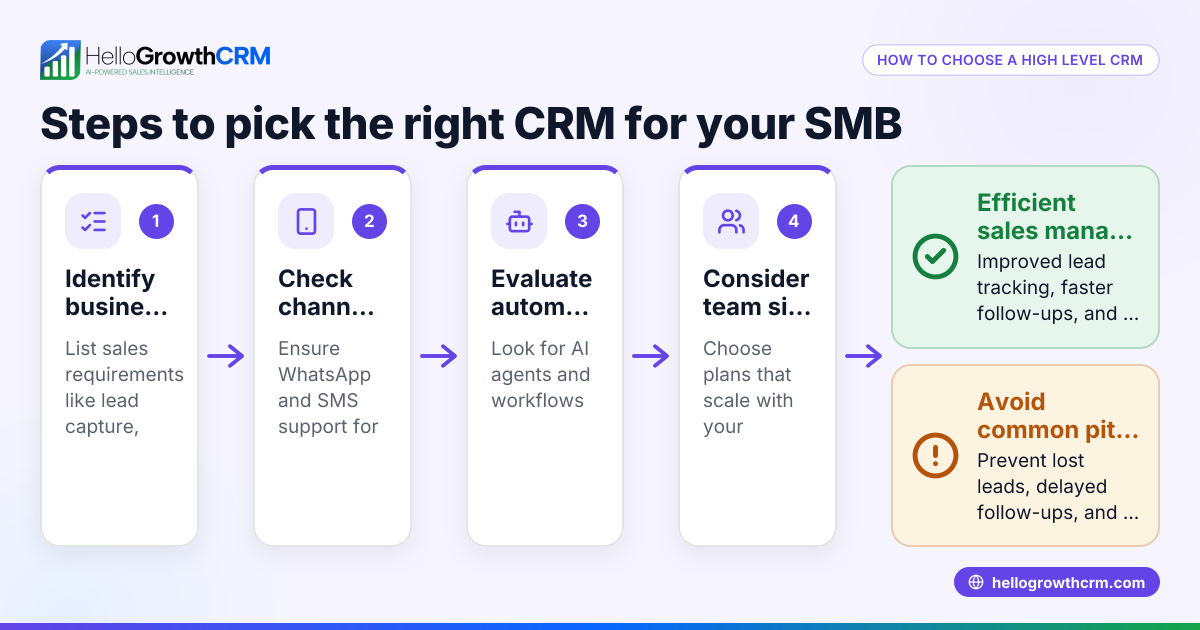
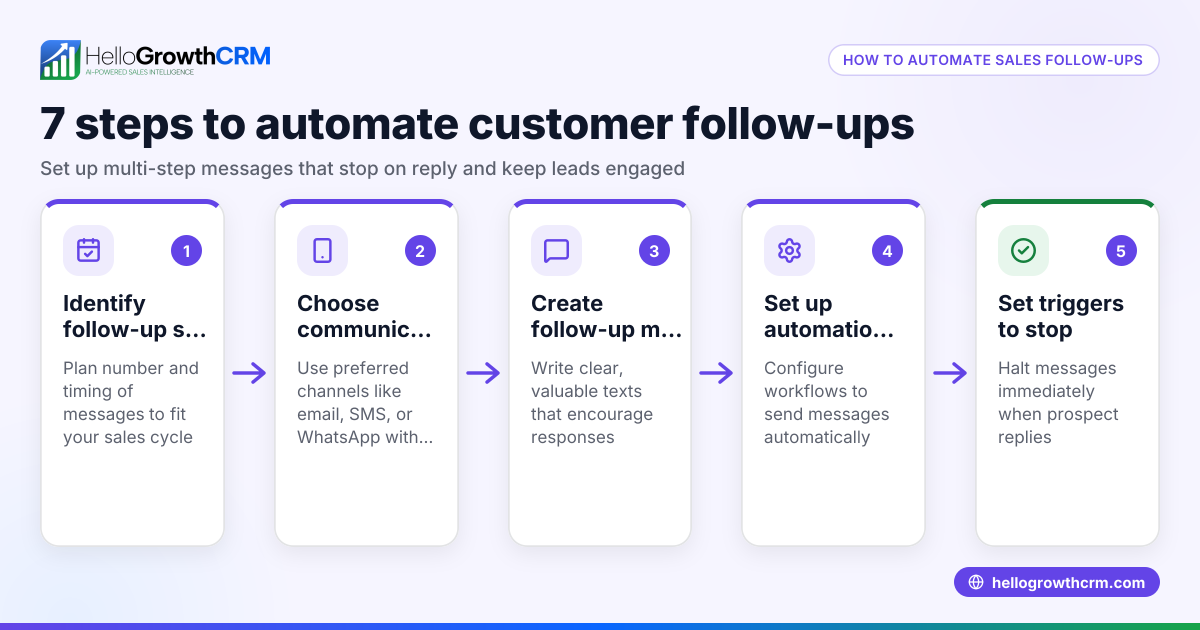
- Identify your follow-up needs: Determine how many leads you handle, your typical sales cycle length, and how often follow-ups are needed. Check if you want multi-channel follow-up (email, SMS, WhatsApp).
- Check automation capabilities: Look for CRM follow-up tools that automate sending messages after calls or emails and can pause sequences when prospects reply.
- Evaluate task and activity management: Confirm the CRM lets you create follow-up tasks with due dates and shows daily call or contact lists so reps don’t have to remember everything.
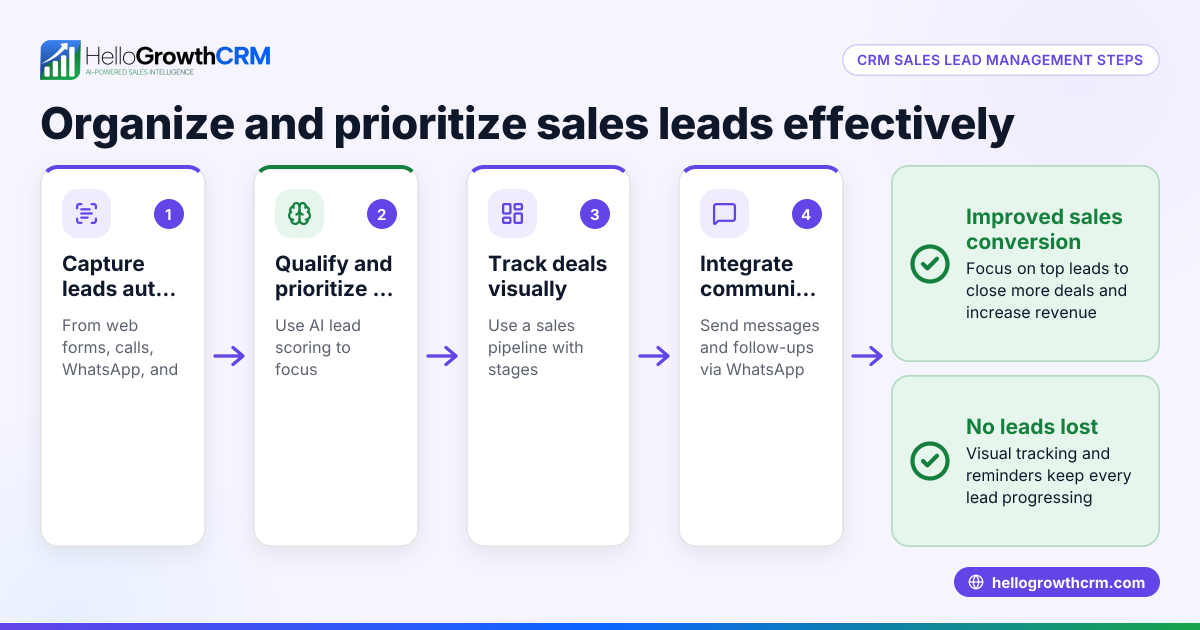
- Assess integration options: Ensure your CRM can capture leads automatically from web forms or other sources to start follow-up without manual data entry.
- Consider AI assistance: Some CRMs offer AI agents that draft follow-up messages after calls, letting reps just review and send, saving time.
- Test user-friendliness: The CRM must be easy for your sales team to adopt and use daily, avoiding complexity that leads to poor follow-up.
- Review reporting and forecasting: Good follow-up tools provide insights on follow-up effectiveness and sales pipeline status.
- Compare pricing and plans: Match features to your budget but prioritize follow-up automation and task tracking over extras you won’t use.
- Try a free plan or demo: Use trial versions to see how follow-up workflows operate in real use.
For managing follow-ups efficiently, consider tools like sales task boards and email automation and sequences as part of your CRM evaluation.
Example (fictional figures)
A plumbing company in Austin, Texas, receives 50 new leads monthly needing follow-up over 2 weeks with 5 touchpoints each.
- Leads per month = 50
- Follow-up steps per lead = 5
- Total follow-up messages monthly = 50 × 5 = 250
If each manual follow-up message takes 3 minutes:
- Time spent monthly = 250 × 3 minutes = 750 minutes = 12.5 hours
By automating follow-up sequences, the company saves these 12.5 hours monthly for sales reps to focus on calls and closing deals.
If the average sale is $1,200 and automation improves conversion by 10% (assumed):
- Additional sales = 50 leads × 10% = 5 sales
- Additional revenue = 5 × $1,200 = $6,000
This example shows how CRM follow-up automation can save time and increase revenue.
Common mistakes
- Relying on memory or spreadsheets: Leads get lost or forgotten. Prevent by using CRM task boards that show daily follow-ups clearly.
- Not automating repetitive messages: Manually sending follow-ups wastes time. Use sequences that run automatically and stop on reply.
- Ignoring multi-channel follow-up: Sticking to one channel misses prospects. Choose CRMs supporting WhatsApp, SMS, and email.
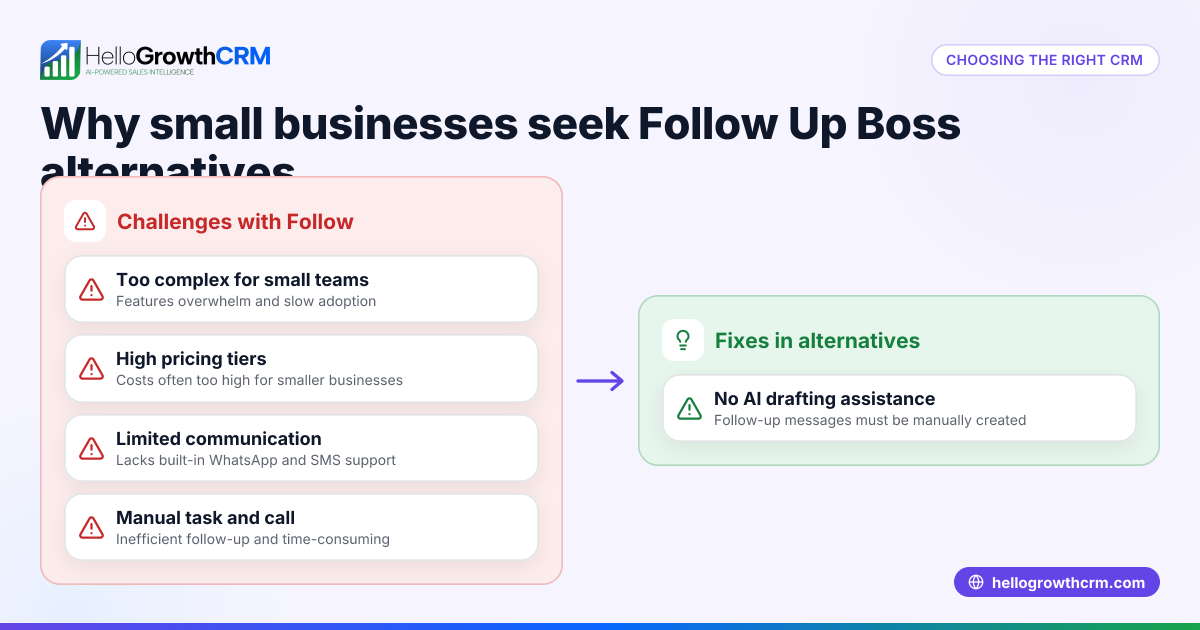
- Overcomplicating the process: Complex tools reduce adoption. Pick CRMs with simple interfaces and AI drafting to ease workload.
- Failing to track follow-up history: Without records, reps repeat or miss steps. Use activity logs tied to each lead.
- Not pausing follow-ups after response: Continuing outreach annoys prospects. Use sequences that automatically stop when a reply is received.
Learn more about preventing these mistakes with sales task boards and email automation and sequences.
Doing this in HelloGrowthCRM
HelloGrowthCRM helps with CRM follow-up using several features:
- AI agents draft follow-up messages after calls so reps only need to review and send, saving time (Beta feature).
- Activities and task boards turn each follow-up into a task with a due date, showing daily call lists to avoid memory overload.
- Sequences and campaigns automate multi-step follow-ups over two weeks, sending messages via email, WhatsApp, or SMS and stopping immediately when a prospect replies.
These features help small and mid-sized businesses keep follow-up organized, timely, and effective. Learn more about HelloGrowthCRM for the United States here.
Frequently asked questions
What is automated CRM follow-up? Automated CRM follow-up uses software to send scheduled messages and reminders without manual intervention. It ensures prospects are contacted consistently and follow-up stops when they reply, saving time and improving engagement.
How does follow-up CRM improve sales? It reduces lost leads by reminding reps when to contact prospects and automates outreach steps. This keeps leads warm and increases chances of closing deals.
Can CRM follow-up work across multiple channels? Yes, many CRMs support follow-up via email, SMS, and WhatsApp, allowing you to reach prospects on their preferred platform.
What should I look for in a follow-up CRM? Key features are task boards for managing calls, automation to send sequences, activity logging, and AI drafting tools to reduce manual work. Ease of use and integration with lead sources are also important.
How do I avoid spamming prospects with follow-ups? Use CRM sequences that automatically stop once a prospect replies. Also, space out messages over days and personalize content to keep outreach relevant.
Key takeaways
- CRM follow-up software organizes and automates contacting leads to prevent lost sales.
- Evaluate CRMs based on automation, task management, multi-channel support, and ease of use.
- Common mistakes include relying on memory, not automating, and ignoring response-triggered pauses.
- Automating follow-up saves time and can increase revenue by improving lead engagement.
- HelloGrowthCRM offers AI drafting, task boards, and multi-step sequences to simplify follow-up.
Start managing your lead follow-up effectively with HelloGrowthCRM. You can start on the Free Forever plan (200 leads, no credit card) today.
Ready to put this into practice?
Set up your pipeline, WhatsApp follow-ups, and AI lead scoring in minutes — free, no credit card.
Try HelloGrowthCRM freeGet CRM tips in your inbox
Join thousands of sales professionals who get weekly insights on CRM strategy, AI automation, and pipeline optimization.

The HelloGrowthCRM team publishes guides on CRM strategy, AI sales tools, and revenue operations for small business sales teams.