HelloGrowthCRM software
Built for real small-business sales teams
HelloGrowthCRM helps reps qualify faster, follow up on time, and close more deals—with practical automation in one place.
- AI lead scoring and pipeline visibility
- Built-in dialer, WhatsApp, and email automation
- Sales forecasting and RevOps-ready reporting
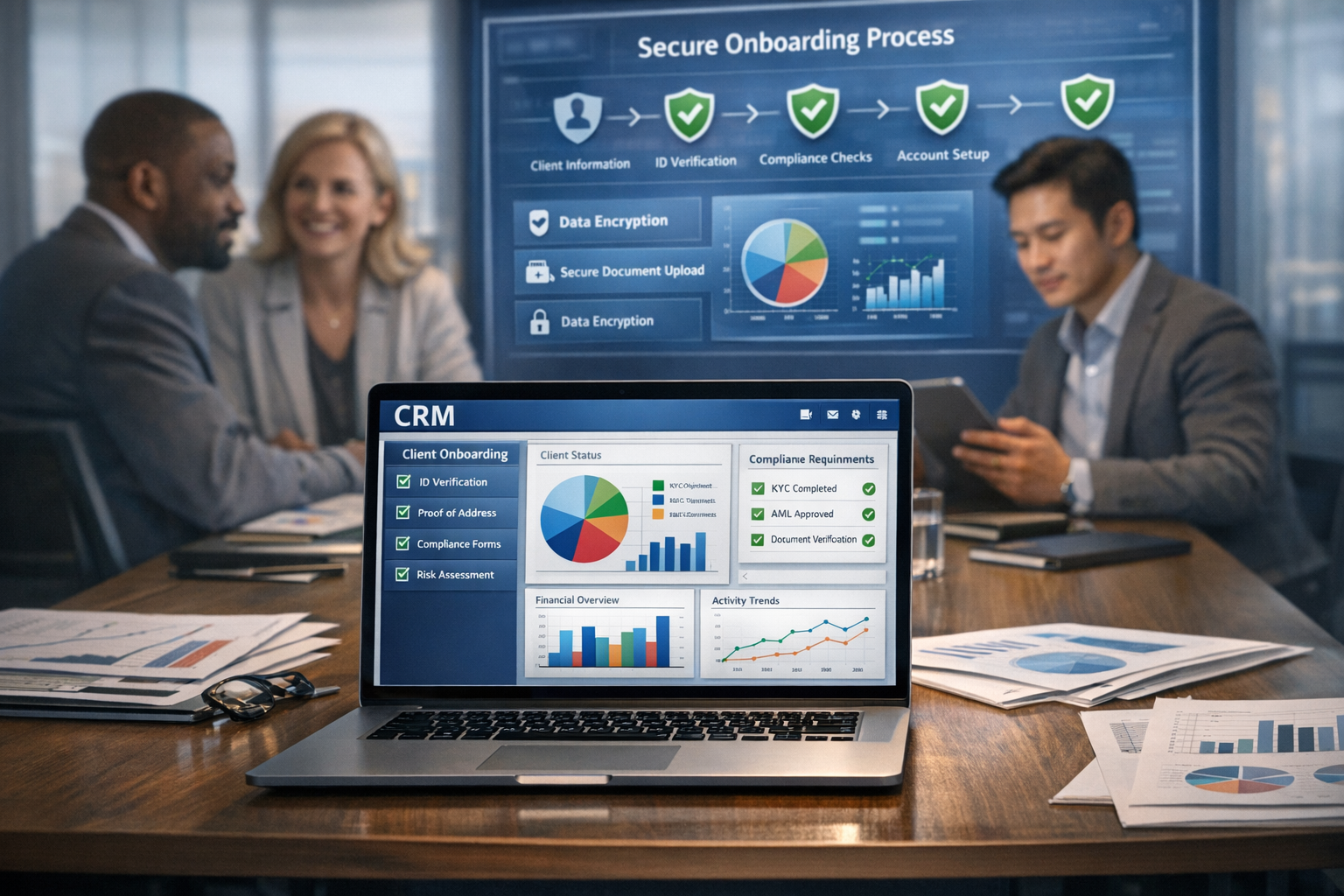
A CRM onboarding checklist helps small businesses set up and use their CRM effectively to capture leads, manage follow-ups, and avoid lost sales. This article covers why onboarding matters, detailed steps to follow, common mistakes to avoid, a practical example, and how HelloGrowthCRM supports your sales process.
Why this comes up / what goes wrong
Many Indian small-business owners struggle with managing leads because they rely on WhatsApp chats, Excel sheets, or manual notes. This leads to lost or delayed follow-ups and missed sales. When evaluating CRM software, owners want a clear onboarding checklist to avoid confusion, ensure team adoption, and quickly see benefits. Without a checklist, onboarding can drag on, data can be incomplete, and the CRM may remain unused.
Step-by-step
- Define your sales process clearly. Map out stages like Lead Capture, Contacted, Demo Scheduled, Negotiation, and Closed. Check that your CRM supports these stages.
- Import existing leads and contacts. Prepare your data in CSV or Excel format with key fields like name, phone, email, and source. Verify no duplicates.
- Set up lead capture sources. Connect web forms, IndiaMART, JustDial, or WhatsApp to automatically bring leads into the CRM.
- Assign roles and users. Decide who will be sales reps, managers, and admins. Check user permissions for data access.
- Configure communication channels. Enable WhatsApp and SMS messaging inside the CRM for seamless follow-ups.
- Create task and follow-up reminders. Set notifications for calls, meetings, or message sequences.
- Train your team on CRM basics. Show how to update lead status, log conversations, and schedule tasks.
- Set up reporting and dashboards. Track sales pipeline, lead sources, and team performance.
- Test the system with a small batch of leads. Confirm automation and communication flows work as expected.
- Review and adjust regularly. Collect feedback and refine stages, messages, or processes.
Example (fictional figures)
Consider a Mumbai-based small business selling office furniture. They import 1,000 leads from IndiaMART on 01/06/2024.
Leads imported = 1,000 Average conversion rate assumed = 10% NEEDS EXPERT REVIEW Average order value = ₹50,000
Expected sales = 1,000 × 10% = 100 leads converted
Expected revenue = 100 × ₹50,000 = ₹50,00,000
By setting reminders and WhatsApp follow-ups in the CRM, the sales team aims to reduce lead response time from 48 hours to under 4 hours, increasing conversions.
Common mistakes
- Skipping data cleanup before import. Prevent by removing duplicates and incomplete contacts.
- Not defining sales stages clearly. Prevent by documenting and agreeing on stages before setup.
- Ignoring team training. Prevent by scheduling hands-on sessions and sharing quick guides.
- Not integrating communication channels. Prevent by enabling WhatsApp and SMS CRM features to keep all conversations logged.
- Failing to assign lead ownership. Prevent by clearly allocating leads to reps to ensure accountability.
- Overcomplicating the process. Prevent by starting simple and scaling CRM features gradually.
Doing this in HelloGrowthCRM
HelloGrowthCRM supports WhatsApp and SMS messaging where conversations with leads are logged automatically on their records, and follow-ups can be sent as messages. After calls, an AI agent drafts follow-up messages for reps to review and send, reducing manual effort (currently in Beta). For small teams, HelloGrowthCRM offers a Free Forever plan allowing up to two users to manage pipelines at no cost until calling or WhatsApp automation is needed. Learn more about the WhatsApp and SMS CRM and explore the Free Forever plan.
Frequently asked questions
What should I include in a CRM onboarding checklist? Include defining sales stages, importing clean lead data, connecting lead sources, assigning users, enabling communication channels, setting reminders, training the team, and testing workflows.
How long does CRM onboarding usually take for a small business? Onboarding can take from a few days to a few weeks depending on data readiness, team size, and complexity of sales processes. Starting with a clear checklist speeds this up.
Can I use WhatsApp for sales follow-ups within a CRM? Yes, WhatsApp and SMS messaging can be enabled inside the CRM so conversations are logged and follow-ups can be sent directly, helping keep all communication in one place. See WhatsApp and SMS CRM.
Is training necessary for CRM onboarding? Yes, training ensures your team understands how to use the CRM daily. Without it, adoption drops and leads may be lost.
What are the benefits of AI agents in CRM onboarding? AI agents can draft follow-up messages after calls, reducing manual work for sales reps. This feature is in Beta on the Growth plan and helps speed up lead engagement.
Can I start CRM onboarding with a free plan? Yes, the Free Forever plan allows up to two users to manage pipelines without cost until you need calling or WhatsApp automation. Start at /free-crm.
Key takeaways
- A CRM onboarding checklist prevents lost leads and slow follow-ups.
- Define sales stages and clean data before importing.
- Integrate WhatsApp and SMS for logged conversations and easy follow-ups.
- Train your team and test workflows before full rollout.
- AI agents can draft follow-ups to reduce manual work.
- The Free Forever plan supports small teams starting out.
Start your CRM onboarding with confidence using this checklist. Try the Free Forever plan for up to two users at no cost to manage your leads and sales pipeline: Start on the Free Forever plan (200 leads, no credit card).
Ready to put this into practice?
Set up your pipeline, WhatsApp follow-ups, and AI lead scoring in minutes — free, no credit card.
Try HelloGrowthCRM freeGet CRM tips in your inbox
Join thousands of sales professionals who get weekly insights on CRM strategy, AI automation, and pipeline optimization.

The HelloGrowthCRM team publishes guides on CRM strategy, AI sales tools, and revenue operations for small business sales teams.