HelloGrowthCRM software
Built for real small-business sales teams
HelloGrowthCRM helps reps qualify faster, follow up on time, and close more deals—with practical automation in one place.
- AI lead scoring and pipeline visibility
- Built-in dialer, WhatsApp, and email automation
- Sales forecasting and RevOps-ready reporting
A CRM sales call is a sales call made using a Customer Relationship Management system to organise leads, track call outcomes, and schedule follow-ups. Using a CRM for sales calls helps small businesses avoid losing leads due to slow follow-up or disorganised contact management. This article explains why CRM sales calls matter, how to set them up step-by-step, common mistakes to avoid, and how HelloGrowthCRM supports sales calls with features like a built-in dialer, deals pipeline, and WhatsApp integration.
Why this comes up / what goes wrong
Small and mid-sized UK businesses often struggle with managing sales calls effectively because they rely on WhatsApp chats, emails, or spreadsheets to track leads and follow-ups. This can cause leads to slip through the cracks, slow response times, and lost sales opportunities. Sales teams may lack a central system to see the status of each lead or deal, resulting in repeated calls or missed chances. Business owners searching for "crm sales call" want software that helps organise calls, log outcomes, and keep the sales process moving smoothly.
Step-by-step
- Identify your sales call process and goals. Define what counts as a sales call, what information to capture (e.g., call outcome, next steps), and how calls fit into your sales pipeline.
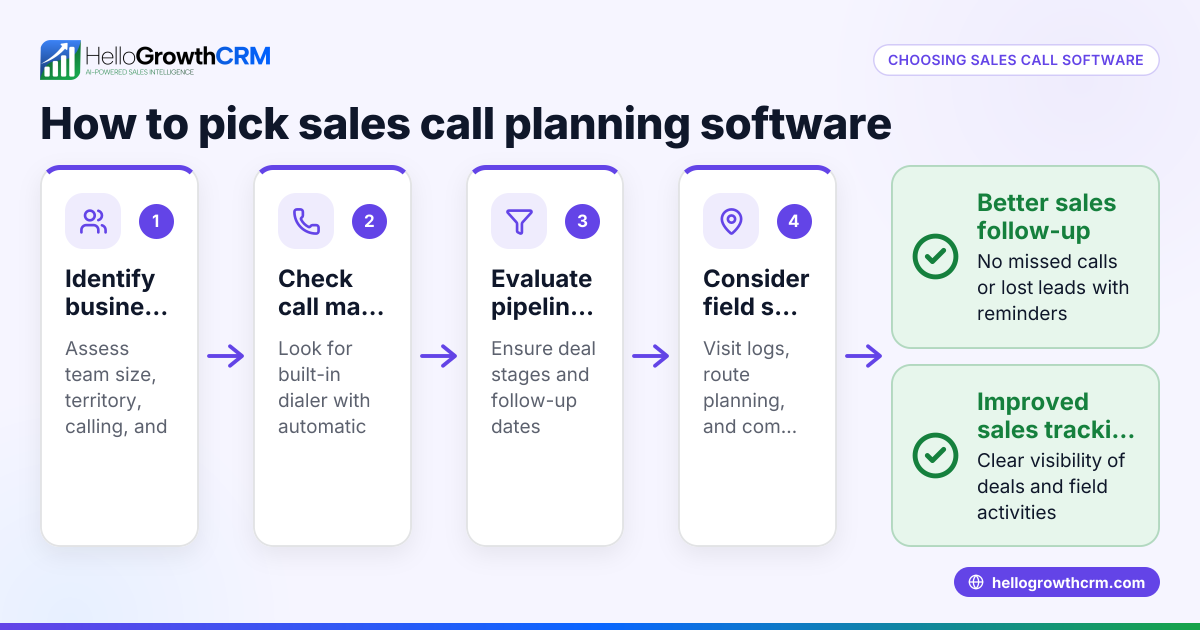
- Choose a CRM that supports call management. Check if the CRM has a built-in dialer or easy call logging, plus pipeline visibility to track deal stages.
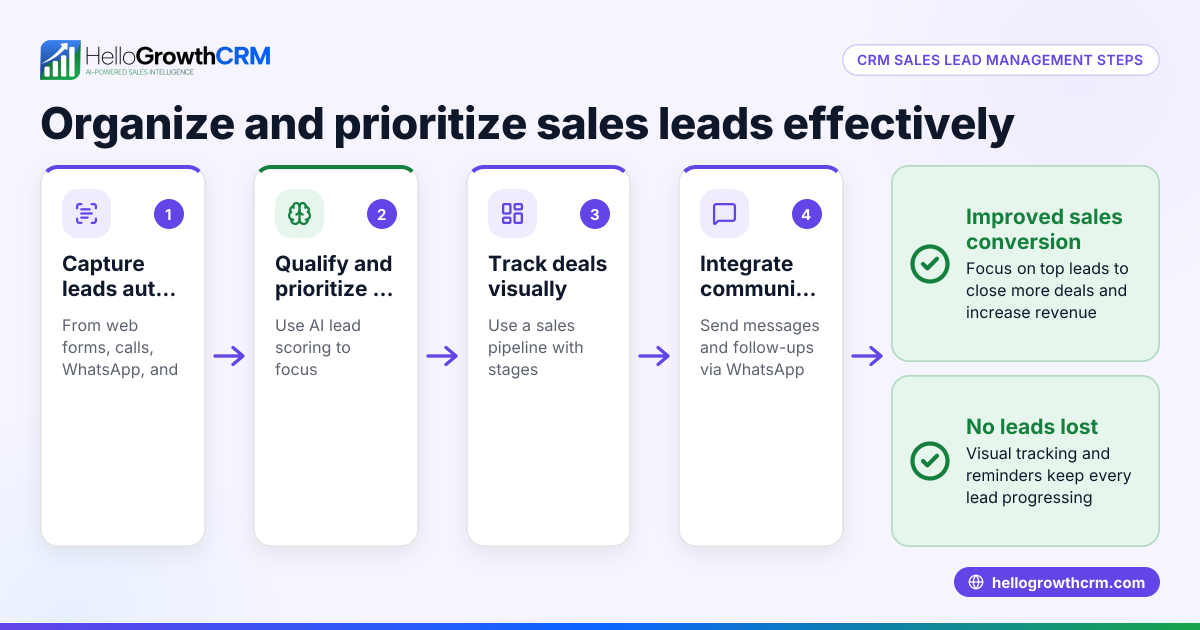
- Import or capture your leads into the CRM. Ensure your existing contacts and new inquiries are in one place.
- Set up call lists or tasks. Organise leads by priority, stage, or follow-up date.
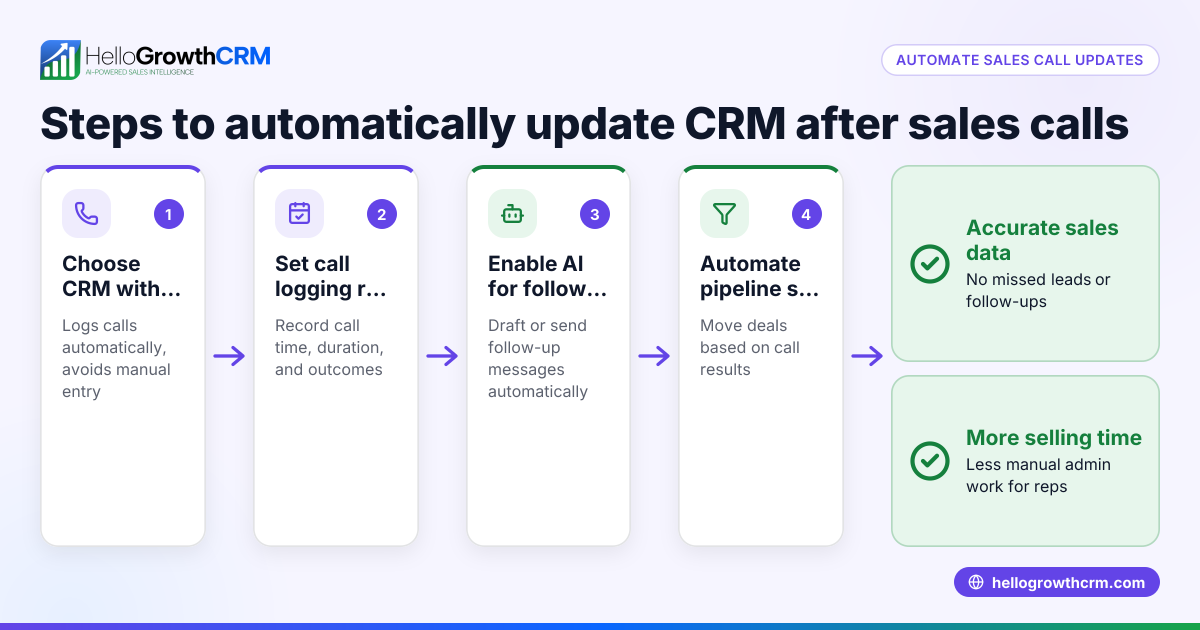
- Make calls from within the CRM if possible. This saves time and automatically logs call outcomes.
- Log call results and update deal stages. Record whether the call was successful, needs follow-up, or no interest.
- Schedule follow-up calls or messages. Use CRM reminders or sequences to avoid missing next steps.
- Monitor your sales pipeline regularly. Review deal progress, call activity, and adjust priorities.
- Train your sales team on CRM call workflows. Consistent use ensures data quality and better sales outcomes.
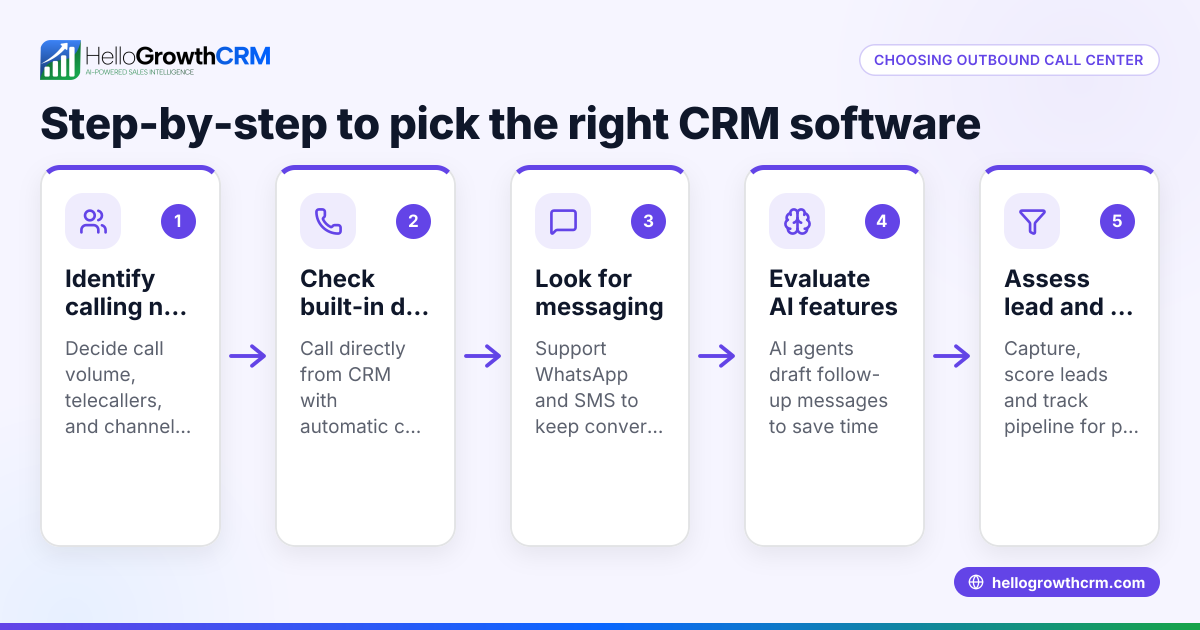
Check if the CRM offers WhatsApp and SMS integration to engage leads on channels they prefer, which can improve response rates and keep conversations logged centrally. See more about the built-in CRM dialer and WhatsApp and SMS CRM.
Example (fictional figures)
A kitchen-fitting company in Leeds has 150 leads in their CRM on 01/05/2024. They want to call 30 leads per week using a CRM sales call process.
- Leads to call per week = 30
- Average conversion rate from call to quote = 40% (assumed for example)
- Average quote value = £2,500
Calculations:
Number of quotes per week = 30 × 40% = 12
Expected weekly revenue from quotes = 12 × £2,500 = £30,000
If the company misses calls or follow-ups, they risk losing these potential £30,000 weekly sales. Using a CRM with a built-in dialer and follow-up reminders helps ensure every lead is contacted and tracked, maximising revenue.
Common mistakes
- Not logging call outcomes immediately. Prevent by making calls inside the CRM or updating results right after each call.
- Ignoring follow-up scheduling. Use CRM task boards or reminders to set follow-up calls or messages.
- Using multiple systems for calls and lead tracking. Choose a CRM that integrates calling, messaging, and pipeline management to avoid lost data.
- Failing to train the sales team on CRM use. Regular training keeps data accurate and workflows consistent.
- Overlooking WhatsApp or SMS channels. Many UK customers prefer messaging; ignoring these means missed engagement. Use a CRM with WhatsApp and SMS features.
Doing this in HelloGrowthCRM
HelloGrowthCRM supports CRM sales calls with a built-in dialer allowing telecallers to work through call lists inside the CRM, logging every call outcome directly on the lead record. The Deals (pipeline) feature tracks quotations and stages, showing follow-up dates so no deal is forgotten. WhatsApp conversations with leads are logged on the lead record, and follow-ups can be sent as WhatsApp or SMS messages, keeping all communication in one place. Learn more about the built-in CRM dialer, Deals (pipeline), and WhatsApp and SMS CRM.
Frequently asked questions
What is a CRM sales call? A CRM sales call is a sales call made using a Customer Relationship Management system to organise leads, track call outcomes, and schedule follow-ups. It helps sales teams stay organised and improve conversion rates.
Why use a CRM for sales calls instead of phone or WhatsApp alone? Using a CRM centralises customer data, call history, and follow-up tasks. This reduces lost leads and duplicated efforts common when using separate apps or spreadsheets.
Can I make sales calls directly from a CRM? Some CRMs, like HelloGrowthCRM, include a built-in dialer so you can call leads from inside the CRM and automatically log call results, saving time and improving accuracy.
How does WhatsApp integration help in CRM sales calls? WhatsApp integration allows you to message leads on a popular channel, log conversations automatically, and send follow-ups as messages, making communication smoother and more trackable.
What should I look for when choosing a CRM for sales calls? Look for features like a built-in dialer, pipeline management, easy call logging, and multi-channel communication including WhatsApp and SMS. Also consider user-friendliness and team adoption.
Can a CRM sales call process improve sales forecasting? Yes, by tracking call outcomes and deal stages accurately, you get better visibility of your sales pipeline and can forecast revenue more reliably.
Key takeaways
- Use a CRM with built-in calling and call logging to streamline sales calls.
- Schedule and track follow-ups to avoid losing leads.
- Integrate WhatsApp and SMS messaging to engage leads where they respond best.
- Train your team to use the CRM consistently for accurate data and better results.
- Regularly review your sales pipeline to prioritise calls and deals.
- HelloGrowthCRM offers these features to support effective CRM sales calls.
Start managing your sales calls more effectively today. Start on the Free Forever plan (200 leads, no credit card).
Ready to put this into practice?
Set up your pipeline, WhatsApp follow-ups, and AI lead scoring in minutes — free, no credit card.
Try HelloGrowthCRM freeGet CRM tips in your inbox
Join thousands of sales professionals who get weekly insights on CRM strategy, AI automation, and pipeline optimization.

The HelloGrowthCRM team publishes guides on CRM strategy, AI sales tools, and revenue operations for small business sales teams.