HelloGrowthCRM software
Built for real small-business sales teams
HelloGrowthCRM helps reps qualify faster, follow up on time, and close more deals—with practical automation in one place.
- AI lead scoring and pipeline visibility
- Built-in dialer, WhatsApp, and email automation
- Sales forecasting and RevOps-ready reporting
A CRM sales pipeline visual displays your sales leads and deals in stages, typically as columns or boards. This visual layout helps small business owners quickly see which deals are new, which need follow-up, and which are closing soon. It reduces lost leads and missed opportunities by making sales progress clear at a glance.
Why this comes up / what goes wrong
Many Canadian small businesses rely on texts, emails, or spreadsheets to track sales leads. These methods often lack a clear visual pipeline, causing leads to slip through the cracks. Without a visual pipeline, it’s hard to prioritise follow-ups or know which deals are stuck. This leads to slow responses, lost sales, and poor forecasting.
Owners and sales teams search for "crm sales pipeline visual" because they want a clear, easy-to-understand way to manage deals in progress. A visual pipeline helps teams work together, follow up on time, and predict revenue more accurately.
Step-by-step
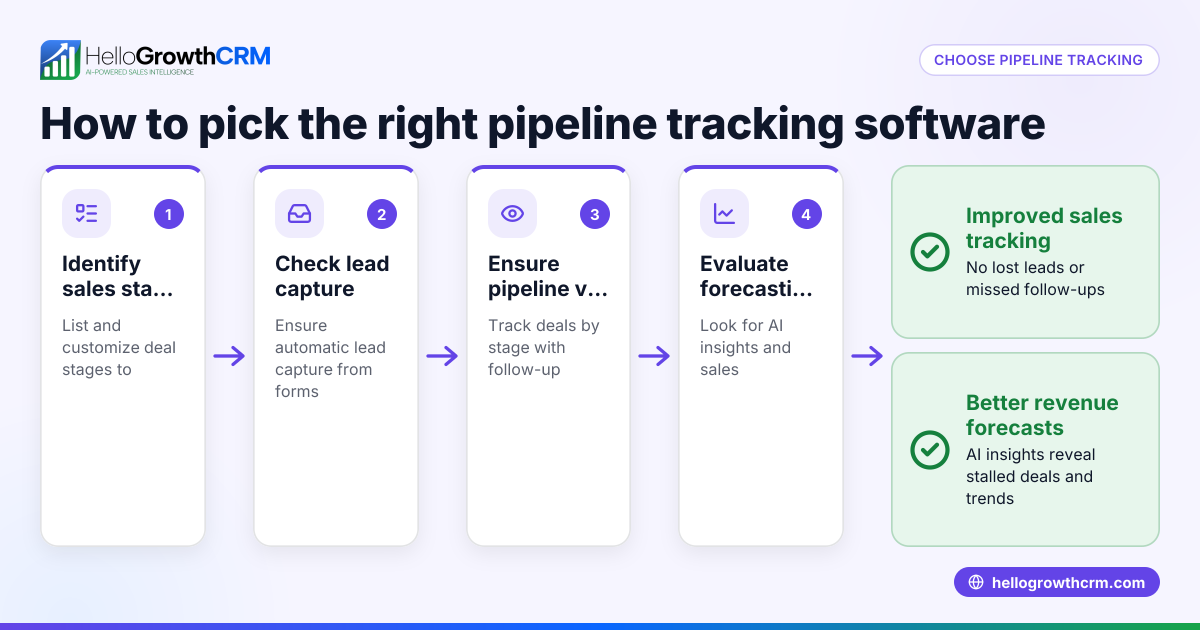
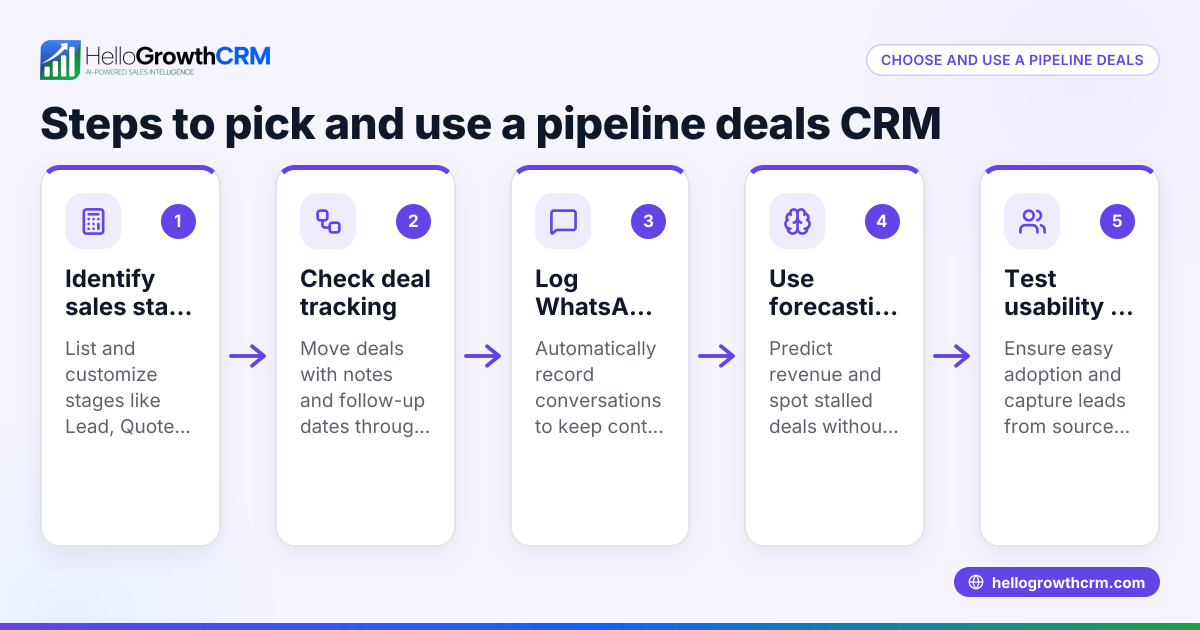
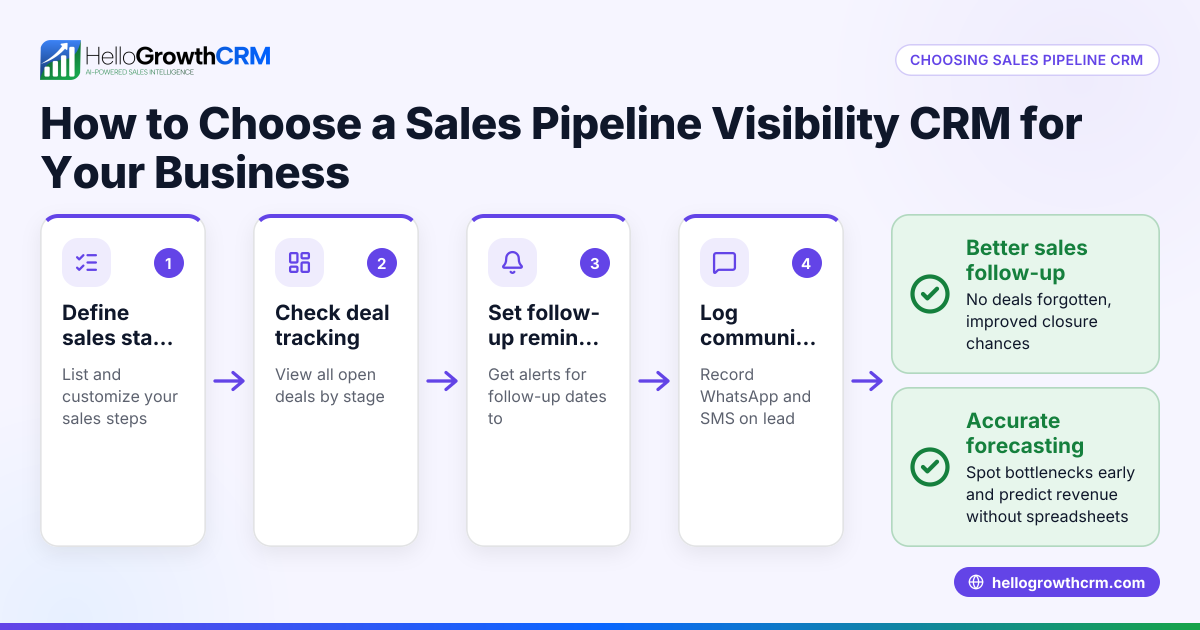
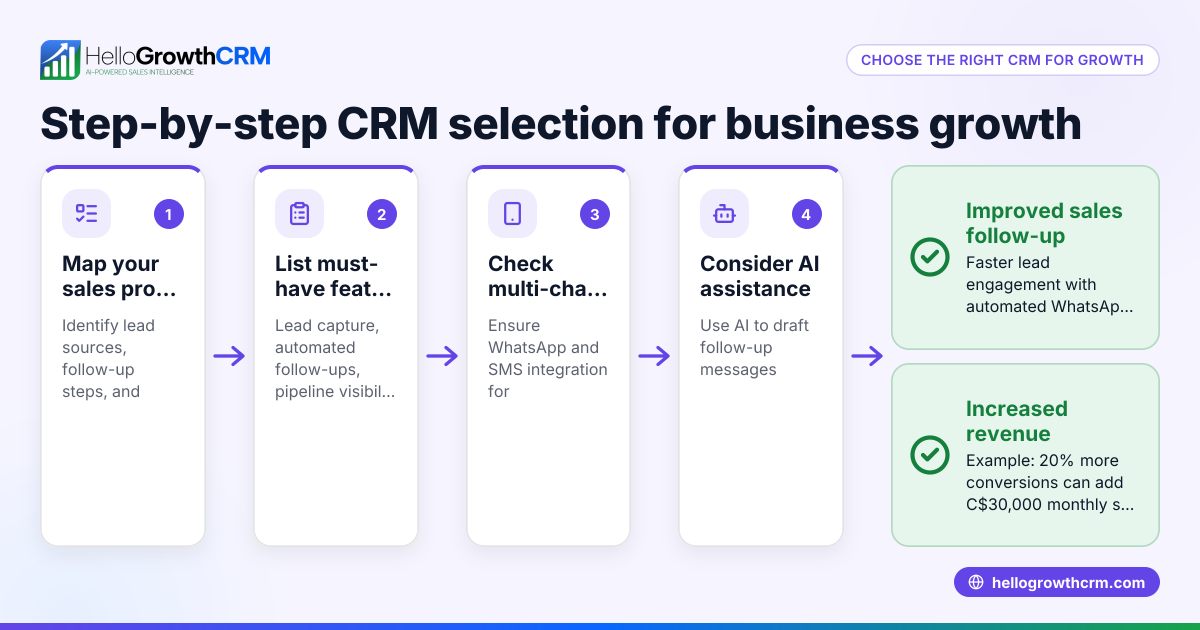
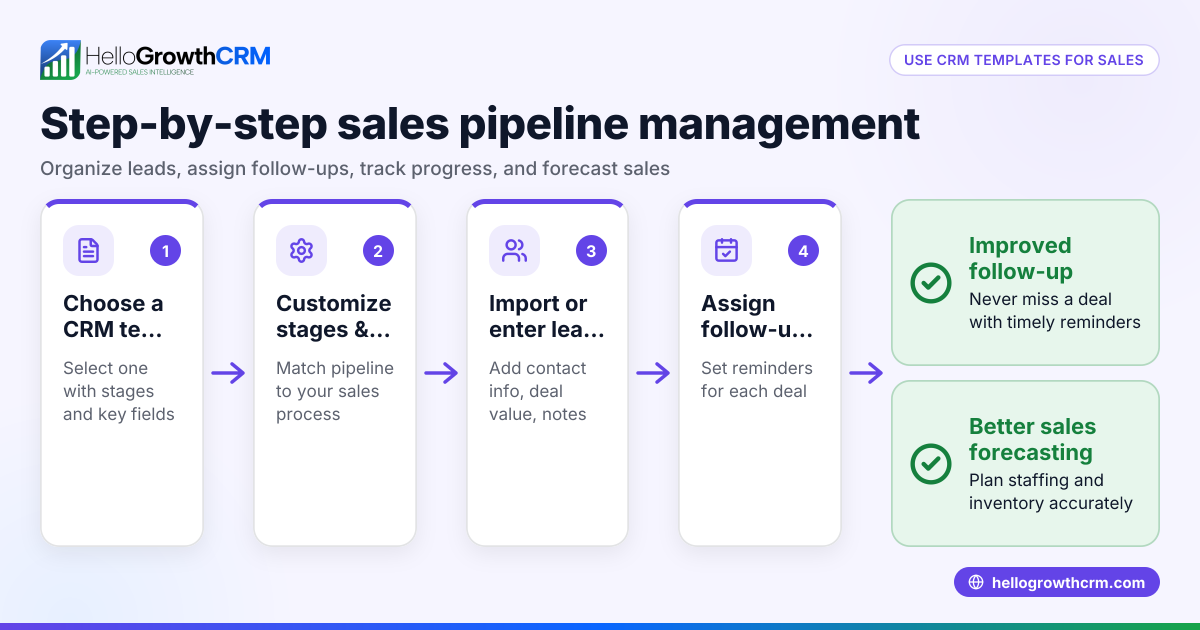
- Identify your sales stages: List the key steps your sales process follows, such as "New Lead," "Contacted," "Quote Sent," "Negotiation," and "Closed Won/Lost." Check that the CRM lets you customise these stages.
- Look for drag-and-drop pipeline boards: Confirm the CRM shows deals in a visual board where you can move deals between stages easily. This improves visibility and speed.
- Check deal tracking and reminders: Ensure the CRM allows you to set follow-up dates and reminders so no deal is forgotten after a quote is sent or a call is made.
- Evaluate integration with communication: See if the CRM logs WhatsApp or SMS conversations automatically on the deal or lead record so your team can track all contact history in one place.
- Review forecasting and insights: Choose a CRM that provides sales forecasting based on your pipeline and highlights where deals are stalling without needing spreadsheets.
- Test user experience: Ask your sales team to try the CRM’s pipeline visual. It should be easy to update and understand to encourage adoption.
- Compare pricing and plans: Confirm that the pipeline visual and communication features are available in the plan you need.
Example (fictional figures)
A staffing agency in Halifax, Nova Scotia, uses a CRM sales pipeline visual to track their deals in 2024.
- On 2024-05-01, they have 5 deals:
- 2 in "New Lead" stage, each worth C$5,000
- 1 in "Quote Sent" stage worth C$8,000
- 1 in "Negotiation" stage worth C$12,000
- 1 in "Closed Won" stage worth C$10,000
- They set follow-up reminders for the "Quote Sent" deal to avoid losing it.
- Their forecasted revenue from open deals is calculated as:
C$5,000 × 2 = C$10,000 (New Lead)
C$8,000 × 70% probability = C$5,600 (Quote Sent)
C$12,000 × 90% probability = C$10,800 (Negotiation)
Total forecast = C$10,000 + C$5,600 + C$10,800 = C$26,400
This forecast helps the owner plan staffing needs and cash flow.
Common mistakes
- Not customising sales stages: Using generic stages may not fit your sales process. Prevent this by defining your own stages first.
- Ignoring follow-up reminders: Deals can stall without reminders. Use CRM features to set follow-up dates.
- Overcomplicating the pipeline: Too many stages or columns confuse users. Keep stages clear and actionable.
- Failing to integrate communication: Missing chat or message logs means lost context. Choose a CRM that logs WhatsApp and SMS messages automatically.
- Not involving the sales team in selection: If the team finds the pipeline visual hard to use, adoption will suffer. Get feedback early.
- Relying on spreadsheets for forecasting: Manual forecasting is error-prone. Use CRMs with built-in pipeline forecasting and AI insights.
Doing this in HelloGrowthCRM
HelloGrowthCRM offers a visual Deals (pipeline) feature that tracks open opportunities from first contact through to close. For example, a quotation sent last week appears as a deal at the "quote sent" stage with a follow-up date, so it is not forgotten. WhatsApp conversations with leads are logged on the lead record, and follow-ups can be sent as WhatsApp or SMS messages. The pipeline forecast and AI insights show which stages deals are stalling in, without needing spreadsheets. Learn more about its AI CRM capabilities here, sales forecasting here, and how HelloGrowthCRM supports Canadian businesses here.
Frequently asked questions
What is a CRM sales pipeline visual? A CRM sales pipeline visual is a graphical representation of your sales process stages showing deals as they move from lead to close. It helps sales teams track progress, prioritise follow-ups, and forecast revenue.
How does a visual sales pipeline improve sales? It provides clarity on deal status, helps prevent leads from being forgotten, and enables timely follow-ups. This increases conversion rates and reduces lost opportunities.
Can I customise the sales stages in a CRM pipeline? Most CRMs allow you to customise sales stages to match your unique sales process. This ensures the pipeline reflects your business workflow.
Why integrate WhatsApp and SMS into the CRM pipeline? Integrating WhatsApp and SMS logs conversations on the lead record and enables sending follow-ups directly from the CRM. This keeps all communication in one place and improves team collaboration.
What is pipeline forecasting and how does AI help? Pipeline forecasting estimates expected revenue based on deal stages, probabilities, and historical data. AI can highlight stalled deals and provide insights without needing spreadsheets.
How do I get my team to use the pipeline visual? Involve your sales team early in choosing the CRM. Ensure the pipeline is simple to use and provides clear value to their daily work.
Key takeaways
- A CRM sales pipeline visual shows deals in stages for clear tracking and prioritisation.
- Customise sales stages to fit your business process and keep the pipeline simple.
- Use follow-up reminders and communication logging to avoid losing leads.
- Choose a CRM with pipeline forecasting and AI insights to improve revenue predictions.
- Involve your sales team in CRM selection to encourage adoption.
- HelloGrowthCRM supports visual pipelines with deal tracking, WhatsApp/SMS integration, and AI forecasting.
Start managing your sales pipeline visually with HelloGrowthCRM. Start on the Free Forever plan (200 leads, no credit card).
Ready to put this into practice?
Set up your pipeline, WhatsApp follow-ups, and AI lead scoring in minutes — free, no credit card.
Try HelloGrowthCRM freeGet CRM tips in your inbox
Join thousands of sales professionals who get weekly insights on CRM strategy, AI automation, and pipeline optimization.

The HelloGrowthCRM team publishes guides on CRM strategy, AI sales tools, and revenue operations for small business sales teams.