HelloGrowthCRM software
Built for real small-business sales teams
HelloGrowthCRM helps reps qualify faster, follow up on time, and close more deals—with practical automation in one place.
- AI lead scoring and pipeline visibility
- Built-in dialer, WhatsApp, and email automation
- Sales forecasting and RevOps-ready reporting
A CRM with email integration for email-focused sales teams in the United Kingdom should centralise all email communications, automate follow-ups, and provide visibility to the whole sales team. This article covers why email integration matters, step-by-step guidance on selecting a CRM, common pitfalls, and how HelloGrowthCRM supports email-driven sales.
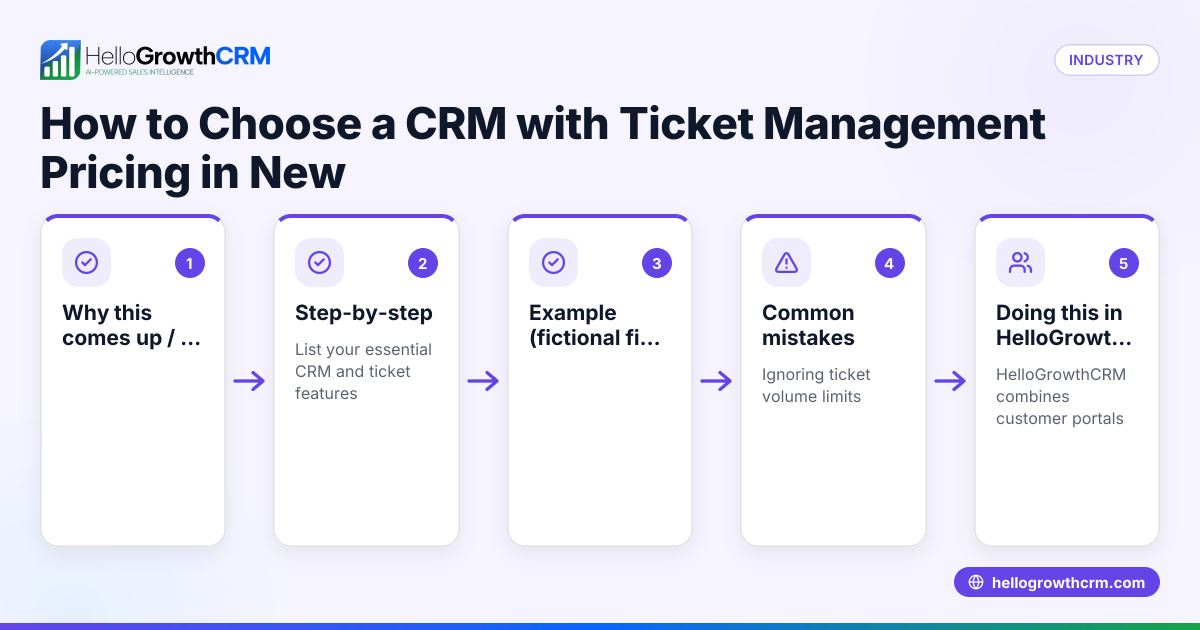
Why this comes up / what goes wrong
Small and mid-sized UK businesses that rely heavily on email for sales often struggle with scattered communications. Sales teams may use personal email accounts, spreadsheets, or even WhatsApp alongside email, which leads to missed replies, duplicated outreach, and slow follow-up. Without a central system, it’s hard for managers to track progress or for team members to see the full conversation history with a lead. This slows down sales cycles and risks losing deals.
Many businesses look for a CRM with email integration to solve these problems by bringing emails into one platform, automating sequences, and making team collaboration easier. However, not all CRMs offer seamless email integration or visibility across the team, especially for smaller UK businesses that want a straightforward, affordable solution.
Step-by-step
- Identify your email needs: Decide if you want a CRM that syncs with existing email accounts (like Outlook or Gmail), offers a shared inbox, or supports email sequences and automation. Check if it supports UK-specific compliance requirements.
- Check team collaboration features: Ensure the CRM allows the whole sales team to see email replies and conversations on deals. This avoids duplicated efforts and keeps everyone informed.
- Look for automation and sequences: Find out if the CRM supports email sequences to automate follow-ups and reminders, which is crucial for email-heavy sales processes.
- Evaluate integrations: Confirm the CRM integrates with your existing tools such as web forms, lead sources, or other sales channels. This reduces manual data entry and keeps leads flowing smoothly.
- Consider ease of use and adoption: The CRM should be simple enough for your team to use daily without switching between multiple apps, as slow adoption can ruin the benefits of email integration.
- Review reporting and forecasting: Check if the CRM provides sales forecasting and reporting based on email interactions, so you can measure the effectiveness of your email sales efforts.
- Test with a trial or demo: Try the CRM with your team to see how the email integration works in practice before committing.
For more on automating email workflows, see email automation and sequences. To ensure the CRM fits your tech stack, explore available integrations.
Example (fictional figures)
A recruitment consultancy in Bristol wants to improve its email sales process. They currently manage leads via Outlook and Excel but miss follow-ups. They consider a CRM with email integration.
- They receive 300 new leads monthly.
- Average deal value is £8,000.
- They estimate a 10% increase in lead follow-up rate with CRM email integration.
Potential revenue increase calculation:
Leads followed up before CRM = 180 (assumed figure for example)
Leads followed up after CRM = 198 (180 + 10% of 180)
Additional leads followed up = 198 - 180 = 18
Conversion rate = 20% (assumed for worked example)
Additional deals = 18 × 20% = 3.6 (rounded to 4 for simplicity)
Additional revenue = 4 × £8,000 = £32,000
This example shows how improving email follow-up with CRM integration can directly increase revenue.
Common mistakes
- Using separate email accounts for sales: Prevent by choosing a CRM with a shared inbox so all team members see replies.
- Ignoring automation: Manual follow-ups lead to lost leads; use email sequences to automate reminders and nurture.
- Overcomplicating the CRM: Avoid tools that require multiple apps or complex setups, which reduce team adoption.
- Skipping integration checks: Without proper integrations, leads may not flow into the CRM, causing data gaps.
- Not training the team: Ensure everyone knows how to use the email features to maintain consistent follow-up.
See more on avoiding these in email automation and sequences.
Doing this in HelloGrowthCRM
HelloGrowthCRM offers a shared inbox called HelloMail, where replies to quotation emails are visible to the entire team on the deal. This keeps everyone updated without switching apps. It also supports API and integrations, bringing enquiries from IndiaMART and JustDial directly into the CRM as leads, streamlining lead capture. For founders without a sales manager, HelloGrowthCRM’s Managed RevOps service assigns a specialist to work the follow-up queue weekly, ensuring timely contact with leads. Learn more about these features at HelloGrowthCRM for the United Kingdom.
Frequently asked questions
What is the benefit of a CRM with email integration for sales teams? A CRM with email integration centralises all email communications, making it easier for sales teams to track conversations, avoid duplicated outreach, and automate follow-ups. This leads to faster responses and higher conversion rates.
Can I use my existing email account with a CRM? Many CRMs allow syncing with existing email accounts like Outlook or Gmail. Some provide a shared inbox inside the CRM to keep all team members updated without switching apps.
How does email automation help sales teams? Email automation lets you send sequences of emails automatically based on triggers or schedules, ensuring consistent follow-up and nurturing without manual effort.
Are there CRMs suited for small UK businesses? Yes, look for CRMs designed for small and mid-sized UK businesses that offer easy setup, local support, and integrations with common lead sources.
What should I check before choosing a CRM for email-focused sales? Check for shared inbox capabilities, email sequence automation, integration options, ease of use, and reporting features to ensure it fits your team’s workflow.
Key takeaways
- Choose a CRM that centralises email communications with a shared inbox.
- Automate email follow-ups using sequences to improve lead engagement.
- Verify integrations with your existing lead sources and tools.
- Prioritise ease of use to encourage team adoption.
- Use reporting to track email sales performance and forecast revenue.
- Consider services like Managed RevOps for consistent follow-up support.
Start improving your email sales process today. Start on the Free Forever plan (200 leads, no credit card).
Ready to put this into practice?
Set up your pipeline, WhatsApp follow-ups, and AI lead scoring in minutes — free, no credit card.
Try HelloGrowthCRM freeGet CRM tips in your inbox
Join thousands of sales professionals who get weekly insights on CRM strategy, AI automation, and pipeline optimization.

The HelloGrowthCRM team publishes guides on CRM strategy, AI sales tools, and revenue operations for small business sales teams.