HelloGrowthCRM software
Built for real small-business sales teams
HelloGrowthCRM helps reps qualify faster, follow up on time, and close more deals—with practical automation in one place.
- AI lead scoring and pipeline visibility
- Built-in dialer, WhatsApp, and email automation
- Sales forecasting and RevOps-ready reporting
A CRM with email integration for email-focused sales teams in the United States connects your sales emails directly to your customer records, enabling seamless management of conversations, follow-ups, and deals all in one place. This article covers why small businesses seek such CRMs, the steps to evaluate them, common pitfalls, a practical example, and how HelloGrowthCRM supports email-driven sales teams.
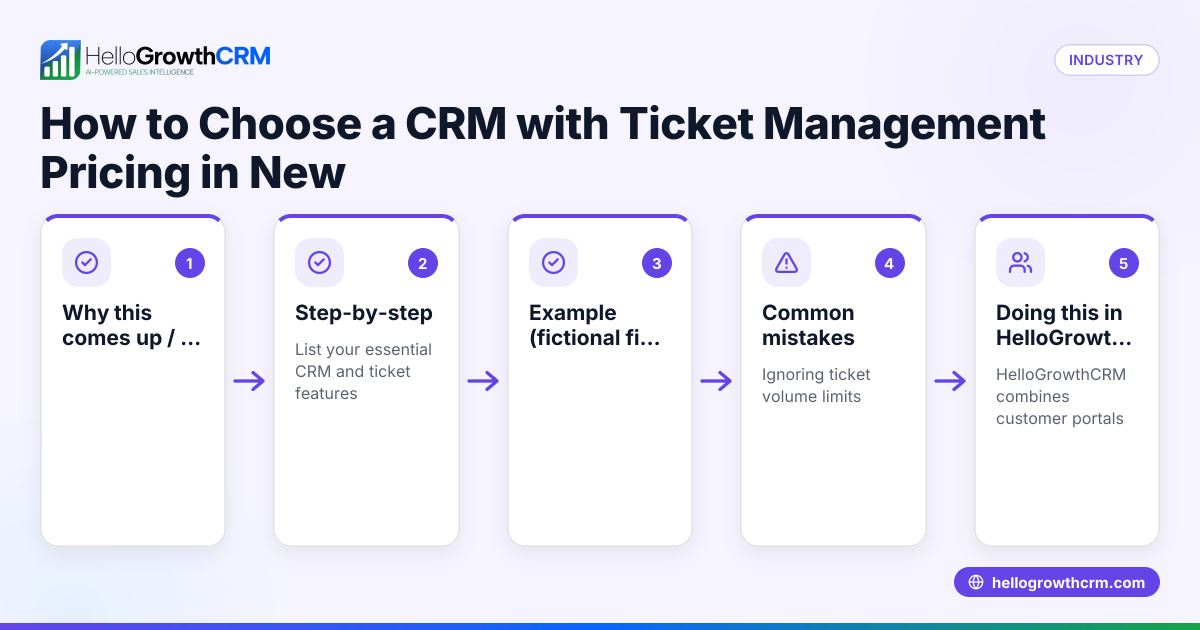
Why this comes up / what goes wrong
Small and mid-sized businesses in the US often rely heavily on email to communicate with prospects and customers. Sales teams that are email-focused face challenges like lost or delayed follow-ups, scattered email threads across different inboxes, and difficulty tracking which emails relate to which deals. Without a CRM that integrates email, teams might manage sales through spreadsheets, standalone email clients, or text messages, leading to inefficiencies and lost revenue.
Owners and sales leaders searching for a CRM with email integration want to centralize communication so that every team member can see email exchanges, respond promptly, and keep the sales pipeline moving. They also want automation to handle repetitive tasks and better visibility into sales performance.
Step-by-step
- Identify your email usage needs: Determine how your sales team uses email—do they send quotations, follow-ups, or sequences? Check if you need shared inboxes or individual email tracking.
- Check CRM email integration features: Look for CRMs that offer shared inboxes so the whole team can view and respond to incoming emails related to deals without switching apps. Confirm if the CRM supports email sequences and automation for follow-ups. See email automation and sequences.
- Evaluate lead capture and integration options: Ensure the CRM can capture leads from your website and other sources automatically. Review available integrations to connect your existing tools, such as lead generation platforms or marketing software. See integrations.
- Consider team collaboration and visibility: The CRM should let multiple users see email replies on deals to avoid duplicated efforts and missed responses.
- Assess reporting and pipeline management: Check if the CRM provides sales forecasting, task boards, and pipeline views that include email activity.
- Try the CRM with your team: Use free trials or free plans to test how well the email integration fits your workflow and whether the team adopts it easily.
- Review support and managed services: If you lack a sales manager, consider CRMs offering managed revenue operations support to keep follow-ups on track. See HelloGrowthCRM for the United States.
Example (fictional figures)
A landscaping contractor in Charlotte, North Carolina, manages a sales team of five people who primarily use email to send quotes and follow up with leads.
- Monthly leads: 150
- Average deal size: $4,000
- Conversion rate without CRM: 15%
- Conversion rate with CRM email integration: 20%
Calculations:
Leads × conversion rate without CRM = deals closed 150 × 15% = 22.5 deals
Revenue without CRM = deals closed × deal size 22.5 × $4,000 = $90,000
Leads × conversion rate with CRM = deals closed 150 × 20% = 30 deals
Revenue with CRM = deals closed × deal size 30 × $4,000 = $120,000
Additional revenue from CRM = revenue with CRM - revenue without CRM $120,000 - $90,000 = $30,000
This example shows how email integration in a CRM can improve follow-up efficiency and increase closed deals, adding $30,000 in monthly revenue.
Common mistakes
- Choosing a CRM without true shared inbox capability: Prevent by confirming the CRM lets the whole team see and manage email replies on deals.
- Ignoring integration with existing lead sources: Prevent by checking the CRM’s API and integrations support to automatically capture leads from your web forms and marketing platforms.
- Underestimating team adoption challenges: Prevent by involving your sales team in testing and training on the CRM’s email features.
- Overlooking follow-up management: Prevent by selecting a CRM or service that provides managed revenue operations or follow-up queue management if you lack a dedicated sales manager.
- Neglecting reporting and forecasting tools: Prevent by ensuring the CRM includes pipeline boards and sales forecasting to track email-driven sales progress.
Doing this in HelloGrowthCRM
HelloGrowthCRM offers a HelloMail shared inbox that lets your team manage inbound email from leads and customers without switching to a separate email client. Replies to a quotation email are visible to the whole team on the deal, improving collaboration. The CRM also supports API and integrations so enquiries from platforms like IndiaMART and JustDial arrive directly as leads. For founders without a sales manager, HelloGrowthCRM provides Managed RevOps, where a revenue specialist works the follow-up queue weekly, ensuring timely responses and pipeline hygiene. Learn more about these features and integrations at email automation and sequences and integrations.
Frequently asked questions
What is the benefit of a shared inbox in a CRM? A shared inbox allows all team members to see incoming and outgoing emails related to a deal. This prevents missed replies, duplicated efforts, and helps maintain consistent communication with leads and customers.
Can I automate follow-up emails in a CRM? Yes, many CRMs offer email automation and sequences that send scheduled follow-ups automatically. This keeps prospects engaged without manual effort and increases the chances of closing deals.
How do integrations help with email-focused sales? Integrations enable your CRM to capture leads from web forms, marketing tools, and other platforms automatically. This reduces manual data entry and ensures your sales team can start emailing leads promptly.
Is Managed RevOps necessary for small teams? If you don’t have a dedicated sales manager, Managed RevOps can help by assigning a specialist to manage follow-ups, clean the pipeline, and provide weekly reports, keeping sales activities on track.
Can I try HelloGrowthCRM before committing? Yes, HelloGrowthCRM offers a Free Forever plan with up to 200 leads and no credit card required, allowing you to test email integration and other features risk-free.
Key takeaways
- A CRM with email integration centralizes email conversations, improving follow-up speed and team visibility.
- Look for shared inboxes, email automation, and strong integrations with lead sources.
- Test the CRM with your team to ensure adoption and fit.
- Avoid common mistakes like ignoring integrations or lacking follow-up management.
- HelloGrowthCRM offers HelloMail shared inbox, integrations, and Managed RevOps to support email-driven sales teams.
Start your email-focused sales team’s CRM journey with HelloGrowthCRM’s Free Forever plan, which supports up to 200 leads without requiring a credit card. Visit Start on the Free Forever plan (200 leads, no credit card) to get started today.
Ready to put this into practice?
Set up your pipeline, WhatsApp follow-ups, and AI lead scoring in minutes — free, no credit card.
Try HelloGrowthCRM freeGet CRM tips in your inbox
Join thousands of sales professionals who get weekly insights on CRM strategy, AI automation, and pipeline optimization.

The HelloGrowthCRM team publishes guides on CRM strategy, AI sales tools, and revenue operations for small business sales teams.