HelloGrowthCRM software
Built for real small-business sales teams
HelloGrowthCRM helps reps qualify faster, follow up on time, and close more deals—with practical automation in one place.
- AI lead scoring and pipeline visibility
- Built-in dialer, WhatsApp, and email automation
- Sales forecasting and RevOps-ready reporting
A CRM without technical overhead is essential for Indian small and mid-sized businesses that want to focus on selling instead of managing complicated software. Many CRMs require technical skills to install, configure, or maintain, which leads to delays, low adoption, and lost leads. To avoid this, you need a CRM that works with familiar tools, is easy to use daily, and requires no IT support.
Why this comes up / what goes wrong
Small business owners in India often start sales with WhatsApp, Excel sheets, or manual notes. When they try to move to a CRM, they face technical overhead such as complex setup, integration troubles, or training needs. This slows down follow-up, frustrates sales reps, and causes leads to slip away. Owners want a CRM that fits their existing workflow and does not add extra IT burden.
Step-by-step
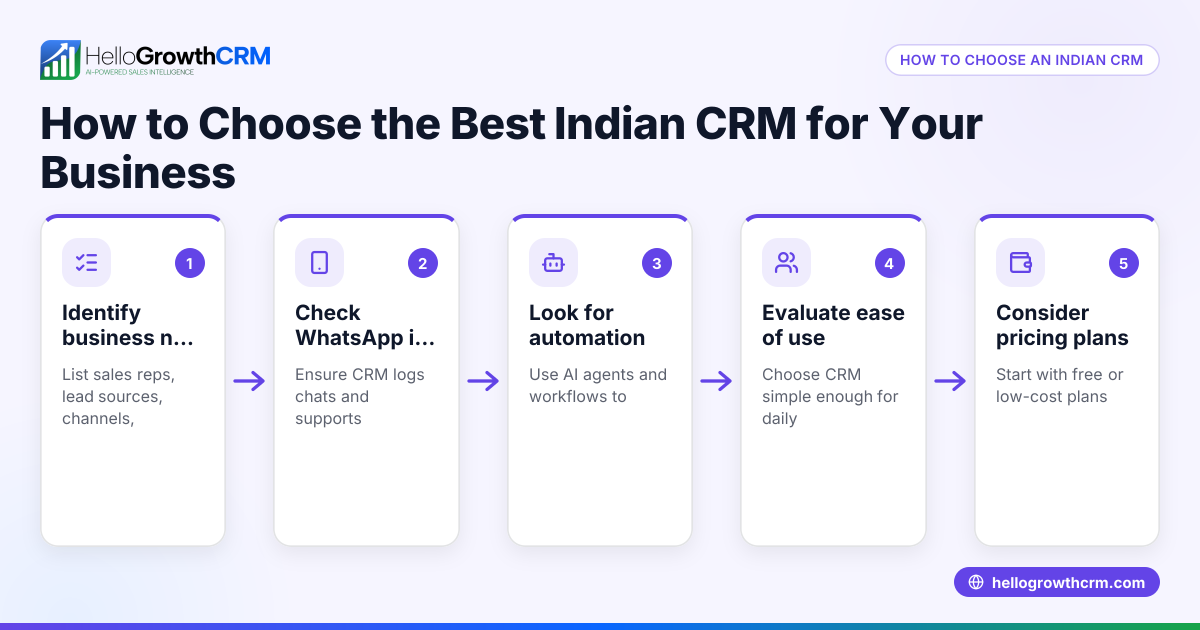
- Check if the CRM works with WhatsApp and SMS: Your team likely uses WhatsApp daily. A CRM that logs WhatsApp conversations and sends follow-ups as messages saves time and keeps lead history in one place. See WhatsApp and SMS CRM.
- Look for minimal setup and no coding: Avoid CRMs that require technical installation or custom coding. The CRM should be ready to use after signup.
- Evaluate AI assistance for follow-ups: Some CRMs offer AI agents that draft follow-up messages after calls, so your sales reps only review and send them, reducing manual effort.
- Consider if the CRM has a free plan for small teams: A free plan lets you try the CRM without commitment. For example, a two-person team can manage their pipeline without cost until advanced features are needed.
- Test the user interface for ease of use: The CRM should have a clear pipeline board and task management that your team can learn quickly without training.
- Check for built-in calling or dialer features: If your team makes many sales calls, a CRM with a built-in dialer reduces switching apps and streamlines calling.
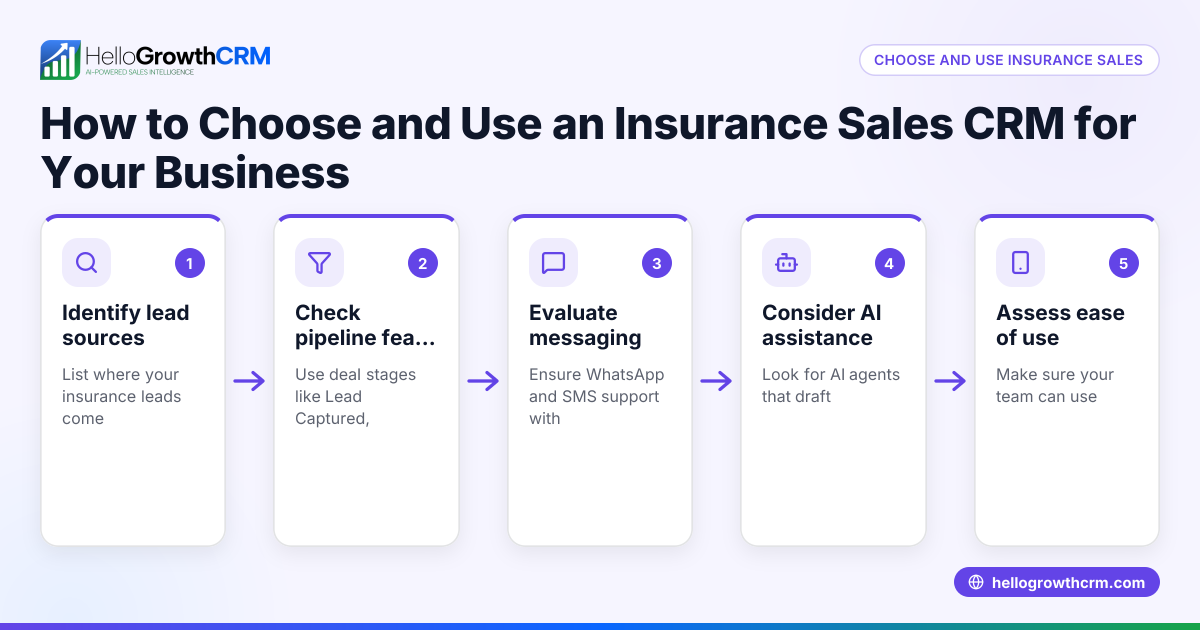
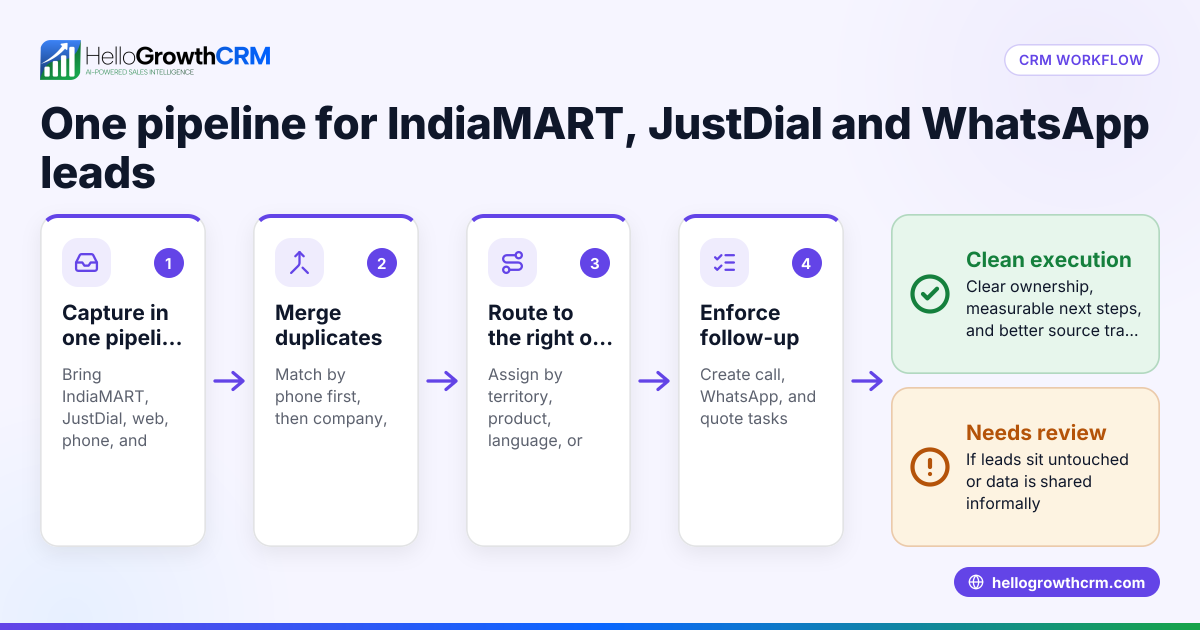
- Review integration with lead sources: If you get leads from IndiaMART, JustDial, or web forms, check if the CRM can capture these leads automatically.
Example (fictional figures)
A small Delhi-based industrial supplies company wants to switch from Excel and WhatsApp to a CRM without technical overhead. They have 2 sales reps and about 150 leads monthly.
- They sign up for a CRM with a Free Forever plan allowing 200 leads.
- Their sales rep spends 1 hour daily managing leads in Excel and WhatsApp.
- With the CRM, WhatsApp chats are logged automatically, saving 30 minutes daily.
- AI agents draft follow-up messages, saving another 15 minutes.
Calculations:
Daily time saved = 30 minutes + 15 minutes = 45 minutes
Monthly time saved (22 working days) = 45 minutes × 22 = 990 minutes = 16.5 hours
Assuming rep wage = ₹300/hour
Monthly cost saving = ₹300 × 16.5 = ₹4,950
This time saving improves follow-up speed and lead conversion without extra IT work.
Common mistakes
- Choosing a CRM with complex setup: Prevent by selecting cloud-based, ready-to-use CRMs with no coding.
- Ignoring user adoption: Prevent by involving sales reps in testing the CRM interface before buying.
- Overlooking WhatsApp integration: Prevent by confirming the CRM logs WhatsApp chats and supports messaging.
- Not checking free trial or free plan limits: Prevent by testing the CRM with your actual lead volume.
- Forgetting about lead source integration: Prevent by verifying automatic lead capture from platforms like IndiaMART.
- Neglecting mobile usability: Prevent by using CRMs optimized for mobile devices if your team works on phones.
Doing this in HelloGrowthCRM
HelloGrowthCRM offers a WhatsApp-native CRM that logs WhatsApp conversations on each lead record and lets you send follow-up messages as WhatsApp or SMS. Its AI agents (in beta on Growth plans) draft follow-up messages after calls for your reps to review and send, reducing manual work. For small teams, the Free Forever plan supports up to two users with 200 leads and a full Kanban pipeline at no cost until you need calling or WhatsApp automation. Learn more about HelloGrowthCRM for India and the built-in CRM dialer.
Frequently asked questions
What does "CRM without technical overhead" mean? It means a CRM system that requires no complex installation, minimal training, and integrates smoothly with tools your team already uses, such as WhatsApp and SMS. This reduces delays and helps faster lead follow-up.
Can I use WhatsApp with my CRM without extra setup? Some CRMs, like HelloGrowthCRM, are WhatsApp-native and automatically log WhatsApp chats with leads, making follow-ups easier without complicated setup. Check the CRM’s WhatsApp and SMS features at WhatsApp and SMS CRM.
Is there a free CRM option for small teams? Yes, many CRMs offer free plans with limited leads and users. HelloGrowthCRM’s Free Forever plan supports two users and up to 200 leads, letting you manage your pipeline without cost until you need advanced features.
How do AI agents reduce technical overhead? AI agents can draft follow-up messages and update records automatically, so sales reps only need to review and send, reducing manual effort and errors. HelloGrowthCRM offers AI agents in beta on Growth plans.
Should I worry about lead source integration? Yes. A CRM that automatically captures leads from IndiaMART, JustDial, or web forms saves manual data entry and speeds up response time.
Can I handle sales calls inside the CRM? CRMs with built-in dialers let sales reps make calls without switching apps, improving efficiency. HelloGrowthCRM includes a built-in dialer for this purpose.
Key takeaways
- Choose a CRM that works natively with WhatsApp and SMS to match your team’s workflow.
- Avoid complex setup by selecting cloud-based, ready-to-use CRMs.
- Use AI agents to reduce manual follow-up tasks and speed up sales.
- Start with a free plan if available to test the CRM without commitment.
- Check for automatic lead capture from your main lead sources to save time.
- Consider built-in dialers to streamline calling without technical hassle.
To start managing your sales pipeline without technical overhead, try HelloGrowthCRM’s Free Forever plan for two users and 200 leads at Start on the Free Forever plan (200 leads, no credit card).
Ready to put this into practice?
Set up your pipeline, WhatsApp follow-ups, and AI lead scoring in minutes — free, no credit card.
Try HelloGrowthCRM freeGet CRM tips in your inbox
Join thousands of sales professionals who get weekly insights on CRM strategy, AI automation, and pipeline optimization.

The HelloGrowthCRM team publishes guides on CRM strategy, AI sales tools, and revenue operations for small business sales teams.