HelloGrowthCRM software
Built for real small-business sales teams
HelloGrowthCRM helps reps qualify faster, follow up on time, and close more deals—with practical automation in one place.
- AI lead scoring and pipeline visibility
- Built-in dialer, WhatsApp, and email automation
- Sales forecasting and RevOps-ready reporting
A customer acquisition chatbot is an automated tool designed to engage potential customers on your website or messaging platforms. It captures leads by answering questions, qualifying prospects, and directing them through your sales funnel without delay. This helps small businesses respond quickly to inquiries, reducing lost leads due to slow follow-up.
Why this comes up / what goes wrong
Small business owners often struggle with timely follow-up on incoming leads. They may rely on email, text messages, or spreadsheets to track prospects, which can cause delays or missed opportunities. When visitors come to a website or contact through messaging apps, they expect immediate responses. Without automation, many leads go cold before a salesperson can respond. A customer acquisition chatbot solves this by engaging visitors instantly, capturing their information, and routing qualified leads to the sales team.
Step-by-step
- Define your chatbot’s purpose and target audience. Decide what you want the chatbot to do—capture contact info, answer FAQs, or schedule demos—and who your ideal customers are.
- Choose the chatbot platform or software. Select a tool that integrates with your website or messaging apps and supports your sales process.
- Design the conversation flow. Map out how the chatbot will greet visitors, ask qualifying questions, and collect lead details. Keep the flow simple and user-friendly.
- Set up lead capture forms and data fields. Make sure the chatbot collects essential information like name, email, phone number, and any qualifying criteria.
- Integrate the chatbot with your CRM or lead system. Connect it so captured leads automatically enter your sales pipeline for follow-up.
- Test the chatbot thoroughly. Simulate different visitor interactions to ensure it works smoothly and captures accurate data.
- Launch the chatbot on your website or messaging channels. Monitor initial performance and visitor engagement.
- Analyze chatbot data and optimize regularly. Use insights to improve conversation flow, lead qualification, and response timing.
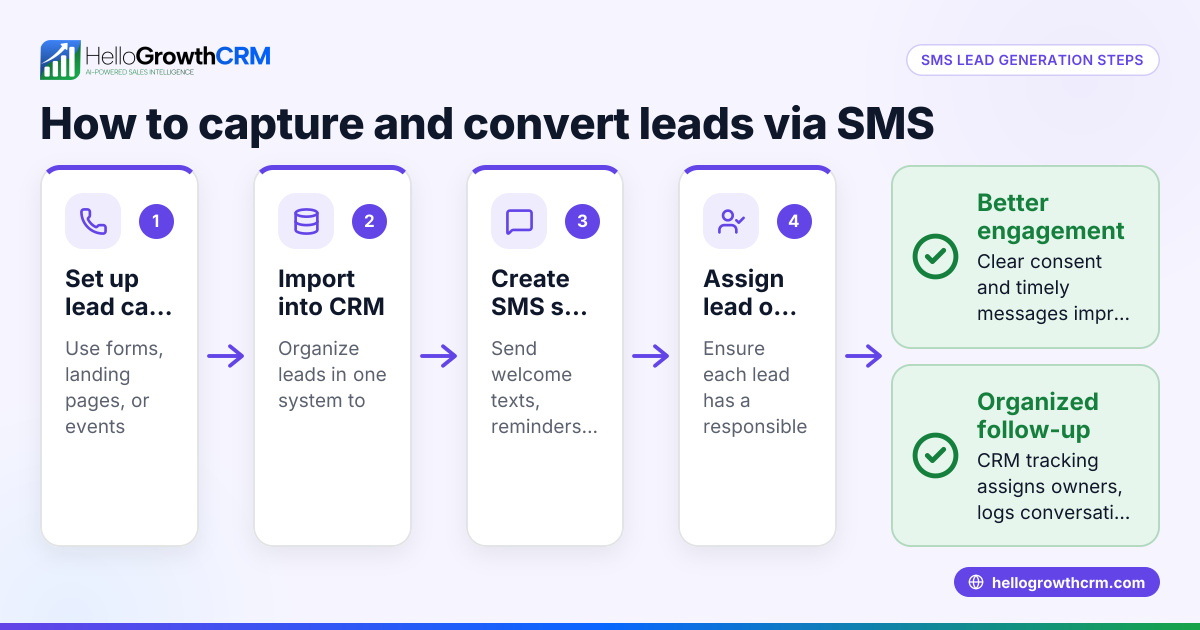
Check that your chatbot supports messaging channels your customers prefer, such as WhatsApp and SMS, to maximize reach and engagement. Some CRM systems provide WhatsApp and SMS CRM features that help manage these conversations efficiently WhatsApp and SMS CRM.
Example (fictional figures)
A B2B software reseller in Denver, Colorado, launched a customer acquisition chatbot on 04/01/2024 to capture leads from their website.
- Website visitors per month: 2,000
- Estimated chatbot engagement rate: 200 visitors (assumed illustrative figure)
- Leads captured monthly: 200
- Conversion rate from chatbot leads to sales: 20 (assumed illustrative figure)
- Average deal size: $12,000
Monthly sales from chatbot leads:
20 sales × $12,000 average deal = $240,000
This chatbot helped the reseller generate $240,000 in new sales monthly by capturing and qualifying leads instantly.
Common mistakes
- Overcomplicating the chatbot flow. Keep conversations simple to avoid confusing visitors. Test flows with real users.
- Not integrating with CRM. Leads captured but not routed to your sales system will be lost. Connect your chatbot to your CRM to track and follow up.
- Ignoring channel preferences. If your customers prefer WhatsApp or SMS, use chatbots that support these channels. See how some CRM platforms support WhatsApp and SMS CRM WhatsApp and SMS CRM.
- Failing to analyze performance. Regularly review chatbot interactions and tweak questions or flows to improve lead quality.
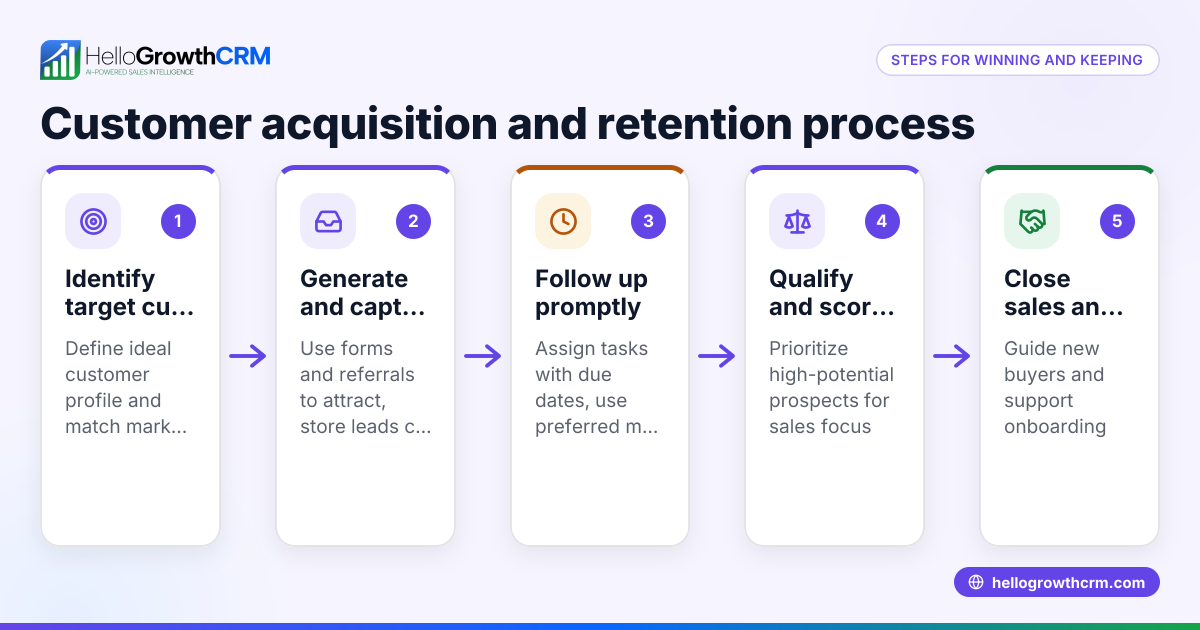
- No post-sale customer management. After acquisition, service requests should stay linked to the same customer record to maintain context. Customer portals with tickets and knowledge bases help manage post-sale service customer health score.
Doing this in HelloGrowthCRM
HelloGrowthCRM supports customer management after acquisition through its customer portal, referrals, tickets, and knowledge base features. After the sale, service requests and support tickets stay on the same customer record as the deal, simplifying follow-up and service continuity. This helps small businesses keep all customer interactions in one place, improving customer satisfaction and retention.
Frequently asked questions
What is the main benefit of a customer acquisition chatbot? It provides instant engagement with website visitors or prospects, capturing leads and qualifying them quickly to reduce lost sales opportunities.
Can a chatbot replace a sales team? No, a chatbot complements the sales team by handling initial interactions and lead capture but qualified leads still require personal follow-up.
Which channels should a customer acquisition chatbot support? It should support the channels your customers use most, such as your website, WhatsApp, SMS, or Facebook Messenger. CRM platforms with WhatsApp and SMS CRM capabilities can help manage these channels effectively WhatsApp and SMS CRM.
How do I measure chatbot success? Track metrics like engagement rate, leads captured, lead quality, conversion rate, and impact on sales revenue.
Can I manage customer support after acquisition in the same system? Yes, customer portals with tickets and knowledge bases keep service requests linked to the original customer record, helping maintain context and improve service customer health score.
Key takeaways
- A customer acquisition chatbot automates lead capture and qualification, improving response speed.
- Choose chatbot platforms that integrate with your CRM and support preferred messaging channels.
- Keep conversation flows simple and test them before launch.
- Regularly analyze chatbot performance to optimize lead quality.
- Manage post-sale service with integrated customer portals and ticket systems.
Start capturing leads more efficiently by trying the free plan with 200 leads and no credit card required at Start on the Free Forever plan (200 leads, no credit card).
Ready to put this into practice?
Set up your pipeline, WhatsApp follow-ups, and AI lead scoring in minutes — free, no credit card.
Try HelloGrowthCRM freeGet CRM tips in your inbox
Join thousands of sales professionals who get weekly insights on CRM strategy, AI automation, and pipeline optimization.

The HelloGrowthCRM team publishes guides on CRM strategy, AI sales tools, and revenue operations for small business sales teams.