HelloGrowthCRM software
Built for real small-business sales teams
HelloGrowthCRM helps reps qualify faster, follow up on time, and close more deals—with practical automation in one place.
- AI lead scoring and pipeline visibility
- Built-in dialer, WhatsApp, and email automation
- Sales forecasting and RevOps-ready reporting
Customer data collection software helps small businesses gather and organize customer information from multiple sources into one place for easier management and follow-up. This article covers why businesses need such software, steps to evaluate options, a US-based example, common mistakes to avoid, and how HelloGrowthCRM supports customer data management with security and customer service features.
Why this comes up / what goes wrong
Many small-business owners track customer data using spreadsheets, text messages, and email threads. This scattered approach often leads to lost leads, delayed follow-up, and inefficiencies in sales and customer service. Without centralized data, teams risk duplicating work or missing opportunities. As the business grows, manual tracking becomes unsustainable, prompting the search for customer data collection software that integrates lead capture, communication, and service requests in a single system.
Step-by-step
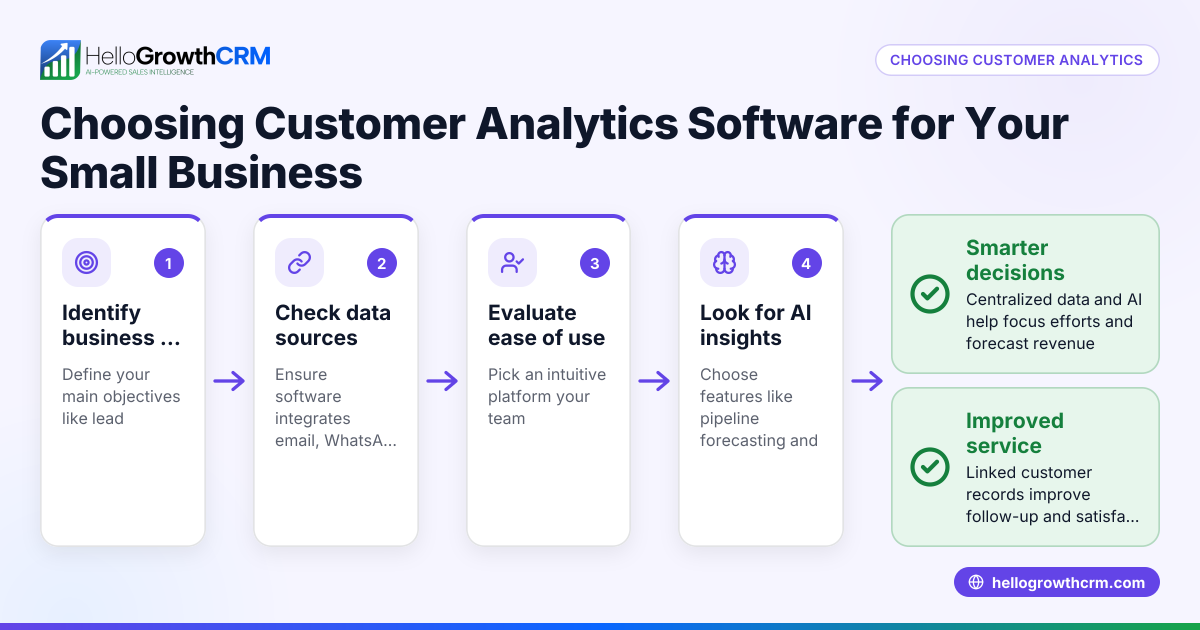
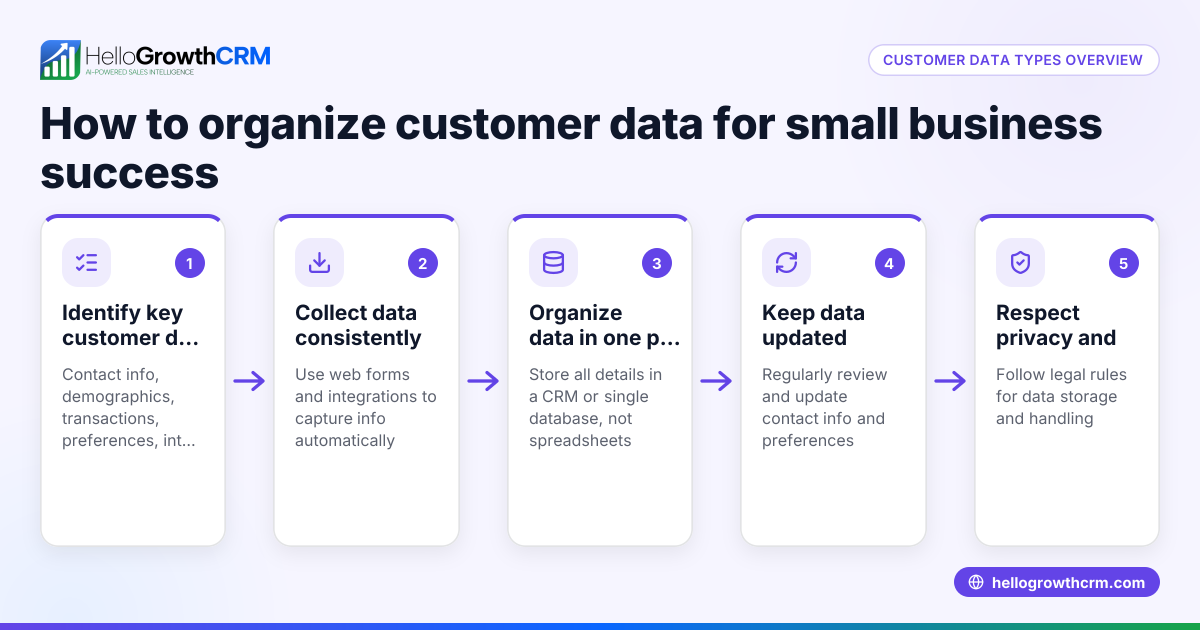
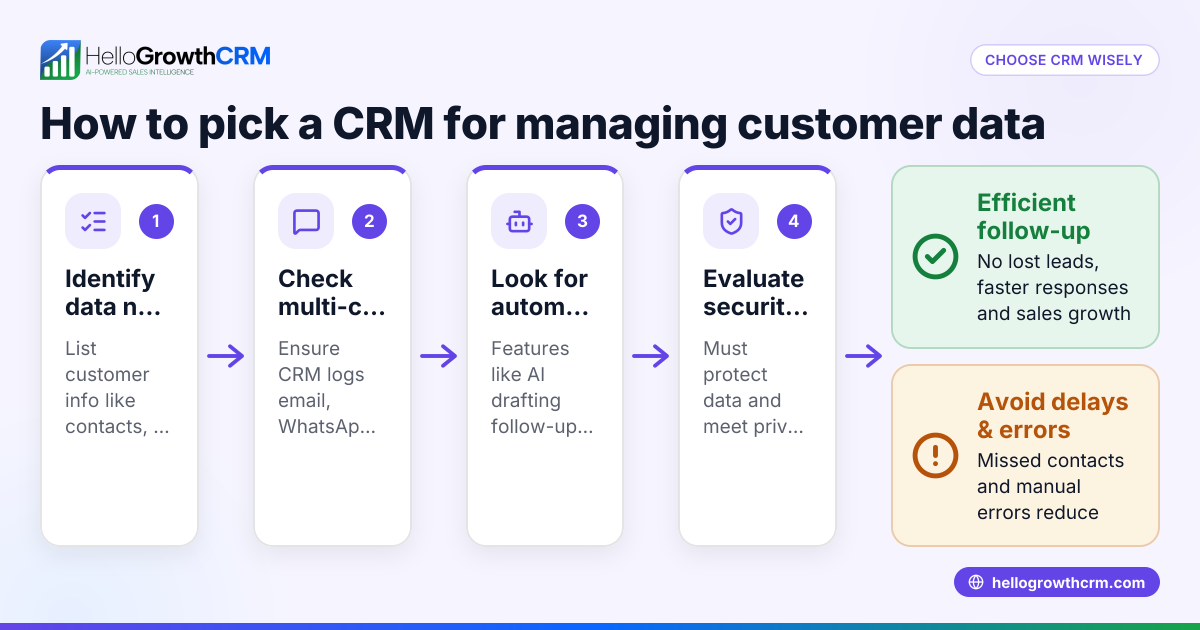
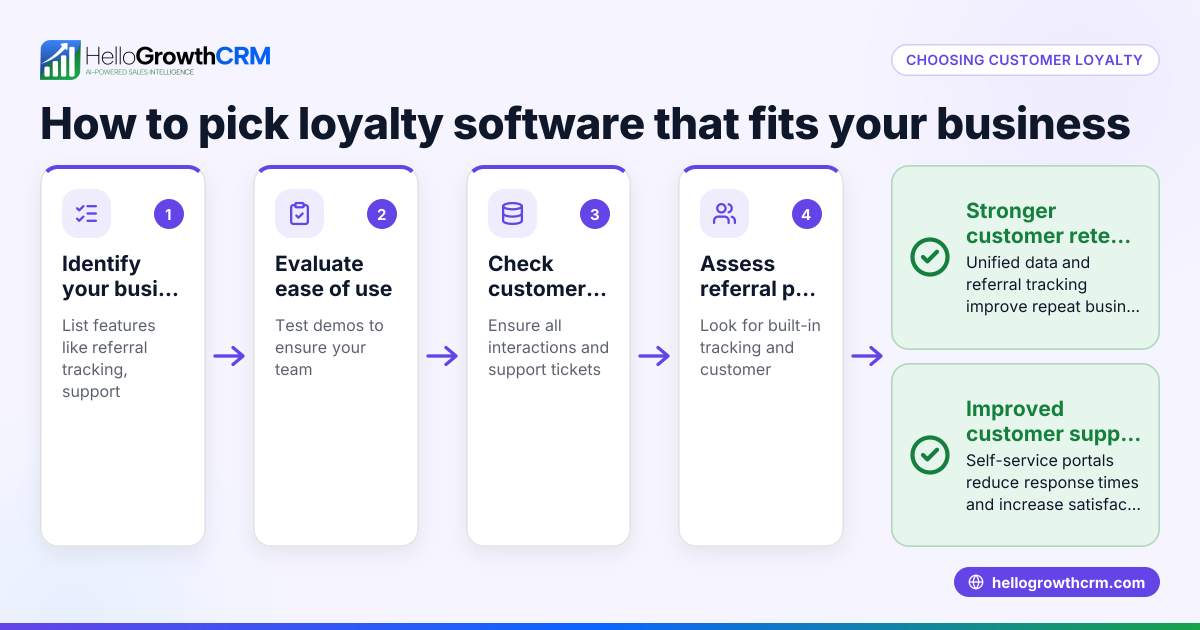
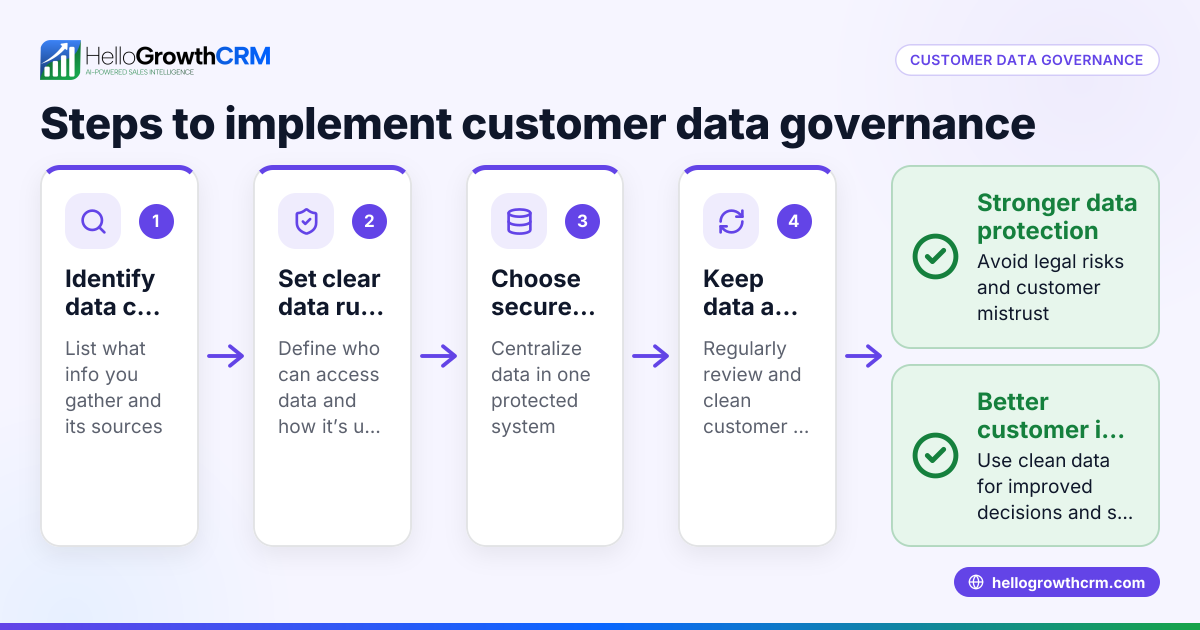
- Identify all customer data sources. List where your customer information currently comes from, such as website forms, phone calls, WhatsApp, SMS, email, or in-person visits. Confirm if the software can automatically capture data from these channels.
- Check integration capabilities. Ensure the software connects with your existing tools like email, web forms, or messaging apps to reduce manual data entry and errors.
- Evaluate how the software organizes data. Look for unified customer records that include contact details, communication history, and service requests. Confirm if it supports pipelines or task boards to manage sales and follow-up efficiently.
- Review security and compliance features. Verify that customer data is stored securely and complies with relevant regulations. For teams needing data residency, check if the software supports storing data in specific locations.
- Assess communication tools. Check if the software allows sending automated sequences or follow-ups via email, SMS, or WhatsApp to improve engagement.
- Consider customer service integration. Determine if the software manages support tickets, referrals, and knowledge bases linked to customer records.
- Test user experience. The software should be easy for your sales and support teams to adopt and use daily.
- Compare costs and plans. Review pricing structures and feature availability to ensure the software fits your budget and needs.
- Ask about reporting and forecasting. Features like sales forecasting and performance reports help track progress and plan growth.
- Request a trial or demo. Hands-on experience confirms the software meets your workflow requirements.
Example (fictional figures)
A two-location dental practice in Columbus, Ohio, wants to improve lead follow-up and patient communication. They currently track leads in spreadsheets and text messages, resulting in many missed inquiries.
They adopt software that captures leads from their website forms and WhatsApp messages automatically.
- Monthly leads: 500
- Before software: many leads were missed due to delayed follow-up
After adoption, they reduce missed leads significantly through automated follow-ups.
- Leads saved: estimated 75 leads
Assuming an average patient value of $500:
- Additional revenue = 75 leads × $500 = $37,500 monthly
This example shows how better data collection and follow-up can directly impact revenue.
Common mistakes
- Choosing software without integration options. Prevent this by listing all current tools and verifying integration before purchase.
- Ignoring data security and compliance. Prevent by checking data residency options and security certifications such as SOC 2 Type II.
- Overlooking user experience. Prevent by involving your sales and support teams in demos and trials to ensure ease of use.
- Not planning for customer service needs. Prevent by selecting software that links support tickets and referrals to customer records.
- Failing to automate follow-ups. Prevent by ensuring the software supports email, WhatsApp, and SMS sequences for outreach.
- Underestimating reporting needs. Prevent by confirming the software offers sales forecasting and performance reporting.
Doing this in HelloGrowthCRM
HelloGrowthCRM keeps service requests, support tickets, and referrals on the same customer record as the deal, simplifying ongoing communication and support. Learn more about its customer health score and service features in HelloGrowthCRM for the United States and its WhatsApp and SMS CRM capabilities. See details on these customer service features at customer health score.
Frequently asked questions
What is customer data collection software used for? It centralizes customer information from multiple sources, making it easier for sales and support teams to manage leads, follow up, and provide service efficiently.
How do I know if a software is secure? Look for compliance with security standards and data privacy options. HelloGrowthCRM has completed SOC 2 Type II examination and is GDPR-aligned as a data processor, and supports CCPA data-subject rights.
Can customer data collection software handle customer support? Yes, many solutions include customer portals, support tickets, and knowledge bases linked to customer records to manage service requests seamlessly.
Why integrate WhatsApp and SMS in customer data software? Many customers prefer messaging platforms. Integrating WhatsApp and SMS allows timely, automated follow-ups and better engagement.
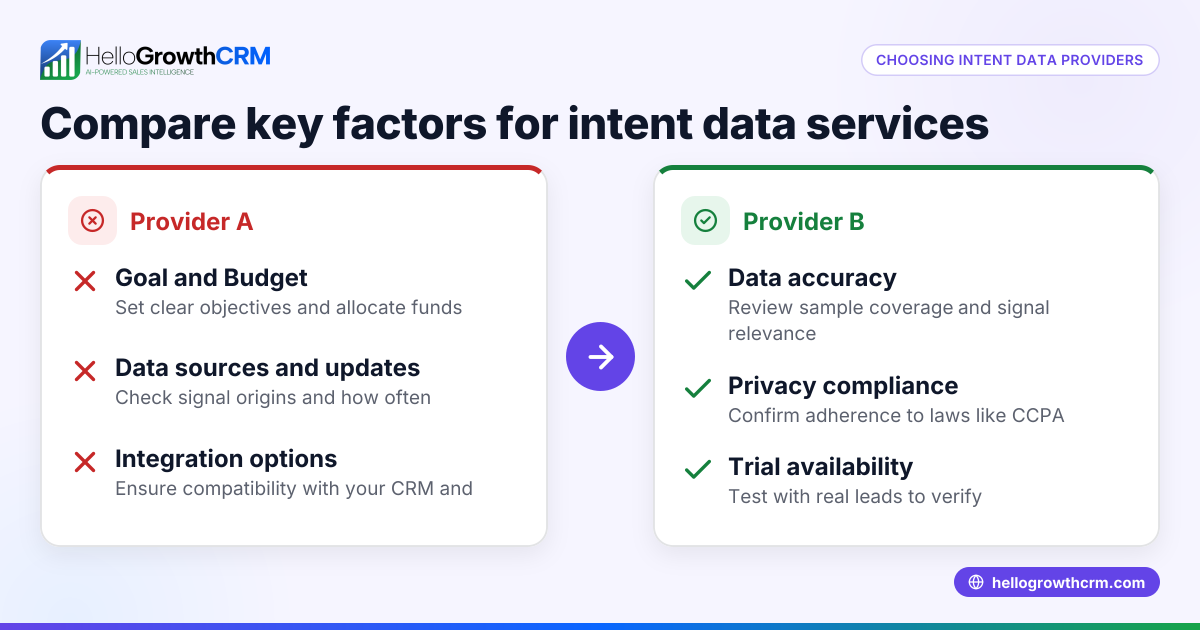
What should I check before buying customer data collection software? Check integration capabilities, ease of use, security compliance, communication tools, customer service features, and reporting options.
Key takeaways
- Centralizing customer data improves lead follow-up and sales efficiency.
- Integration with existing tools and messaging platforms like WhatsApp and SMS is essential.
- Security and compliance, including data residency, must be verified.
- Customer service features linked to customer records enhance support.
- Automation of communication boosts engagement and efficiency.
- Reporting and forecasting help track and grow your business.
Start on the Free Forever plan (200 leads, no credit card) at HelloGrowthCRM to try customer data collection and management.
Ready to put this into practice?
Set up your pipeline, WhatsApp follow-ups, and AI lead scoring in minutes — free, no credit card.
Try HelloGrowthCRM freeGet CRM tips in your inbox
Join thousands of sales professionals who get weekly insights on CRM strategy, AI automation, and pipeline optimization.

The HelloGrowthCRM team publishes guides on CRM strategy, AI sales tools, and revenue operations for small business sales teams.