HelloGrowthCRM software
Built for real small-business sales teams
HelloGrowthCRM helps reps qualify faster, follow up on time, and close more deals—with practical automation in one place.
- AI lead scoring and pipeline visibility
- Built-in dialer, WhatsApp, and email automation
- Sales forecasting and RevOps-ready reporting
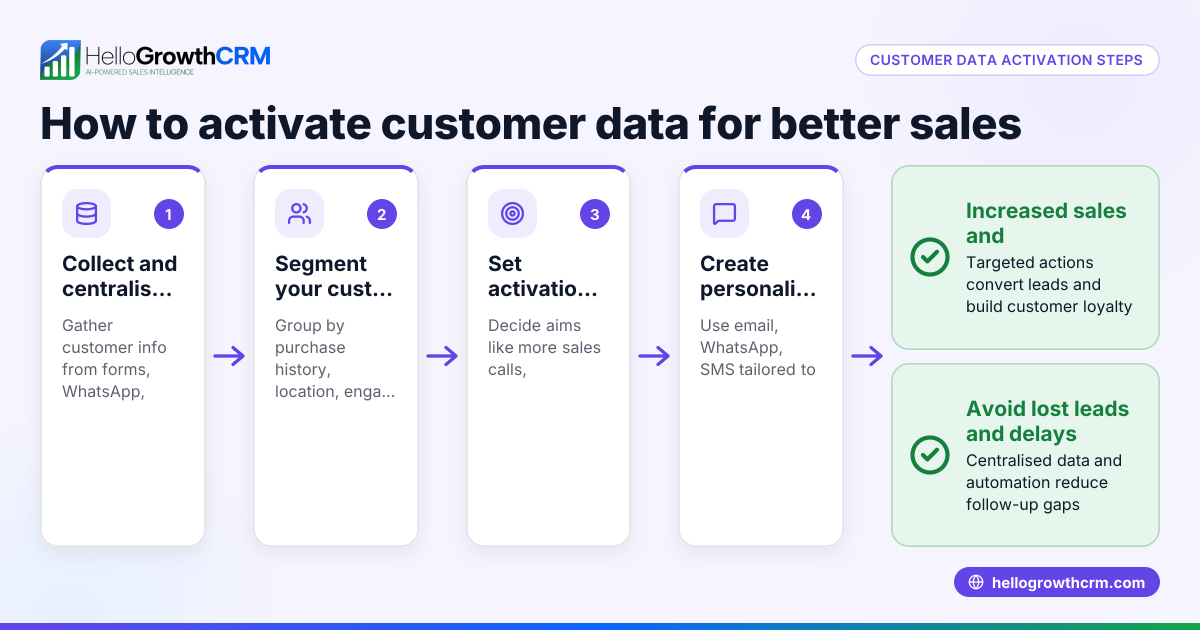
Customer data orchestration means gathering all your customer information—from leads, communications, and service requests—across different channels into one organized system. This unified view lets you act quickly on sales opportunities and support needs without losing details or duplicating work.
Why this comes up / what goes wrong
Small business owners often have customer data scattered in emails, text messages, spreadsheets, and separate apps. This fragmentation causes slow follow-up, missed sales chances, and poor customer service. When your team can’t see the full customer story or next steps, leads get lost and work gets duplicated. Without orchestration, your sales and support teams struggle to keep data accurate and up to date.
Step-by-step
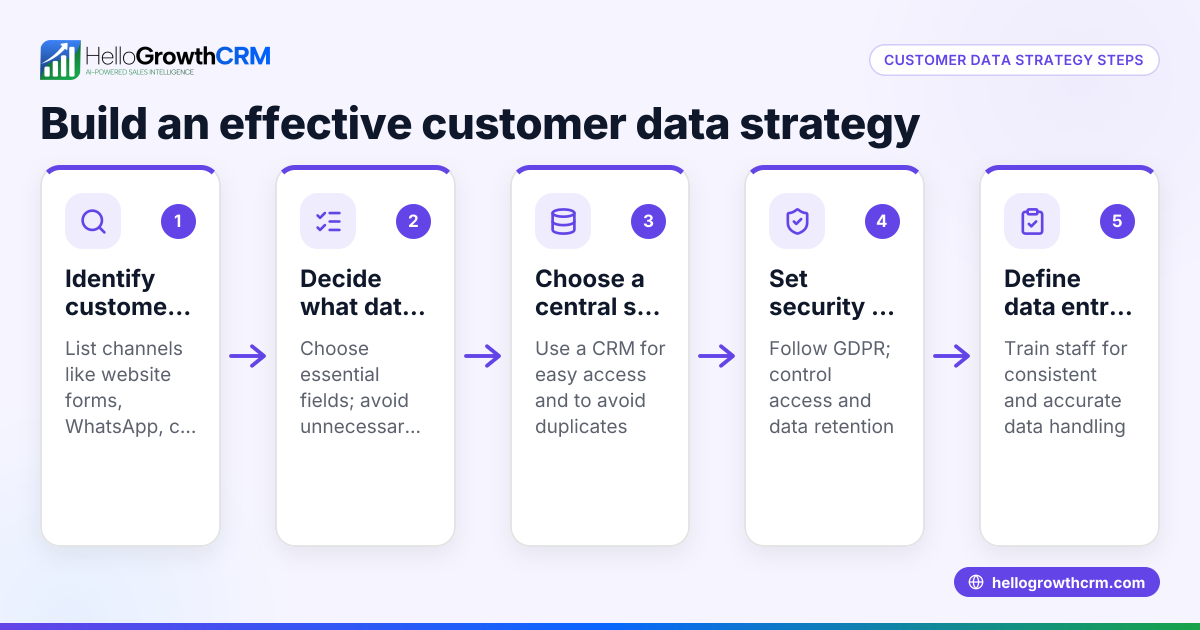
- Identify all customer data sources: Make a list of where your customer info lives—email inboxes, WhatsApp chats, text messages, spreadsheets, web forms, and any CRM or support tools.
- Choose a central system to unify data: Select a platform that can integrate these sources automatically or allow easy manual import, so all customer details live in one place.
- Set clear rules for data entry and updates: Decide how new leads are added and how ongoing interactions update records. This prevents duplicates and outdated info.
- Organize customer records logically: Use categories like lead status, deal stage, or service tickets to keep data easy to find and act on.
- Train your team on consistent use: Ensure everyone updates the system promptly and follows the data entry rules.
- Regularly review and clean data: Schedule checks to remove duplicates, fill missing info, and update records.
- Leverage data for sales and service actions: Use the unified data to prioritize leads, personalize messages, and track support requests efficiently.
Example (fictional figures)
GreenLeaf Landscaping, based in Charlotte, North Carolina, wants to improve its customer data management. They get leads from their website, WhatsApp messages, and email inquiries.
Step 1: They identify three sources: website form, WhatsApp chats, and emails.
Step 2: They choose a CRM that integrates WhatsApp and email data.
Step 3: They set a rule: every new lead from the website form automatically creates a record.
Step 4: They tag customers as "New Lead," "In Negotiation," or "Service Customer."
Step 5: The sales team commits to updating lead status after each contact.
Step 6: Monthly, the manager removes duplicates and merges related records.
Step 7: They use the system to send follow-up WhatsApp messages and schedule service appointments.
Worked example with figures:
- In March 2026, GreenLeaf received 120 leads from the website, 80 from WhatsApp, and 50 from email.
- Total leads = 120 + 80 + 50 = 250 leads
- After cleaning, they found 20 duplicates and merged them.
- Clean leads = 250 - 20 = 230 leads
- They prioritized leads tagged "New Lead" (150 leads) for immediate follow-up.
- The sales team contacted 100 leads within 24 hours.
- Conversion from contacted leads to service contracts was 30%, so: 100 × 30% = 30 contracts
- Average contract value is $3,000, so total revenue from these contracts: 30 × $3,000 = $90,000
This process helped GreenLeaf respond faster, reduce lost leads, and track ongoing jobs without losing details.
Common mistakes
- Scattered data sources without integration: Prevent by choosing a CRM that connects your main channels like WhatsApp and email to keep data unified.
- No clear data entry rules: Prevent by defining when and how customer info is added or updated to avoid duplicates and outdated records.
- Ignoring data cleaning: Prevent by scheduling regular reviews to merge duplicates and update customer info.
- Poor team adoption: Prevent by training your team and setting accountability for consistent use of the system.
- Separating sales and service data: Prevent by keeping all customer interactions—leads, deals, and support tickets—together for a full customer view, as with a customer portal.
Doing this in HelloGrowthCRM
HelloGrowthCRM supports customer data orchestration by keeping service requests, referrals, tickets, and knowledge base entries on the same customer record as the deal. This means after the sale, your service team sees all relevant info without switching systems. HelloGrowthCRM has completed a SOC 2 Type II examination and supports CCPA data-subject rights. Learn more about HelloGrowthCRM for the United States and its WhatsApp and SMS CRM capabilities.
Frequently asked questions
What exactly is customer data orchestration? It’s the process of combining customer data from multiple sources into one organized system to improve sales and service efficiency.
Why does my small business need it? Without orchestration, your team wastes time hunting for info, risks losing leads, and can’t provide consistent service. Orchestration helps streamline workflows and improve customer experience.
How do I start customer data orchestration? Begin by listing where your customer data lives, then choose a central system to unify it. Set clear rules for data entry and keep the data clean and updated.
Can I use HelloGrowthCRM for this? Yes. HelloGrowthCRM keeps sales and service data together on one customer record and supports WhatsApp and SMS communication, making it easier to orchestrate customer data.
What is the role of a customer portal in orchestration? A customer portal lets customers submit service requests and referrals linked directly to their record, keeping all interactions in one place for better tracking.
Key takeaways
- Customer data orchestration unifies customer info from multiple sources into one system.
- It prevents lost leads and slow follow-up by organizing data clearly.
- Set clear rules and train your team to keep data accurate and current.
- Use tools that combine sales and service data, like HelloGrowthCRM’s customer portal.
- Regular data cleaning avoids duplicates and outdated info.
Start organizing your customer data today to improve your sales and service efficiency. Start on the Free Forever plan (200 leads, no credit card).
Ready to put this into practice?
Set up your pipeline, WhatsApp follow-ups, and AI lead scoring in minutes — free, no credit card.
Try HelloGrowthCRM freeGet CRM tips in your inbox
Join thousands of sales professionals who get weekly insights on CRM strategy, AI automation, and pipeline optimization.

The HelloGrowthCRM team publishes guides on CRM strategy, AI sales tools, and revenue operations for small business sales teams.