HelloGrowthCRM software
Built for real small-business sales teams
HelloGrowthCRM helps reps qualify faster, follow up on time, and close more deals—with practical automation in one place.
- AI lead scoring and pipeline visibility
- Built-in dialer, WhatsApp, and email automation
- Sales forecasting and RevOps-ready reporting
Customer education tools are essential for education businesses to provide clear guidance, answer questions, and support customers efficiently. These tools typically include customer portals where users can access resources, knowledge bases for self-help, ticketing systems for support, and referral program tracking to grow the customer base.
Why this comes up / what goes wrong
Education business owners and accountants in the US often find themselves overwhelmed by repeated questions, slow support response times, and fragmented customer information. For coaching institutes or education providers, failing to educate customers properly can lead to dissatisfaction, increased support costs, and lost referrals. Without a centralized system, tracking service requests and maintaining consistent communication becomes difficult, impacting customer loyalty and revenue.
Step-by-step
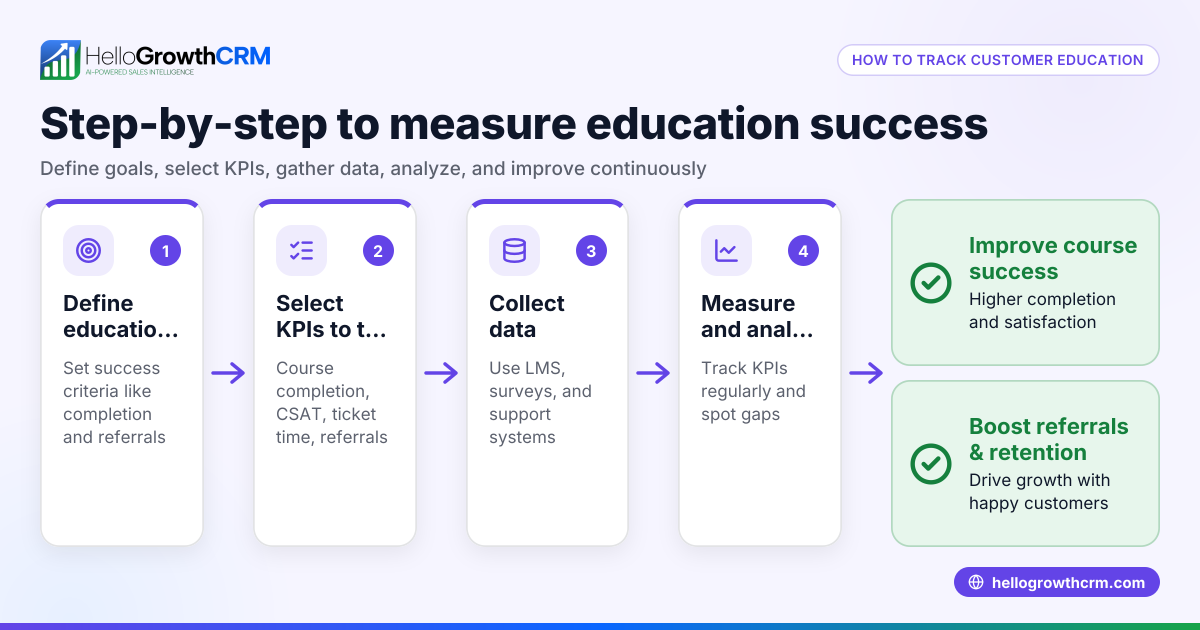
- Identify your customer education needs: Determine what information customers frequently request and what resources they need to succeed with your education offerings. Check if you need a self-service portal, FAQs, or direct support tickets.
- Evaluate tool features: Look for tools with branded customer portals, knowledge bases, and ticketing systems to keep all customer interactions organized. Ensure the tool integrates customer support requests with sales records for a unified view.
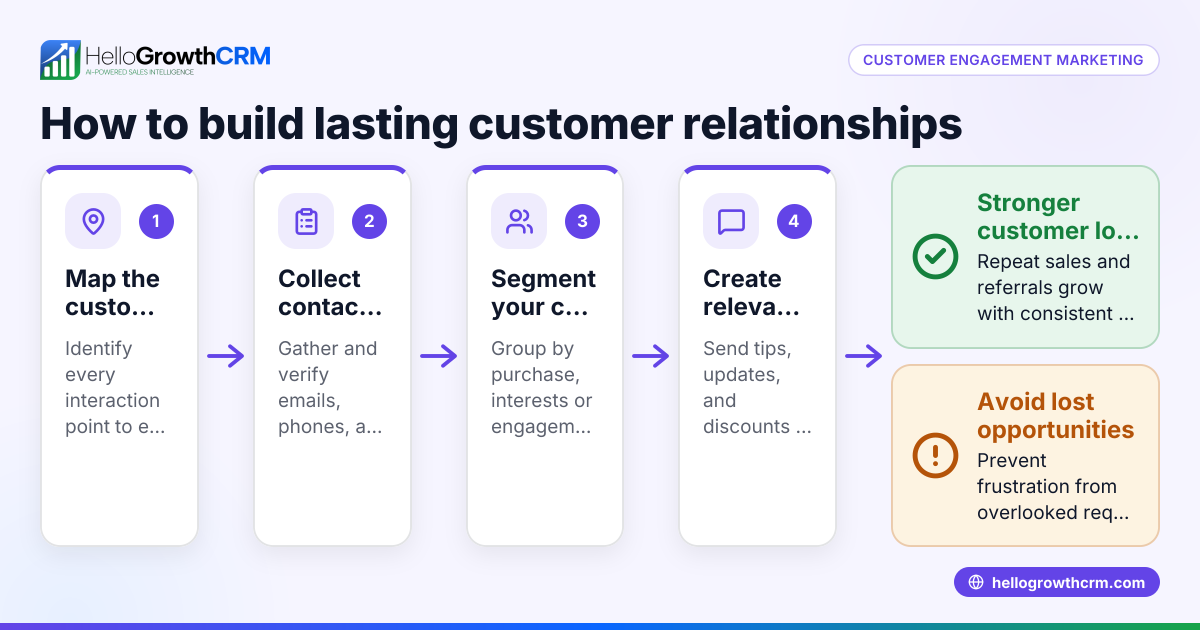
- Consider referral program tracking: If growing your business through word-of-mouth matters, choose tools that track referrals and rewards automatically.
- Test usability and accessibility: The portal and knowledge base should be easy to navigate for customers of all tech levels. Check for mobile compatibility and clear content layout.
- Plan for content creation and updates: Assign team members to create and maintain educational content regularly. Verify that the tool supports easy content updates without technical skills.
- Integrate with your CRM and sales tools: Ensure the customer education tools can connect with your CRM to link service requests to customer records, enabling seamless follow-up and reporting.
- Train your team: Provide training for your staff to use the tools effectively, including managing tickets and updating knowledge base articles.
- Measure and improve: Use analytics to track portal usage, ticket resolution times, and referral program effectiveness. Adjust your content and processes accordingly.
For additional resources, you can download free sales tools and templates, such as follow-up cadences or pipeline templates, without needing an account at free sales tools and calculators.
Example (fictional figures)
A two-location coaching institute in Columbus, Ohio, serving 1,200 students annually, decides to implement a customer education portal and ticketing system on 03/15/2026.
- Initial setup cost for the portal and knowledge base: $5,000
- Monthly subscription fee: $300
- Staffing time for content updates (10 hours/month at $25/hour): $250
- Expected reduction in support calls by 30%, saving 20 hours/month at $25/hour: $500 saved
Calculation of net monthly cost/savings:
$300 + $250 = $550 monthly cost
$500 saved in support time
Net monthly cost = $550 - $500 = $50
Annual net cost = $50 × 12 = $600
This investment improves customer satisfaction and frees staff time, with a manageable net cost of $600 per year.
Common mistakes
- Not centralizing customer information: Prevent this by choosing tools that link support tickets and education resources to customer records.
- Ignoring mobile users: Ensure your customer portal and knowledge base are mobile-friendly to serve all customers effectively.
- Overcomplicating content: Keep educational materials simple and easy to understand to maximize usage.
- Neglecting updates: Regularly review and update content to keep information accurate and relevant.
- Skipping staff training: Train your team thoroughly to maximize tool adoption and customer satisfaction.
- Failing to track referrals: Use referral tracking features to grow your customer base systematically.
Learn more about how coaching institutes and education providers can optimize customer experience at Coaching institutes and education providers.
Doing this in HelloGrowthCRM
HelloGrowthCRM offers a branded self-service customer portal, referral programme tracking, support tickets, and a knowledge base. After the sale, service requests stay on the same customer record as the deal, keeping all information centralized. Additionally, you can download free sales tools, templates, and calculators like follow-up cadences or pipeline templates without needing an account. Explore these features and more at HelloGrowthCRM for the United States.
Frequently asked questions
What are the best customer education tools for small education businesses? The best tools combine a branded self-service portal, knowledge base, and ticketing system. These features help customers find answers quickly and allow your team to manage support efficiently. Referral tracking can also support growth.
How do I measure the effectiveness of customer education tools? Track portal usage statistics, ticket resolution times, and referral program participation. Customer feedback surveys can also provide insights into satisfaction and areas for improvement.
Can I integrate customer education tools with my existing CRM? Yes, many customer education tools integrate with CRM systems to keep customer interactions unified. This integration helps manage service requests alongside sales data.
How often should I update my knowledge base content? Regular updates are important—review content at least quarterly or whenever your service offerings change to ensure accuracy.
Are there free resources to help me start? Yes, you can download free sales tools and templates such as follow-up cadences and pipeline templates without an account at free sales tools and calculators.
Key takeaways
- Customer education tools include portals, knowledge bases, ticketing systems, and referral tracking.
- Centralizing customer information improves support efficiency and satisfaction.
- Choose tools that are easy to use, mobile-friendly, and integrate with your CRM.
- Regularly update educational content and train your team.
- Track usage and referrals to measure success and grow your business.
- HelloGrowthCRM supports these needs with integrated customer portals and free sales templates.
Start your customer education journey with confidence. Start on the Free Forever plan (200 leads, no credit card) and access tools that help you manage customer education effectively.
Ready to put this into practice?
Set up your pipeline, WhatsApp follow-ups, and AI lead scoring in minutes — free, no credit card.
Try HelloGrowthCRM freeGet CRM tips in your inbox
Join thousands of sales professionals who get weekly insights on CRM strategy, AI automation, and pipeline optimization.

The HelloGrowthCRM team publishes guides on CRM strategy, AI sales tools, and revenue operations for small business sales teams.