HelloGrowthCRM software
Built for real small-business sales teams
HelloGrowthCRM helps reps qualify faster, follow up on time, and close more deals—with practical automation in one place.
- AI lead scoring and pipeline visibility
- Built-in dialer, WhatsApp, and email automation
- Sales forecasting and RevOps-ready reporting
Customer operations refer to all the coordinated actions a business takes to handle customer interactions efficiently. This includes managing sales leads, servicing customers after purchase, field visits by sales reps, and tracking customer requests or issues. Effective customer operations help businesses respond quickly, keep customers happy, and grow revenue.
Why this comes up / what goes wrong
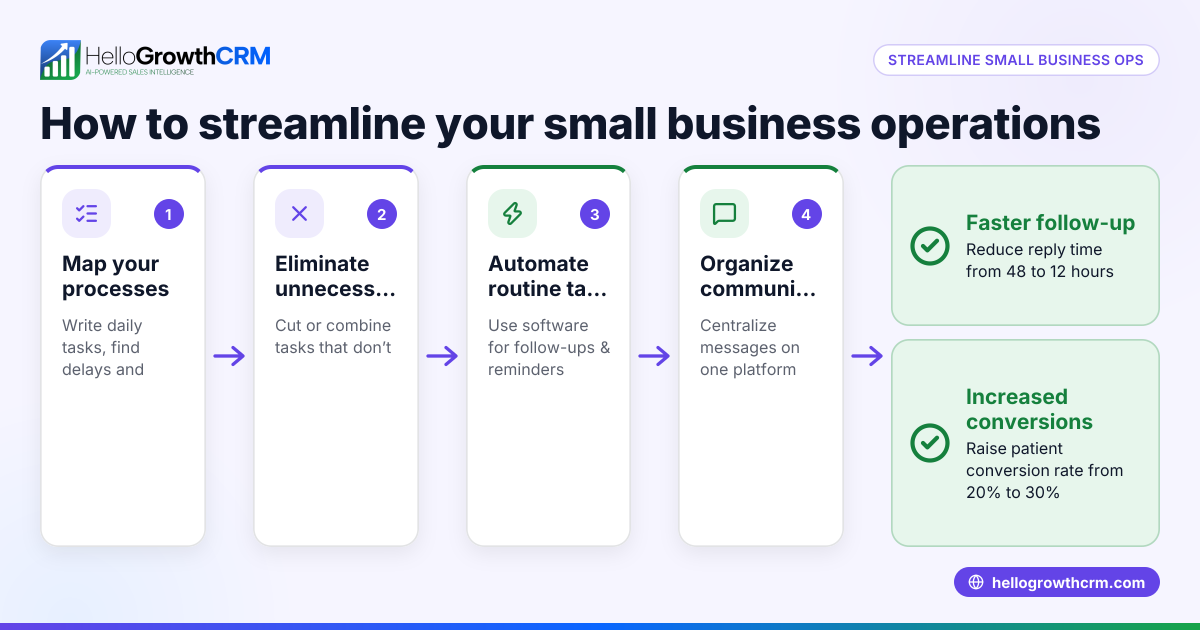
Small-business owners often find customer operations challenging because they juggle multiple communication channels like text messages, emails, and spreadsheets. Leads get lost or delayed in follow-up, service requests get scattered, and managing field visits or commissions becomes chaotic without a clear system. This leads to frustrated customers, missed sales opportunities, and inefficient teams.
Step-by-step
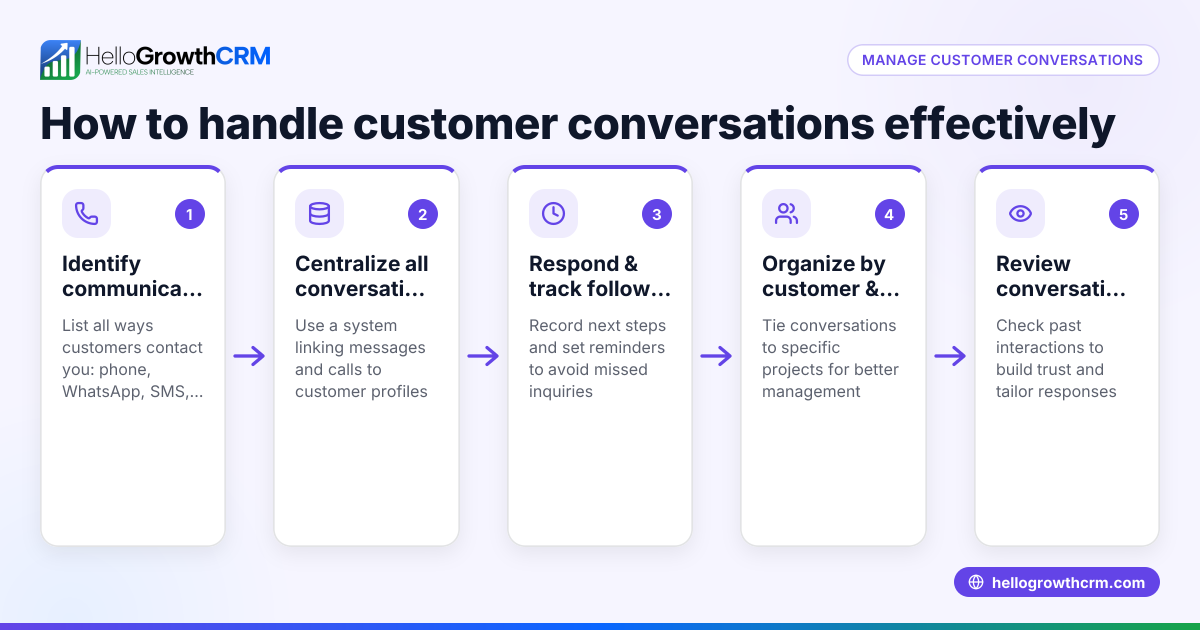
- Define your customer touchpoints: List every way your business interacts with customers — web inquiries, phone calls, WhatsApp messages, field visits, support tickets.
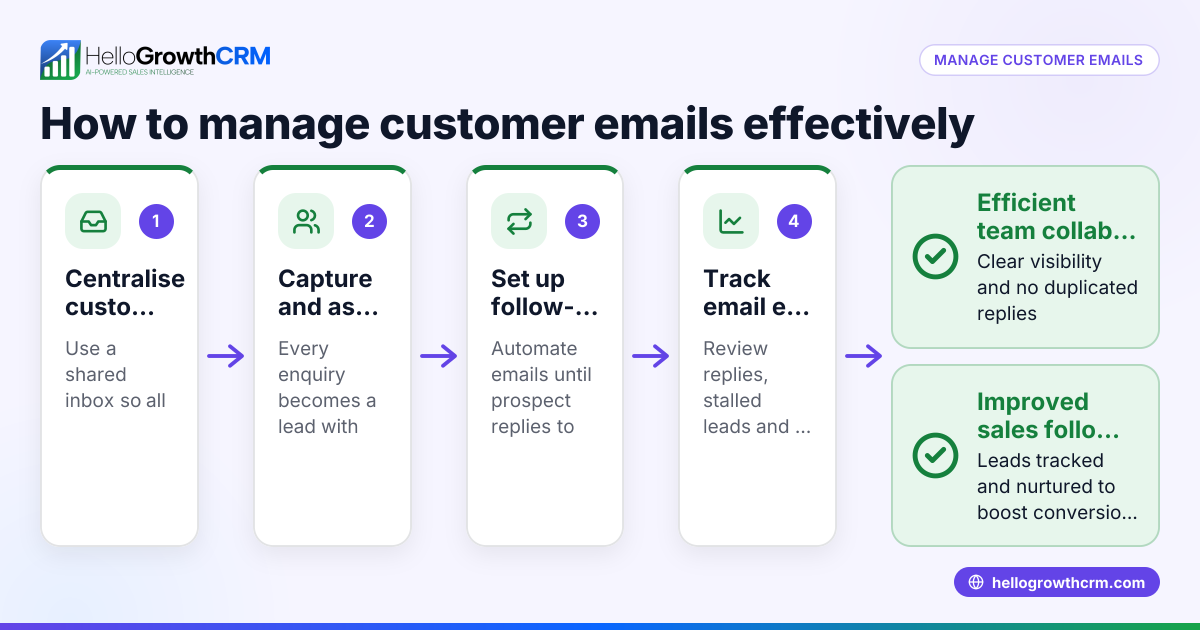
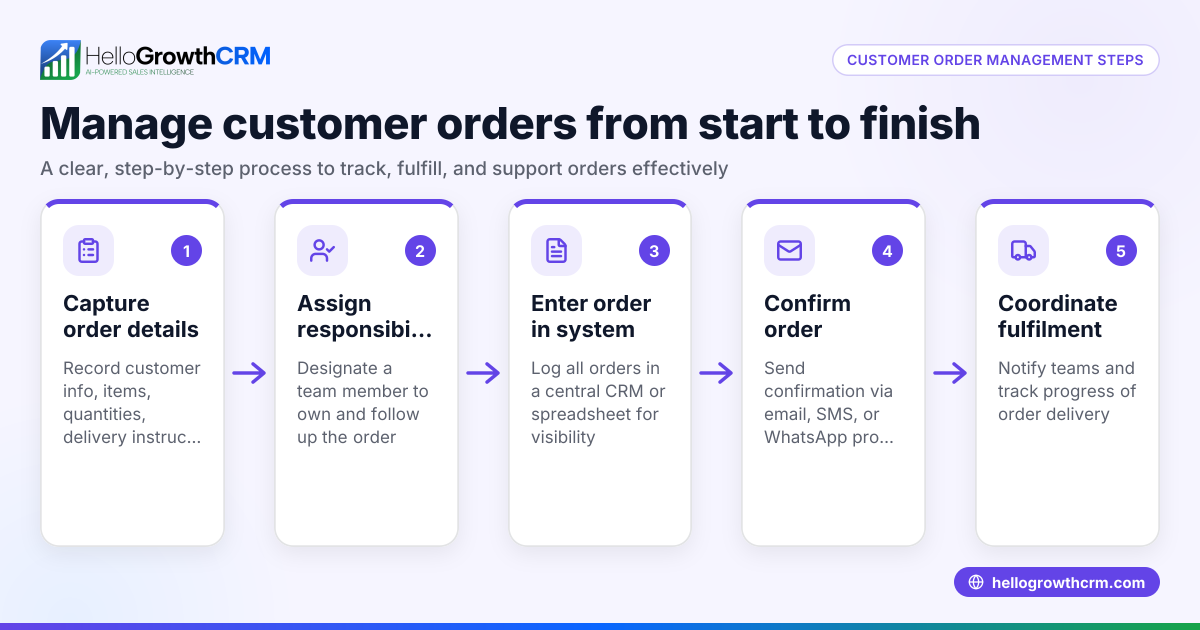
- Set up a central system to capture and track leads and requests: Ensure all customer data and communications are recorded in one place for easy access and follow-up.
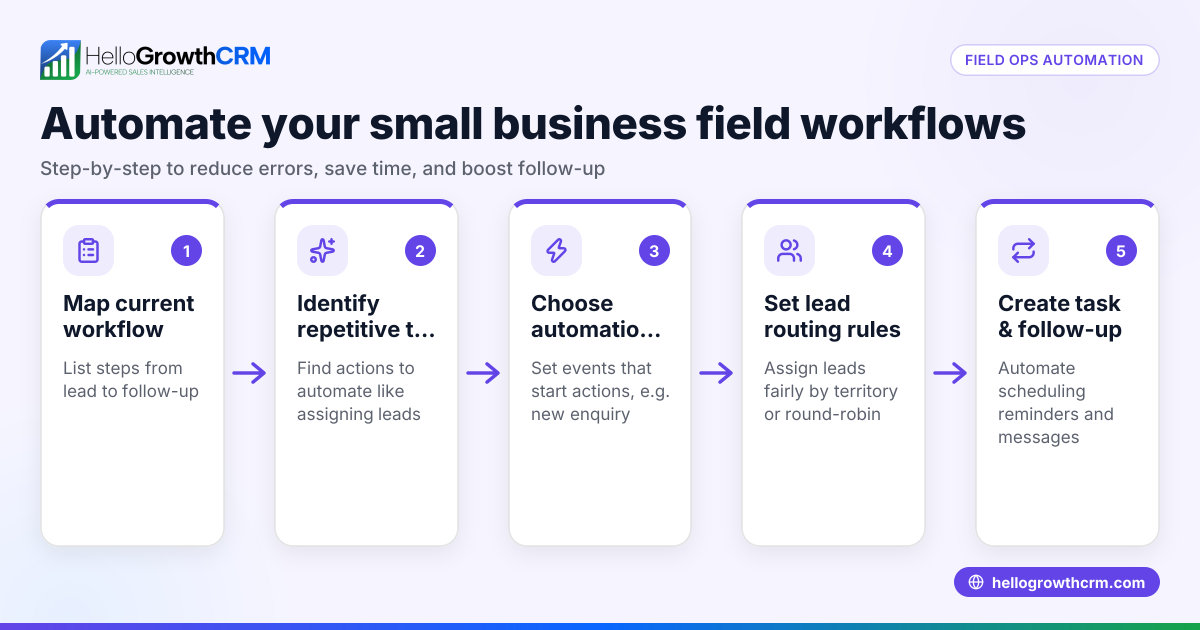
- Assign territories and responsibilities for field operations: If you have sales reps visiting customers, define their territories and daily visit plans to avoid overlap and improve coverage.
- Log customer visits and activities in real time: Use mobile tools so field reps can record visits and outcomes immediately, giving managers visibility into daily operations.
- Track commissions linked to deals: Connect sales outcomes to commission calculations to keep incentives clear and accurate.
- Manage post-sale service requests on the same customer record: Keep support tickets, referrals, and knowledge base articles linked to the customer to speed up resolution and improve satisfaction.
- Regularly review customer health scores and feedback: Monitor customer engagement and issues to proactively address problems.
- Use automated sequences for follow-up communication: Set up email, WhatsApp, or SMS sequences to stay in touch with leads and customers efficiently.
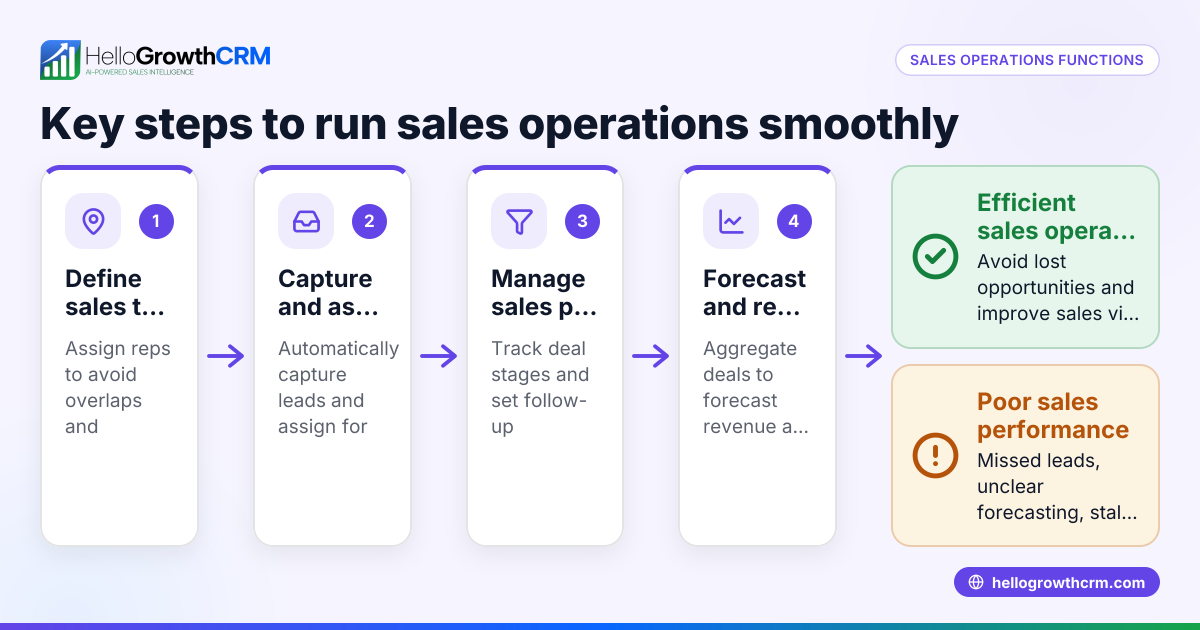
- Report on sales forecasting and customer operations performance: Use dashboards to identify bottlenecks and opportunities for improvement.
Example (fictional figures)
An Adelaide-based registered training organisation (RTO) manages customer operations for its student enrolments and support services.
- The RTO has 3 field reps covering South Australia, each assigned a territory.
- Each rep logs 5 visits per day on their phone using a CRM app.
- The manager reviews visit logs daily to ensure coverage.
- The RTO tracks commissions based on completed enrolments worth A$2,000 each.
For March 2026:
- Rep 1 completed 20 enrolments.
Calculations:
20 enrolments × A$2,000 = A$40,000 total sales
Assuming a commission rate of 10%,
A$40,000 × 10% = A$4,000 commission for Rep 1
This transparent process helps the RTO manage field operations and reward reps accurately.
Common mistakes
- Not centralising customer data: Leads and service requests scattered across emails and spreadsheets cause delays. Prevent by using a CRM that integrates all communications.
- Ignoring territory planning: Overlapping visits waste time and confuse customers. Prevent with clear territory definitions and route planning.
- Failing to log field activities promptly: Managers lack visibility and cannot support reps effectively. Prevent by using mobile logging tools.
- Mixing sales and service records: Losing track of post-sale issues hurts customer satisfaction. Prevent by keeping all customer interactions on one record.
- Delaying follow-up communication: Slow responses lose leads. Prevent with automated WhatsApp and SMS sequences.
See how to improve with a customer health score.
Doing this in HelloGrowthCRM
HelloGrowthCRM supports customer operations with features tailored for small and mid-sized businesses. Its territory management tools let you define sales territories and track field visits from reps' phones, giving managers a clear view of daily activities. Commissions link directly to deals for accurate tracking. After the sale, service requests, referrals, and knowledge base articles stay on the same customer record, ensuring seamless post-sale support. Learn more about these features at HelloGrowthCRM for Australia.
Frequently asked questions
What is the difference between customer operations and customer service? Customer operations cover all customer-related processes, including sales, field visits, support, and communication. Customer service is a part of customer operations focused specifically on post-sale support and resolving issues.
How can small businesses improve customer follow-up? Using a CRM that centralises leads and automates multi-step outreach workflows across email, SMS, and WhatsApp helps small businesses follow up quickly and consistently. HelloGrowthCRM offers these capabilities in one platform.
Why is territory management important in customer operations? Territory management assigns clear geographic or account responsibilities to field reps, avoiding overlaps and ensuring efficient customer coverage. It also helps managers monitor daily activities and sales performance.
Can customer operations help with sales forecasting? Yes. By tracking deals, customer interactions, and pipeline stages in one system, businesses can generate accurate sales forecasts and reports to plan better.
How do support tickets fit into customer operations? Support tickets track customer service requests after a sale. Keeping tickets linked to the same customer record as sales deals ensures faster resolution and better customer experience.
Learn more about managing communications with WhatsApp and SMS CRM.
Key takeaways
- Customer operations cover all processes managing customer interactions from lead to post-sale support.
- Centralising customer data and communications prevents lost leads and delayed responses.
- Territory and field operations management improve sales coverage and accountability.
- Logging visits and linking commissions to deals keeps incentives clear.
- Post-sale service requests should stay on the same customer record for smooth resolution.
- Automation and reporting help maintain consistent follow-up and forecast sales.
Start improving your customer operations today. Start on the Free Forever plan (200 leads, no credit card).
Ready to put this into practice?
Set up your pipeline, WhatsApp follow-ups, and AI lead scoring in minutes — free, no credit card.
Try HelloGrowthCRM freeGet CRM tips in your inbox
Join thousands of sales professionals who get weekly insights on CRM strategy, AI automation, and pipeline optimization.

The HelloGrowthCRM team publishes guides on CRM strategy, AI sales tools, and revenue operations for small business sales teams.