HelloGrowthCRM software
Built for real small-business sales teams
HelloGrowthCRM helps reps qualify faster, follow up on time, and close more deals—with practical automation in one place.
- AI lead scoring and pipeline visibility
- Built-in dialer, WhatsApp, and email automation
- Sales forecasting and RevOps-ready reporting
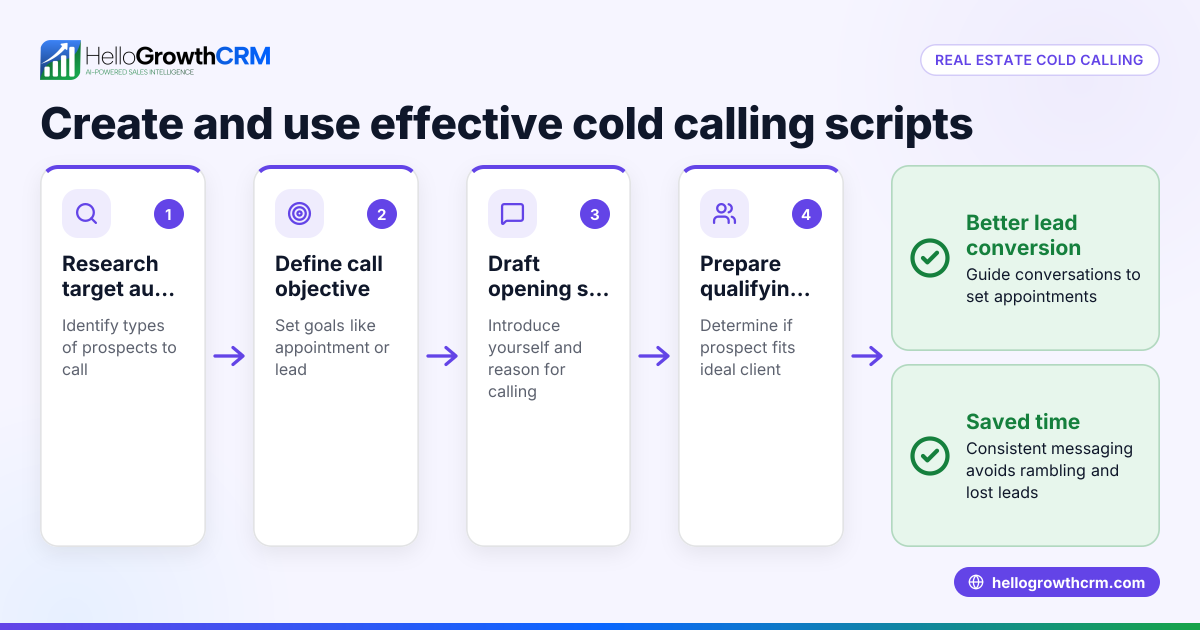
Customer service scripts are structured conversations or prompts designed to guide your team when interacting with customers. They help maintain consistent messaging, reduce response time, and improve customer experience by preparing staff for common questions or issues. This article covers why small businesses use scripts, how to create and implement them effectively, an example scenario, and common pitfalls to avoid.
Why this comes up / what goes wrong
Small-business owners often face challenges managing customer interactions. Without scripts, team members may give inconsistent answers, forget key details, or take too long to respond. This can lead to lost sales, frustrated customers, and a poor reputation. Many small businesses run sales and service on scattered tools like email, text, or spreadsheets, making it hard to track conversations or follow up promptly. Customer service scripts help by standardizing responses and ensuring important information is communicated clearly.
Step-by-step
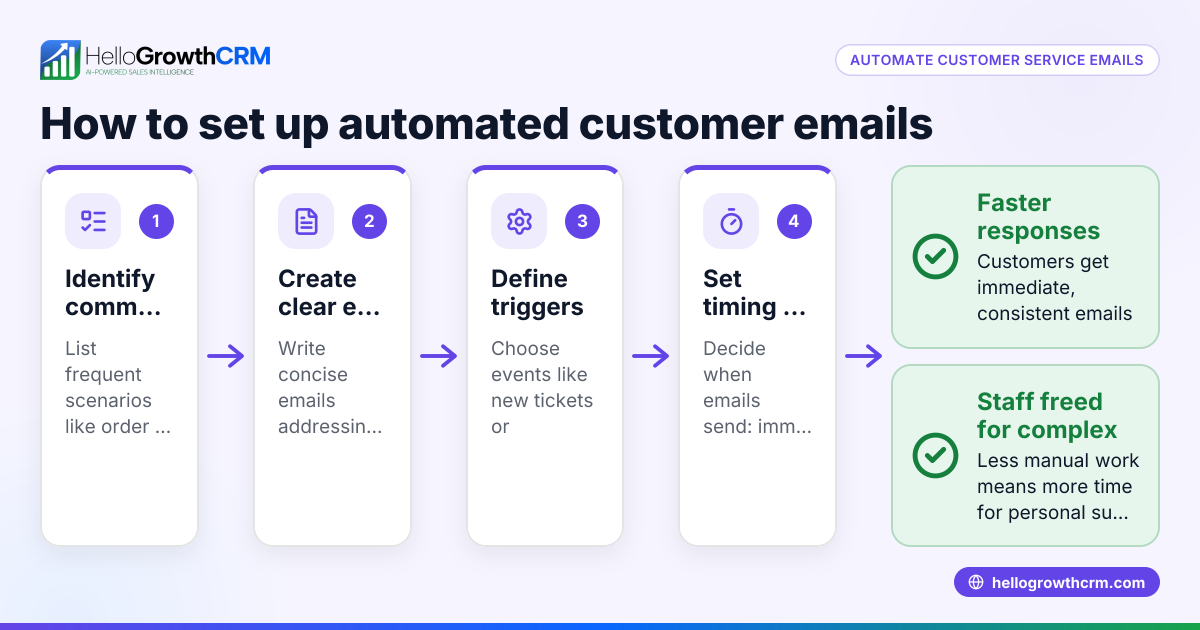
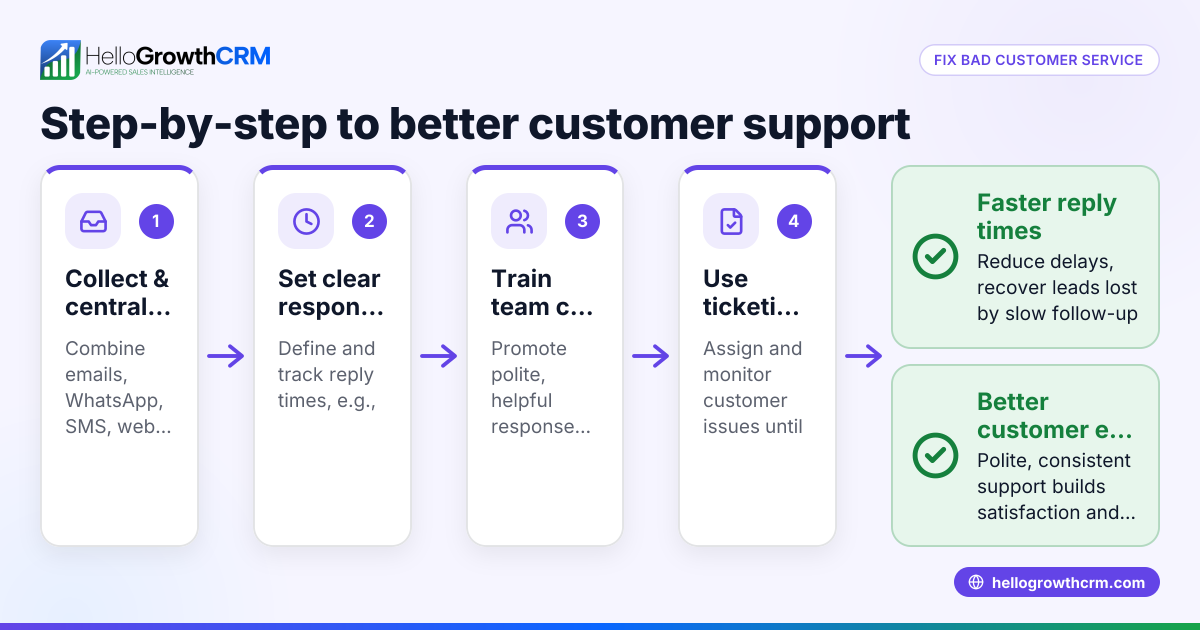
- Identify common customer interactions: List frequent questions, complaints, or requests your team encounters. Check past emails, calls, or messages to gather real examples.
- Write clear and concise scripts: For each scenario, draft a script that includes greetings, key information, and closing remarks. Use simple language your team can easily remember.
- Include options for personalization: Allow your team to adapt scripts slightly to fit individual customer needs while keeping the core message intact.
- Train your team: Review scripts with your staff, role-play conversations, and provide feedback. Check that everyone understands when and how to use each script.
- Collect feedback and update regularly: Ask your team and customers for input on the scripts’ effectiveness. Adjust scripts to improve clarity or cover new scenarios.
- Integrate scripts into your workflow: Use tools or CRM systems where scripts can be accessed easily during calls or messages. Track usage and customer outcomes to measure impact.
- Monitor customer health scores: Use customer health score metrics to identify when scripts are helping improve satisfaction or when changes may be needed. Learn more about customer health score.
Example (fictional figures)
A residential real-estate team in Phoenix, Arizona, uses customer service scripts to handle inquiries about property listings and appointments.
- They receive 200 inquiries monthly.
- Without scripts, average response time is 2 hours.
- With scripts, they reduce response time to 30 minutes.
Calculations:
Response time reduction = 2 hours - 0.5 hours = 1.5 hours saved per inquiry
Total time saved monthly = 200 inquiries × 1.5 hours = 300 hours saved
Assuming average staff cost is $25/hour:
Monthly labor cost saved = 300 hours × $25/hour = $7,500
By using scripts, the team improves response speed and saves $7,500 in labor monthly, allowing staff to focus on closing deals.
Common mistakes
- Overloading scripts with jargon or long sentences: Keep scripts simple and easy to remember. Prevent this by testing scripts with your team before finalizing.
- Making scripts too rigid: Allow flexibility so team members can personalize responses. Encourage staff to adapt while maintaining key points.
- Not updating scripts regularly: Customer needs and products change. Schedule regular reviews to keep scripts relevant.
- Failing to train staff properly: Without training, scripts may be ignored or misused. Conduct role-playing sessions and provide clear guidelines.
- Ignoring customer feedback: Scripts should evolve based on real customer reactions. Collect feedback and adjust accordingly.
- Not integrating scripts into your CRM or communication tools: This can cause delays or lost information. Use tools that centralize scripts and customer data, such as HelloGrowthCRM.
Doing this in HelloGrowthCRM
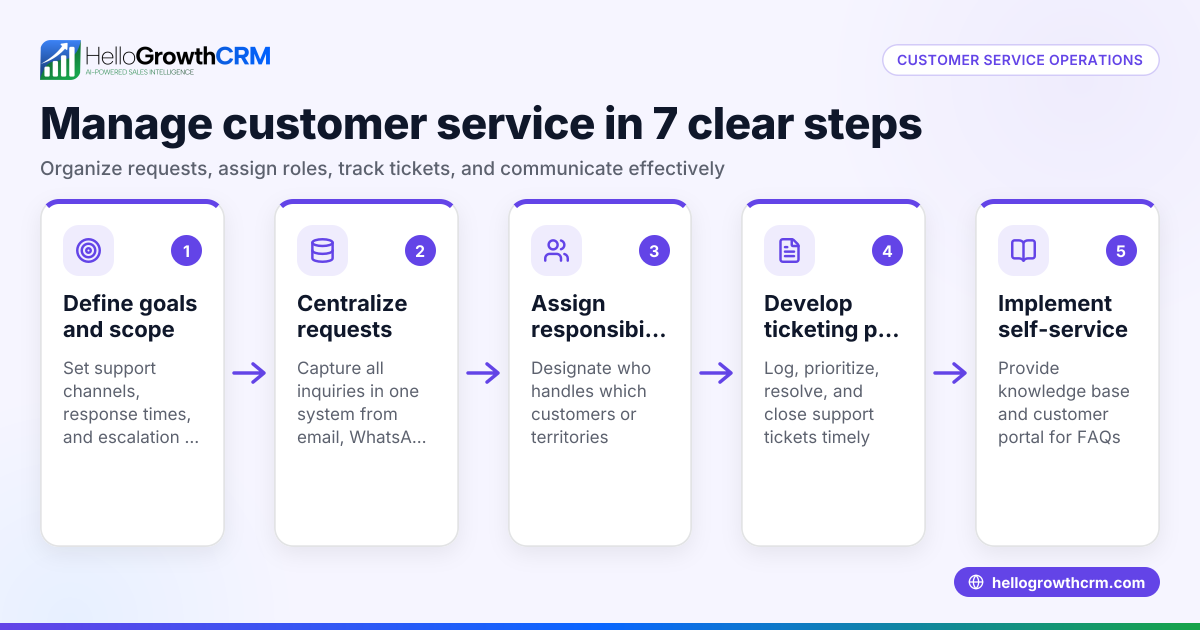
After the sale, HelloGrowthCRM helps keep service requests organized by storing tickets on the same customer record as the deal. The platform includes a branded self-service customer portal, referral tracking, a knowledge base, and support tickets. This centralization makes it easier to apply customer service scripts consistently and track issues from one place. Learn more about these capabilities at HelloGrowthCRM for the United States.
Frequently asked questions
What are customer service scripts? Customer service scripts are pre-planned dialogues that guide your team in handling customer interactions. They ensure consistent and clear communication, helping staff respond quickly and professionally.
How do I create effective customer service scripts? Start by identifying common customer questions or problems. Write clear, concise scripts that include greetings, key information, and closing statements. Train your team and update scripts based on feedback.
Can scripts make customer service sound robotic? Scripts should serve as guides, not strict rules. Allow your team to personalize responses to keep conversations natural while maintaining consistency.
How do I track if scripts are working? Monitor customer satisfaction and response times. Using tools like HelloGrowthCRM, you can track tickets and customer health scores to see if scripts improve service quality. See customer health score for more.
Should I integrate scripts into my CRM? Yes. Integrating scripts into your CRM or communication tools ensures your team has quick access during interactions and helps keep customer records updated.
What if my team resists using scripts? Involve them in script creation, provide training, and explain the benefits. Collect their feedback and adjust scripts to make them more user-friendly.
Key takeaways
- Customer service scripts guide your team to respond consistently and professionally.
- Start by identifying common interactions and writing clear, adaptable scripts.
- Train your team and update scripts regularly based on feedback.
- Avoid overly rigid or complex scripts to keep conversations natural.
- Use tools like HelloGrowthCRM to centralize customer info and support tickets.
- Monitor customer health scores and satisfaction to measure script effectiveness.
Start using customer service scripts to improve your team’s response time and customer satisfaction. To manage leads and customer interactions seamlessly, start on the Free Forever plan (200 leads, no credit card).
Ready to put this into practice?
Set up your pipeline, WhatsApp follow-ups, and AI lead scoring in minutes — free, no credit card.
Try HelloGrowthCRM freeGet CRM tips in your inbox
Join thousands of sales professionals who get weekly insights on CRM strategy, AI automation, and pipeline optimization.

The HelloGrowthCRM team publishes guides on CRM strategy, AI sales tools, and revenue operations for small business sales teams.