HelloGrowthCRM software
Built for real small-business sales teams
HelloGrowthCRM helps reps qualify faster, follow up on time, and close more deals—with practical automation in one place.
- AI lead scoring and pipeline visibility
- Built-in dialer, WhatsApp, and email automation
- Sales forecasting and RevOps-ready reporting
Automated customer service emails are messages your business sends automatically when certain customer actions occur, such as submitting a support ticket or completing a purchase. These emails confirm receipt of requests, provide status updates, answer FAQs, or guide customers on next steps. Automation helps small businesses respond quickly and consistently, improving customer satisfaction and reducing manual workload.
Why this comes up / what goes wrong
Small business owners often find it hard to keep up with customer inquiries because responding manually takes time and can cause delays or missed messages. Customers expect prompt, clear communication, especially after making a purchase or submitting a service request. Without automation, businesses risk frustrating customers, losing repeat business, or harming their reputation. Automated customer service emails help maintain responsiveness and free up staff to focus on complex issues.
Step-by-step
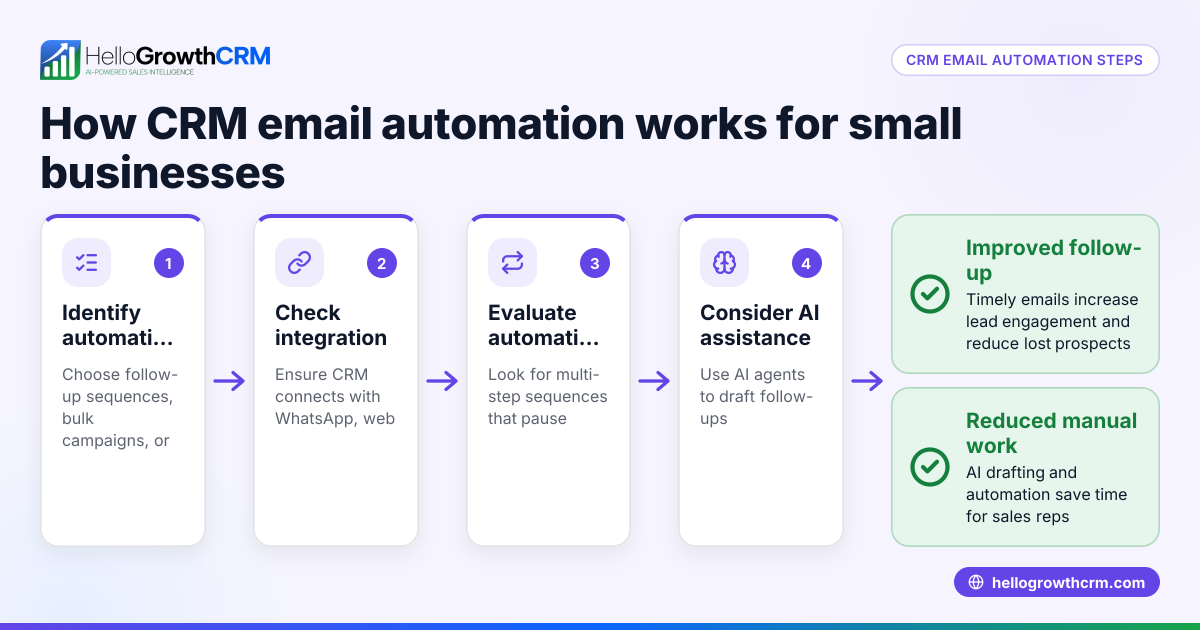
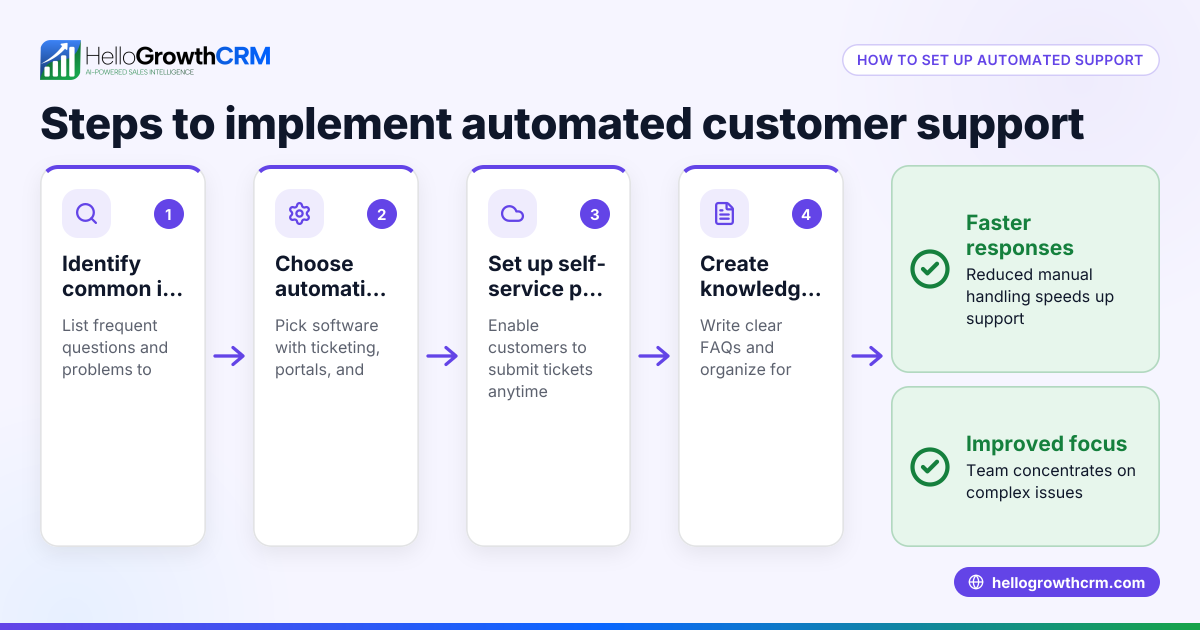
- Identify frequent customer interactions to automate: List common scenarios such as order confirmations, support ticket receipts, delivery updates, or answers to common questions.
- Create clear and concise email templates: Write each email to address the customer’s needs, set expectations, and provide contact information or next steps.
- Define triggers for sending emails: Choose events that start automation, like a new support ticket, payment confirmation, or shipment notification.
- Set timing rules for sending: Decide whether emails send immediately, after a short delay, or as part of a sequence.
- Test automated emails thoroughly: Send test emails to yourself or your team to check formatting, links, and tone.
- Monitor customer feedback and adjust templates: Use responses and common questions to improve your emails over time.
- Use a CRM or helpdesk to integrate automation: Keep all customer service interactions linked on one record for easy tracking and follow-up. HelloGrowthCRM supports this integration with features like tickets and a customer portal.
Example (fictional figures)
ClearFlow Plumbing, a plumbing company in Austin, Texas, wants to automate customer service emails for new service requests.
- They receive 120 service requests monthly.
- Each manual email takes about 6 minutes to write and send.
- Total manual email time: 120 × 6 = 720 minutes = 12 hours monthly.
Assuming an employee wage of $18/hour:
$18 × 12 = $216 saved monthly by automating these emails.
ClearFlow Plumbing sets up an automated email triggered immediately when a new support ticket is created. The email confirms receipt of the request and provides an estimated response time.
Common mistakes
- Using generic templates that don’t address specific issues: Prevent by customizing emails to match common customer questions or problems.
- Sending too many automated emails too quickly: Prevent by spacing messages and limiting follow-up emails to avoid overwhelming customers.
- Ignoring customer replies to automated emails: Prevent by monitoring responses and routing complex issues to staff promptly.
- Not testing emails before launching automation: Prevent by sending test emails to check clarity, links, and formatting.
- Failing to update templates regularly: Prevent by reviewing templates every few months and incorporating customer feedback.
- Not integrating emails with customer records: Prevent by using a CRM that links service requests to customer profiles for better tracking.
Doing this in HelloGrowthCRM
HelloGrowthCRM helps small businesses manage customer service efficiently by keeping service requests on the same customer record as the deal. Its features include a branded customer portal, referrals, support tickets, and a knowledge base. These tools help automate responses and track all customer interactions in one place, making it easier to provide timely and informed support. Learn more about the customer health score and how it helps maintain service quality.
Frequently asked questions
What types of customer service emails can I automate? You can automate order confirmations, support ticket acknowledgments, status updates, follow-ups, and answers to common questions. Automating these ensures customers receive immediate responses without waiting.
How do I make automated emails sound personal and friendly? Use conversational language, include the customer’s name, and reference their specific request or order. Regularly update your templates based on customer feedback to keep the tone natural.
Is it possible to automate customer service emails without a CRM? Yes, but a CRM like HelloGrowthCRM helps organize all customer data and communications in one place, improving efficiency and follow-up.
How often should I update my automated email templates? Review your templates every 3 to 6 months or sooner if you notice customer confusion or changes in your business processes.
Can HelloGrowthCRM automate customer service emails? HelloGrowthCRM includes support tickets and a customer portal that keep service requests linked to deals, helping automate responses and track customer interactions effectively. For more on automation, see email automation and sequences.
How does integrating customer service emails with CRM improve support? Integrating emails with CRM ensures all interactions are recorded on the same customer profile, making it easier for your team to view history, avoid duplicated efforts, and provide consistent support.
Key takeaways
- Automated customer service emails save time and improve customer satisfaction.
- Identify common customer interactions and create clear, targeted email templates.
- Define triggers and timing carefully to avoid overwhelming customers.
- Test and update templates regularly based on customer feedback.
- Use HelloGrowthCRM to keep service requests organized and automate responses.
Automating your customer service emails speeds up communication and frees your team to focus on complex issues. To get started easily, explore how to Start on the Free Forever plan (200 leads, no credit card) with HelloGrowthCRM.
Ready to put this into practice?
Set up your pipeline, WhatsApp follow-ups, and AI lead scoring in minutes — free, no credit card.
Try HelloGrowthCRM freeGet CRM tips in your inbox
Join thousands of sales professionals who get weekly insights on CRM strategy, AI automation, and pipeline optimization.

The HelloGrowthCRM team publishes guides on CRM strategy, AI sales tools, and revenue operations for small business sales teams.