HelloGrowthCRM software
Built for real small-business sales teams
HelloGrowthCRM helps reps qualify faster, follow up on time, and close more deals—with practical automation in one place.
- AI lead scoring and pipeline visibility
- Built-in dialer, WhatsApp, and email automation
- Sales forecasting and RevOps-ready reporting
Customer service operations are the organized activities and procedures your business uses to handle customer inquiries, support tickets, and ongoing service needs. These operations focus on delivering consistent, timely, and effective support to keep customers satisfied and loyal. This article covers why managing customer service operations is critical for small businesses, practical steps to implement them, common pitfalls, a detailed example, and how HelloGrowthCRM can streamline these tasks.
Why this comes up / what goes wrong
Small-business owners often find themselves overwhelmed by managing customer service manually. They might use scattered tools like text messages, emails, or spreadsheets to track customer issues, leading to slow responses and lost information. Without clear processes, service quality suffers, customers get frustrated, and repeat business declines. Owners want to understand "customer service operations" to build a system that organizes requests, tracks progress, and ensures accountability.
Step-by-step
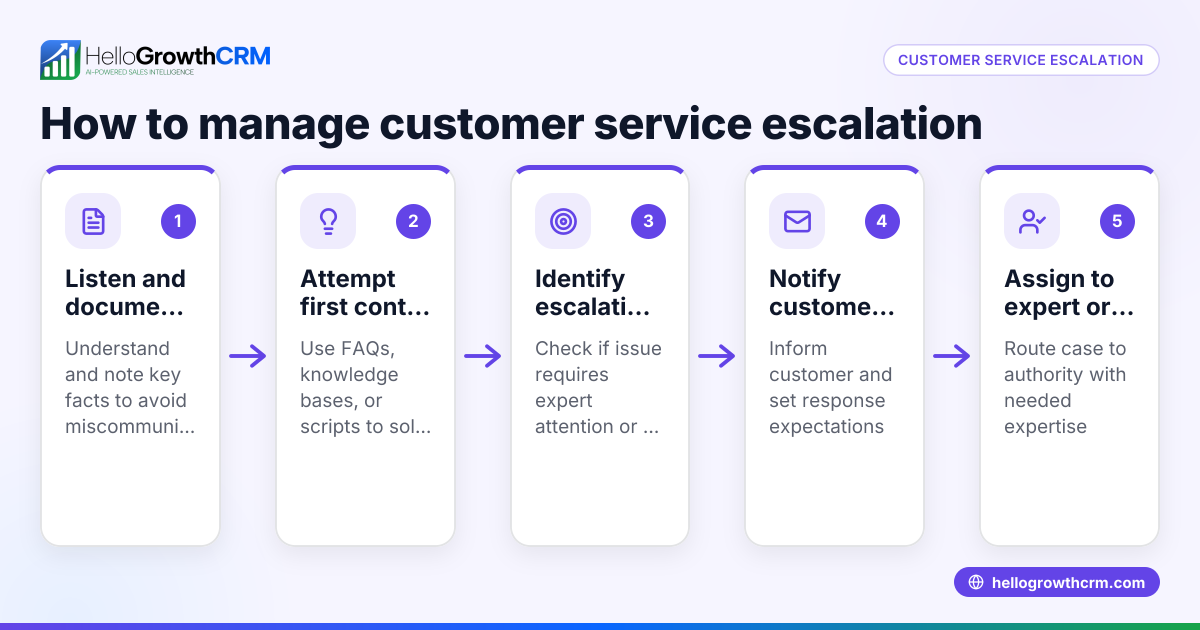
- Define your customer service goals and scope. Decide the types of support you will offer (phone, email, chat), expected response times, and which issues you will handle internally versus escalate.
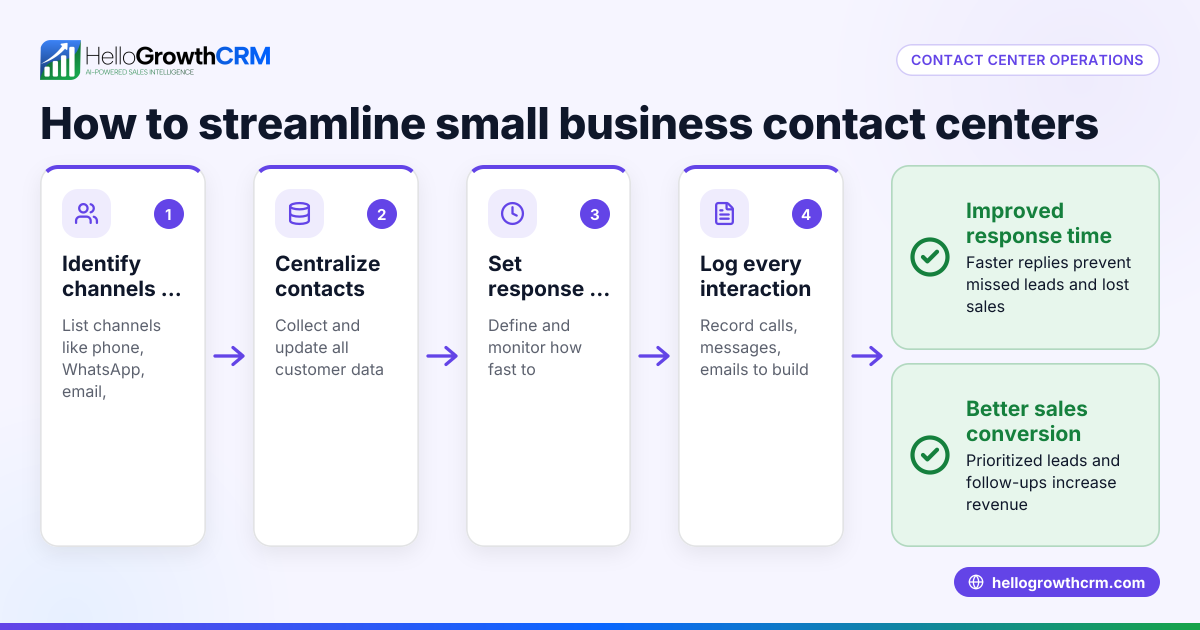
- Set up a centralized system to capture service requests. Use a tool where all requests—whether from email, WhatsApp, or web forms—are logged in one place. Check that no requests get lost or ignored.
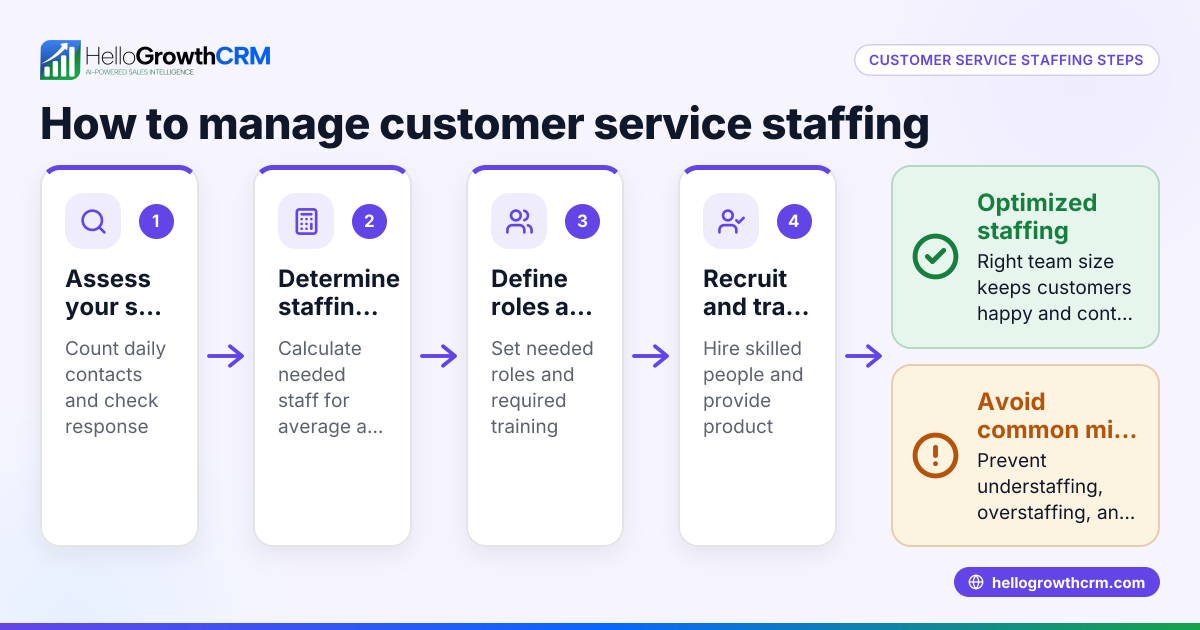
- Assign responsibilities and territories. Clearly designate who handles which customers or regions to avoid confusion. Confirm each team member knows their assigned customers or geographic areas.
- Develop a ticketing process. Create steps for logging, prioritizing, resolving, and closing support tickets. Check that each ticket has a clear owner and timeline.
- Implement a knowledge base and self-service portal. Provide customers with access to FAQs and guides to reduce repetitive questions. Verify the portal is easy to use and updated regularly.
- Track performance and customer satisfaction. Monitor metrics like response time, resolution time, and customer feedback. Review these regularly to identify improvement areas.
- Communicate clearly with customers. Keep customers informed of progress via their preferred channels like WhatsApp or SMS. Confirm messages are timely and personalized.
Example (fictional figures)
GreenThumb Landscaping in Charlotte, North Carolina, wants to improve its customer service operations starting 07/01/2025.
- They receive about 150 service requests monthly via phone and WhatsApp.
- Goal: Respond within 24 hours and resolve most issues within 3 days.
- They assign two field reps to cover Charlotte and nearby areas.
- Implemented a ticketing system logging each request.
Calculations:
Monthly requests = 150
Average daily requests (assuming 22 workdays) = 150 ÷ 22 = 6.82 (rounded to 7)
Each rep handles half the territory, so daily requests per rep = 7 ÷ 2 = 3.5
GreenThumb schedules daily check-ins to review open tickets and uses a knowledge base for common landscaping issues, reducing repeat inquiries by an estimated 20%. This helps reps focus on new requests and resolve them faster.
Common mistakes
- Not centralizing customer requests: Using multiple unconnected channels leads to lost tickets. Prevent this by consolidating requests in one system.
- Unclear responsibility assignments: Without defined territories or owners, tickets get ignored. Assign territories and roles clearly and track them in your CRM as explained in the territories and field operations feature.
- Ignoring customer communication preferences: Sending updates via email when customers prefer WhatsApp or SMS causes delays. Use communication channels your customers use, like the WhatsApp and SMS CRM capabilities.
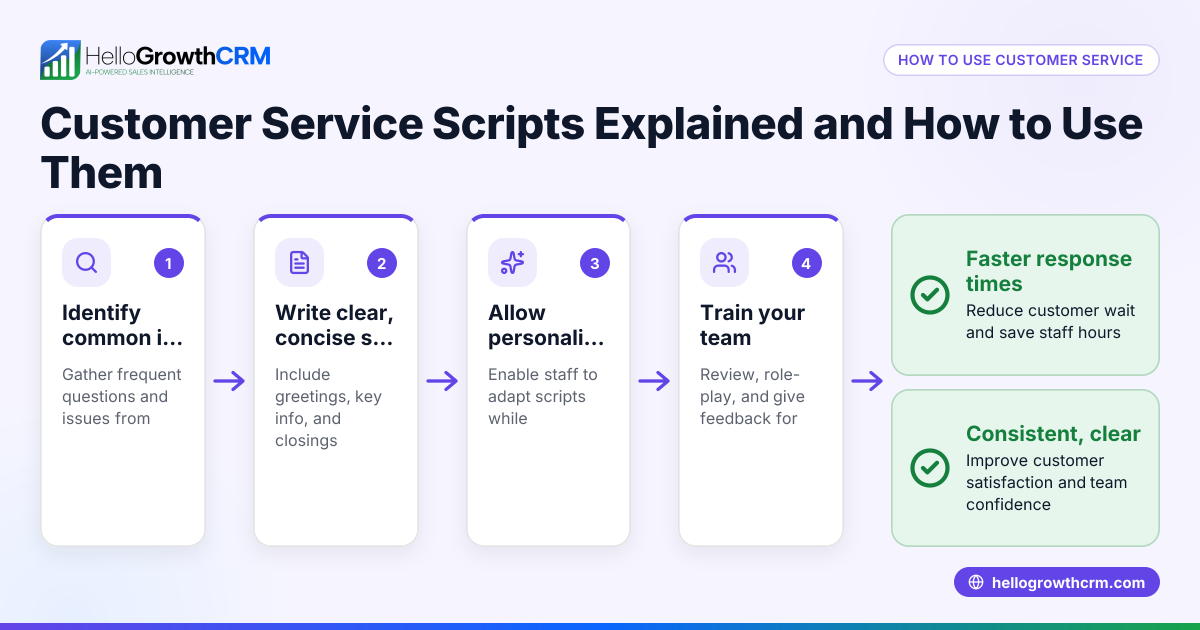
- Lack of self-service resources: Without a knowledge base or portal, support teams get overwhelmed with repetitive questions. Implement a customer portal and knowledge base to empower customers.
- Failing to track service metrics: Without measuring response and resolution times, it’s hard to improve. Regularly review these metrics to spot bottlenecks.
- Not linking service to sales records: Service requests disconnected from sales data cause incomplete customer views. Keep service tickets on the same customer record as deals to maintain context.
Doing this in HelloGrowthCRM
HelloGrowthCRM supports customer service operations through its customer portal, referrals, tickets, and knowledge base features. After a sale, all service requests stay linked on the same customer record as the deal, ensuring your team sees the full history. Field reps can log visits and activities via mobile, with managers able to monitor daily beats through territory and field operations tools. This setup helps assign service tasks clearly and track progress efficiently. Learn more about these features in HelloGrowthCRM for the United States at /usa.
Frequently asked questions
What are the main components of customer service operations? Customer service operations typically include capturing and managing support requests, assigning responsibilities, tracking ticket progress, communicating with customers, and maintaining self-service resources like a knowledge base.
How can small businesses improve customer service response times? Centralize all customer requests into one system, assign clear ownership, and use automated notifications. Using tools with WhatsApp and SMS CRM capabilities helps speed communication on channels customers prefer (/product/whatsapp-sms-crm).
Why is linking service tickets to sales records important? It gives your team a complete view of customer history, improving personalized service and preventing repeated questions. HelloGrowthCRM keeps service requests on the same customer record as deals for this reason (/product/customer-health-score).
What role does a customer portal play in service operations? A portal lets customers find answers and submit tickets themselves, reducing support load and speeding issue resolution. It also improves customer satisfaction by offering 24/7 access.
How do territories improve customer service? Territories ensure that each customer is assigned to a specific rep or team, preventing confusion and speeding up response times. HelloGrowthCRM helps manage territories and field operations effectively (/product/territory-management).
Key takeaways
- Customer service operations organize how your business handles support requests and customer interactions.
- Centralizing requests, assigning clear ownership, and tracking tickets improve response and resolution times.
- Self-service portals and knowledge bases reduce repetitive questions and empower customers.
- Using communication channels like WhatsApp and SMS meets customers where they are.
- Linking service tickets to sales records gives your team full customer context.
- HelloGrowthCRM offers tools for territories, field operations, customer portals, and ticket management to streamline service.
Start managing your customer service operations more effectively today. Start on the Free Forever plan (200 leads, no credit card).
Ready to put this into practice?
Set up your pipeline, WhatsApp follow-ups, and AI lead scoring in minutes — free, no credit card.
Try HelloGrowthCRM freeGet CRM tips in your inbox
Join thousands of sales professionals who get weekly insights on CRM strategy, AI automation, and pipeline optimization.

The HelloGrowthCRM team publishes guides on CRM strategy, AI sales tools, and revenue operations for small business sales teams.