HelloGrowthCRM software
Built for real small-business sales teams
HelloGrowthCRM helps reps qualify faster, follow up on time, and close more deals—with practical automation in one place.
- AI lead scoring and pipeline visibility
- Built-in dialer, WhatsApp, and email automation
- Sales forecasting and RevOps-ready reporting
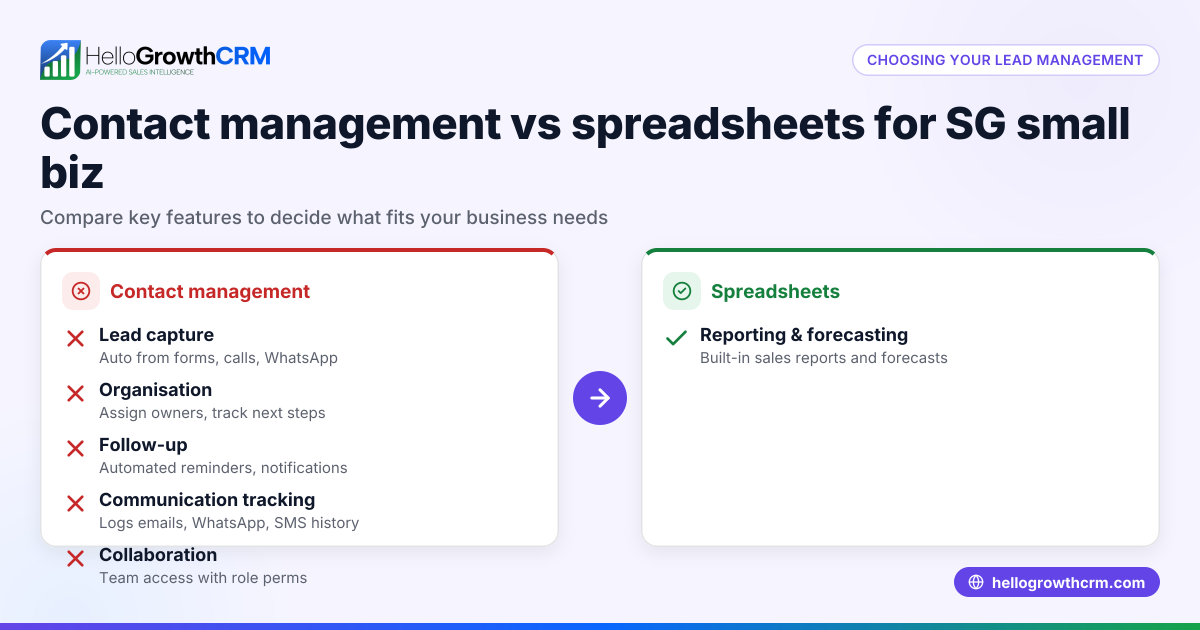
For many small businesses in Singapore, deciding between a customer support CRM and spreadsheets for managing customer service is common. A CRM centralises customer data, automates ticketing, and integrates communication channels like WhatsApp and SMS, while spreadsheets rely on manual entry and lack automation. Choosing the right tool depends on your business size, support volume, and growth plans.
Why this comes up / what goes wrong
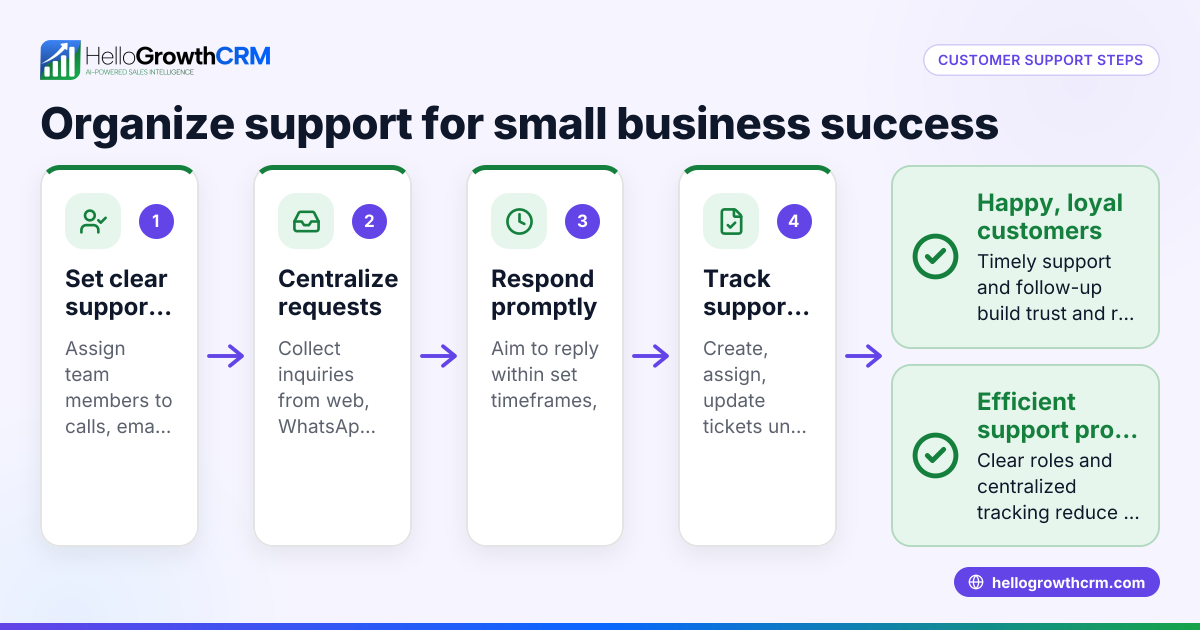
Small business owners often start with spreadsheets because they are free and familiar. However, as customer inquiries grow, spreadsheets become hard to manage: data gets lost, follow-ups are missed, and team collaboration suffers. Running support on WhatsApp or email alongside spreadsheets leads to scattered information and slow response times. This inefficiency can cause lost leads and unhappy customers, prompting the search for a customer support CRM that streamlines these tasks.
Step-by-step
Here is a comparison of customer support CRM versus spreadsheets on key criteria relevant to Singapore small businesses:
| Criteria | Customer Support CRM | Spreadsheets |
|---|---|---|
| Data organisation | Centralised database with customer records, tickets, and communication history | Separate files or sheets, prone to errors and duplication |
| Automation | Automates ticket creation, follow-ups, reminders | Manual updates and tracking required |
| Communication channels | Integrates WhatsApp, SMS, email logging | No integration; communication tracked separately |
| Collaboration | Multiple users access and update in real time | Limited collaboration; risk of version conflicts |
| Scalability | Handles growing customer base and interactions smoothly | Becomes unwieldy as data grows |
| Reporting & insights | Built-in reports on ticket status, response times, customer satisfaction | Must create manual reports; prone to errors |
| Customer experience | Faster, consistent responses with self-service portals | Slower, inconsistent follow-ups |
Who should pick which?
- Use a customer support CRM if your business handles multiple support requests daily, uses WhatsApp or SMS for communication, or plans to scale customer service.
- Use spreadsheets only if your support volume is very low, your team is small, and you do not require automation or integrated messaging.
For more on how to evaluate CRM features, see compare CRMs.
Example (fictional figures)
A property agency in Novena handles 150 support tickets monthly and communicates with clients mainly via WhatsApp and email.
Using spreadsheets:
- Time spent updating spreadsheets per ticket: 5 minutes
- Total monthly time: 150 tickets × 5 minutes = 750 minutes = 12.5 hours
- Average staff cost: S$20/hour
- Monthly cost: 12.5 hours × S$20 = S$250
Using a customer support CRM:
- Time spent updating tickets per ticket: 2 minutes (due to automation)
- Total monthly time: 150 tickets × 2 minutes = 300 minutes = 5 hours
- Monthly cost: 5 hours × S$20 = S$100
Monthly time saved: 12.5 hours - 5 hours = 7.5 hours Monthly cost saved: S$250 - S$100 = S$150
This time saving allows the team to focus on closing deals and improving customer satisfaction.
Common mistakes
- Underestimating support volume growth: Start with spreadsheets but fail to switch to CRM as volume grows. Prevent by regularly reviewing support load and switching early.
- Ignoring integrated communication: Using spreadsheets but tracking WhatsApp or SMS conversations separately causes lost context. Prevent by choosing a CRM with WhatsApp and SMS integration.
- Poor data organisation: Mixing customer data and tickets in spreadsheets leads to errors. Prevent by using a system that links tickets to customer records.
- No follow-up reminders: Spreadsheets lack automatic reminders, causing missed responses. Prevent by using CRM automation features.
- Limited team collaboration: Sharing spreadsheets via email causes version conflicts. Prevent by using cloud-based CRM accessible to the whole team.
Learn more about customer health and support tracking at customer health score.
Doing this in HelloGrowthCRM
HelloGrowthCRM offers a customer portal, referrals, tickets, and knowledge base features that keep service requests linked to the same customer record as the deal. WhatsApp and SMS conversations with leads and customers are logged automatically on their records, enabling easy follow-ups. Its AI agents draft follow-up messages after calls for quick rep review and sending. These features help Singapore small businesses streamline customer support in one platform. See details at HelloGrowthCRM for Singapore.
Frequently asked questions
What are the main benefits of using a customer support CRM over spreadsheets? A CRM centralises customer data, automates ticket management, integrates communication channels like WhatsApp and SMS, and supports team collaboration. Spreadsheets lack these features and require manual work, increasing the risk of errors and slow response times.
Can small teams manage customer support effectively with spreadsheets? Very small teams with low support volume might manage with spreadsheets temporarily. However, as customer interactions increase, spreadsheets become inefficient and error-prone, making a CRM a better choice.
How does WhatsApp integration improve customer support? WhatsApp integration logs conversations on the customer record and allows sending follow-ups directly, reducing lost messages and improving response speed. This is especially useful in Singapore where WhatsApp is widely used.
What mistakes should I avoid when switching from spreadsheets to a CRM? Avoid delaying the switch until data is unmanageable, failing to train your team, and neglecting to integrate communication channels. Plan the transition carefully to maintain data integrity and team adoption.
Is HelloGrowthCRM suitable for businesses new to CRM? Yes, HelloGrowthCRM is designed for small to mid-sized businesses in Singapore, with features like customer portals, ticketing, and AI agents that simplify customer support and sales follow-up.
Key takeaways
- Customer support CRMs organise data, automate tasks, and integrate messaging channels, unlike spreadsheets.
- Spreadsheets may work for very small teams with low support volume but do not scale well.
- Integration with WhatsApp and SMS is crucial for efficient support in Singapore.
- Common mistakes include delaying CRM adoption and poor data organisation.
- HelloGrowthCRM offers customer portals, tickets, WhatsApp/SMS logging, and AI agents to streamline support.
Start managing your customer support better today. Start on the Free Forever plan (200 leads, no credit card).
Ready to put this into practice?
Set up your pipeline, WhatsApp follow-ups, and AI lead scoring in minutes — free, no credit card.
Try HelloGrowthCRM freeGet CRM tips in your inbox
Join thousands of sales professionals who get weekly insights on CRM strategy, AI automation, and pipeline optimization.

The HelloGrowthCRM team publishes guides on CRM strategy, AI sales tools, and revenue operations for small business sales teams.