HelloGrowthCRM software
Built for real small-business sales teams
HelloGrowthCRM helps reps qualify faster, follow up on time, and close more deals—with practical automation in one place.
- AI lead scoring and pipeline visibility
- Built-in dialer, WhatsApp, and email automation
- Sales forecasting and RevOps-ready reporting
Data automation services help US service businesses streamline repetitive data tasks like lead capture, follow-up, and reporting by using software to automate workflows. These services reduce manual errors and save time. This article covers why service businesses seek data automation, practical steps to implement it, common mistakes, and how HelloGrowthCRM supports automation for local service teams.
Why this comes up / what goes wrong
Service business owners and accountants in the US often handle many manual data tasks such as entering leads from web forms, tracking follow-ups via email or text, and managing sales pipelines in spreadsheets. This manual work can lead to lost leads, slow customer responses, and inconsistent data. For example, a landscaping company might miss a call-back task or double-enter a customer’s info, causing delays and lost revenue. Data automation services address these problems by automating data capture, routing, and communication tasks, freeing teams to focus on selling and servicing clients.
Step-by-step
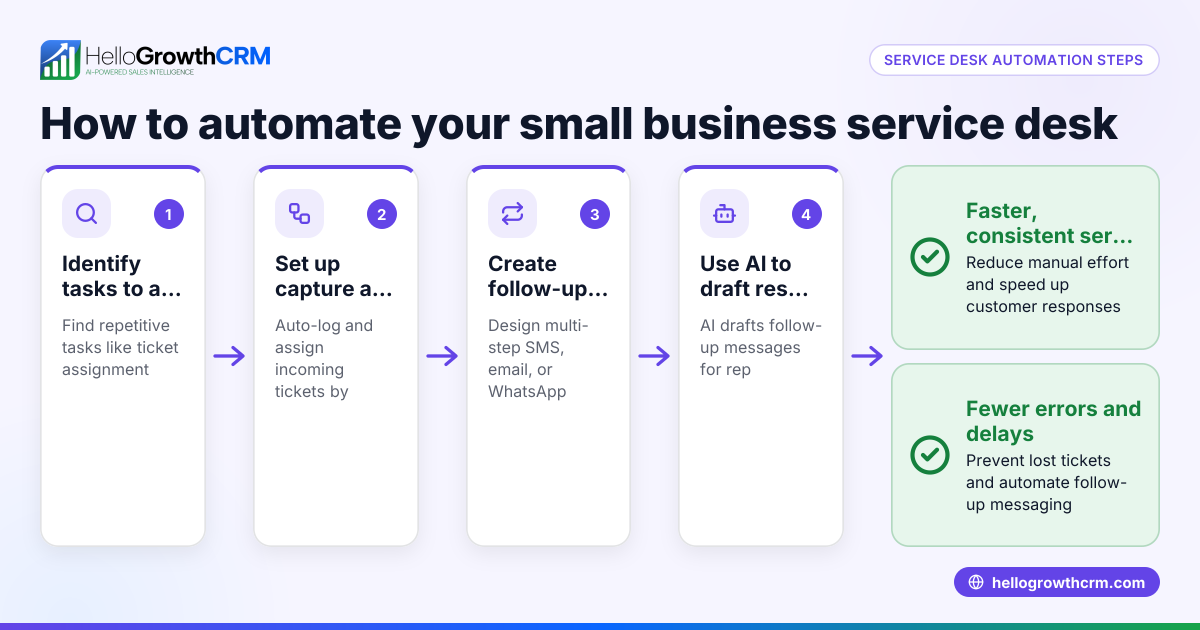
- Identify repetitive data tasks: List all manual data processes in your sales and customer management workflows, such as lead entry, follow-up reminders, and reporting.
- Evaluate automation needs: Decide which tasks need automation first based on time spent and error risk. Prioritize lead capture and follow-up.
- Research data automation services: Look for providers that support your communication channels (email, SMS, WhatsApp) and integrate with your existing tools.
- Check for workflow customization: Ensure the service allows you to build automated workflows with triggers, task assignments, and validations suitable for your business.
- Consider AI features: See if the service offers AI agents that draft follow-ups or update records automatically to reduce manual work.
- Test lead routing rules: Confirm the service can assign leads automatically by territory, source, or round-robin to balance workload.
- Plan a pilot: Implement automation for a small segment of your leads or tasks and monitor results.
- Train your team: Make sure sales reps understand how automation works and how to review AI-generated messages or tasks.
- Measure impact: Track lead response times, conversion rates, and data accuracy improvements.
- Iterate and expand: Adjust workflows based on feedback and gradually automate more processes.
For US local service businesses, these steps help ensure automation fits your unique workflows and customer communication styles. Learn more about automation tailored for Local service businesses.
Example (fictional figures)
GreenScape Landscaping in Charlotte, North Carolina, wants to automate lead follow-up to avoid missing calls and slow responses.
- Current leads per month: 200
- Average follow-up time manually: 3 days
- Target follow-up time with automation: 1 day
They implement a five-step automated follow-up sequence over two weeks.
Assumed average revenue per converted lead: $1,200
Current conversion rate: 10% (20 leads converted)
Expected conversion rate after automation: 15% (30 leads converted)
Additional revenue:
30 leads × $1,200 = $36,000
Current revenue:
20 leads × $1,200 = $24,000
Revenue increase:
$36,000 - $24,000 = $12,000
By automating follow-ups, GreenScape can convert 10 more leads monthly, adding $12,000 in revenue.
Common mistakes
- Automating without mapping workflows: Prevent by documenting all manual data steps before automating to avoid missing tasks.
- Ignoring team training: Prevent by training reps on how automation works and their role in reviewing AI drafts.
- Over-automating early: Prevent by piloting automation on a small scale first to catch issues.
- Choosing services without integration: Prevent by selecting automation tools that connect with your CRM and communication channels.
- Neglecting lead routing rules: Prevent by setting clear lead assignment rules to avoid confusion and delays.
- Not monitoring automation impact: Prevent by regularly reviewing metrics like response times and conversion rates.
See how to avoid these mistakes with tools designed for Local service businesses.
Doing this in HelloGrowthCRM
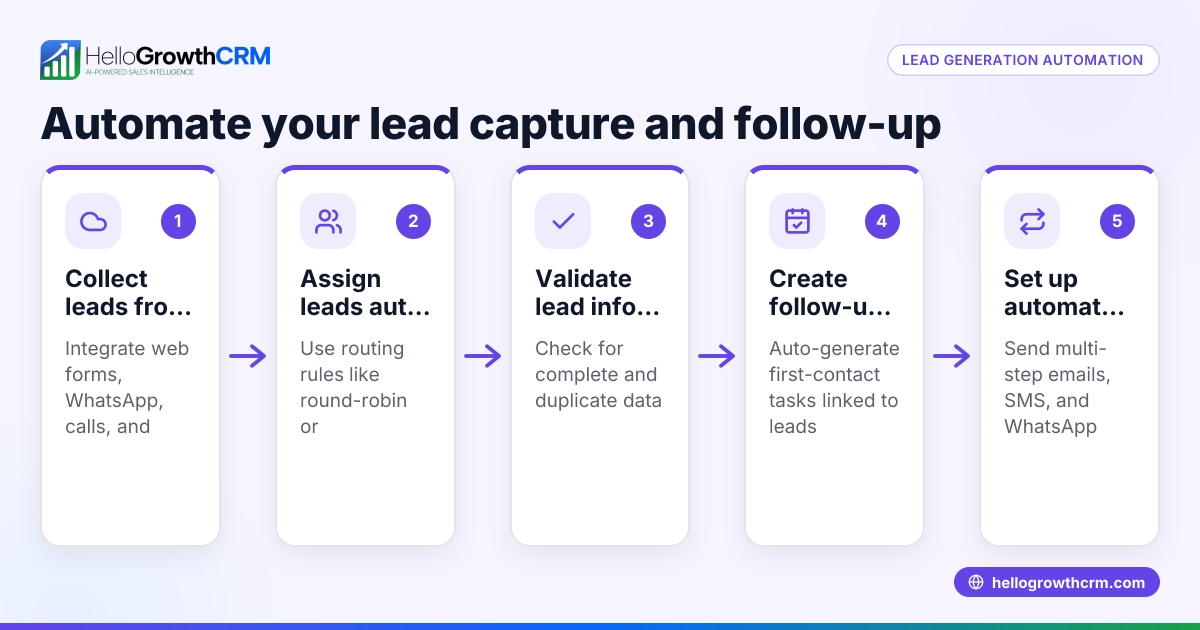
HelloGrowthCRM supports data automation for US service teams with features like Sequences and campaigns, which run a five-step follow-up over two weeks and stop when a prospect replies. Its AI agents draft follow-up messages after calls, letting reps review and send quickly. Workflows, lead routing, and validation rules automate lead assignment by territory or round-robin and create first-call tasks automatically. Learn more about these features on the AI CRM page and how HelloGrowthCRM fits HelloGrowthCRM for the United States.
Frequently asked questions
What are data automation services? Data automation services use software to automate repetitive data tasks such as lead capture, follow-up messaging, and task management, reducing manual errors and saving time.
How do I know which tasks to automate first? Start with tasks that consume the most time or cause frequent errors, typically lead entry and follow-up communications, to get quick efficiency gains.
Can data automation improve customer response times? Yes, automated follow-ups and lead routing ensure prospects are contacted promptly, increasing the chances of conversion.
Is AI involved in data automation? Many services now include AI agents that draft messages or update records automatically, reducing manual workload while keeping reps in control.
How does lead routing work in automation? Lead routing assigns new leads automatically based on criteria like territory, source, or round-robin distribution, balancing workload and speeding response.
Will automation replace my sales team? No, automation supports your team by handling repetitive tasks, allowing reps to focus on selling and building relationships.
Key takeaways
- Data automation services reduce manual data entry and follow-up delays for US service businesses.
- Start automation by identifying repetitive tasks and prioritizing lead capture and follow-up.
- Pilot automation workflows and train your team to ensure smooth adoption.
- Avoid common mistakes by mapping workflows, choosing integrated tools, and monitoring results.
- HelloGrowthCRM offers sequences, AI agents, and lead routing workflows tailored for local service teams.
Start automating your sales and customer data tasks easily with HelloGrowthCRM. Start on the Free Forever plan (200 leads, no credit card).
Ready to put this into practice?
Set up your pipeline, WhatsApp follow-ups, and AI lead scoring in minutes — free, no credit card.
Try HelloGrowthCRM freeGet CRM tips in your inbox
Join thousands of sales professionals who get weekly insights on CRM strategy, AI automation, and pipeline optimization.

The HelloGrowthCRM team publishes guides on CRM strategy, AI sales tools, and revenue operations for small business sales teams.