HelloGrowthCRM software
Built for real small-business sales teams
HelloGrowthCRM helps reps qualify faster, follow up on time, and close more deals—with practical automation in one place.
- AI lead scoring and pipeline visibility
- Built-in dialer, WhatsApp, and email automation
- Sales forecasting and RevOps-ready reporting
An electrician invoicing app helps electrical service businesses create, send, and track invoices accurately and quickly, improving billing and cash flow. This article explains why electricians need specialized invoicing tools, provides step-by-step selection and usage tips, a US-based example, common mistakes, and how to manage quotes and invoices efficiently with a CRM solution.
Why this comes up / what goes wrong
Electrician business owners and accountants often face challenges invoicing because their work involves varied tasks such as on-site repairs, emergency calls, and projects with different labor rates and materials. Using spreadsheets, text messages, or generic tools can cause slow invoicing, missed billable items, and lost payments. Manual processes increase errors and delay follow-up, negatively affecting cash flow. Electricians need invoicing apps tailored for local service businesses that handle quotes, proposals, and payments efficiently.
Step-by-step
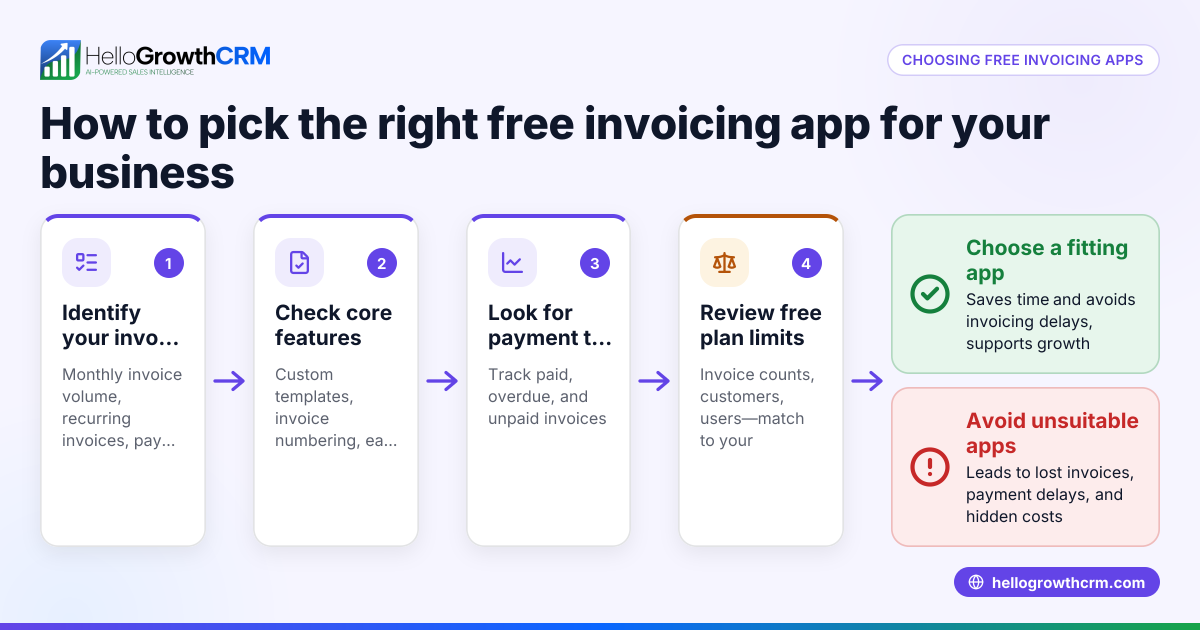
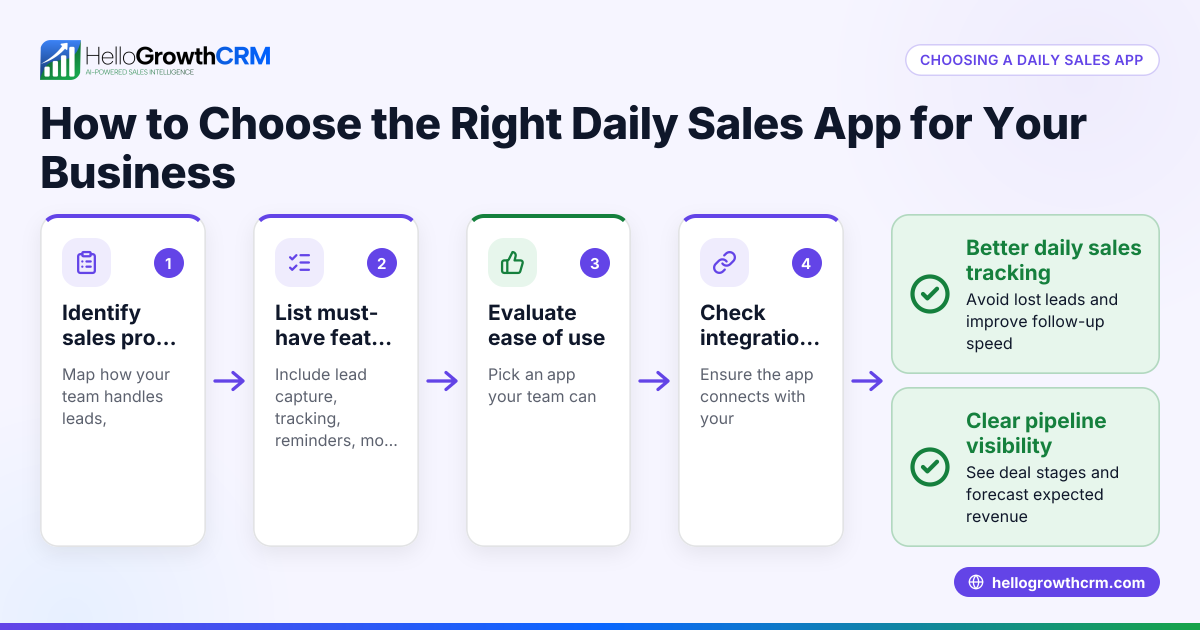
- Identify your invoicing needs: List features essential for your business, including mobile access, itemized billing for parts and labor, tax handling, and integration with your sales process.
- Check industry fit: Choose an app designed for local service businesses or specifically electricians to avoid generic tools missing key features. See Local service businesses for examples.
- Evaluate ease of use: The app should be simple for field technicians and office staff to use without extensive training.
- Look for integrated quoting and payment tracking: An app that links quotes and invoices to customer records and tracks payments reduces errors and follow-up delays.
- Verify mobile and communication features: Since electricians work on-site, the app should support mobile invoicing and integrate with common communication channels like WhatsApp or SMS. Learn about WhatsApp and SMS CRM.
- Compare pricing and plans: Ensure the app fits your budget and offers scalable features as your business grows.
- Test with a trial or demo: Use a free trial or demo to confirm the app fits your workflow.
- Check for US-specific compliance: Confirm the app supports US invoicing standards, taxes, and payment methods. For more on US-focused tools, see HelloGrowthCRM for the United States.
Example (fictional figures)
Bright Wire Electric is a small electrical service company in Austin, Texas. On 06/10/2026, they completed a residential panel upgrade and need to invoice their client.
- Labor charge: $2,800
- Materials: $950
- Sales tax (assumed illustrative rate 8.25%): $2,800 + $950 = $3,750 $3,750 × 8.25% = $309.38
- Total invoice amount: $3,750 + $309.38 = $4,059.38
They use their invoicing app to create a detailed invoice itemizing labor and materials, automatically calculate sales tax, and send the invoice by email and WhatsApp. The app tracks when the invoice is viewed and sends payment reminders, helping them get paid faster.
Common mistakes
- Delaying invoicing after job completion: Send invoices immediately to speed up payments. Use an app with mobile access to invoice on-site.
- Not itemizing labor and materials: This causes confusion and disputes. Ensure your app supports detailed line items.
- Ignoring payment tracking and follow-up: Without reminders, payments are often late. Choose software that tracks invoice status and automates follow-up tasks.
- Using generic invoicing tools: Spreadsheets or generic apps miss industry-specific needs. Pick an app designed for local service businesses. See Local service businesses.
- Failing to integrate communication channels: Missing customer messages delays invoicing. Use apps that integrate WhatsApp and SMS. See WhatsApp and SMS CRM.
- Overlooking US invoicing standards: Not all apps handle US tax rules and payment methods properly. Verify US compliance and support. See HelloGrowthCRM for the United States.
Doing this in HelloGrowthCRM
HelloGrowthCRM offers built-in quoting, proposals, invoices, and payment tracking linked directly to deals. You can build and send commercial documents from the deal record, and see the status of sent quotes or invoices (sent, viewed, accepted) on the same screen as your follow-up tasks. This helps manage sales and invoicing workflows efficiently without switching apps. Learn more at HelloGrowthCRM for the United States.
Frequently asked questions
What features should an electrician invoicing app have? An electrician invoicing app should support itemized billing for labor and materials, tax calculation, mobile invoicing, integrated quoting and payment tracking, and communication via channels like WhatsApp or SMS.
Can I use a generic invoicing app for my electrical business? While possible, generic apps often lack features tailored to local service businesses, such as mobile quoting or integrated communication, which can slow your invoicing and cash flow.
How does mobile invoicing help electricians? Mobile invoicing lets electricians create and send invoices immediately after a job, even on-site, reducing delays and improving payment speed.
Is payment tracking important in an invoicing app? Yes, tracking payments and invoice status helps you follow up promptly on overdue invoices and keeps your cash flow steady.
How can I ensure my invoicing app fits US standards? Check that the app supports US tax calculations, invoicing formats, and payment methods. Consider apps focused on US local service businesses. See HelloGrowthCRM for the United States.
Key takeaways
- Choose an invoicing app tailored for local service businesses and electricians.
- Ensure the app supports detailed itemized billing and tax calculation.
- Mobile invoicing and integrated communication channels speed up billing.
- Track invoice status and payments to improve cash flow.
- Avoid generic tools; use apps designed for your industry needs.
- Use an app that links quotes and invoices to deals and follow-up tasks.
Start managing your electrician invoicing efficiently. Start on the Free Forever plan (200 leads, no credit card).
Ready to put this into practice?
Set up your pipeline, WhatsApp follow-ups, and AI lead scoring in minutes — free, no credit card.
Try HelloGrowthCRM freeGet CRM tips in your inbox
Join thousands of sales professionals who get weekly insights on CRM strategy, AI automation, and pipeline optimization.

The HelloGrowthCRM team publishes guides on CRM strategy, AI sales tools, and revenue operations for small business sales teams.