HelloGrowthCRM software
Built for real small-business sales teams
HelloGrowthCRM helps reps qualify faster, follow up on time, and close more deals—with practical automation in one place.
- AI lead scoring and pipeline visibility
- Built-in dialer, WhatsApp, and email automation
- Sales forecasting and RevOps-ready reporting
An email auto responder is a system that automatically sends email replies without manual intervention. It is commonly used to acknowledge inquiries, deliver information, or nurture leads over time with a series of scheduled messages. For small businesses, it ensures no lead or customer email goes unanswered and helps maintain engagement efficiently.
Why this comes up / what goes wrong
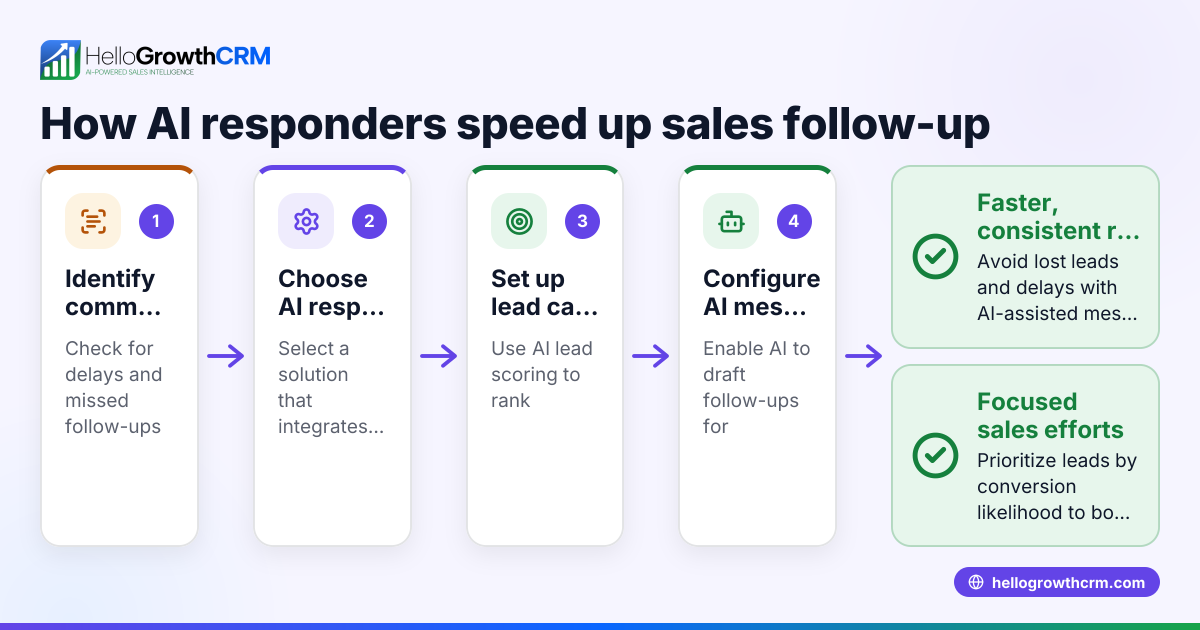
Small-business owners often face the challenge of responding quickly to incoming emails while managing many other tasks. Slow email replies can cause leads to lose interest or go to competitors. Manual follow-up is time-consuming and prone to mistakes, such as forgetting to reply or sending inconsistent messages. Using an email auto responder addresses these problems by automating timely and consistent communication.
Step-by-step
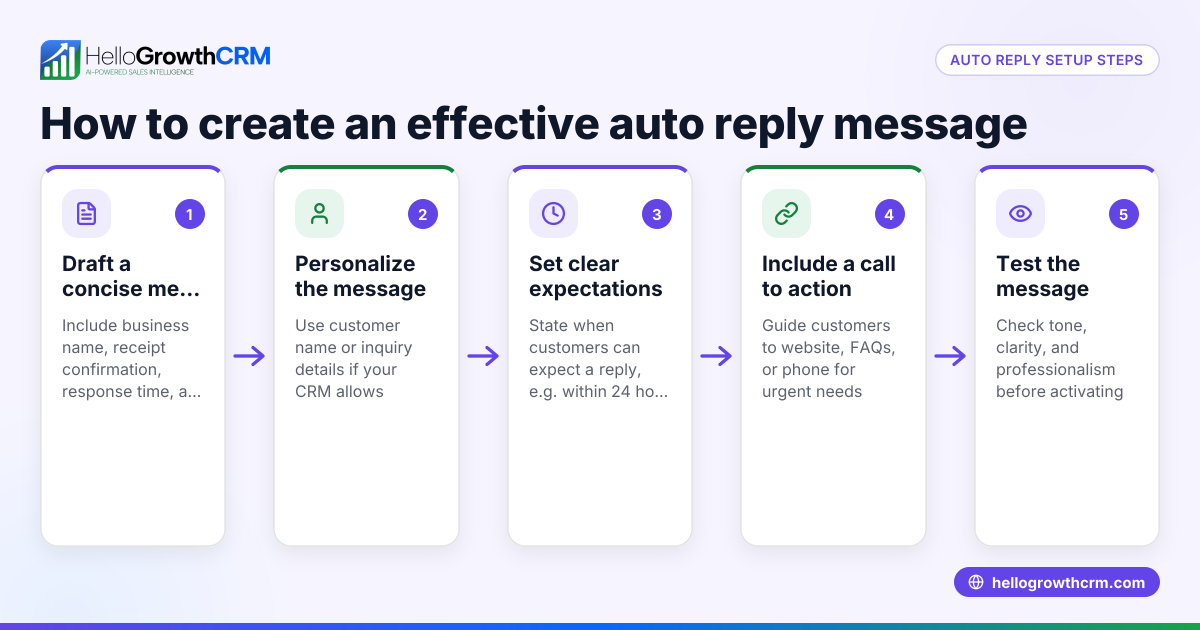
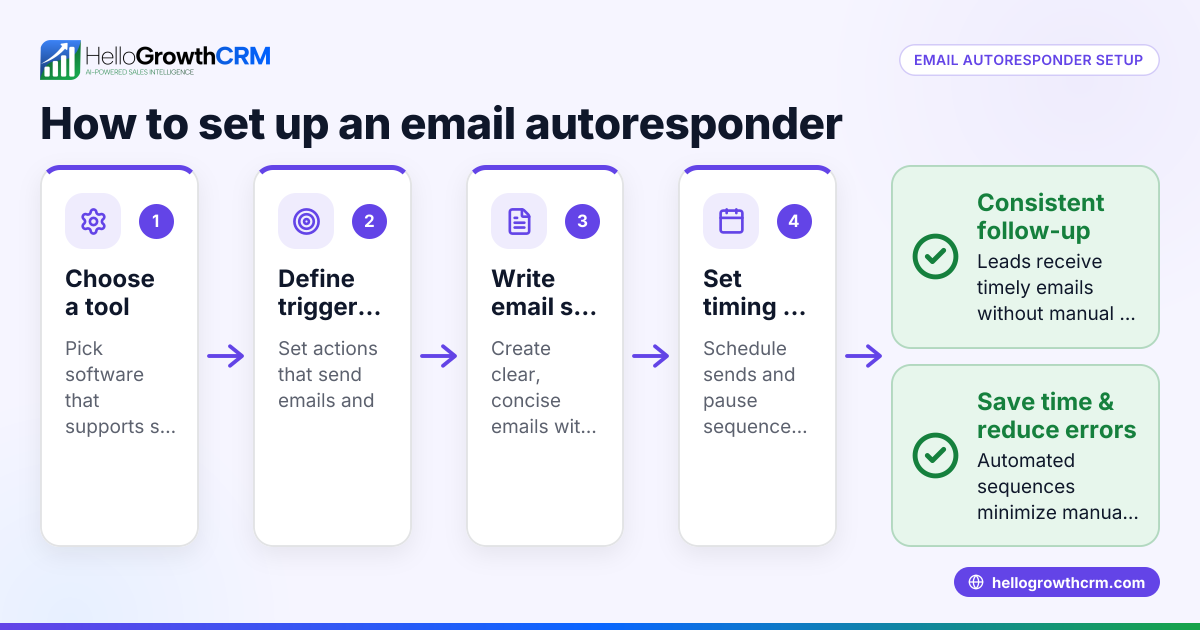
- Choose an email auto responder tool: Select software that fits your business size and integrates with your existing systems. Check if it supports multi-step sequences and shared inboxes for team visibility.
- Define your goals: Decide what you want to achieve—whether acknowledging inquiries, sending quotes, or nurturing leads with follow-ups.
- Create email templates: Write clear, concise, and relevant email messages for each step. Include personalization tokens like the recipient's name to increase engagement.
- Set the trigger event: Determine when the auto responder should send emails, such as after a web form submission, a new lead entry, or a reply.
- Configure the schedule: Decide the timing and intervals between emails in a sequence. For example, a five-step follow-up over two weeks.
- Test the sequence: Send test emails to yourself or colleagues to verify content, links, and timing.
- Activate and monitor: Turn on the auto responder and track open rates, replies, and conversions. Adjust templates or timing based on performance.
- Ensure team visibility: Use a shared inbox so all team members can see replies and coordinate follow-up.
For tools that support this, see email automation and sequences.
Example (fictional figures)
A residential real-estate team in Phoenix, Arizona, wants to automate follow-up on website inquiries.
- They create a 5-step email sequence over 14 days.
- Each email includes property listings and a call to action.
Assuming 100 leads in a month:
- Email 1 sent immediately: 100 emails
- Email 2 sent after 3 days: 80 emails (20 replied or unsubscribed)
- Email 3 sent after 7 days: 60 emails
- Email 4 sent after 10 days: 40 emails
- Email 5 sent after 14 days: 20 emails
If 10 of these leads convert to sales valued at $300,000 each:
Number of sales = 10
Total sales value = 10 × $300,000
Total sales value = $3,000,000
This example shows how an auto responder keeps leads engaged without manual effort, increasing chances of closing deals.
Common mistakes
- Sending generic, impersonal emails: Prevent by using personalization tokens and tailoring messages to the lead's interest.
- Overloading recipients with too many emails: Prevent by spacing out emails reasonably and allowing easy opt-out.
- Ignoring replies and continuing the sequence: Prevent by setting the sequence to stop automatically when a recipient replies.
- Not testing emails before activation: Prevent by sending test emails to check formatting, links, and content.
- Not sharing replies with the team: Prevent by using a shared inbox so everyone stays informed.
For more on automating email follow-up with sequences and campaigns, see email automation and sequences.
Doing this in HelloGrowthCRM
HelloGrowthCRM offers a shared inbox called HelloMail, where replies to quotation emails are visible to the entire team on the deal, ensuring coordinated follow-up. Its sequences and campaigns feature automates a five-step follow-up over two weeks that runs on its own and stops immediately when the prospect replies. Additionally, the built-in dialer lets reps work leads directly inside the CRM and log call outcomes, keeping all communication history centralized. Learn more about these features at email automation and sequences and WhatsApp and SMS CRM.
Frequently asked questions
What is the difference between an auto responder and a regular email? An auto responder sends automatic, pre-written emails triggered by specific actions, like form submissions or replies. Regular emails are manually composed and sent one at a time.
Can I customize the timing of emails in an auto responder? Yes, most tools let you set when each email in a sequence is sent, such as immediately, after a few days, or based on recipient behavior.
How do I know if my auto responder is effective? Track metrics like open rates, click-through rates, reply rates, and conversions. Adjust content and timing based on this data.
Will an auto responder annoy my leads? If emails are relevant, personalized, and spaced reasonably, auto responders generally improve engagement. Avoid sending too many emails or irrelevant content.
Can my team see replies from leads? Using a shared inbox feature, like HelloMail in HelloGrowthCRM, ensures all team members can view replies and collaborate on follow-up.
Learn more about using HelloGrowthCRM for US businesses at HelloGrowthCRM for the United States.
Key takeaways
- An email auto responder automatically sends pre-written emails triggered by lead actions.
- It saves time and ensures timely, consistent communication with prospects.
- Set up involves choosing a tool, creating templates, scheduling, and testing.
- Avoid common mistakes like impersonal emails, too frequent messaging, and ignoring replies.
- HelloGrowthCRM supports email automation with shared inboxes, sequences, and a built-in dialer.
Start automating your email follow-up today. Start on the Free Forever plan (200 leads, no credit card).
Ready to put this into practice?
Set up your pipeline, WhatsApp follow-ups, and AI lead scoring in minutes — free, no credit card.
Try HelloGrowthCRM freeGet CRM tips in your inbox
Join thousands of sales professionals who get weekly insights on CRM strategy, AI automation, and pipeline optimization.

The HelloGrowthCRM team publishes guides on CRM strategy, AI sales tools, and revenue operations for small business sales teams.