HelloGrowthCRM software
Built for real small-business sales teams
HelloGrowthCRM helps reps qualify faster, follow up on time, and close more deals—with practical automation in one place.
- AI lead scoring and pipeline visibility
- Built-in dialer, WhatsApp, and email automation
- Sales forecasting and RevOps-ready reporting
An email autoresponder automatically sends emails to your leads or customers based on their actions or on a schedule. Instead of manually replying to every inquiry or sending follow-up emails one by one, an autoresponder handles this automatically, ensuring timely communication. This is especially useful for small businesses that want to maintain consistent contact without overwhelming their team.
Why this comes up / what goes wrong
Small businesses often struggle to follow up quickly and consistently with leads due to limited staff and time. Leads may come from website forms, inquiries, or previous sales conversations. Without an autoresponder, these leads can go cold because the business owner or sales team delays their reply or forgets to send follow-ups. Running sales communication manually via text messages, email, and spreadsheets can lead to missed opportunities and lost revenue.
Step-by-step
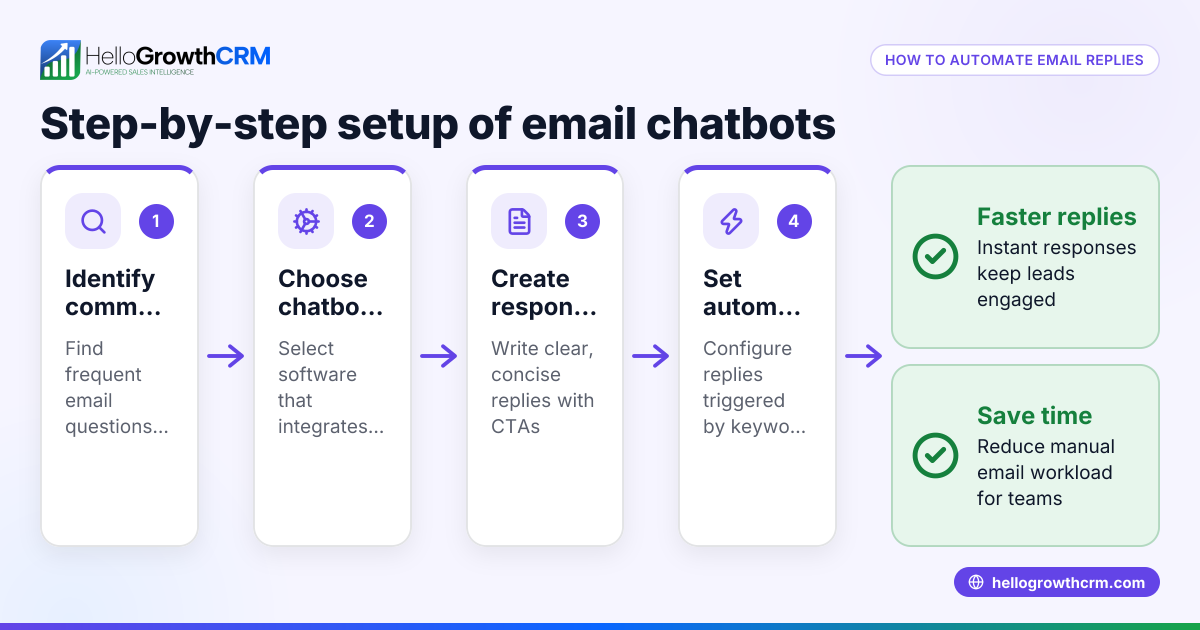
- Choose an Email Autoresponder Tool: Pick software that supports automatic email sequences and integrates with your lead capture methods. Check if it allows multi-step sequences and stops when a prospect replies.
- Define Your Goals and Audience: Decide what actions will trigger the autoresponder (e.g., a new inquiry, a download, or no reply after initial contact). Identify what message you want to send and how many follow-ups you need.
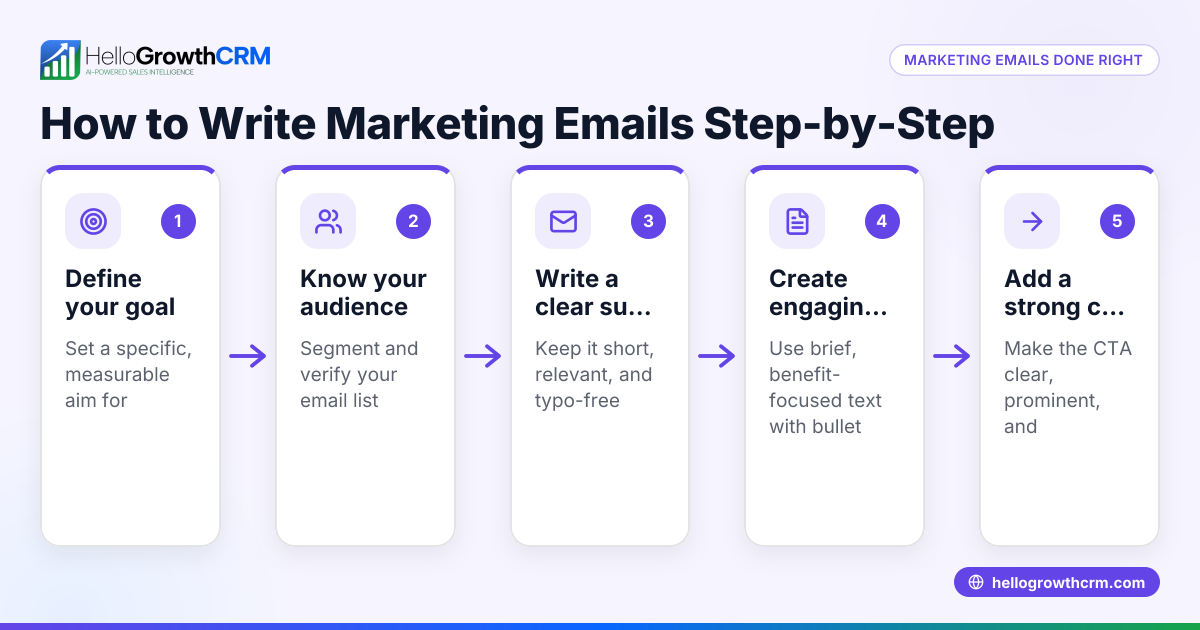
- Write Your Email Sequence: Create a series of emails that progress logically—thank you messages, product information, reminders, and calls to action. Keep each email clear and concise.
- Set Timing and Conditions: Schedule when each email will send (for example, immediately after sign-up, then 3 days later, then a week later). Set the sequence to stop if the lead replies.
- Test Your Autoresponder: Send test emails to yourself or a colleague to check formatting, links, and timing.
- Launch and Monitor: Turn on the autoresponder and track open rates, replies, and unsubscribes. Adjust your sequence based on results.
- Integrate with Your CRM: Use your CRM to capture leads automatically and trigger autoresponders without manual input. This keeps your sales pipeline organized.
For more on automating email follow-ups, see email automation and sequences.
Example (fictional figures)
A B2B software reseller in Denver, Colorado, called TechSolutions, wants to follow up automatically with leads who request a demo.
- They set up a 5-step email autoresponder over two weeks.
- The first email sends immediately after the demo request.
- Follow-ups send on day 3, day 7, day 10, and day 14 unless the lead replies.
Assuming they get 100 demo requests in a month, and each email costs no extra money to send but saves 5 minutes per lead in manual follow-up time.
- Manual follow-up time per lead: 5 minutes
- Total minutes saved: 100 leads × 5 minutes = 500 minutes
- Hours saved: 500 ÷ 60 = 8.33 hours
- If an employee costs $25/hour, labor cost saved = 8.33 × $25 = $208.25
TechSolutions saves $208.25 monthly in labor by automating follow-up emails.
Common mistakes
- Sending too many emails too quickly: This can annoy leads and increase unsubscribes. Prevent by spacing emails appropriately.
- Ignoring replies: If your autoresponder doesn’t stop when a lead replies, you risk sending irrelevant follow-ups. Use sequences that pause on reply.
- Using generic messages: Personalized emails get better engagement. Tailor your autoresponder content to your audience.
- Not testing emails: Broken links or formatting errors reduce professionalism. Always test before launching.
- Not integrating with CRM: Manually importing leads wastes time and risks errors. Use CRM integration to automate lead capture and follow-up.
Learn how to avoid these in WhatsApp and SMS CRM and email automation and sequences.
Doing this in HelloGrowthCRM
HelloGrowthCRM offers a shared inbox called HelloMail where your team can see all replies to quotation emails on the deal, avoiding missed responses. You can also create sequences and campaigns that run automated five-step follow-ups over two weeks and automatically stop when a prospect replies. This helps your sales team stay organized and responsive without manual effort. Learn more at email automation and sequences.
Frequently asked questions
What is the difference between an email autoresponder and an email marketing campaign? An email autoresponder sends automated, triggered emails based on user actions or timing, typically personalized and part of a sales process. An email marketing campaign usually broadcasts messages to a large list at once without individual triggers.
How many emails should I include in an autoresponder sequence? A typical email autoresponder sequence often includes several emails spread over a period of one to two weeks. Too few emails may miss opportunities; too many can annoy prospects.
Can I stop an autoresponder if a lead replies? Yes. Good autoresponder tools, including HelloGrowthCRM’s sequences, automatically stop sending follow-ups once the lead responds.
Do I need technical skills to set up an autoresponder? Many CRM tools offer user-friendly interfaces with templates and step-by-step guidance, which can help simplify the setup process even if you have limited technical skills.
How do autoresponders help small businesses? They save time, ensure timely follow-up, keep leads engaged, and reduce the chance of losing prospects due to slow or forgotten replies.
Key takeaways
- An email autoresponder automatically sends pre-written emails triggered by lead actions.
- It helps small businesses follow up consistently without manual effort.
- Set up involves choosing a tool, writing a sequence, scheduling emails, and testing.
- Avoid common mistakes like sending too many emails or ignoring replies.
- HelloGrowthCRM supports email autoresponders with shared inboxes and automated sequences that stop on reply.
Start using automated email follow-ups to save time and increase sales responsiveness. You can Start on the Free Forever plan (200 leads, no credit card) today.
Ready to put this into practice?
Set up your pipeline, WhatsApp follow-ups, and AI lead scoring in minutes — free, no credit card.
Try HelloGrowthCRM freeGet CRM tips in your inbox
Join thousands of sales professionals who get weekly insights on CRM strategy, AI automation, and pipeline optimization.

The HelloGrowthCRM team publishes guides on CRM strategy, AI sales tools, and revenue operations for small business sales teams.