HelloGrowthCRM software
Built for real small-business sales teams
HelloGrowthCRM helps reps qualify faster, follow up on time, and close more deals—with practical automation in one place.
- AI lead scoring and pipeline visibility
- Built-in dialer, WhatsApp, and email automation
- Sales forecasting and RevOps-ready reporting
An email bounce checker is a tool or method that identifies emails that fail to reach their intended recipients and are returned or "bounced" by the recipient's mail server. It helps you detect invalid, blocked, or full inbox addresses so you can clean your email list and improve your outreach success. This article explains why email bounces happen, how to check for them step-by-step, common mistakes to avoid, and how HelloGrowthCRM can help manage your email follow-ups.
Why this comes up / what goes wrong
Small business owners often send emails to prospects and customers for sales, support, or marketing. Sometimes, these emails never arrive because the recipient's email server rejects them. This is called an email bounce. Bounces can happen for several reasons: the email address may be misspelled, the inbox may be full, the server may block your email due to spam filters, or the domain may no longer exist. When emails bounce, you lose contact opportunities, reduce your sender reputation, and waste time and resources. Using an email bounce checker helps you identify these issues early so you can remove or correct invalid addresses and improve your email campaign performance.
Step-by-step
- Collect your email list and sent email data: Gather the list of email addresses you sent messages to and any bounce notifications you received from your email service or client.
- Use an email bounce checker tool or service: Upload your email list to a bounce checker tool or review bounce reports in your email platform. These tools analyze which emails are undeliverable and classify the bounce type (hard bounce or soft bounce).
- Understand bounce types:
- Hard bounce: Permanent delivery failure (e.g., invalid address, domain does not exist).
- Soft bounce: Temporary delivery failure (e.g., mailbox full, server down).
- Remove or correct hard bounce addresses: Delete or fix email addresses flagged as hard bounces to avoid damaging your sender reputation.
- Monitor soft bounces: Retry sending to soft bounce addresses a few times as they may resolve, but remove them if bounces persist.
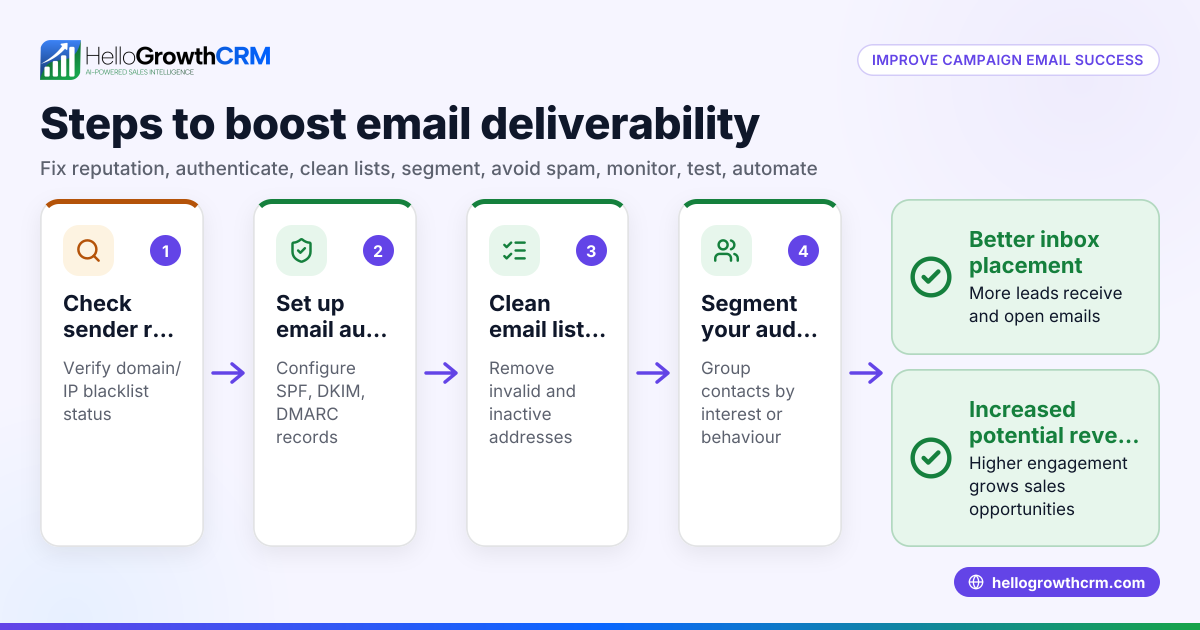
- Keep your email list clean and updated: Regularly check for bounces and update your list to maintain high deliverability.
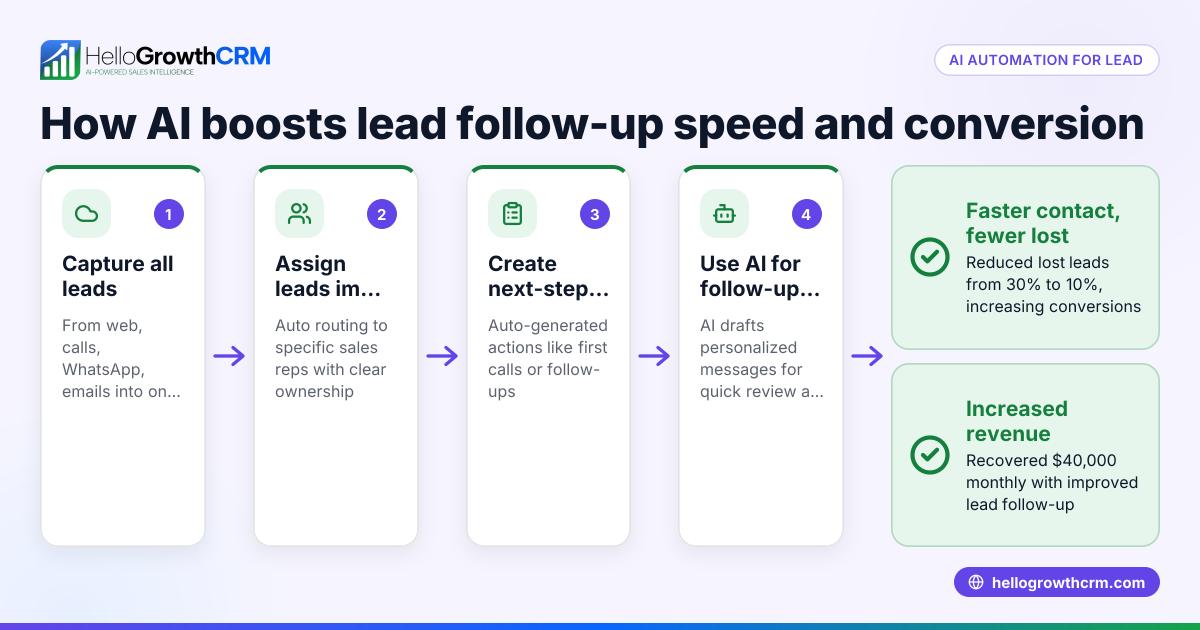
- Use email automation and sequences: Automate follow-ups and monitor replies to reduce manual effort and catch engagement signals early. Learn more about email automation and sequences.
Example (fictional figures)
A B2B software reseller in Denver, Colorado, sent 5,000 marketing emails on 04/01/2026. They received 300 hard bounces and 200 soft bounces.
- Total emails sent = 5,000
- Hard bounces = 300
- Soft bounces = 200
Step 1: Calculate hard bounce rate
300 ÷ 5,000 = 0.06 = 6%
Step 2: Calculate soft bounce rate
200 ÷ 5,000 = 0.04 = 4%
Step 3: Remove hard bounce addresses
New email list size = 5,000 - 300 = 4,700
Step 4: Retry soft bounce addresses 3 times over two weeks
If 150 soft bounces resolve, remaining soft bounces = 200 - 150 = 50
Step 5: Remove persistent soft bounces
Final clean list = 4,700 - 50 = 4,650
This cleanup improves deliverability and reduces wasted emails.
Common mistakes
- Ignoring bounce notifications: Not checking bounce reports leads to repeated sending to invalid addresses. Prevent by regularly reviewing bounce data.
- Confusing hard and soft bounces: Treating all bounces the same can cause premature removal of valid contacts. Prevent by understanding bounce types.
- Not cleaning email lists frequently: Old lists accumulate invalid addresses. Prevent by scheduling regular list maintenance.
- Using a single email client without bounce tracking: Manual tracking misses bounce details. Prevent by using tools with bounce reporting.
- Failing to automate follow-ups: Manual follow-ups miss engagement signals and waste time. Prevent by using automated sequences. See more on email automation and sequences.
- Not sharing email replies with the team: Leads can be lost if replies are siloed. Prevent by using a shared inbox. Learn about HelloMail shared inbox in HelloGrowthCRM.
Doing this in HelloGrowthCRM
HelloGrowthCRM offers a HelloMail shared inbox that allows your team to see all replies to quotation emails on a deal, preventing missed responses. You can also set up automated sequences and campaigns that run multi-step follow-ups over two weeks and stop immediately when a prospect replies. This automation helps you manage bounce-related issues by keeping your outreach timely and responsive. Learn more about WhatsApp and SMS CRM and email automation features in HelloGrowthCRM.
Frequently asked questions
What causes an email to bounce? An email bounces when it cannot be delivered to the recipient's inbox. Causes include invalid email addresses, full mailboxes, server blocks, or temporary technical issues.
How do I know if an email bounced? You receive a bounce-back message or notification from your email service that explains why delivery failed. Some tools provide detailed bounce reports.
What is the difference between hard bounce and soft bounce? A hard bounce is a permanent failure, such as an invalid address. A soft bounce is temporary, like a full inbox or server downtime.
Can I fix bounced email addresses? You can correct typos or update addresses if you have the correct information. Otherwise, remove hard bounces to protect your sender reputation.
How often should I check for email bounces? Regularly check bounce reports after each campaign or at least monthly to keep your email list clean.
How does automation help with bounce management? Automation sends timely follow-ups and stops when prospects reply, reducing manual tracking and improving engagement. Learn more about email automation and sequences.
Key takeaways
- An email bounce checker identifies undeliverable emails to improve list quality.
- Distinguish between hard bounces (permanent) and soft bounces (temporary).
- Regularly clean your email list by removing or correcting bounced addresses.
- Use bounce data to protect your sender reputation and increase email success.
- Automate follow-ups and share inbox replies with your team to improve response rates.
Start managing your email outreach better with HelloGrowthCRM. Start on the Free Forever plan (200 leads, no credit card).
Ready to put this into practice?
Set up your pipeline, WhatsApp follow-ups, and AI lead scoring in minutes — free, no credit card.
Try HelloGrowthCRM freeGet CRM tips in your inbox
Join thousands of sales professionals who get weekly insights on CRM strategy, AI automation, and pipeline optimization.

The HelloGrowthCRM team publishes guides on CRM strategy, AI sales tools, and revenue operations for small business sales teams.