HelloGrowthCRM software
Built for real small-business sales teams
HelloGrowthCRM helps reps qualify faster, follow up on time, and close more deals—with practical automation in one place.
- AI lead scoring and pipeline visibility
- Built-in dialer, WhatsApp, and email automation
- Sales forecasting and RevOps-ready reporting
Warming up your email domain is the process of slowly increasing the volume and frequency of emails sent from your new or rarely used domain. This builds trust with email providers like Gmail and Outlook, improving your chances that your emails reach your prospects’ inboxes instead of being marked as spam.
Why this comes up / what goes wrong
Small business owners often create a new email domain or switch to a new email marketing tool and start sending large batches of emails immediately. Without a positive sending history, email providers may flag these emails as spam or block them outright. This results in lost leads and wasted time.
For example, a real estate team starting outreach campaigns with a new domain might see low open rates and high bounce rates if they skip warming up. The problem is that email providers look at how recipients interact with your emails over time. If you suddenly send many emails to cold contacts, your domain reputation suffers.
Step-by-step
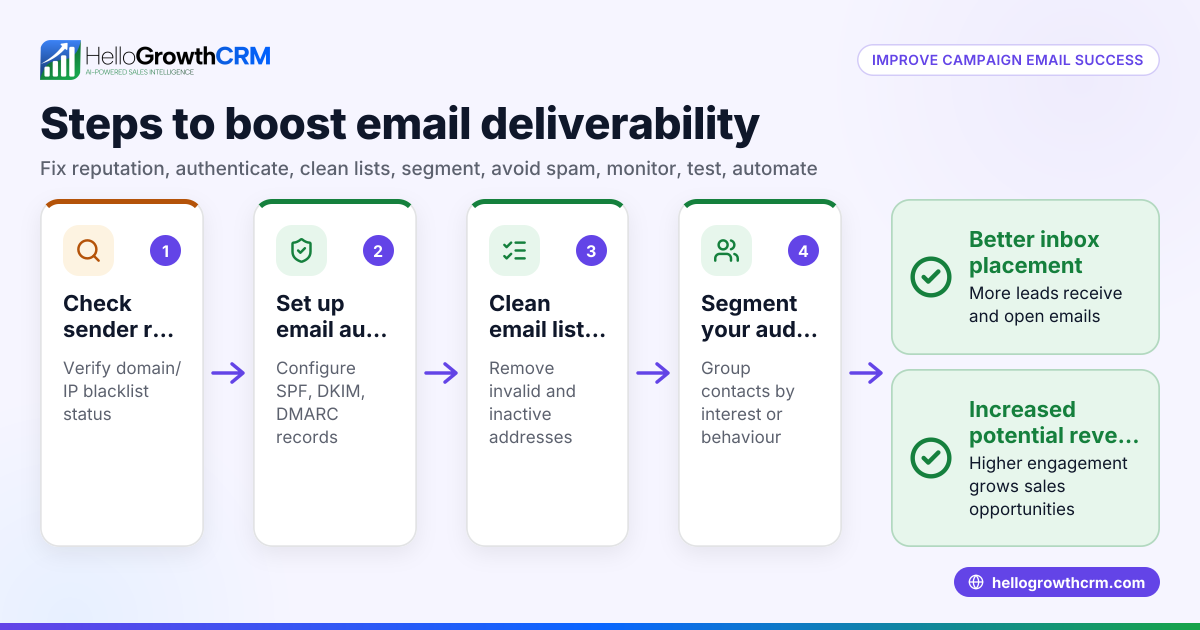
- Set up your domain and authentication: Configure SPF, DKIM, and DMARC records for your domain. These verify your emails are legitimate and reduce the chance of being marked as spoofed or spam.
- Start with low volume: Send a small number of emails daily (for example, 10-20) to engaged recipients who are likely to open and reply.
- Increase volume gradually: Each day or every few days, increase the number of emails sent by about 20-30%. Monitor bounce rates and spam complaints closely.
- Engage with replies: Respond promptly to any replies you get. Positive engagement signals to email providers that your emails are wanted.
- Monitor deliverability metrics: Track open rates, bounce rates, and spam complaints. Stop increasing volume if negative signals rise.
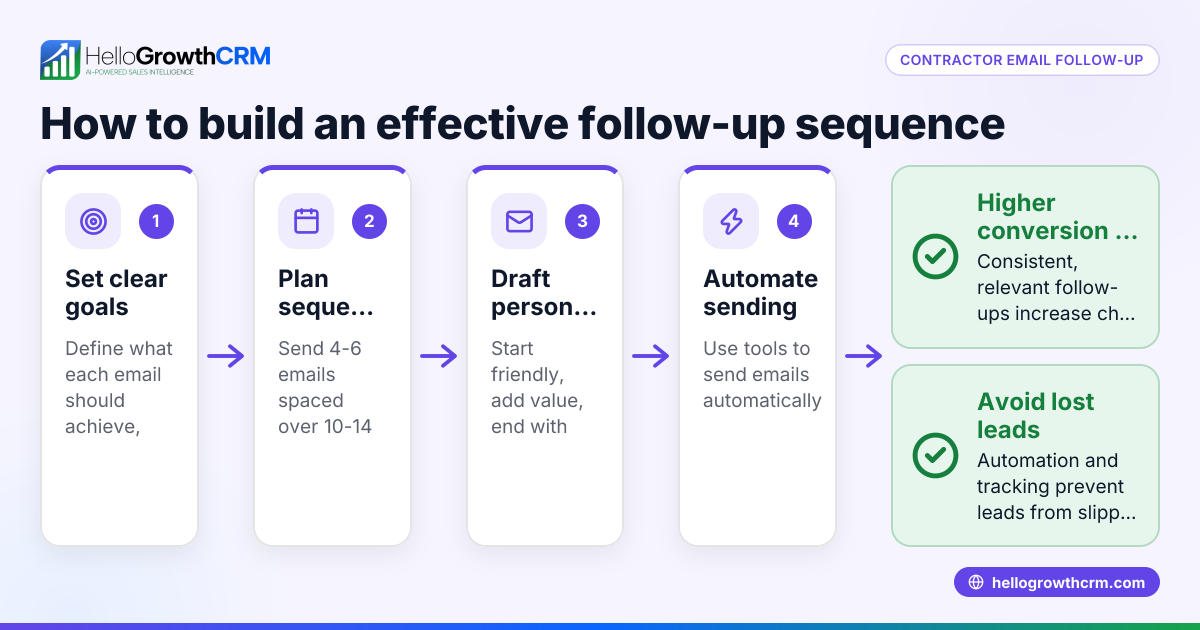
- Use email sequences: Automate follow-up emails over days or weeks to warm leads and build engagement without manual effort.
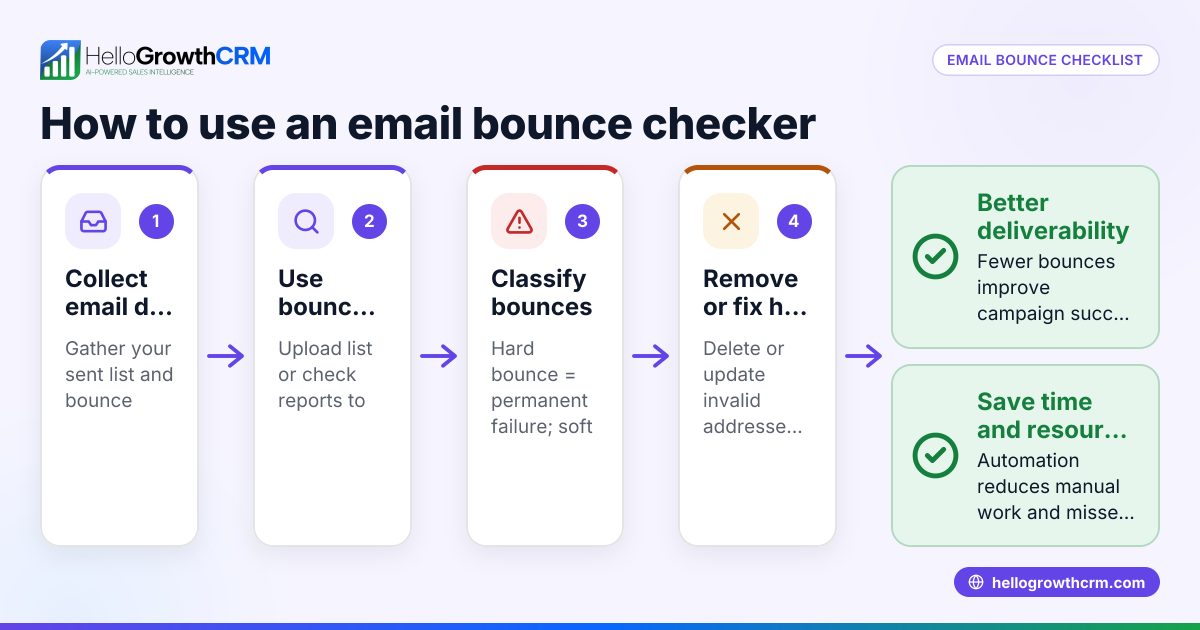
- Maintain list hygiene: Regularly remove unengaged or invalid email addresses to keep your domain reputation healthy.
- Use a shared inbox for team visibility: Allow your team to see replies and collaborate on follow-ups.
- Turn follow-ups into tasks: Use task boards to keep track of follow-up activities and calls.
These steps help build a positive reputation for your domain, improving inbox placement for your sales outreach.
Example (fictional figures)
A residential real estate team in Phoenix, Arizona, launches a new email domain on 07/01/2026. They plan to warm it up over two weeks before a big campaign.
- Day 1: Send 10 emails
- Day 3: Increase by 30% → 10 × 1.3 = 13 emails
- Day 5: Increase by 30% → 13 × 1.3 = 16.9 ≈ 17 emails
- Day 7: Increase by 30% → 17 × 1.3 = 22.1 ≈ 22 emails
- Day 9: Increase by 30% → 22 × 1.3 = 28.6 ≈ 29 emails
- Day 11: Increase by 30% → 29 × 1.3 = 37.7 ≈ 38 emails
- Day 13: Increase by 30% → 38 × 1.3 = 49.4 ≈ 49 emails
By gradually increasing volume from 10 to about 50 emails per day, the team builds trust with email providers. They monitor bounce rates, which stay under 2%, and reply promptly to inquiries.
Common mistakes
- Starting with high volume immediately: Avoid sending hundreds or thousands of emails on day one. Prevent by starting small and increasing gradually.
- Ignoring email authentication setup: Without SPF, DKIM, and DMARC, your emails are more likely to be flagged. Prevent by configuring these DNS records before sending.
- Not tracking engagement or bounces: Ignoring metrics can let problems go unnoticed. Prevent by monitoring daily and adjusting volume accordingly.
- Sending to unverified or old lists: High bounce rates hurt your domain reputation. Prevent by cleaning your email list regularly.
- Neglecting replies and engagement: Not responding to replies misses positive signals to providers. Prevent by assigning replies to your team and managing follow-ups.
- Using inconsistent sending patterns: Sporadic bursts of emails confuse spam filters. Prevent by maintaining a regular sending schedule.
Doing this in HelloGrowthCRM
HelloGrowthCRM helps you warm up your email domain with these features:
- Sequences and campaigns: Automate a five-step follow-up over two weeks that runs on its own and stops the moment the prospect replies, helping you build engagement steadily. Learn more about email automation and sequences.
- HelloMail shared inbox: Team members can see replies to quotation emails in one place, ensuring no lead slips through unnoticed. See how HelloMail works.
- Activities and task boards: Each follow-up becomes a task with a due date, and your day’s calls are organized as a list, so your team never misses a step. Explore task boards.
Frequently asked questions
How long does it take to warm up an email domain? It typically takes 2 to 4 weeks to properly warm up a domain, depending on your starting volume and recipient engagement. Rushing this process increases the risk of emails landing in spam.
Can I warm up an existing email domain? Yes, if your domain has a poor sending reputation or low engagement, you can warm it up by gradually increasing email volume and focusing on engaged recipients to rebuild trust.
What happens if I skip warming up my email domain? Skipping warming up can cause your emails to be flagged as spam, blocked, or have low open rates. This results in lost leads and wasted marketing effort.
Do I need special tools to warm up my domain? While not required, tools like HelloGrowthCRM’s email sequences and shared inbox simplify the warming process by automating follow-ups and managing replies efficiently.
Can I warm up multiple domains at once? It’s best to warm up one domain at a time to focus on building a strong reputation. Managing multiple domains requires careful monitoring of each to avoid deliverability issues.
Key takeaways
- Warming up your email domain means sending low volumes initially and increasing gradually to build trust with email providers.
- Set up SPF, DKIM, and DMARC authentication before sending.
- Monitor engagement metrics and bounce rates daily.
- Use automated email sequences and task boards to manage follow-ups efficiently.
- Avoid common mistakes like starting too high or ignoring replies.
- HelloGrowthCRM offers tools to support warming up and managing email outreach.
Start warming up your email domain carefully to improve your email deliverability and sales results.
Ready to organize your outreach and warm up your domain with automation? Start on the Free Forever plan (200 leads, no credit card).
Ready to put this into practice?
Set up your pipeline, WhatsApp follow-ups, and AI lead scoring in minutes — free, no credit card.
Try HelloGrowthCRM freeGet CRM tips in your inbox
Join thousands of sales professionals who get weekly insights on CRM strategy, AI automation, and pipeline optimization.

The HelloGrowthCRM team publishes guides on CRM strategy, AI sales tools, and revenue operations for small business sales teams.