HelloGrowthCRM software
Built for real small-business sales teams
HelloGrowthCRM helps reps qualify faster, follow up on time, and close more deals—with practical automation in one place.
- AI lead scoring and pipeline visibility
- Built-in dialer, WhatsApp, and email automation
- Sales forecasting and RevOps-ready reporting
An email draft is a saved version of an email message that you start composing but do not send immediately. It allows you to pause and return to your message later for review, editing, or adding information before sending it out. For small business owners, using email drafts helps avoid sending incomplete or incorrect messages and supports better communication with clients and prospects.
Why this comes up / what goes wrong
Small businesses often face busy days with many tasks and communications happening at once. Owners or sales teams might begin writing an important email but get interrupted or unsure about the wording. Without saving a draft, they risk losing their work or rushing to send an incomplete message. Additionally, many small businesses use multiple tools like WhatsApp, email, and spreadsheets to manage sales leads, which can cause emails to be lost or delayed. Email drafts let you capture your message early and come back to it when you have time, reducing errors and improving follow-up. However, without a clear system to organise and review drafts, messages can pile up unsent or become outdated, leading to confusion.
Step-by-step
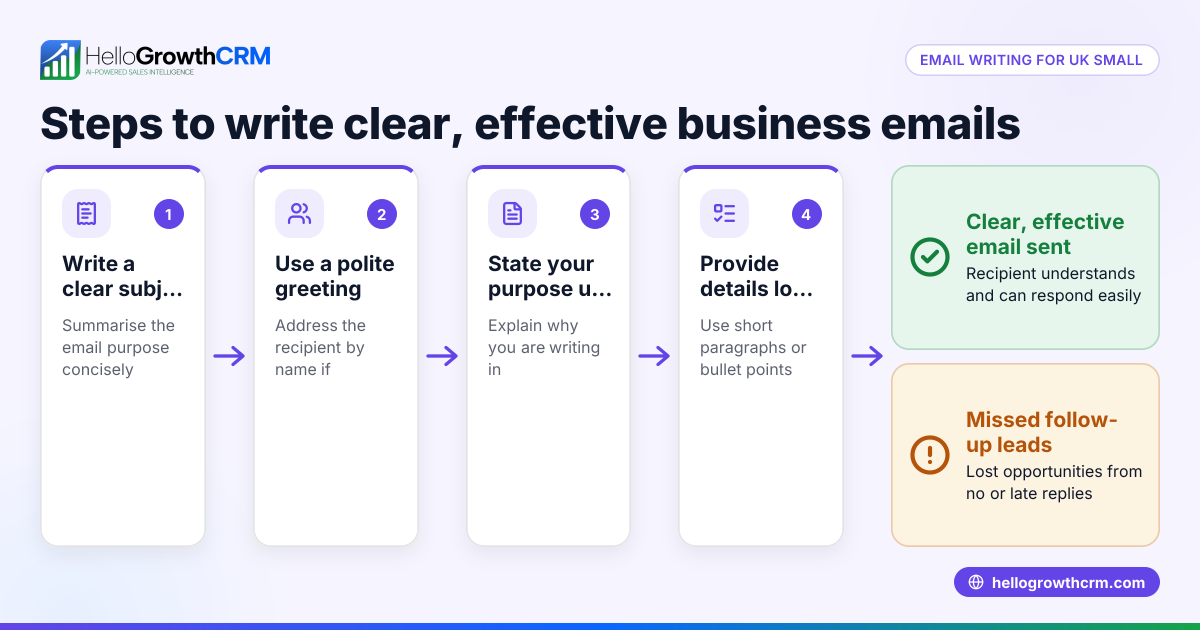
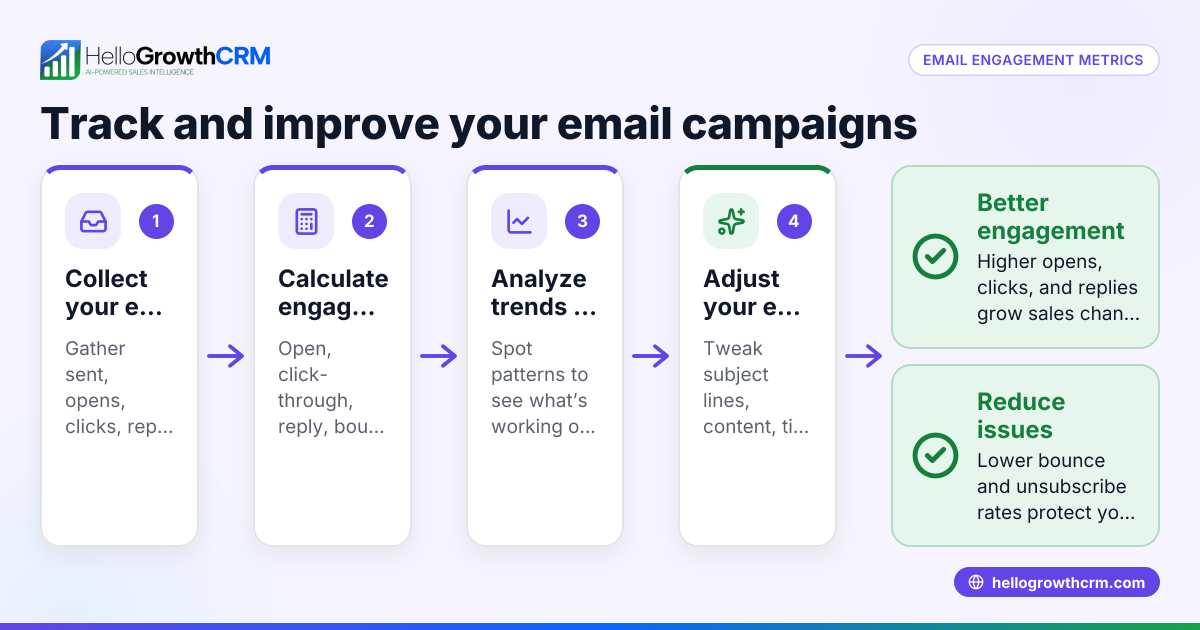
- Start composing your email: Open your email client or CRM email feature and begin writing. Enter the recipient’s email address, subject line, and the main message.
- Save the draft: Use the save draft option to store your unfinished email. Confirm that the draft is saved in the correct folder or section for easy access.
- Review and edit: Return to your draft later to read through the content carefully. Check for spelling, grammar, clarity, and completeness.
- Add attachments or links: Include any relevant files or hyperlinks that support your message.
- Get input if necessary: If the email is important or sensitive, share the draft with a colleague or team member for feedback.
- Send the email: When you are satisfied, send the email directly from the draft folder.
- Track replies and follow-up: Monitor responses to your email and plan any further actions needed.
Using a CRM like HelloGrowthCRM can help you save drafts, manage replies, and automate follow-ups effectively.
Example (fictional figures)
A recruitment consultancy based in Bristol is preparing a quotation email for a new client.
- Draft email started on 10/04/2026
- Client requested a quote for placing 5 candidates
- Placement fee per candidate is £3,000
Calculation:
£3,000 × 5 = £15,000
The draft email reads:
"Dear Client, based on your requirement for 5 placements, our total fee will be £15,000. Please review and let us know if you would like to proceed."
The recruiter saves this draft and later attaches a PDF with terms and conditions before sending the final email.
Common mistakes
- Not saving drafts regularly: Prevent this by saving often or enabling auto-save in your email system.
- Sending emails without reviewing drafts: Always re-read drafts to catch errors or missing details.
- Leaving outdated drafts unsent: Regularly clear old drafts to avoid confusion and clutter.
- Not sharing drafts for team input when needed: Use shared inboxes or collaboration tools to get feedback.
- Mixing personal and business drafts: Keep business emails in a dedicated folder or CRM for better organisation.
Learn more about managing email workflows with email automation and sequences.
Doing this in HelloGrowthCRM
HelloGrowthCRM includes a shared inbox called HelloMail where replies to quotation emails are visible to the whole team on the deal, preventing missed messages or duplicated effort. You can set up sequences and campaigns to automate follow-ups—a five-step follow-up over two weeks runs automatically and stops instantly when the prospect replies. Additionally, AI agents can draft follow-up messages after calls so your sales rep only needs to review and send, saving time and improving consistency. See how this works alongside WhatsApp and SMS CRM to keep your communication organised.
Frequently asked questions
What is the difference between an email draft and a sent email? An email draft is an unsent message saved for later editing or review. A sent email has been delivered to the recipient’s inbox and cannot be changed.
How long can I keep an email draft? Most email systems keep drafts indefinitely until you delete or send them. However, it’s best to review and clear drafts regularly to avoid confusion.
Can I share an email draft with my team? Yes, especially in a CRM with a shared inbox like HelloMail, drafts and replies can be visible to your team, improving collaboration.
How do email drafts help improve sales follow-up? Drafts allow you to prepare personalised messages and schedule follow-ups. Automated sequences in HelloGrowthCRM can send timed messages until a prospect replies, ensuring no lead is forgotten.
Is it possible to automate email follow-ups from drafts? Yes, with tools like HelloGrowthCRM’s sequences and campaigns, follow-ups can be automated to run over days or weeks, stopping automatically when a reply is received.
Can AI help with drafting emails? AI agents in HelloGrowthCRM can draft follow-up messages after calls, reducing manual effort and speeding up communication.
Key takeaways
- An email draft is a saved, unfinished email you can edit and send later.
- Saving drafts prevents rushed or incomplete messages and supports better follow-up.
- Review and clear drafts regularly to keep communications organised.
- Use shared inboxes and automation to improve team collaboration and follow-up efficiency.
- AI agents can help draft messages, saving time for your sales team.
Start managing your emails and follow-ups more effectively today. Start on the Free Forever plan (200 leads, no credit card).
Ready to put this into practice?
Set up your pipeline, WhatsApp follow-ups, and AI lead scoring in minutes — free, no credit card.
Try HelloGrowthCRM freeGet CRM tips in your inbox
Join thousands of sales professionals who get weekly insights on CRM strategy, AI automation, and pipeline optimization.

The HelloGrowthCRM team publishes guides on CRM strategy, AI sales tools, and revenue operations for small business sales teams.