HelloGrowthCRM software
Built for real small-business sales teams
HelloGrowthCRM helps reps qualify faster, follow up on time, and close more deals—with practical automation in one place.
- AI lead scoring and pipeline visibility
- Built-in dialer, WhatsApp, and email automation
- Sales forecasting and RevOps-ready reporting
Email marketing software for small businesses helps automate sending targeted emails to prospects and customers, saving time and improving follow-up. The right software should fit your budget, be easy to use, and support automation features like sequences and shared inboxes. This article covers why small businesses need email marketing software, step-by-step selection tips, a realistic example, common pitfalls to avoid, and how HelloGrowthCRM supports email automation.
Why this comes up / what goes wrong
Small business owners often juggle many roles, including sales and marketing, without dedicated staff. They may rely on basic email tools or spreadsheets to manage campaigns, which can lead to slow follow-up and lost sales opportunities. Without automation, sending timely, personalized emails to prospects and customers becomes difficult, especially as the business grows. Many small teams struggle with inconsistent messaging, missed replies, and manual data entry. Choosing the right email marketing software helps streamline follow-up, improve response rates, and keep the sales process organized without adding complexity or cost beyond what a small business can handle.
Step-by-step
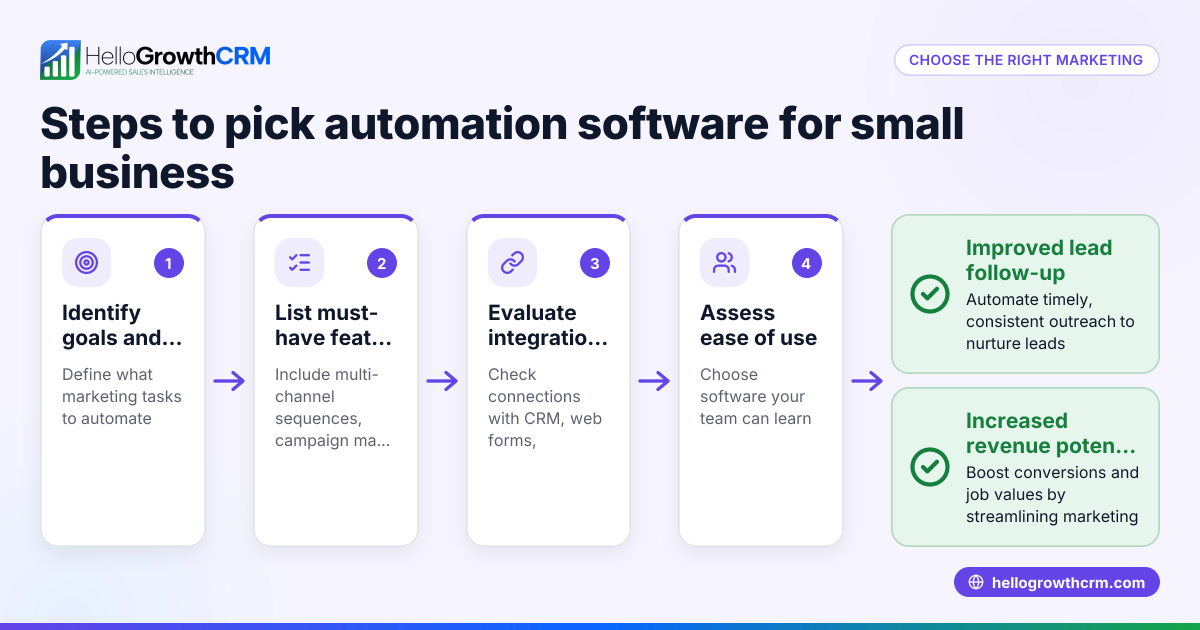
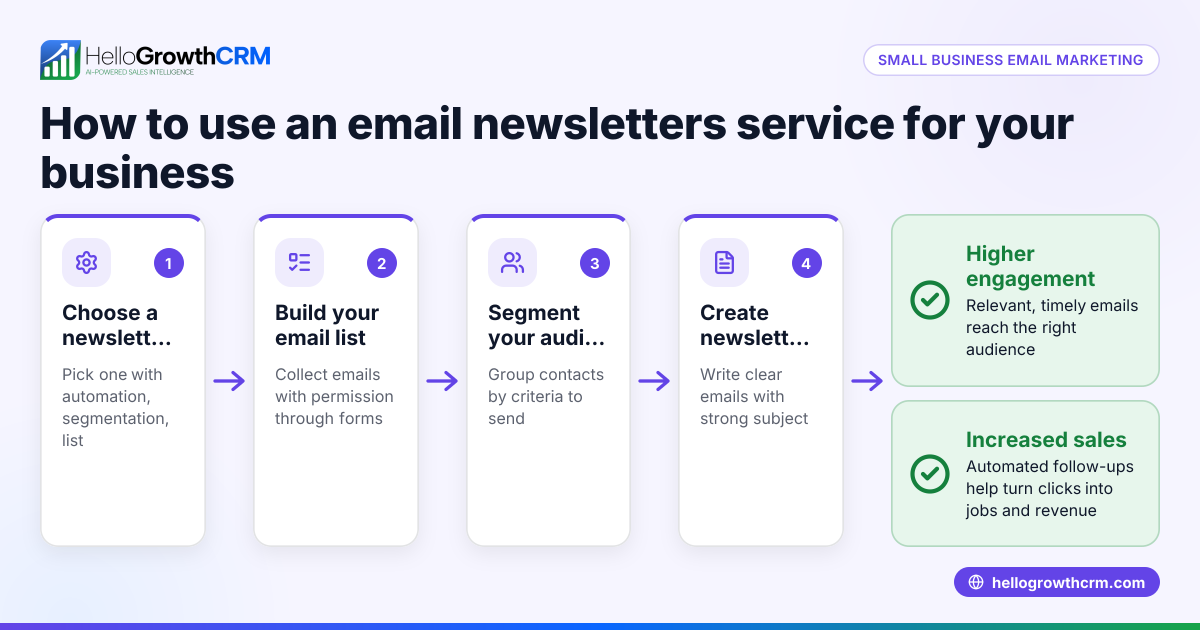
- Define your email marketing goals: Decide if your priority is nurturing leads, promoting products, sending newsletters, or a mix. Clear goals help identify needed features.
- Check ease of use: Small teams need software with simple interfaces, drag-and-drop email builders, and clear dashboards. Avoid tools requiring technical skills.
- Look for automation features: Automated sequences or drip campaigns send timed follow-ups until a prospect responds. This saves time and improves engagement.
- Consider integration options: The software should connect with your CRM, web forms, or other tools to capture leads automatically and keep data synced.
- Evaluate shared inbox capabilities: A shared inbox lets your team see and respond to replies collaboratively, preventing duplicated efforts or missed messages.
- Review pricing and scalability: Choose plans that suit your current team size and budget but allow easy upgrades as you grow without sudden cost jumps.
- Test customer support and resources: Responsive support, tutorials, and community forums help reduce downtime and speed up learning.
- Assess reporting and analytics: Look for built-in dashboards that track open rates, click rates, reply rates, and conversions to measure campaign success.
Example (fictional figures)
A two-location dental practice in Columbus, Ohio, wants to improve patient appointment reminders and promotions. They budget $300/month for email marketing software.
- Monthly fee for software with sequences and shared inbox: $300
- Average revenue per new patient: $500
- Expected increase in patient bookings from better email follow-up: 10 patients/month
Calculation: $500 × 10 = $5,000 additional revenue/month $5,000 - $300 = $4,700 net gain/month
This example shows how investing in email marketing software can quickly pay off by improving follow-up and increasing bookings.
Common mistakes
- Choosing software without automation: Prevent this by verifying the tool supports sequences or drip campaigns to automate follow-up.
- Ignoring team collaboration features: Prevent missed replies by testing if replies are visible to all team members through a shared inbox.
- Overlooking integration needs: Prevent manual data entry by ensuring the software captures leads from your web forms or CRM automatically.
- Picking software too complex for your team: Prevent frustration by trying demos and reading reviews focused on ease of use.
- Underestimating ongoing costs: Prevent surprises by reviewing pricing tiers, add-on fees, and limits before committing.
- Neglecting reporting tools: Prevent poor campaign management by choosing software with built-in analytics to track key metrics.
Doing this in HelloGrowthCRM
HelloGrowthCRM offers email automation and sequences that run a five-step follow-up over two weeks and stop when a prospect replies. Its HelloMail shared inbox keeps all team members updated on replies to quotation emails, ensuring no lead slips through. For founders without a sales manager, the Managed RevOps service provides weekly follow-up execution and pipeline hygiene support. Learn more about email automation and sequences, AI CRM, and try the free CRM for small business.
Frequently asked questions
What features should small businesses look for in email marketing software? Small businesses should prioritize ease of use, automation like sequences, integration with CRM or lead capture tools, and shared inbox capabilities for team collaboration. Affordable pricing and scalability are also important.
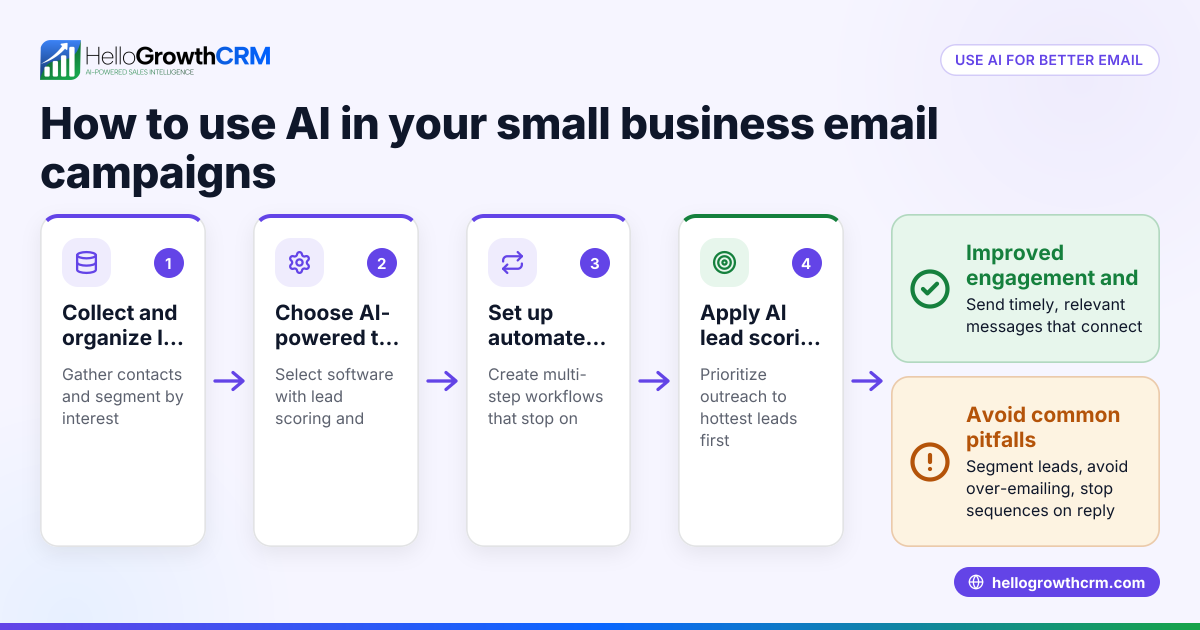
Are AI email marketing tools useful for small businesses? AI tools can help by optimizing send times, personalizing content, and scoring leads to prioritize follow-up. However, small businesses should ensure AI features are easy to use and actually save time rather than complicate workflows.
How can I integrate email marketing with my existing CRM? Look for software that connects directly with your CRM or supports web form integrations to capture leads automatically. This reduces manual data entry and keeps your sales pipeline updated.
Is it better to use a dedicated email marketing tool or an all-in-one CRM with email features? An all-in-one CRM with email marketing can centralize customer data and communications, improving team collaboration. Dedicated tools may offer advanced email features but require syncing data separately.
How do I measure the success of my email marketing? Track open rates, click rates, reply rates, and conversions. Use these metrics to refine your messaging and timing. Some software provides built-in reporting dashboards.
Key takeaways
- Choose email marketing software with automation features like sequences to save time.
- Ensure the tool supports team collaboration through shared inboxes.
- Integration with your CRM and lead capture tools streamlines workflows.
- Test ease of use and review pricing tiers to avoid surprises.
- Avoid software without follow-up automation or collaboration features.
- Use reporting tools to track and improve campaign performance.
- HelloGrowthCRM offers email sequences, shared inbox, and Managed RevOps support.
Start improving your email follow-up today. Start on the Free Forever plan (200 leads, no credit card).
Ready to put this into practice?
Set up your pipeline, WhatsApp follow-ups, and AI lead scoring in minutes — free, no credit card.
Try HelloGrowthCRM freeGet CRM tips in your inbox
Join thousands of sales professionals who get weekly insights on CRM strategy, AI automation, and pipeline optimization.

The HelloGrowthCRM team publishes guides on CRM strategy, AI sales tools, and revenue operations for small business sales teams.