HelloGrowthCRM software
Built for real small-business sales teams
HelloGrowthCRM helps reps qualify faster, follow up on time, and close more deals—with practical automation in one place.
- AI lead scoring and pipeline visibility
- Built-in dialer, WhatsApp, and email automation
- Sales forecasting and RevOps-ready reporting
Field service scheduling software helps small businesses organize and assign work orders, manage field staff, and optimize routes to improve efficiency and customer satisfaction. This article explains why you need it, provides step-by-step advice for evaluating options, includes a detailed example with US figures, highlights common mistakes to avoid, and shows how HelloGrowthCRM supports scheduling and field operations.
Why this comes up / what goes wrong
Small business owners who manage field services often struggle with scheduling jobs, dispatching technicians, and tracking field visits. Without software, they rely on phone calls, text messages, emails, or spreadsheets, which leads to double bookings, missed appointments, slow follow-up, and inefficient routes. This causes lost revenue and unhappy customers. As the team grows beyond a few people, manual methods become overwhelming, and visibility into daily field operations is limited.
Step-by-step
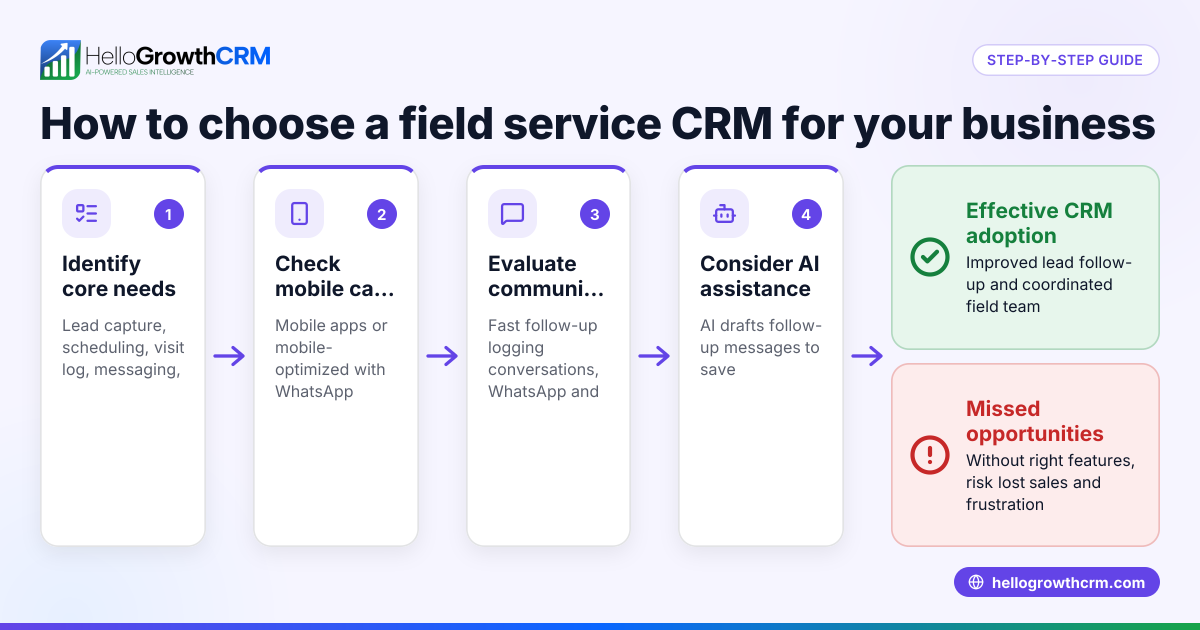
- Identify your core scheduling needs. Determine if you need just appointment booking or also dispatching, route planning, and field activity logging. Knowing your exact requirements helps narrow your choices.
- Check for mobile access. Field staff should be able to receive job details, log visits, and update status from their phones. Mobile-friendly software keeps your team connected on the go.
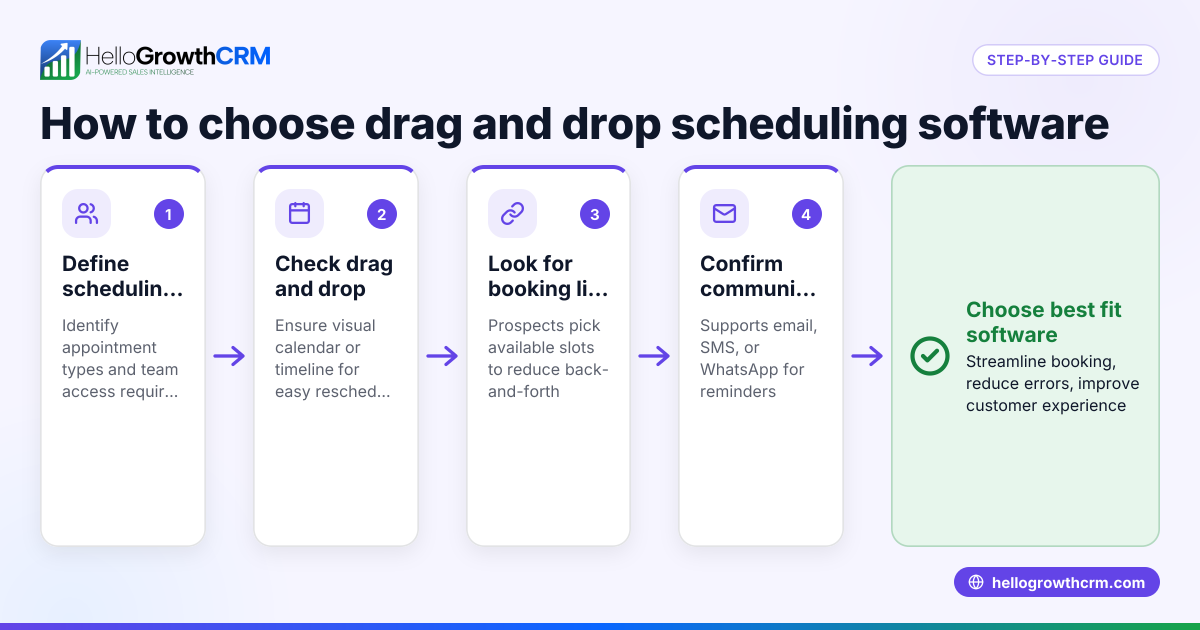
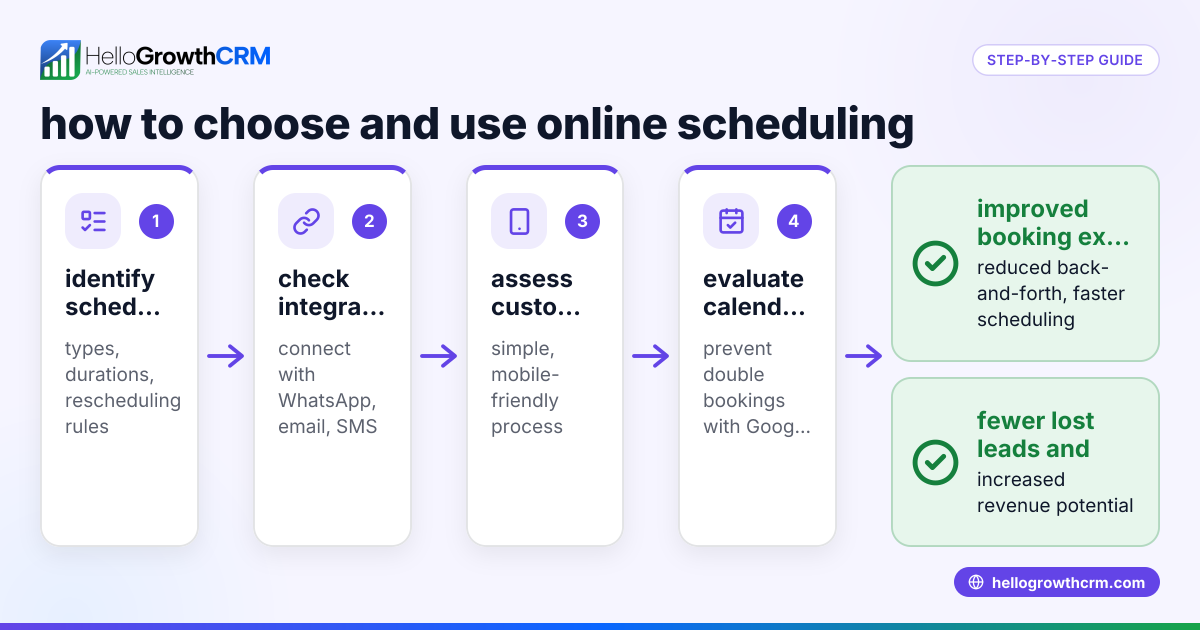
- Look for customer self-scheduling features. A scheduling link that lets prospects pick a time slot reduces back-and-forth communication and speeds up booking.
- Verify integration with communication tools. Scheduling software that works with WhatsApp, SMS, or email helps keep customers informed and reduces manual follow-up.
- Assess territory and commission management. If your business uses territories or pays commissions, check if the software supports these features to manage your sales structure effectively.
- Evaluate ease of use. The software should be simple enough for your team to adopt without extensive training, ensuring consistent use.
- Consider reporting and forecasting. Insights on field activity and sales help improve operations and plan growth.
- Test customer support and scalability. Ensure the vendor offers reliable support and can grow with your business needs.
- Compare pricing and trial options. Many providers offer free trials or freemium plans to test features before committing.
- Review security and compliance. Protect customer data by choosing software that meets your security requirements, especially if handling sensitive information.
For more on scheduling and booking features, see WhatsApp and SMS CRM.
Example (fictional figures)
A landscaping contractor in Charlotte, North Carolina, manages about 50 jobs per week with 5 field technicians. They currently lose approximately $2,000 per week due to missed or double-booked jobs, impacting revenue and reputation.
- Weekly revenue before software = $10,000
- Estimated cost of scheduling software = $200 per month
If the software helps eliminate lost jobs, the contractor recovers $2,000 per week.
Monthly recovered revenue = $2,000 × 4 = $8,000
Subtracting software cost:
Net monthly gain = $8,000 − $200 = $7,800
By adopting scheduling software, the contractor recovers lost revenue and gains $7,800 monthly after software costs, improving cash flow and customer satisfaction.
Common mistakes
- Choosing software without mobile capabilities. Prevent by verifying field staff can update jobs on phones to avoid delays and miscommunication.
- Ignoring customer self-scheduling. Prevent by selecting software with booking links to reduce manual calls and scheduling errors.
- Overlooking territory and commission features. Prevent by checking if the software supports your sales structure to manage teams and payouts accurately.
- Picking complex software that the team avoids using. Prevent by trialing ease of use before buying to ensure adoption.
- Not verifying integration with communication channels. Prevent by confirming support for WhatsApp, SMS, or email to keep customers informed.
- Neglecting reporting tools. Prevent by ensuring the software offers visibility into field operations for better decision-making.
See more on territory and field operations at HelloGrowthCRM for the United States.
Doing this in HelloGrowthCRM
HelloGrowthCRM offers scheduling and booking where prospects pick a time slot from a link, avoiding back-and-forth on WhatsApp. For field operations, it provides territory definition, visit logging from mobile phones, and lets managers see the day’s field activity. These features help small businesses streamline scheduling and improve field team management. Learn more about scheduling at HelloGrowthCRM meeting scheduler and territories at territory management.
Frequently asked questions
What is the difference between field service scheduling software and dispatch software? Field service scheduling software focuses on booking appointments and managing job times, while dispatch software often includes assigning jobs to specific field workers and optimizing routes. Many products combine both features for comprehensive field management.
Can I use a field service scheduling app on my phone? Yes, most modern field service scheduling apps have mobile versions or apps that let your field staff receive job details, update status, and log visits directly from their smartphones.
How does customer self-scheduling work in these apps? Customers or prospects receive a link where they can pick an available time slot for a service, which automatically updates the schedule. This reduces calls and scheduling errors.
Is commission tracking included in field service scheduling software? Some advanced solutions include commission tracking linked to completed deals or visits, helping sales managers calculate payouts accurately.
Can these tools integrate with WhatsApp or SMS? Yes, integration with WhatsApp and SMS allows automated notifications and sequences to keep customers informed and engaged.
For more on communication integration, see built-in CRM dialer.
Key takeaways
- Field service scheduling software organizes jobs, reduces conflicts, and improves customer experience.
- Mobile access and customer self-scheduling links save time and increase efficiency.
- Territory and commission management features support sales team structure.
- Ease of use and communication integration (WhatsApp, SMS) are critical for adoption.
- Testing software with trials or freemium plans helps avoid costly mistakes.
Start improving your field service scheduling today. Start on the Free Forever plan (200 leads, no credit card).
Ready to put this into practice?
Set up your pipeline, WhatsApp follow-ups, and AI lead scoring in minutes — free, no credit card.
Try HelloGrowthCRM freeGet CRM tips in your inbox
Join thousands of sales professionals who get weekly insights on CRM strategy, AI automation, and pipeline optimization.

The HelloGrowthCRM team publishes guides on CRM strategy, AI sales tools, and revenue operations for small business sales teams.