HelloGrowthCRM software
Built for real small-business sales teams
HelloGrowthCRM helps reps qualify faster, follow up on time, and close more deals—with practical automation in one place.
- AI lead scoring and pipeline visibility
- Built-in dialer, WhatsApp, and email automation
- Sales forecasting and RevOps-ready reporting
A meeting request email subject is the first thing your recipient sees when your email arrives. It tells them the reason for your meeting request and influences whether they open your email quickly or ignore it. To get a response, your subject line must be clear, specific, and concise. It should fit on mobile screens and highlight the meeting's purpose or urgency without sounding pushy.
This article covers why meeting request subjects matter for small-business owners, step-by-step guidance to write effective ones, a realistic example with figures, common mistakes to avoid, and how HelloGrowthCRM can simplify scheduling and follow-ups.
Why this comes up / what goes wrong
Small-business owners often send meeting requests by email to prospects, clients, or partners. But many struggle because their subject lines are vague or generic. For example, subjects like "Meeting" or "Request" don’t explain what the meeting is about. Recipients who receive dozens of emails daily may ignore or delete these without opening them.
This leads to delays in scheduling, lost sales opportunities, and frustration. Many small businesses also manage sales communications across email, WhatsApp, and spreadsheets, making it easy for meeting requests to get overlooked or buried.
Without a clear subject line that signals the meeting’s relevance and urgency, your email risks being lost in a crowded inbox or mistaken for spam.
Step-by-step
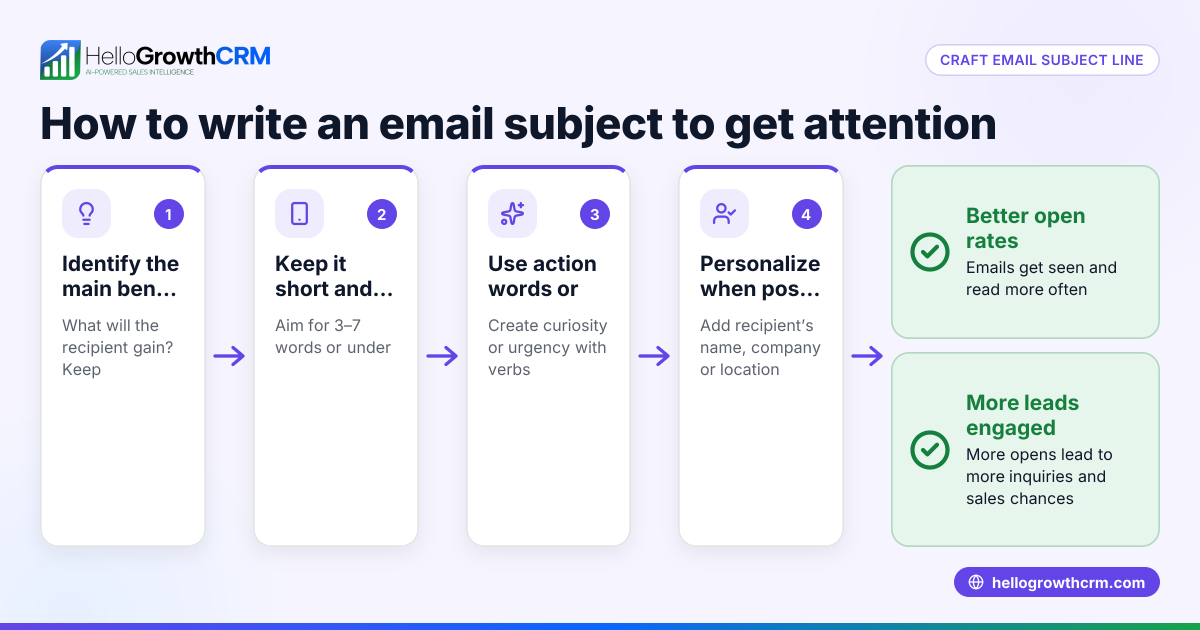
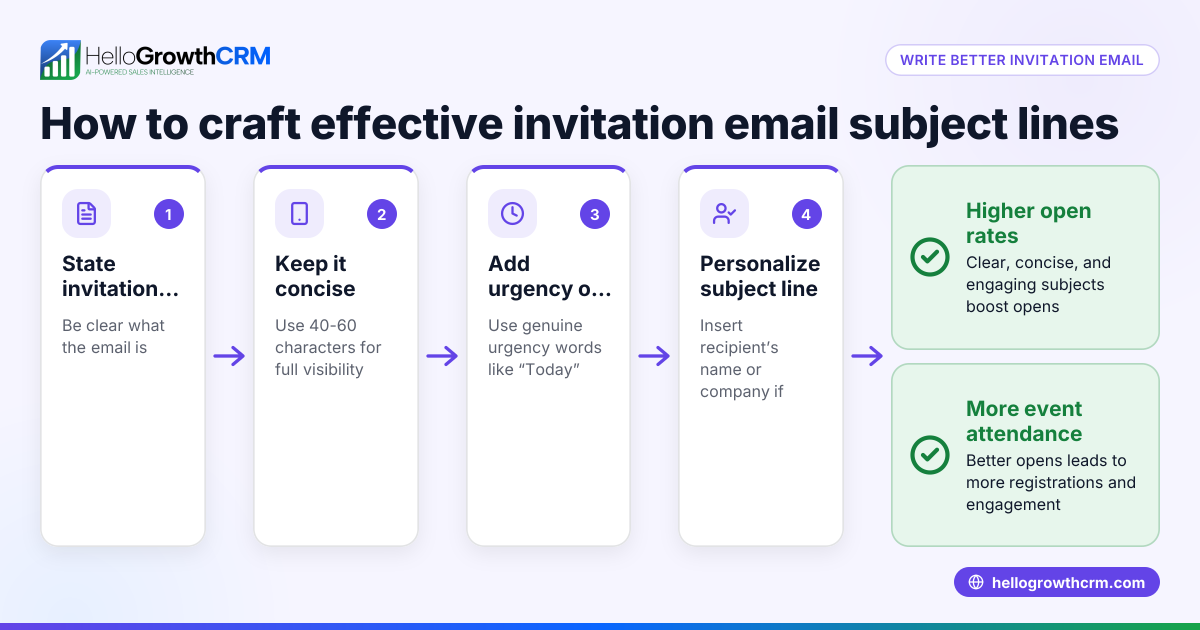
- State the meeting purpose clearly: Use specific words that describe the meeting topic, like "Meeting Request: Q3 Marketing Plan Review."
- Add personalization: Include the recipient’s name or company to make the email feel relevant, e.g., "Meeting Request: Project Update with Smith Co."
- Keep it concise: Limit your subject to 6-10 words or about 40-50 characters so it displays fully on mobile devices.
- Mention timing if relevant: Add a timeframe or date, such as "Next Week" or "This Friday?" to encourage prompt replies.
- Avoid spammy language and punctuation: Skip all caps, excessive exclamation marks, or vague words like "Urgent!!!" which can reduce credibility.
- Check spelling and grammar: Errors make your email look unprofessional and lower response chances.
- Use A/B testing if possible: Try different subject lines on small groups to see which gets better open rates, using tools like HelloGrowthCRM’s sequences feature.
- Reference the original subject in follow-ups: For example, "Follow-up: Meeting Request for Q3 Marketing Plan" helps recipients track the conversation.
Following these steps helps your meeting requests stand out and get quicker responses.
Example (fictional figures)
Imagine a plumbing company in Austin, Texas, named "Austin Pipe Pros." They want to schedule a meeting to discuss a commercial contract with Joe’s Diner, a local restaurant.
They send a meeting request email with this subject:
"Meeting Request: Plumbing Service Discussion for Joe’s Diner"
In the email body, they propose the date 07/15/2026.
This clear subject tells Joe’s Diner what the meeting is about and why it matters.
Austin Pipe Pros tracks these emails and follow-ups in their CRM to avoid missed replies. Suppose the average contract value is $12,000, and closing this meeting gives a 25% chance of sale. The expected revenue is:
$12,000 × 25% = $3,000 expected revenue
Timely follow-up can increase this probability, improving sales outcomes.
Common mistakes
- Vague subject lines: Subjects like "Meeting" or "Hello" don’t explain the meeting purpose. Prevent this by specifying the topic clearly.
- Too long or wordy subjects: Long subjects get cut off on mobile devices. Keep it concise to fit the screen.
- No personalization: Generic subjects feel impersonal. Include the recipient’s name or company to improve open rates.
- Ignoring follow-ups: Not updating the subject line on follow-ups causes confusion. Always reference the original subject line.
- Using spammy words or punctuation: Avoid words like "Urgent!!!" or all caps. Use professional, polite language.
- Not testing subject lines: Missing the chance to improve open rates. Use tools like HelloGrowthCRM’s Sequences and campaigns to test and automate follow-ups.
Doing this in HelloGrowthCRM
HelloGrowthCRM offers features that simplify meeting requests and follow-ups. Its Scheduling and booking lets prospects pick a meeting slot from a link, avoiding back-and-forth emails or WhatsApp messages. The Sequences and campaigns feature automates a five-step follow-up sequence over two weeks, stopping when the prospect replies, ensuring timely responses without manual work. Also, the HelloMail shared inbox keeps all replies visible to the team, so no meeting request gets lost.
Frequently asked questions
What is the ideal length for a meeting request email subject? Aim for 6-10 words or about 40-50 characters so the subject displays fully on most devices, especially mobile. (twilio.com)
Should I include the recipient’s name in the subject? Yes. Personalization improves open rates by making the email feel relevant and less generic.
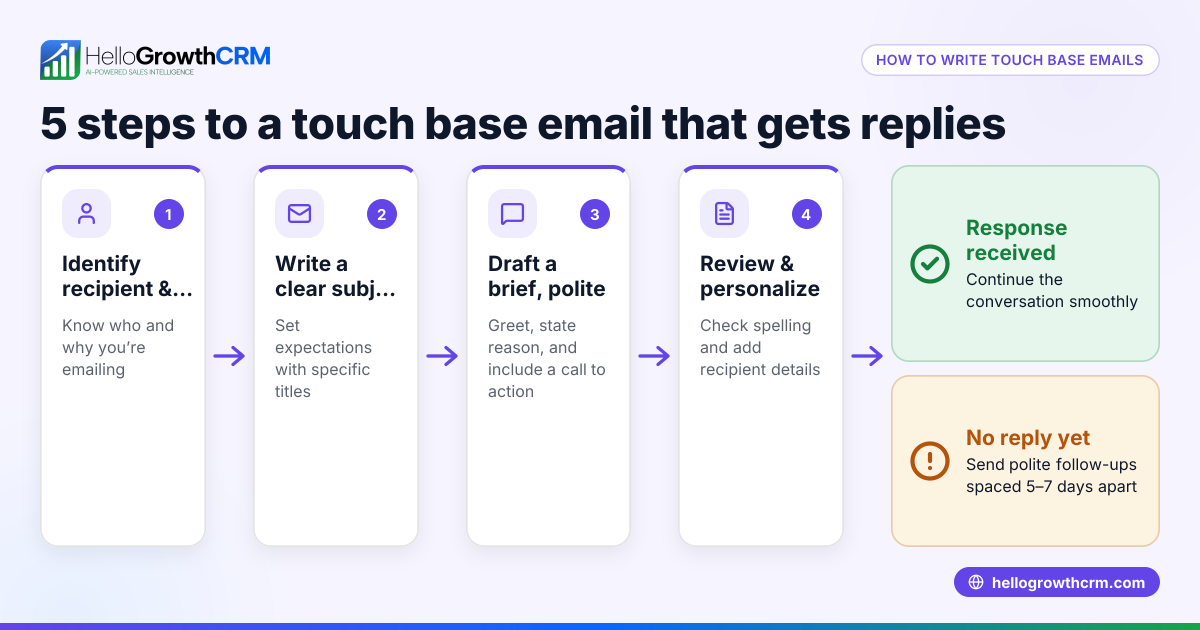
How soon should I follow up if I don’t get a reply? Consider waiting a few business days before sending a polite follow-up with a subject referencing the original email, such as "Follow-up: Meeting Request for Project Update."
Can I use automated tools to send meeting requests? Yes. Tools like HelloGrowthCRM can automate follow-ups and let prospects book meetings via a scheduling link, reducing manual work.
What words should I avoid in a meeting request subject? Avoid spammy words like "Urgent!!!," all caps, excessive punctuation, or vague terms that don’t clarify the meeting purpose.
Key takeaways
- Write clear, specific, and concise meeting request email subjects
- Personalize subjects with the recipient’s name or company
- Include a timeframe or urgency when appropriate
- Avoid vague, spammy, or overly long subject lines
- Follow up promptly with a clear subject referencing the original
- Use tools like HelloGrowthCRM to automate scheduling and follow-ups
Start managing your meeting requests more effectively with HelloGrowthCRM. Start on the Free Forever plan (200 leads, no credit card).
Ready to put this into practice?
Set up your pipeline, WhatsApp follow-ups, and AI lead scoring in minutes — free, no credit card.
Try HelloGrowthCRM freeGet CRM tips in your inbox
Join thousands of sales professionals who get weekly insights on CRM strategy, AI automation, and pipeline optimization.

The HelloGrowthCRM team publishes guides on CRM strategy, AI sales tools, and revenue operations for small business sales teams.