HelloGrowthCRM software
Built for real small-business sales teams
HelloGrowthCRM helps reps qualify faster, follow up on time, and close more deals—with practical automation in one place.
- AI lead scoring and pipeline visibility
- Built-in dialer, WhatsApp, and email automation
- Sales forecasting and RevOps-ready reporting
A field sales CRM helps sales teams working outside the office manage customer visits, track deals, and keep communication clear and timely, all from mobile devices. This article covers why UAE small and mid-sized businesses look for a field sales CRM, how to evaluate options, a practical example, common mistakes, and how HelloGrowthCRM’s features support field sales.
Why this comes up / what goes wrong
Small business owners in the UAE often rely on spreadsheets, WhatsApp chats, and phone calls to manage field sales. This approach leads to lost leads, missed follow-ups, and unclear sales pipelines. Field sales teams need a CRM that works well on mobile devices, logs visits and activities easily, and keeps managers informed about daily field operations. Without this, tracking commissions, managing territories, and forecasting sales become difficult, resulting in lost revenue and inefficiencies.
Step-by-step
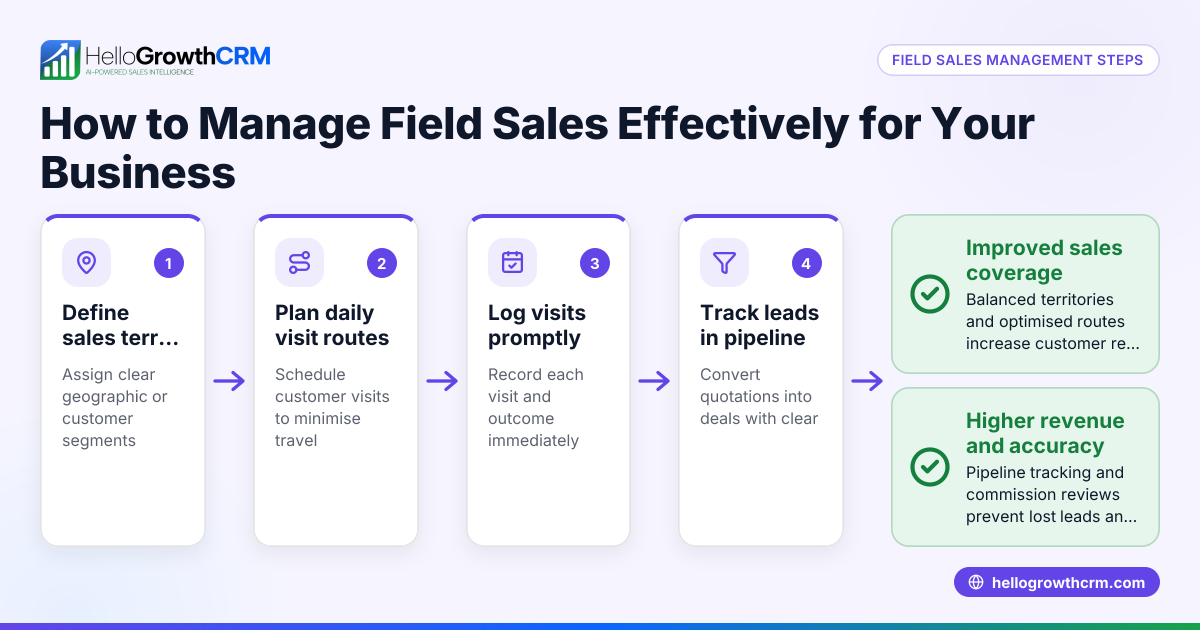
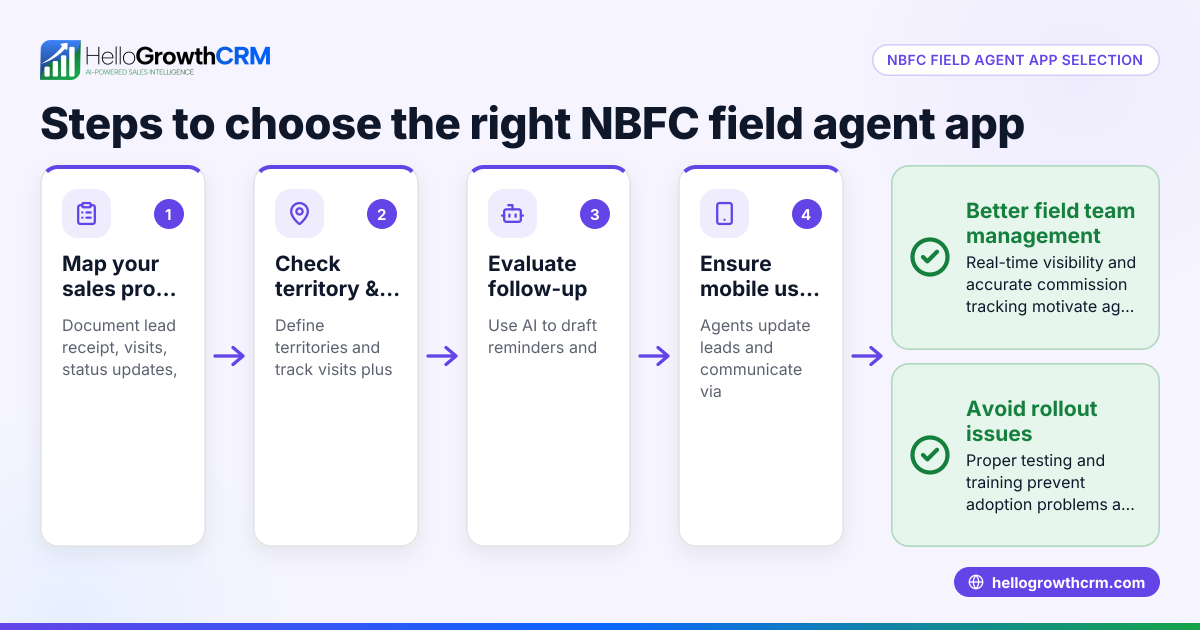
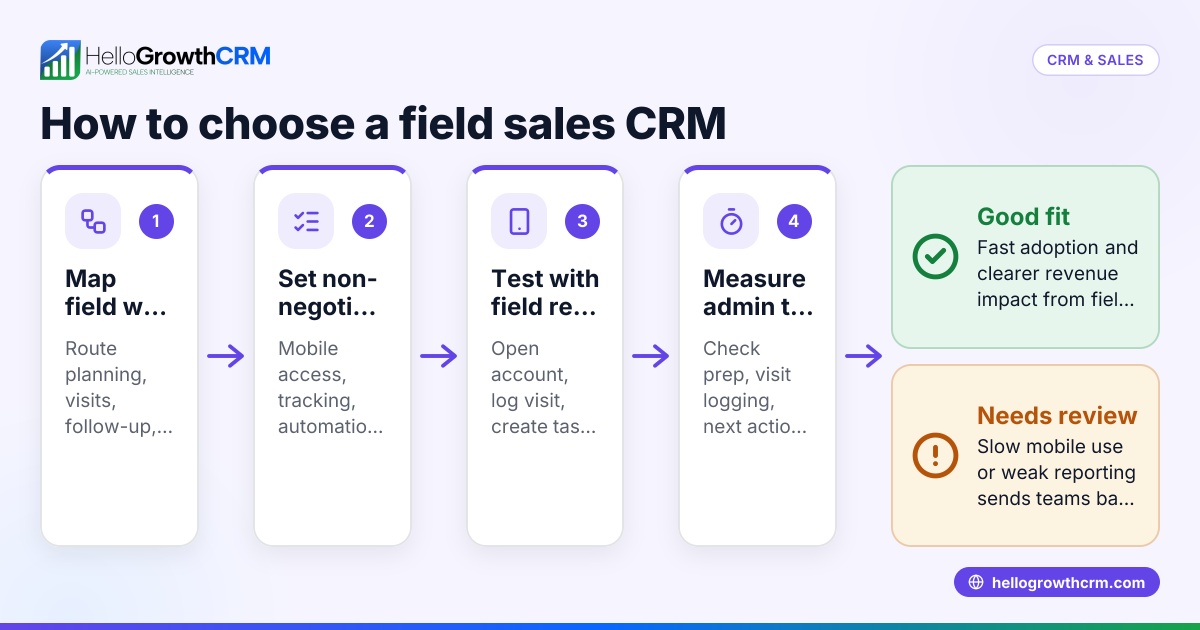
- Identify your field sales needs: Determine if your sales team needs mobile access, visit logging, route planning, or commission tracking. Check if managing territories is important for your business structure.
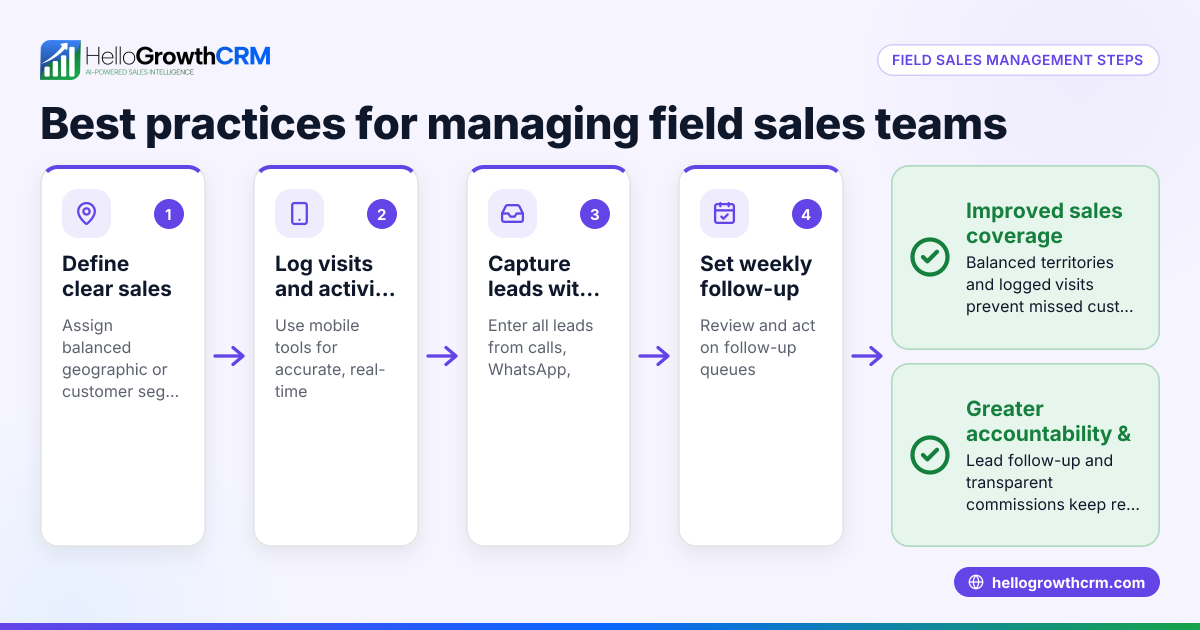
- Check mobile usability: Ensure the CRM works smoothly on smartphones and tablets, enabling reps to log visits and update deals on the go without delays or complex steps.
- Evaluate pipeline management: Confirm the CRM lets you track deals through stages with follow-up reminders so no quotation or lead is forgotten.
- Review communication tools: Look for built-in WhatsApp and SMS messaging features that log conversations on lead records and allow scheduled follow-ups.
- Consider territory and field operations features: If you have multiple sales areas, check if the CRM supports territory definition, visit logs, and lets managers monitor field reps’ daily activities.
- Assess commission tracking: For sales teams paid on commission, verify if the CRM links commissions to deal outcomes for clear and accurate tracking.
- Test reporting and forecasting: Good CRMs provide sales forecasting and reports to help make informed decisions.
- Check integration and scalability: Ensure the CRM integrates with your existing tools and can grow with your business.
- Try before buying: Use free trials or demos to see if your team actually uses the CRM effectively in the field.
- Consider local support and compliance: Choose a CRM familiar with UAE business practices and legal requirements.
Example (fictional figures)
A business-setup consultancy in Business Bay, Dubai, uses a field sales CRM to manage its sales team of five reps.
- Monthly sales target: AED 500,000
- Average deal size: AED 50,000
- Expected deals to close per month: 10
The CRM tracks visit logs and sales stages. One rep sends a quotation on 15/05/2024 worth AED 50,000, marked as 'quote sent' with a follow-up on 22/05/2024.
Calculations:
AED 50,000 × 10 deals = AED 500,000 monthly target
If 7 deals close this month:
AED 50,000 × 7 = AED 350,000 actual sales
Commission rate assumed: 5%
AED 350,000 × 5% = AED 17,500 commission payout
This CRM helps the manager see which deals are pending follow-up, track rep visits, and calculate commissions accurately.
Common mistakes
- Choosing a CRM without mobile-first features: Prevent by testing the CRM on actual field devices to ensure usability.
- Ignoring territory management needs: Avoid by confirming if the CRM supports defining and assigning territories and tracking visits per area (territory management).
- Relying on separate communication apps: Prevent lost data by choosing a CRM that logs WhatsApp and SMS conversations on lead records (WhatsApp and SMS CRM).
- Neglecting pipeline follow-up reminders: Avoid missed deals by selecting a CRM with deal stages and follow-up alerts (HelloGrowthCRM for the United Arab Emirates).
- Not involving sales reps in the selection: Prevent low adoption by including field sales staff in trials and demos.
- Overlooking commission tracking: Avoid confusion by ensuring the CRM links commissions directly to closed deals.
Doing this in HelloGrowthCRM
This CRM supports field sales teams with tools to log visits and activities from mobile devices, letting managers see the day's beat via territory management and field operations features (territory management). Sales pipelines track deals through stages with follow-up dates so quotations don’t get forgotten (HelloGrowthCRM for the United Arab Emirates). WhatsApp and SMS conversations with leads are logged on the lead record, and follow-ups can be sent as messages directly from the CRM (WhatsApp and SMS CRM). This helps small and mid-sized UAE businesses keep field sales organised and efficient.
Frequently asked questions
What is a field sales CRM? A field sales CRM is software designed for sales teams who meet customers outside the office. It helps manage visits, track deals, and communicate on mobile devices, ensuring no leads or follow-ups are missed.
Why is mobile usability important in a field sales CRM? Field sales reps often work on the move, so the CRM must be easy to use on smartphones and tablets. This ensures they can log visits and update deals quickly without going back to the office.
Can a field sales CRM handle WhatsApp communication? Yes, some CRMs log WhatsApp and SMS conversations on lead records and allow sending follow-ups as messages, keeping all communication in one place.
How does territory management help field sales teams? Territory management lets you assign sales areas to reps, log visits in each territory, and monitor daily field activities, improving organisation and accountability.
What should I look for in commission tracking features? Look for a CRM that links commissions directly to deal outcomes, making it easy to calculate and track payouts accurately.
Is this CRM suitable for UAE businesses? Yes, it offers features tailored to UAE small and mid-sized businesses, including mobile-friendly field sales tools and integrated messaging (HelloGrowthCRM for the United Arab Emirates).
Key takeaways
- Field sales CRM software helps mobile sales teams manage visits, deals, and communication efficiently.
- Mobile usability, territory management, and pipeline tracking are essential features.
- Integrating WhatsApp and SMS messaging within the CRM keeps all communication logged and follow-ups timely.
- Commission tracking linked to deals prevents payment errors.
- Testing CRM usability with your team ensures adoption and effectiveness.
- This CRM offers these features tailored for UAE small and mid-sized businesses.
Choosing the right field sales CRM can improve your sales team’s productivity and reduce lost leads. For detailed pricing and plans suited to UAE businesses, See UAE pricing.
Ready to put this into practice?
Set up your pipeline, WhatsApp follow-ups, and AI lead scoring in minutes — free, no credit card.
Try HelloGrowthCRM freeGet CRM tips in your inbox
Join thousands of sales professionals who get weekly insights on CRM strategy, AI automation, and pipeline optimization.

The HelloGrowthCRM team publishes guides on CRM strategy, AI sales tools, and revenue operations for small business sales teams.