HelloGrowthCRM software
Built for real small-business sales teams
HelloGrowthCRM helps reps qualify faster, follow up on time, and close more deals—with practical automation in one place.
- AI lead scoring and pipeline visibility
- Built-in dialer, WhatsApp, and email automation
- Sales forecasting and RevOps-ready reporting
A follow up thank you email after a meeting is a short, polite message sent soon after a business meeting to thank the recipient for their time and to recap important points or agreed actions. Sending this email promptly shows professionalism, helps build rapport, and keeps your relationship active. It also opens the door for further communication or closing deals.
Why this comes up / what goes wrong
Small-business owners often meet prospects, partners, or suppliers and forget to send a thank you email. This can happen because they get busy, rely on memory, or don’t have a clear process. Without a follow up email, the meeting’s impact fades, and opportunities can be lost. Also, unclear or delayed follow-ups make your business seem unorganized or uninterested, which can cost sales or partnerships.
Step-by-step
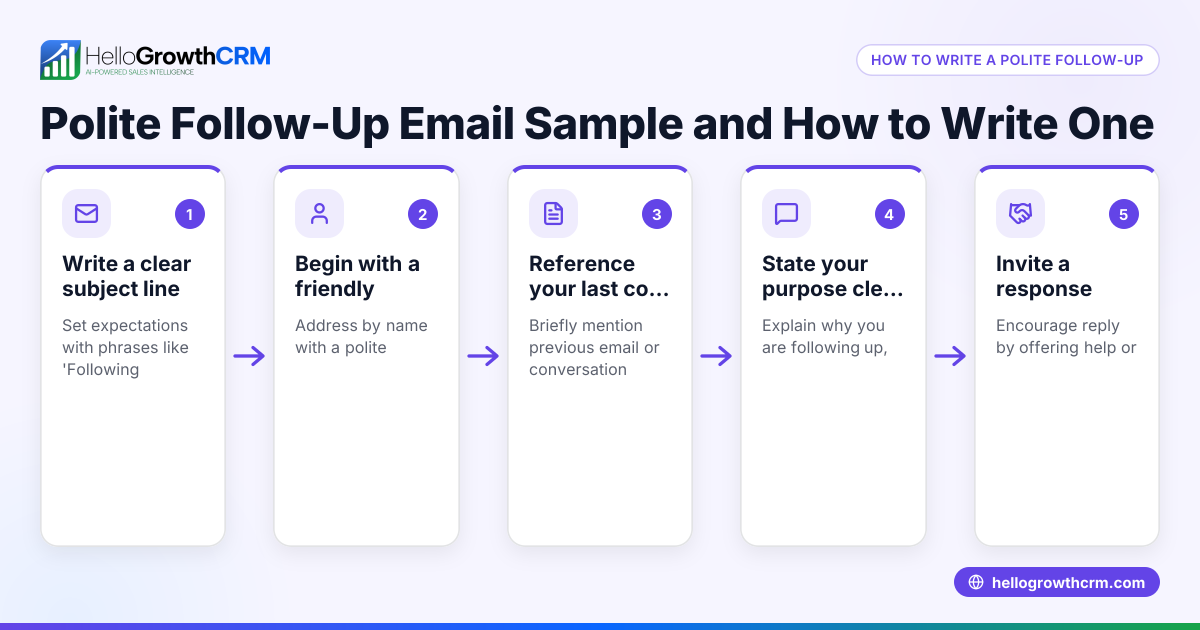
- Send the email within 24 hours. This keeps your meeting fresh in the recipient’s mind and shows promptness.
- Start with a clear subject line. For example, "Thank you for meeting on [date]".
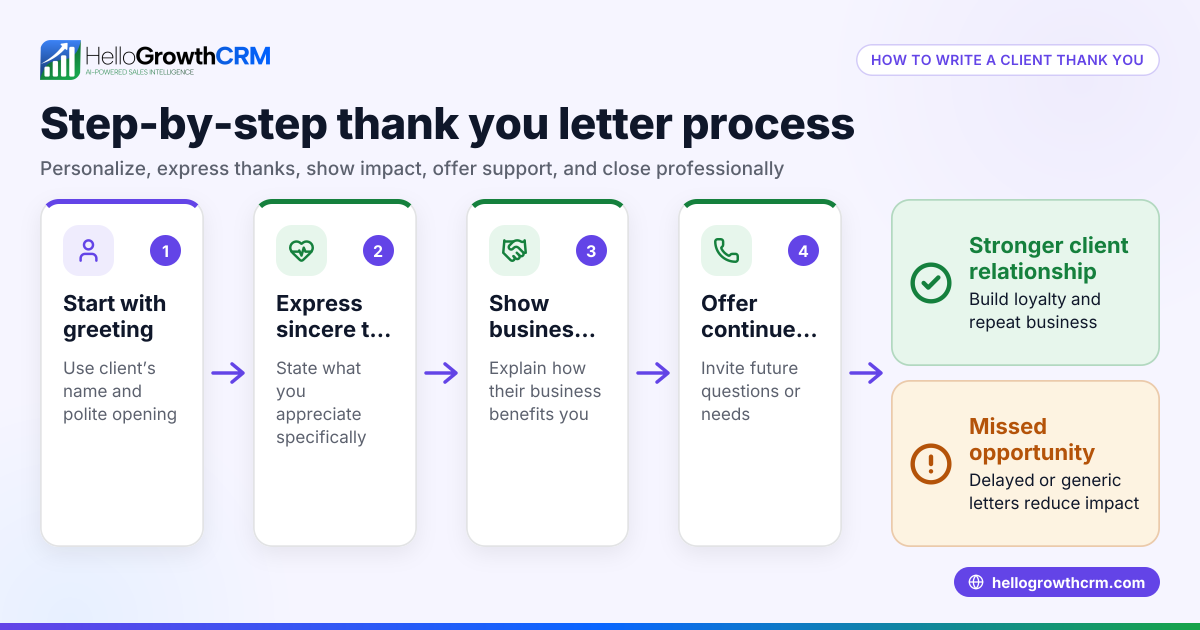
- Greet the recipient by name. Use their correct spelling and title.
- Express gratitude. Thank them sincerely for their time and attention.
- Mention something specific from the meeting. This personalizes the message and shows you were engaged.
- Recap key points or next steps. Briefly summarize agreements, action items, or follow-up plans.
- Offer to answer questions or provide more information. This keeps the conversation open.
- Close politely. Use a professional sign-off like "Best regards" or "Sincerely".
- Proofread before sending. Check for typos, grammar, and correct names.
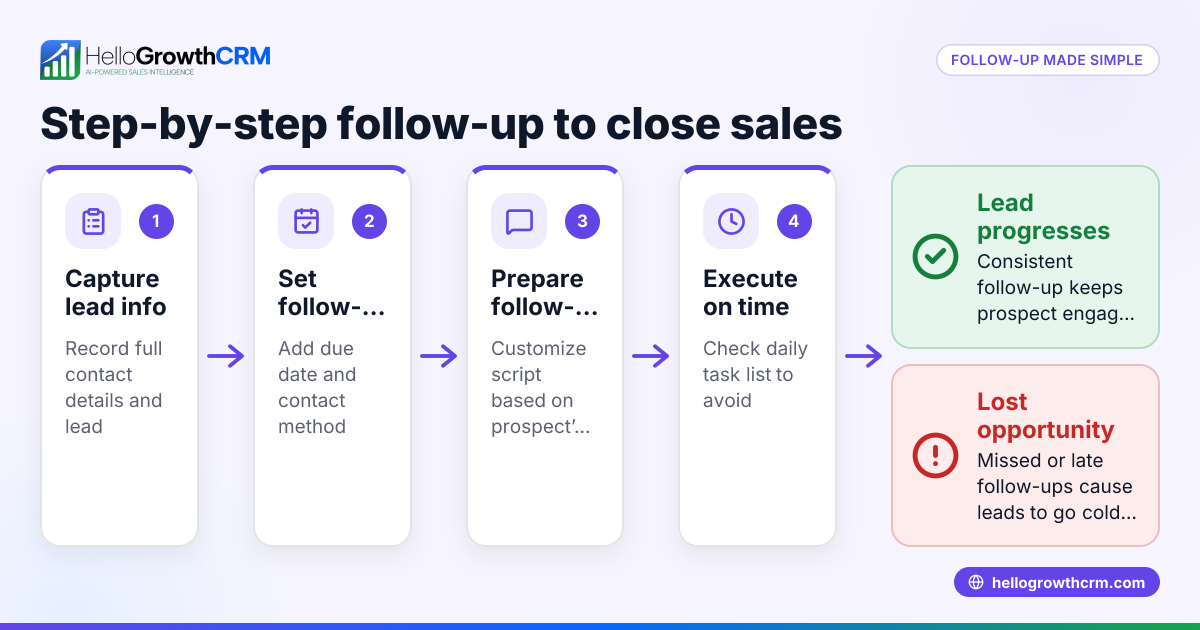
To keep track of these emails and follow-ups, use tools like a meeting scheduler and sales task boards to assign due dates and reminders.
Example (fictional figures)
A plumbing company in Austin, Texas, met a commercial client on 06/10/2026 to discuss a $25,000 contract for maintenance services.
Subject: Thank you for meeting on 06/10/2026
Dear Mr. Johnson,
Thank you for taking the time to meet with me on 06/10/2026. I appreciated learning more about your facility’s plumbing needs.
As discussed, we will provide regular maintenance visits every quarter, starting 07/01/2026, at a cost of $6,250 per visit.
Please let me know if you have any questions or need additional details.
Best regards,
Alex Smith
Smith Plumbing
Calculation for quarterly visits: $25,000 ÷ 4 = $6,250 per visit
This email confirms the meeting date, thanks the client, recaps the contract value and schedule, and invites further communication.
Common mistakes
- Waiting too long to send the email. Prevent by setting a reminder or task immediately after the meeting.
- Being too generic or vague. Prevent by including specific details from the meeting.
- Forgetting to proofread. Prevent by reading aloud or using tools to catch errors.
- Not including next steps or a call to action. Prevent by planning what you want the recipient to do or expect next.
- Sending the email to the wrong person or with incorrect names. Prevent by double-checking recipient details.
- Overloading the email with too much information. Prevent by keeping it concise and focused.
Using a meeting scheduler helps avoid scheduling errors, while sales task boards keep follow-ups on track.
Doing this in HelloGrowthCRM
HelloGrowthCRM offers Sequences and campaigns that automate a five-step follow-up over two weeks, stopping as soon as the prospect replies. This ensures timely thank you emails and continued outreach without manual tracking. Each follow-up becomes a task with a due date on the Activities and task boards, so your team sees exactly what needs to be done each day rather than relying on memory. Additionally, HelloMail shared inbox lets the whole team view replies to your emails on the deal, keeping communication transparent and coordinated. Learn more about email automation and sequences and sales task boards.
Frequently asked questions
How soon should I send a follow up thank you email after a meeting? Send it within 24 hours to keep the conversation fresh and show professionalism.
What should I include in a follow up thank you email? Include a clear subject, personalized greeting, sincere thanks, specific meeting details, next steps, and a polite closing.
Can I automate follow up thank you emails? Yes, tools like HelloGrowthCRM can automate multi-step follow-ups with sequences that stop when the prospect replies, saving time and ensuring consistency.
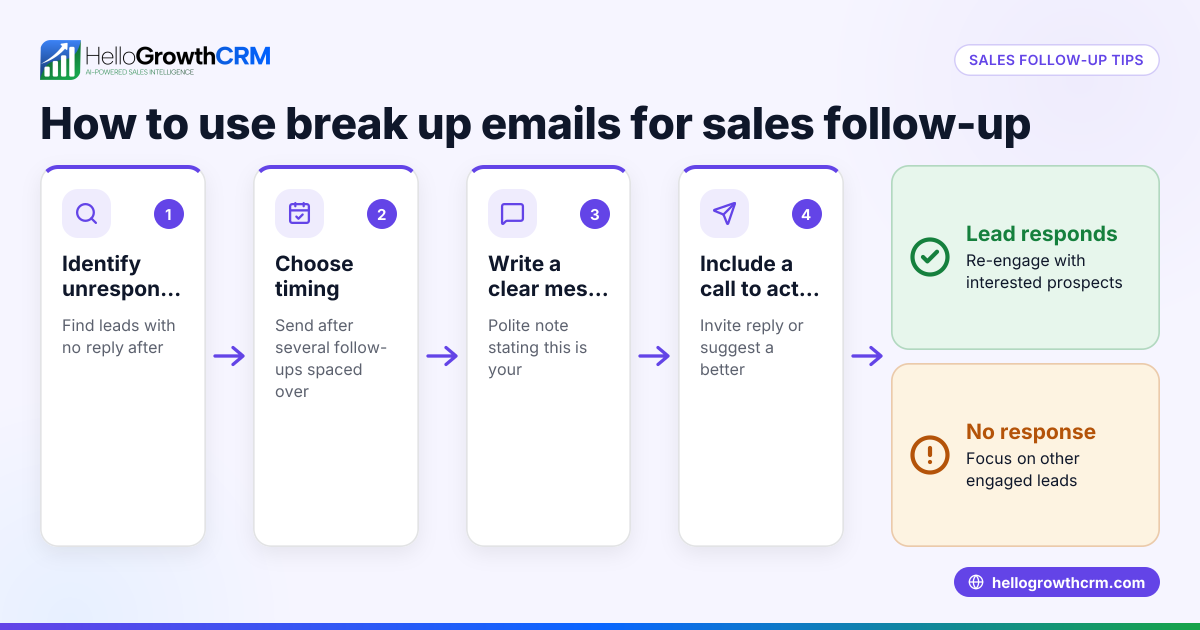
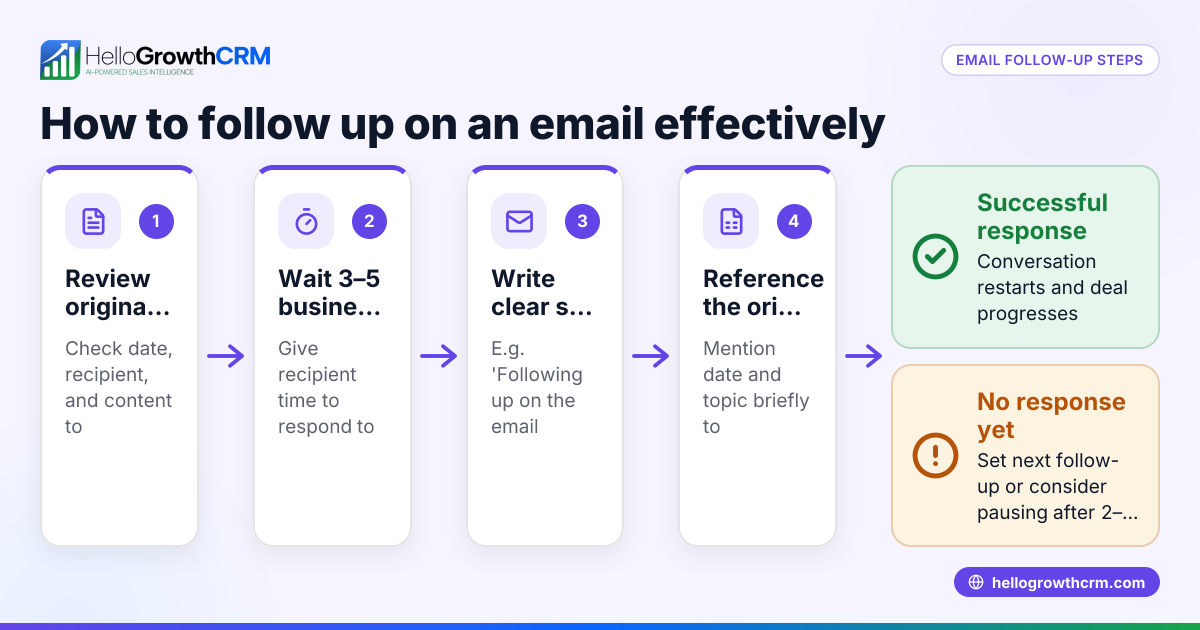
Should I follow up if I don’t get a reply to my thank you email? Yes, a polite follow-up after a few days can remind the recipient and keep the conversation moving.
Is it okay to send a thank you email after a virtual meeting? Absolutely. The same principles apply regardless of meeting format.
What if I met multiple people in the meeting? Send personalized thank you emails to each participant, mentioning their specific contributions if possible.
Key takeaways
- Send your follow up thank you email within 24 hours of the meeting.
- Personalize the email with specific details and next steps.
- Keep the email concise, polite, and professional.
- Use reminders, task boards, or meeting schedulers to stay organized.
- Automate follow-ups using HelloGrowthCRM sequences to save time.
Start sending timely and effective follow up thank you emails to strengthen your business relationships. You can start on the Free Forever plan (200 leads, no credit card) with HelloGrowthCRM to organize your follow-ups and keep your sales moving.
Ready to put this into practice?
Set up your pipeline, WhatsApp follow-ups, and AI lead scoring in minutes — free, no credit card.
Try HelloGrowthCRM freeGet CRM tips in your inbox
Join thousands of sales professionals who get weekly insights on CRM strategy, AI automation, and pipeline optimization.

The HelloGrowthCRM team publishes guides on CRM strategy, AI sales tools, and revenue operations for small business sales teams.