HelloGrowthCRM software
Built for real small-business sales teams
HelloGrowthCRM helps reps qualify faster, follow up on time, and close more deals—with practical automation in one place.
- AI lead scoring and pipeline visibility
- Built-in dialer, WhatsApp, and email automation
- Sales forecasting and RevOps-ready reporting
You can download a free bakery invoice template in Word format that is ready to use and customizable for your bakery business. This article explains how to fill it out step-by-step, common mistakes to avoid, and provides a realistic example to help you create professional invoices that get paid on time.
Why this comes up / what goes wrong
Many small bakery owners in the US use manual invoicing with Word or Excel to bill customers for cakes, pastries, and catering orders. They search for a free bakery invoice template Word because they want a simple, professional format without paying for expensive software. Without a clear template, invoices often miss essential details such as correct dates, item descriptions, or payment terms. This causes confusion, delayed payments, or lost revenue. Business owners want a template that is easy to customize for different orders and includes all necessary fields for US sales transactions.
Step-by-step
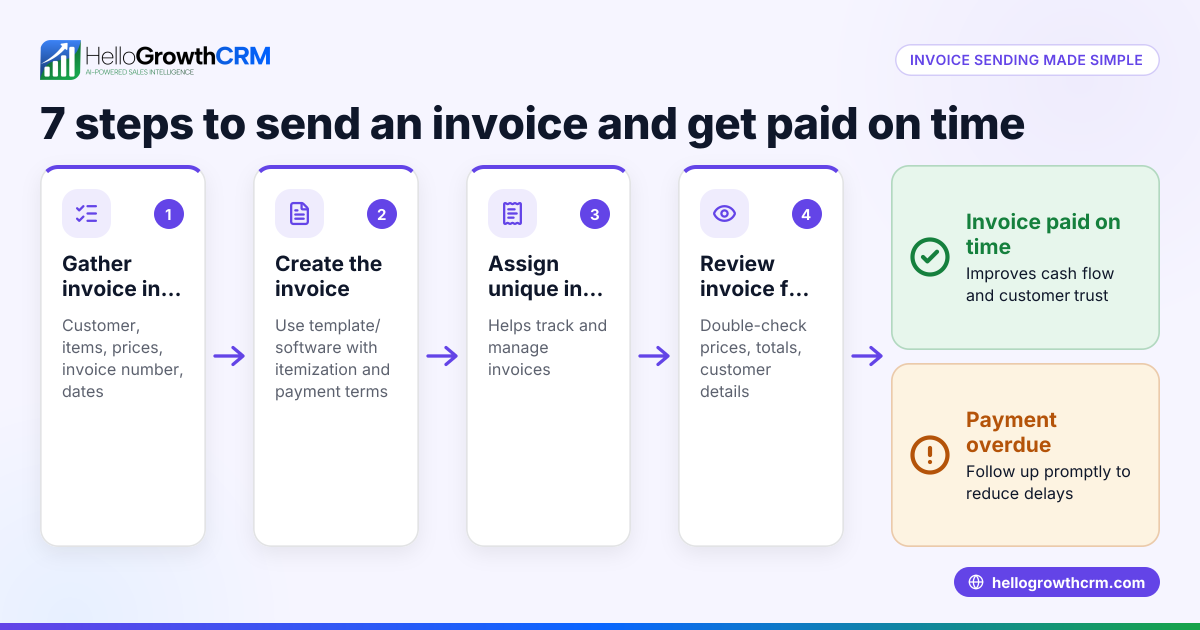
- Download a free bakery invoice template in Word format. Choose one that includes fields for your bakery's name, address, invoice number, date, customer details, item descriptions, quantities, prices, taxes, total amount, and payment terms. You can find free templates and sales tools at free sales tools and calculators.
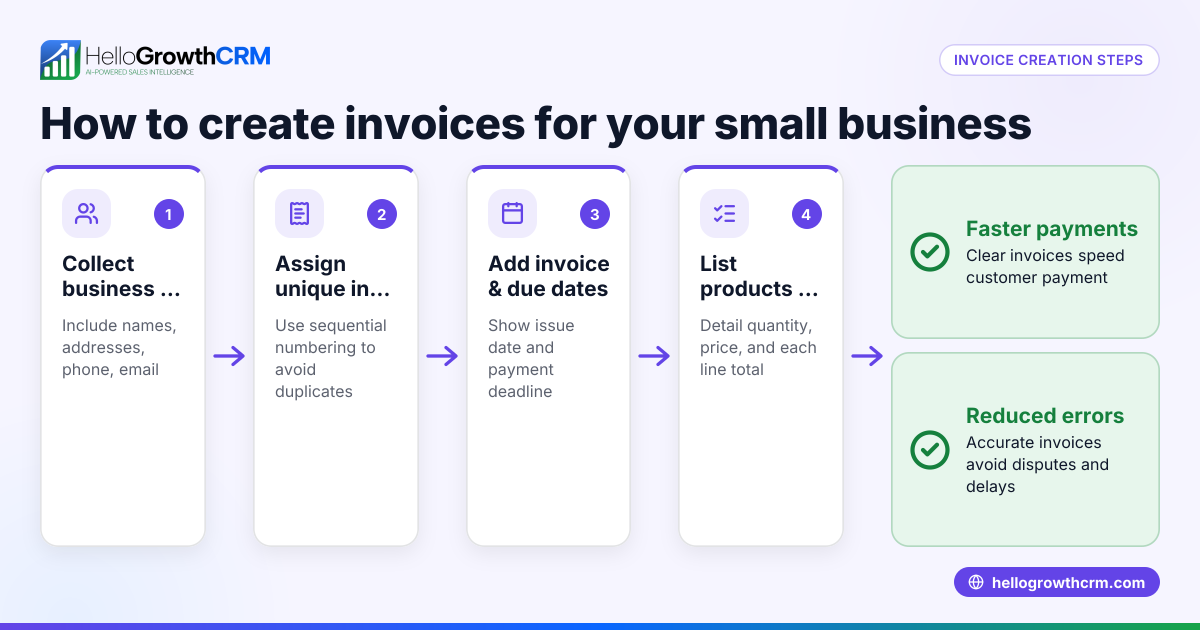
- Fill in your bakery's contact information. Include your business name, address, phone number, and email so customers know who the invoice is from.
- Assign a unique invoice number. Use a simple sequential numbering system to keep track of invoices and avoid duplicates.
- Enter the invoice date. This is the date you issue the invoice and starts the payment period.
- Add customer details. Include the customer's name, address, and contact information for clarity and record-keeping.
- List the products or services sold. Describe each bakery item clearly (e.g., "Chocolate Fudge Cake - 1 dozen"), along with quantity and unit price.
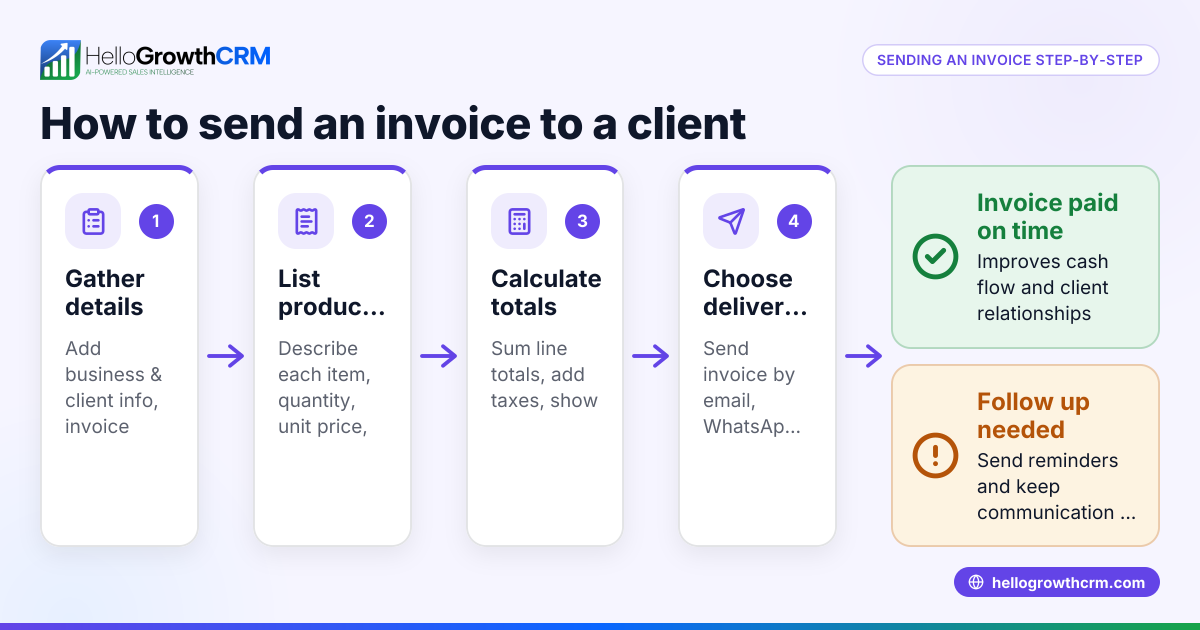
- Calculate the subtotal. Multiply quantity by unit price for each item and add them up.
- Add applicable sales tax. Check your local tax rate and apply it correctly to the taxable amount.
- Calculate the total amount due. Add subtotal and tax.
- Specify payment terms. For example, "Payment due within 30 days" or "Due on receipt."
- Save and send the invoice. Save the Word file with a clear name (e.g., "Invoice_001_YourBakeryName.docx") and email or print it for your customer.
- Keep a copy for your records. Maintain organized files of all invoices issued.
If you want to manage your sales pipeline and invoice tracking more efficiently, check out the free CRM for small business options that include templates and automation.
Example (fictional figures)
A bakery in Charlotte, North Carolina, called Sweet Treats Bakery, issues invoice #1001 on 05/15/2026 to a customer for a custom cake order.
- Item: Wedding Cake (1 unit) at $500
- Item: Cupcakes (24 units) at $3 each
Calculations:
Cupcakes total = 24 × $3 = $72 Subtotal = $500 + $72 = $572 Assumed sales tax rate = 7% Sales tax = $572 × 7% = $40.04 Total amount due = $572 + $40.04 = $612.04
The invoice clearly shows the items, quantities, unit prices, subtotal, tax, and total amount due with payment terms "Due within 30 days."
Common mistakes
- Missing invoice number or duplicate numbers: Prevent by using a consistent sequential numbering system.
- Incorrect or missing customer details: Double-check customer name and address to avoid confusion.
- Forgetting to include sales tax or applying wrong rate: Verify current local tax rates and apply correctly.
- Unclear item descriptions: Use specific, detailed descriptions so customers know what they are paying for.
- No payment terms specified: Always state when payment is due to avoid delays.
- Not saving a copy of the invoice: Keep organized digital or printed records for accounting.
Using templates from sales templates can help avoid these mistakes by providing a complete format.
Doing this in HelloGrowthCRM
HelloGrowthCRM offers free sales tools, templates, and calculators that include pipeline templates and follow-up cadences you can download without an account at free sales tools and calculators. The Free Forever plan allows a two-person team to run its sales pipeline at no cost, helping you organize leads and deals efficiently. You can send quotes and proposals directly from deal records and track their status alongside follow-up tasks, streamlining your sales process. Learn more about HelloGrowthCRM for US businesses at HelloGrowthCRM for the United States.
Frequently asked questions
Can I customize a free bakery invoice template in Word? Yes, Word templates are fully editable. You can change your bakery’s logo, contact info, item descriptions, and payment terms to fit your needs.
Do I need to include sales tax on my bakery invoices? Most US states require sales tax on bakery goods, but rates and rules vary. Check your local tax authority for the correct rate and apply it on your invoice.
How do I keep track of invoices sent and paid? Maintain a simple spreadsheet or use a CRM system to log invoice numbers, dates, amounts, and payment status. HelloGrowthCRM offers free pipeline templates to help with this.
Is there a free tool to create invoices besides Word? Yes, many free online invoicing tools and CRMs offer templates and automation. HelloGrowthCRM provides free sales tools and templates to help small businesses organize their sales process.
What should I do if a customer delays payment? Send polite follow-up reminders referencing the invoice number and due date. Using a CRM with follow-up task reminders can help manage this efficiently.
Key takeaways
- Download a free bakery invoice template in Word format that includes all essential fields.
- Fill out bakery and customer details, assign unique invoice numbers, and specify payment terms.
- Calculate subtotal, apply correct sales tax, and total the invoice accurately.
- Avoid common mistakes like missing invoice numbers, unclear descriptions, and missing payment terms.
- Use free sales templates and pipeline tools from HelloGrowthCRM to organize your sales and invoicing process.
Start managing your bakery sales pipeline and invoicing more efficiently by trying the free CRM for small business with no credit card required.
Ready to put this into practice?
Set up your pipeline, WhatsApp follow-ups, and AI lead scoring in minutes — free, no credit card.
Try HelloGrowthCRM freeGet CRM tips in your inbox
Join thousands of sales professionals who get weekly insights on CRM strategy, AI automation, and pipeline optimization.

The HelloGrowthCRM team publishes guides on CRM strategy, AI sales tools, and revenue operations for small business sales teams.