HelloGrowthCRM software
Built for real small-business sales teams
HelloGrowthCRM helps reps qualify faster, follow up on time, and close more deals—with practical automation in one place.
- AI lead scoring and pipeline visibility
- Built-in dialer, WhatsApp, and email automation
- Sales forecasting and RevOps-ready reporting
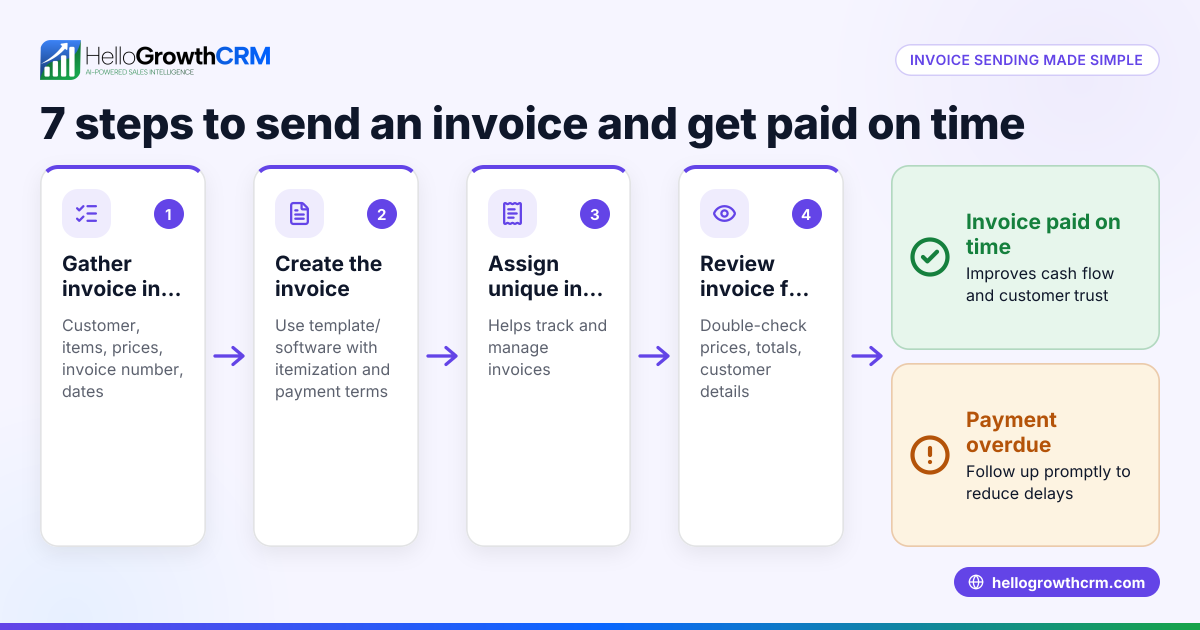
Sending an invoice to a client means providing a formal bill that details what your business provided, the cost, and when payment is due. It is essential for getting paid on time and keeping your business finances organized. You send the invoice by email, WhatsApp, SMS, or another method your client prefers, usually as a PDF or a link. This article explains why sending invoices correctly matters, walks you through the step-by-step process, shows a practical example, highlights common mistakes, and explains how HelloGrowthCRM can help.
Why this comes up / what goes wrong
Small-business owners often face challenges sending invoices because they use informal or inconsistent methods like text messages, emails without standard formats, or spreadsheets. This can cause confusion about amounts owed, delays in payment, or disputes. Many owners don’t know exactly what details to include on an invoice or how to send it professionally. Without a clear process, following up on unpaid invoices becomes time-consuming and stressful, leading to cash flow problems.
Step-by-step
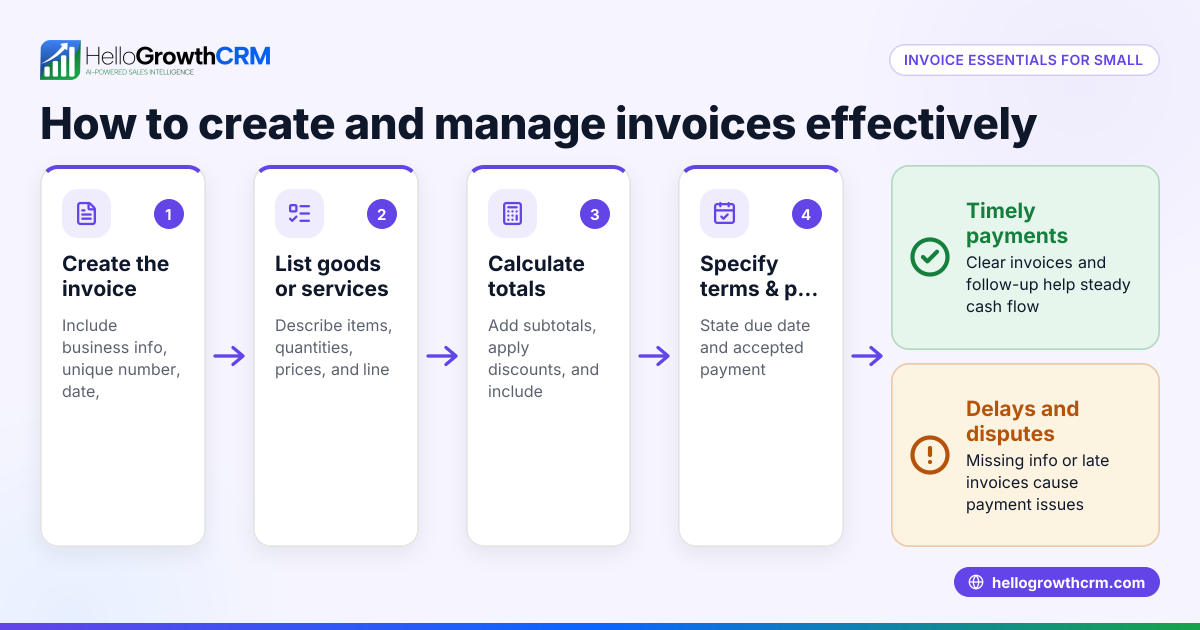
- Gather all necessary details: Include your business name, address, and contact info; client’s name and contact details; a unique invoice number; invoice date; and payment terms such as the due date and accepted payment methods.
- List the products or services provided: Clearly describe each item or service, including quantity, unit price, and total price per line.
- Calculate totals: Add all line totals, include applicable taxes if any, and show the grand total clearly.
- Choose the delivery method: Confirm the client’s preferred way to receive invoices—email, WhatsApp, SMS, or postal mail. Sending a PDF attached to an email is common.
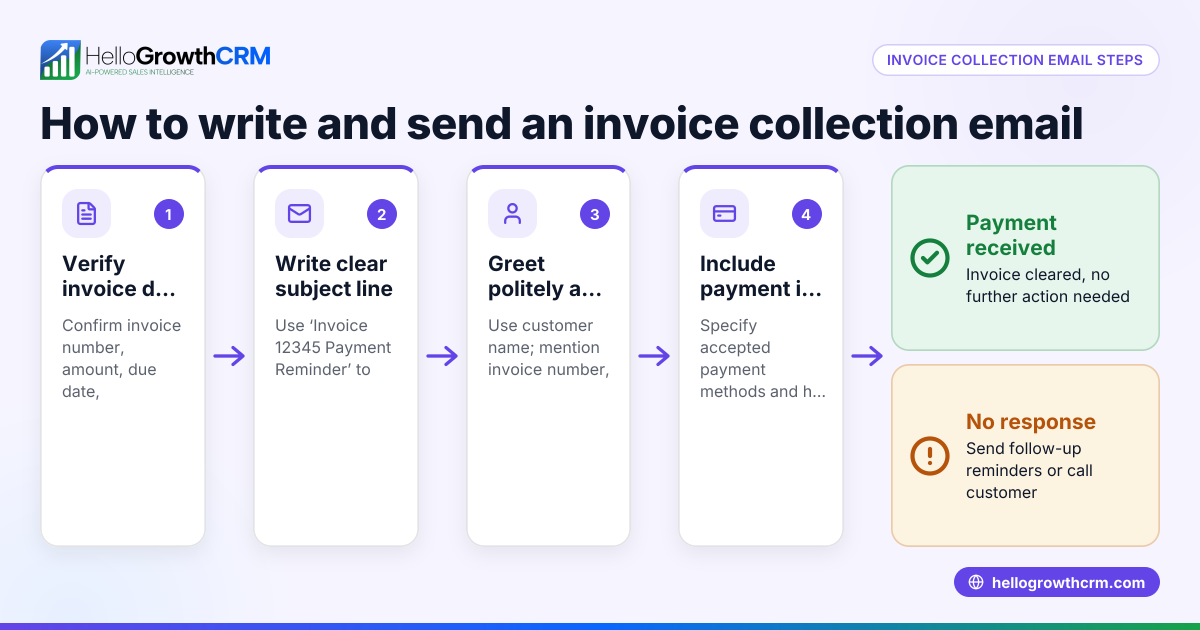
- Send the invoice: Attach the invoice file or send it through your invoicing or CRM system. Include a polite message stating the invoice number, amount due, and due date.
- Track the invoice status: Record when you sent it, if the client has viewed it, and set reminders to follow up if unpaid by the due date.
Using a CRM like HelloGrowthCRM can help you manage these steps efficiently, including sending and tracking invoices through WhatsApp and SMS. See WhatsApp and SMS CRM and built-in CRM dialer for more.
Example (fictional figures)
A two-location dental practice in Columbus, Ohio, treated a patient on 05/10/2026 and needs to send an invoice.
- Services: Teeth cleaning ($150), X-ray ($80)
- Invoice date: 05/11/2026
- Payment due: 06/10/2026 (30 days)
Invoice calculation:
$150 + $80 = $230 (subtotal) Assumed sales tax 7%: $230 × 7% = $16.10 (tax) $230 + $16.10 = $246.10 (total amount due)
The invoice lists each service, subtotal, tax, total, and payment terms. It is saved as a PDF and emailed to the patient’s email address with a clear subject line: “Invoice #20240511 for Dental Services.”
Common mistakes
- Missing or incorrect client details: Prevent this by double-checking the client’s name and contact info before sending.
- No invoice number or date: Always assign a unique invoice number and include the date to track payments properly.
- Unclear payment terms: Specify the due date and accepted payment methods to avoid confusion.
- Not following up on unpaid invoices: Set reminders to contact clients promptly after the due date if payment is missing.
- Using inconsistent formats: Use a professional template or invoicing tool to keep invoices uniform and clear.
- Ignoring local tax rules: Consult a tax expert to apply the correct sales tax rates if applicable.
Doing this in HelloGrowthCRM
HelloGrowthCRM lets you create and send quotes, proposals, and invoices directly from the deal record. You can track the invoice status—whether it’s sent, viewed, or accepted—all on the same screen where you manage follow-up tasks. This helps your sales team stay organized and speeds up payment collection. For more details, see built-in CRM dialer and WhatsApp and SMS CRM.
Frequently asked questions
How do I format an invoice for a client? Include your business and client details, invoice number, date, description of products or services, quantities, prices, taxes, total amount due, and payment terms. Use a clear and professional layout, often a PDF.
Can I send invoices via WhatsApp or SMS? Yes, if your client agrees, you can send invoices as PDF attachments or links through WhatsApp or SMS. HelloGrowthCRM supports sending and tracking invoices via these channels, making follow-up easier.
What should I do if a client doesn’t pay on time? Send a polite reminder shortly after the due date. If payment is still delayed, follow up with a call or message. Keep records of all communications.
Is it necessary to include taxes on my invoice? If your business is required to collect sales tax, include the tax amount clearly on the invoice. Consult a tax professional to ensure compliance.
How can I keep track of multiple invoices? Maintain a log or use a CRM like HelloGrowthCRM to track invoice status, payment received, and outstanding amounts. This helps avoid missed payments and improves cash flow.
Key takeaways
- Prepare invoices with clear details: client info, invoice number, date, services, prices, and payment terms.
- Send invoices promptly and via the client’s preferred channel.
- Track invoice status and follow up on unpaid invoices.
- Avoid common mistakes like missing details or unclear payment terms.
- Use tools like HelloGrowthCRM to create, send, and track quotes and invoices efficiently from deal records.
Sending invoices correctly ensures you get paid on time and maintains good client relationships. To try managing your sales and invoicing in one place, start on the Free Forever plan (200 leads, no credit card).
Ready to put this into practice?
Set up your pipeline, WhatsApp follow-ups, and AI lead scoring in minutes — free, no credit card.
Try HelloGrowthCRM freeGet CRM tips in your inbox
Join thousands of sales professionals who get weekly insights on CRM strategy, AI automation, and pipeline optimization.

The HelloGrowthCRM team publishes guides on CRM strategy, AI sales tools, and revenue operations for small business sales teams.