HelloGrowthCRM software
Built for real small-business sales teams
HelloGrowthCRM helps reps qualify faster, follow up on time, and close more deals—with practical automation in one place.
- AI lead scoring and pipeline visibility
- Built-in dialer, WhatsApp, and email automation
- Sales forecasting and RevOps-ready reporting
Creating a text message template helps small businesses send consistent, efficient messages to leads or customers without rewriting each time. Templates save time, improve follow-up speed, and maintain professionalism.
Why this comes up / what goes wrong
Small-business owners often find themselves writing similar text messages repeatedly for appointments, follow-ups, or promotions. Without templates, messages can be inconsistent, miss important details, or sound impersonal. This slows down response times and risks losing leads. A good template ensures quick, clear, and personalized communication.
Step-by-step
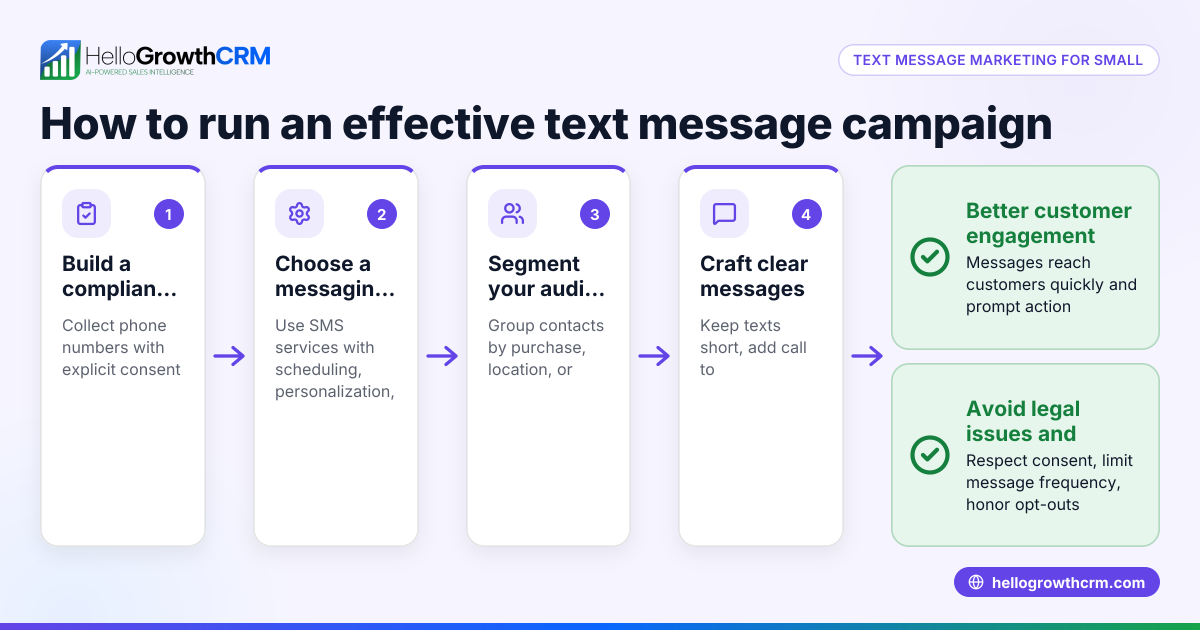
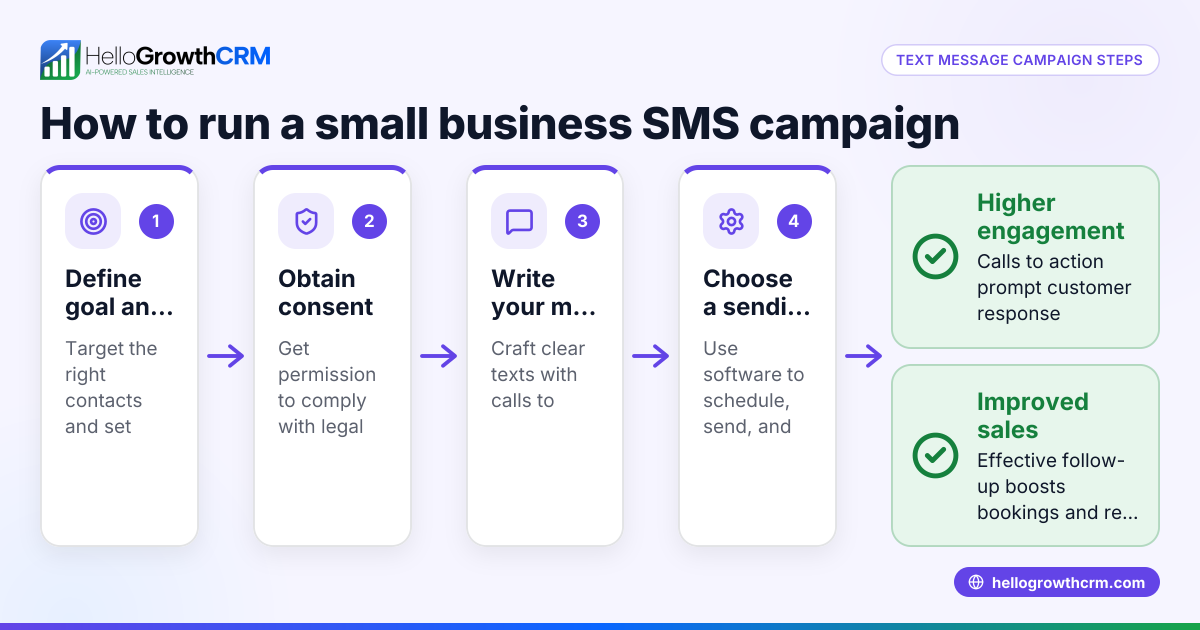
- Identify the purpose of the message: Determine if your template is for appointment reminders, follow-ups, promotions, or other uses. This focus shapes the message content.
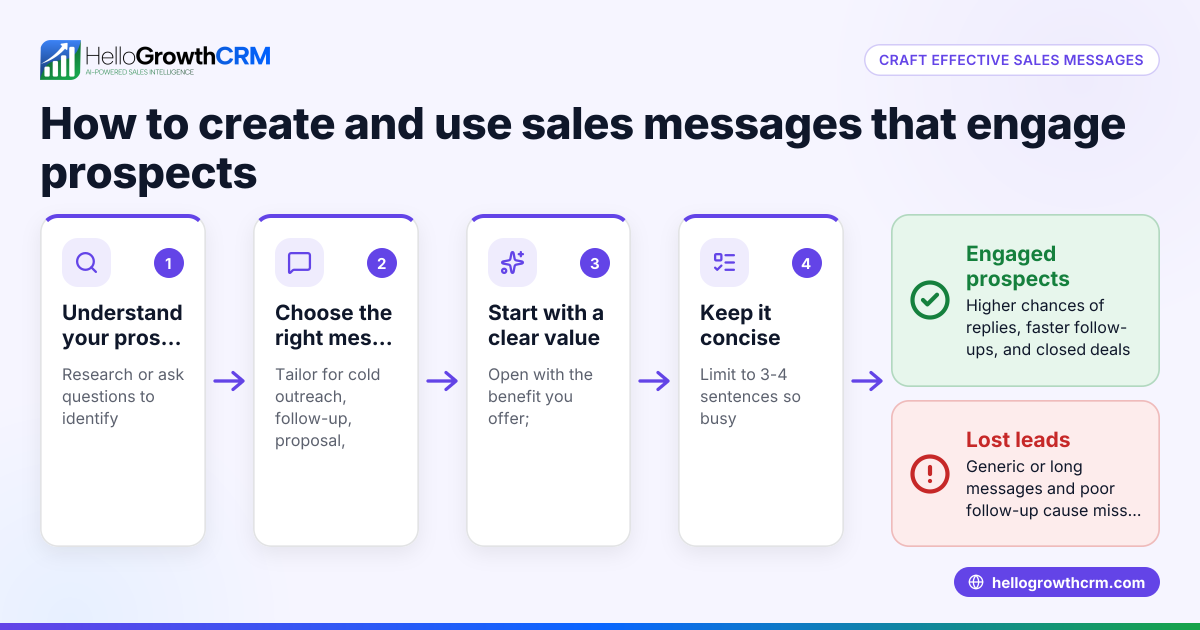
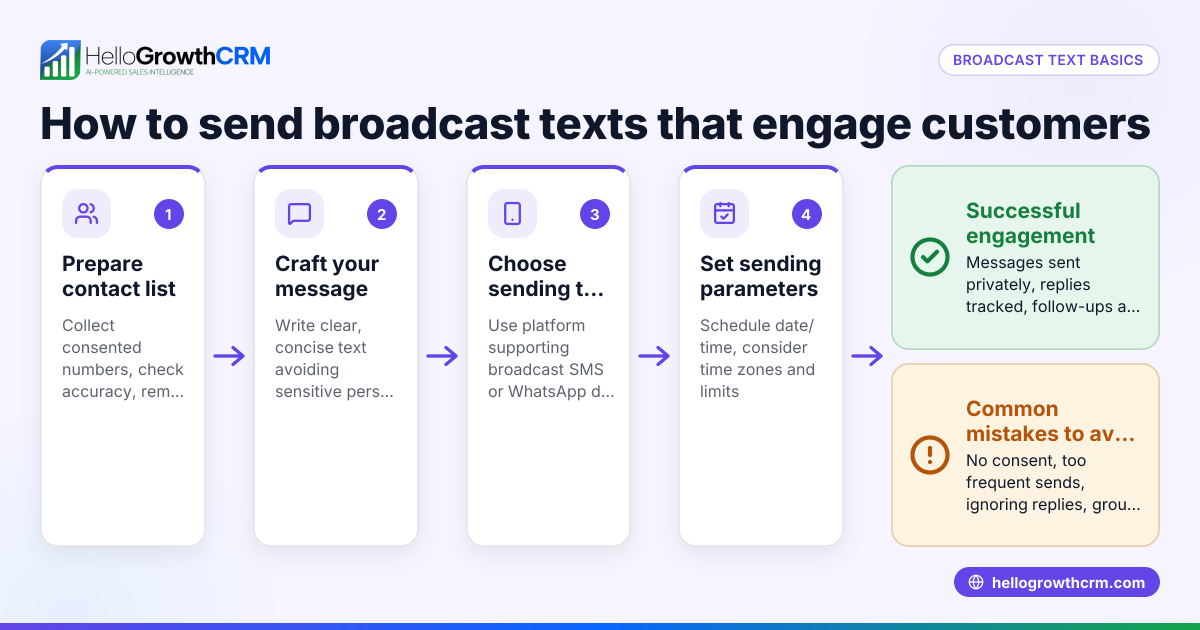
- Write a clear and concise draft: Use simple language and keep it brief—ideally under a length that helps avoid splitting messages in SMS. Include only essential information.
- Add personalization placeholders: Insert placeholders such as {FirstName}, {AppointmentDate}, or {CompanyName} to automatically customize each message for the recipient.
- Include a clear call to action (CTA): Tell the recipient what to do next, like reply with YES, confirm an appointment, or visit a link.
- Check legal and compliance requirements: Make sure your message complies with regulations such as the Telephone Consumer Protection Act (TCPA) for SMS marketing. Avoid sending unsolicited messages.
- Test the template: Send test messages to yourself or team members to verify the tone, clarity, and that placeholders work correctly.
- Save the template for reuse: Store your template in a shared document, CRM, or messaging platform so your team can access and use it consistently.
- Update templates regularly: Review and revise templates based on customer feedback and changing business needs.
Explore our sales templates and free sales tools and calculators for more resources.
Example (fictional figures)
Consider "Austin PipeFix," a plumbing company in Austin, Texas, creating a text template for appointment reminders.
- Purpose: Confirm plumbing appointments.
- Draft template: "Hi {FirstName}, this is Austin PipeFix reminding you of your plumbing appointment on {AppointmentDate} at {AppointmentTime}. Reply YES to confirm or call us at {PhoneNumber}."
- Test message sent to John Doe for an appointment on 07/15/2026 at 2:00 PM: "Hi John, this is Austin PipeFix reminding you of your plumbing appointment on 07/15/2026 at 2:00 PM. Reply YES to confirm or call us at 512-555-1234."
This message is 143 characters, fits SMS limits, includes personalization, and a clear CTA.
- Cost savings example: Without a template, sending 100 appointment reminders manually takes 5 minutes each = 500 minutes. Using a template reduces time per message to 1 minute = 100 minutes. Time saved = 500 minutes - 100 minutes = 400 minutes.
If the average labor cost is $20/hour: 400 minutes ÷ 60 = 6.67 hours saved 6.67 hours × $20/hour = $133.40 saved
Using templates can save both time and money while improving follow-up speed.
Common mistakes
- Messages too generic or impersonal: Prevent by using personalization placeholders like {FirstName}.
- Messages too long and get cut off: Keep messages under 160 characters for SMS.
- Unclear call to action: Always specify what you want the recipient to do next.
- Not testing templates before use: Send test messages to check formatting and tone.
- Ignoring compliance rules: Learn SMS marketing laws like TCPA to avoid penalties.
- Storing templates in places inaccessible to the team: Use shared tools or CRMs so everyone can access templates.
Use our sales templates to avoid these mistakes.
Doing this in HelloGrowthCRM
HelloGrowthCRM supports WhatsApp and SMS messaging where conversations with leads are logged on their records, and follow-ups can be sent directly as messages. You can also download free sales tools, templates, and calculators without an account to help plan your messaging cadence and pipeline management. Visit WhatsApp and SMS CRM and explore our free sales tools and calculators to get started.
Frequently asked questions
Can I use the same text message template for WhatsApp and SMS? Yes, the same basic template can be used for both, but adjust tone and length to fit WhatsApp’s conversational style and SMS character limits. (twilio.com)
How do I personalize text message templates effectively? Use placeholders like {FirstName} or {CompanyName} that your CRM or messaging platform replaces automatically with each contact’s details.
What should I avoid in text message templates? Avoid jargon, overly long messages, and unclear calls to action. Also, never send unsolicited marketing texts without consent to comply with regulations.
How often should I update my text message templates? Review templates every few months or after customer feedback to keep messages accurate and engaging.
Can I track responses to text message templates? If you use a CRM like HelloGrowthCRM, incoming replies are logged on the lead record, making it easier to track conversations and plan next steps.
Are there free resources to help build message templates? Yes, HelloGrowthCRM offers free sales templates and tools that you can download without signing up at free sales tools and calculators.
Key takeaways
- Define the message’s purpose before writing.
- Keep messages concise and add personalization placeholders.
- Include a clear call to action and test messages.
- Ensure compliance with SMS regulations.
- Store templates in shared tools or CRMs for team access.
- HelloGrowthCRM supports WhatsApp and SMS messaging with logged conversations and offers free downloadable templates.
Creating text message templates saves time, improves follow-up speed, and keeps communication professional. To start managing your messages and leads efficiently, start on the Free Forever plan (200 leads, no credit card).
Ready to put this into practice?
Set up your pipeline, WhatsApp follow-ups, and AI lead scoring in minutes — free, no credit card.
Try HelloGrowthCRM freeGet CRM tips in your inbox
Join thousands of sales professionals who get weekly insights on CRM strategy, AI automation, and pipeline optimization.

The HelloGrowthCRM team publishes guides on CRM strategy, AI sales tools, and revenue operations for small business sales teams.