HelloGrowthCRM software
Built for real small-business sales teams
HelloGrowthCRM helps reps qualify faster, follow up on time, and close more deals—with practical automation in one place.
- AI lead scoring and pipeline visibility
- Built-in dialer, WhatsApp, and email automation
- Sales forecasting and RevOps-ready reporting
Freshsales and Zoho are two well-known CRM platforms often considered by Canadian small and mid-sized businesses. Choosing the right CRM can impact how effectively your sales team manages leads, follows up, and closes deals. This article covers why business owners compare Freshsales vs Zoho, compares them on important criteria, provides a practical example, highlights common mistakes, and answers frequently asked questions.
Why this comes up / what goes wrong
Small business owners in Canada often face challenges managing sales leads across multiple channels like email, phone, and text. They want a CRM that centralizes leads, automates follow-up, and integrates smoothly with their existing tools. Freshsales and Zoho both promise these benefits but differ in complexity and focus. Many owners start with spreadsheets or basic contact lists but lose leads due to slow follow-up or disorganized data. Choosing the wrong CRM can lead to wasted time, poor user adoption, and missed sales.
Step-by-step
| Criteria | Freshsales | Zoho CRM | Best For |
|---|---|---|---|
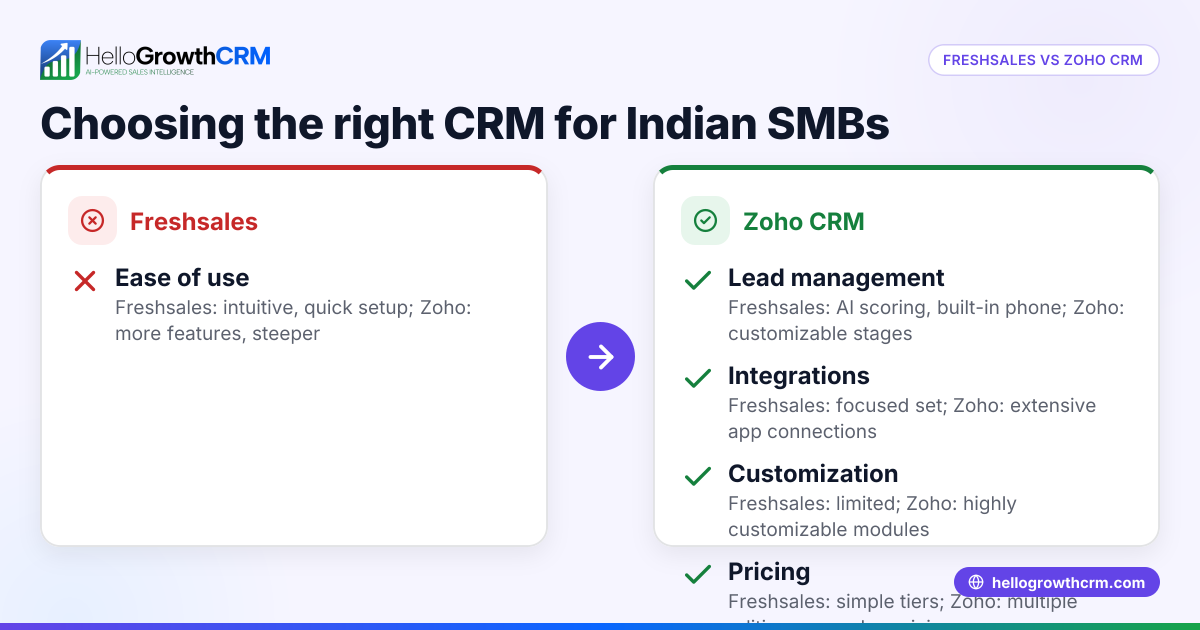
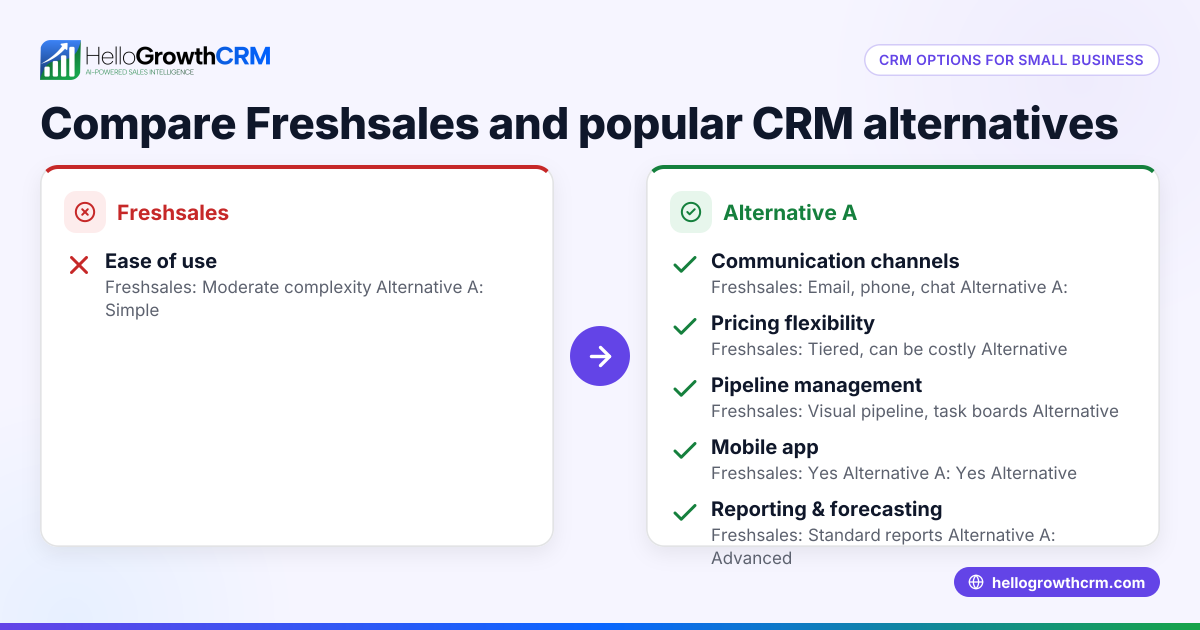
| Ease of Use | Modern, clean interface, easy to navigate | Feature-rich but can be complex for beginners | Freshsales for simplicity; Zoho for power users |
| Features | Lead scoring, AI-based insights, built-in phone | Extensive modules: sales, marketing, support | Zoho if you want all-in-one solution |
| Integrations | Good integrations with email, phone, web forms | Very broad integrations including Zoho suite | Zoho for diverse apps; Freshsales for essentials |
| Pricing | Transparent tiers, competitive for SMBs | Multiple plans, can get costly with add-ons | Freshsales for budget-conscious SMBs |
| Mobile Experience | Dedicated app with call and messaging features | Mobile app with many features but slightly less intuitive | Freshsales for mobile-first teams |
| Customization | Moderate customization options | High customization and automation capabilities | Zoho for complex workflows |
| Support | Email and chat support, knowledge base | Phone, email, chat, extensive documentation | Zoho for comprehensive support |
Who should pick which?
- Choose Freshsales if you want a straightforward, easy-to-use CRM that covers essential sales needs with AI lead scoring and a strong mobile app.
- Choose Zoho if your business needs a highly customizable CRM with extensive modules and integrations, and you have the resources to manage a more complex system.
For more CRM comparisons tailored to Canadian businesses, see compare CRMs.
Example (fictional figures)
A mortgage brokerage in Mississauga, Ontario, with 15 sales reps wants to improve lead follow-up and pipeline visibility. They estimate current lost deals due to slow follow-up cost them C$150,000 per year.
- Freshsales monthly cost per user: C$35
- Zoho monthly cost per user: C$45 (including add-ons)
Annual CRM cost Freshsales: C$35 × 15 users = C$525 per month C$525 × 12 months = C$6,300 per year
Annual CRM cost Zoho: C$45 × 15 users = C$675 per month C$675 × 12 months = C$8,100 per year
If the brokerage recovers some lost deals by improving follow-up, the net benefit depends on how much value is recovered minus the CRM cost. For example, if they recover C$40,000 in lost deals with Freshsales: C$40,000 - C$6,300 = C$33,700 net benefit
If they recover C$50,000 in lost deals with Zoho: C$50,000 - C$8,100 = C$41,900 net benefit
This example shows Zoho may offer higher ROI if advanced features are used effectively, but Freshsales provides a cost-effective, simpler alternative.
Common mistakes
- Choosing based on price alone: Don’t pick the cheapest option without considering features and ease of use. Prevent this by listing your must-have features first.
- Ignoring user adoption: A complex CRM can discourage your team. Prevent by involving sales reps in demos and trials.
- Overlooking integrations: Ensure the CRM connects with your email, phone, and marketing tools. Prevent by checking integration lists and testing.
- Skipping mobile needs: Sales teams often work remotely; a poor mobile app hinders productivity. Prevent by testing mobile apps on your devices.
- Neglecting support options: Limited support can slow issue resolution. Prevent by reviewing support channels and response times.
Learn more about CRM features for Canadian teams in HelloGrowthCRM for Canada and how to manage sales on mobile with WhatsApp and SMS CRM.
Frequently asked questions
What is the main difference between Freshsales and Zoho? Freshsales focuses on ease of use with essential sales features and AI lead scoring, while Zoho offers a broader suite of modules and high customization, suitable for businesses with complex workflows.
Which CRM is better for a small Canadian business on a budget? Freshsales tends to be more budget-friendly and simpler to implement, making it better for small businesses prioritizing cost and ease of use.
Can Zoho CRM integrate with other business software? Yes, Zoho CRM integrates with a wide range of applications including Zoho’s own suite, email platforms, marketing tools, and third-party apps, offering extensive connectivity.
Is mobile CRM important for sales teams? Yes, mobile CRM access ensures sales reps can update leads, make calls, and send messages on the go, improving responsiveness and productivity.
How do I decide which CRM is right for my team? Assess your team’s size, sales process complexity, budget, and need for customization. Trial both platforms to see which fits your workflow best.
For more CRM options, see compare CRMs.
Key takeaways
- Freshsales is simpler and more affordable, ideal for small teams needing core sales features.
- Zoho CRM offers extensive customization and integrations for businesses with complex needs.
- Consider user adoption, mobile access, and support when choosing a CRM.
- Test both platforms with your team before committing.
- Integrations with existing tools are crucial for smooth workflows.
Choosing the right CRM can improve your sales efficiency and revenue. To get started without risk, you can Start on the Free Forever plan (200 leads, no credit card).
Ready to put this into practice?
Set up your pipeline, WhatsApp follow-ups, and AI lead scoring in minutes — free, no credit card.
Try HelloGrowthCRM freeGet CRM tips in your inbox
Join thousands of sales professionals who get weekly insights on CRM strategy, AI automation, and pipeline optimization.

The HelloGrowthCRM team publishes guides on CRM strategy, AI sales tools, and revenue operations for small business sales teams.