HelloGrowthCRM software
Built for real small-business sales teams
HelloGrowthCRM helps reps qualify faster, follow up on time, and close more deals—with practical automation in one place.
- AI lead scoring and pipeline visibility
- Built-in dialer, WhatsApp, and email automation
- Sales forecasting and RevOps-ready reporting
Helpdesk automation is the use of technology to automate routine customer support tasks like ticket assignment, follow-up messaging, and status updates. This reduces manual effort, speeds up response times, and helps your team focus on solving issues instead of managing workflows. For small and mid-sized US businesses, helpdesk automation can prevent lost leads and unhappy customers caused by slow or inconsistent follow-up.
Why this comes up / what goes wrong
Small business owners often struggle with managing customer support as their business grows. Support requests come in via email, phone, or messaging apps, and tracking each one manually becomes overwhelming. Without automation, support reps may forget to follow up, assign tickets incorrectly, or respond inconsistently. This leads to frustrated customers, lost sales opportunities, and wasted time.
Helpdesk automation addresses these problems by automatically routing tickets to the right team member, sending follow-up reminders, and updating ticket statuses. It helps small teams handle more requests without hiring extra staff, improving customer satisfaction and retention.
Step-by-step
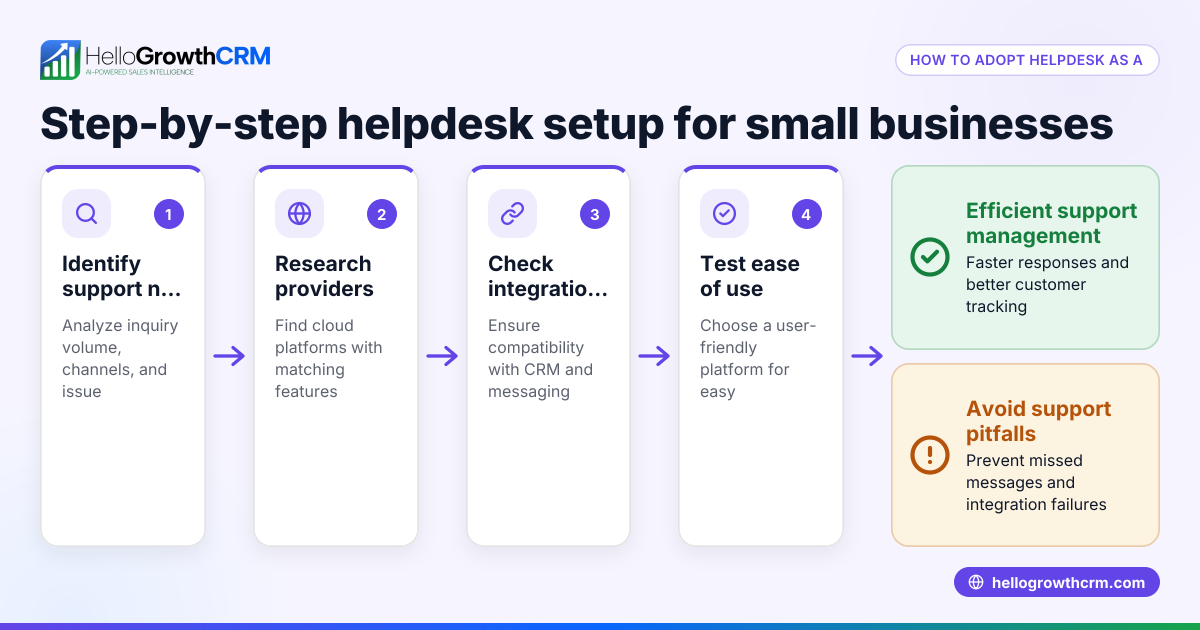
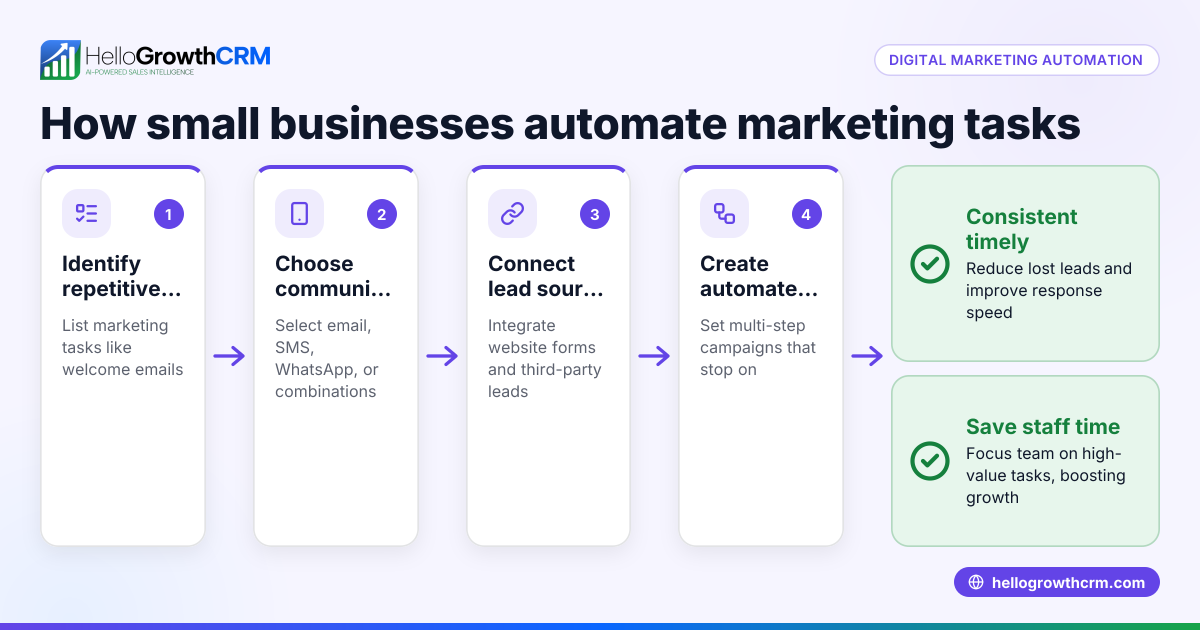
- Identify support tasks to automate: List repetitive tasks such as ticket routing, follow-up emails, status updates, and common replies.
- Choose automation software: Pick a tool that integrates with your communication channels (email, WhatsApp, SMS) and CRM for seamless data flow.
- Set up ticket routing rules: Define criteria (e.g., inquiry source, issue type) to automatically assign tickets to the right agent or team.
- Create follow-up sequences: Design multi-step message sequences that automatically send reminders or check-ins until the customer responds.
- Automate status updates and notifications: Configure workflows to update ticket status and notify customers or team members as progress occurs.
- Train your team: Ensure everyone understands how the automation works and when to intervene manually.
- Monitor and optimize: Regularly review automation performance and adjust rules to improve efficiency and customer experience.
For more on automation sequences and workflows, see AI CRM and WhatsApp and SMS CRM.
Example (fictional figures)
A two-location dental practice in Columbus, Ohio, receives about 500 support inquiries monthly through web forms and WhatsApp messages. They spend 20 hours weekly manually assigning tickets and sending follow-ups.
They implement helpdesk automation with these steps:
- Ticket routing reduces manual sorting time by 80%.
- A five-step automated follow-up sequence runs over two weeks, stopping when the patient replies.
- Status updates notify patients automatically when appointments are confirmed or rescheduled.
Calculations:
Manual assignment time per week = 20 hours After automation, time saved = 20 hours × 80% = 16 hours Time spent after automation = 20 hours - 16 hours = 4 hours
If the average hourly cost of staff is $25:
Weekly labor cost before automation = 20 hours × $25 = $500 Weekly labor cost after automation = 4 hours × $25 = $100
Weekly savings = $500 - $100 = $400 Annual savings = $400 × 52 weeks = $20,800
This frees staff time for direct patient care and reduces missed follow-ups, improving patient satisfaction.
Common mistakes
- Automating everything without exceptions: Some complex issues need personal attention; set clear rules when automation should pause.
- Ignoring team training: Without training, reps may override automation or miss alerts; provide clear guidance.
- Overcomplicating workflows: Start simple; too many steps can confuse customers and agents.
- Failing to monitor performance: Regularly review automation metrics and customer feedback to adjust rules.
- Not integrating communication channels: Support requests come from multiple sources; unify them in one system to avoid lost tickets.
Avoid these by planning carefully and using tools that support multi-channel automation like HelloGrowthCRM.
Doing this in HelloGrowthCRM
HelloGrowthCRM offers several automation features that help with helpdesk tasks:
- Sequences and campaigns: Set up a five-step follow-up over two weeks that runs automatically and stops as soon as the prospect replies, ensuring timely engagement without manual effort.
- AI agents: After a call, an AI agent drafts the follow-up message so the sales rep only needs to review and send, reducing workload.
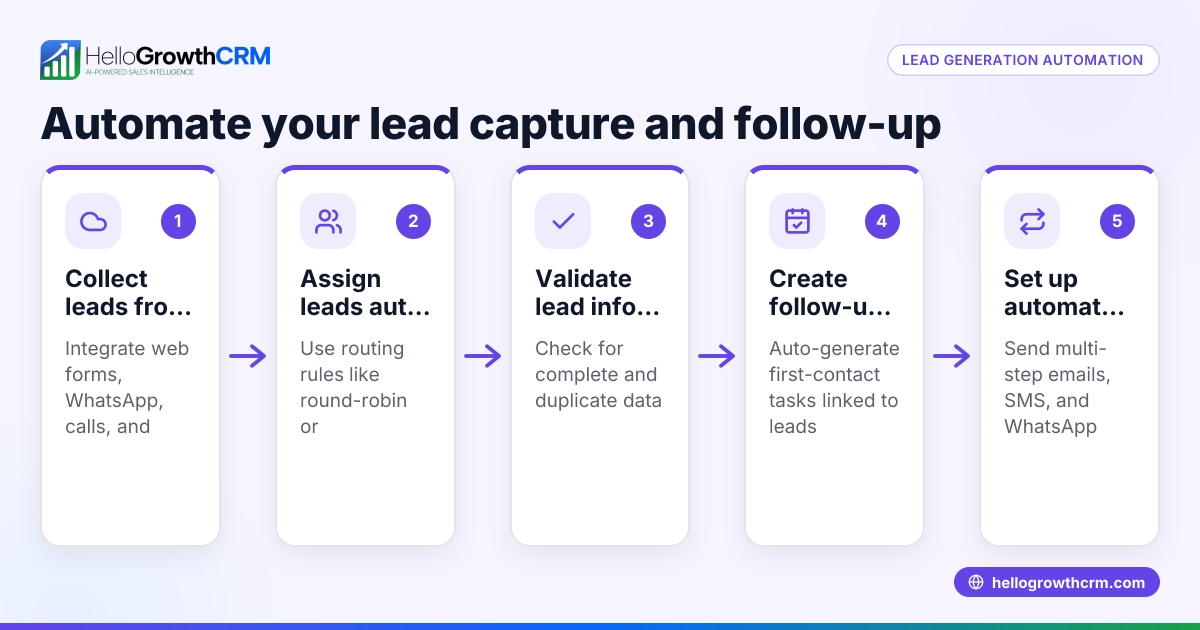
- Workflows, lead routing and validation rules: Automatically assign new inquiries round-robin and create first-call tasks without manual input.
Learn more about these at AI CRM and HelloGrowthCRM for the United States.
Frequently asked questions
What is helpdesk automation? Helpdesk automation uses software to handle repetitive customer support tasks such as ticket routing, follow-ups, and status updates automatically. It reduces manual work and speeds up customer responses.
How can small businesses benefit from helpdesk automation? Small businesses can handle more support requests efficiently without hiring more staff. Automation prevents lost leads and improves customer satisfaction by ensuring timely and consistent communication.
What tasks can be automated in a helpdesk? Common tasks include ticket assignment, follow-up messaging, status updates, notifications, and common replies. Automation tools can also validate data and route leads based on rules.
Is helpdesk automation complicated to set up? It can be simple if you start with key repetitive tasks. Choose software that integrates with your current systems and train your team. Regular monitoring and adjustment help optimize performance.
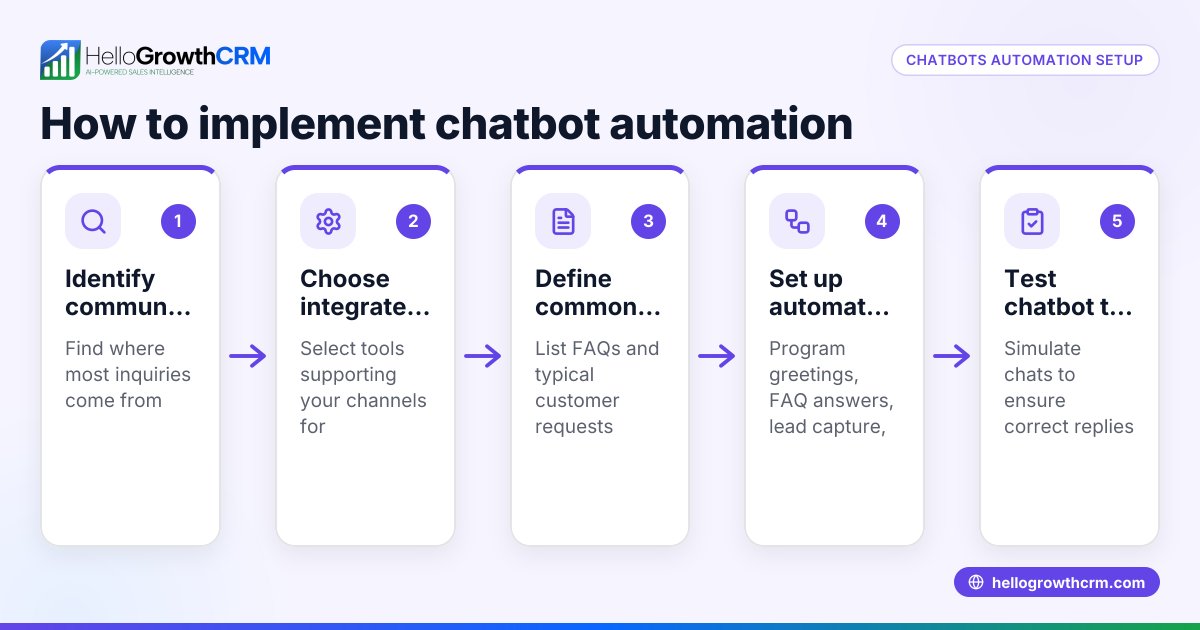
Can helpdesk automation work with WhatsApp and SMS? Yes, integrating WhatsApp and SMS channels ensures you capture all customer inquiries and automate responses across platforms. HelloGrowthCRM supports multi-channel sequences and campaigns for this purpose.
Key takeaways
- Helpdesk automation reduces manual support tasks like ticket routing and follow-ups.
- Small businesses improve response times and customer satisfaction with automation.
- Start by identifying repetitive tasks and setting clear automation rules.
- Avoid overcomplicating workflows and train your team on automation use.
- HelloGrowthCRM supports helpdesk automation with sequences, AI agents, and workflows.
Helpdesk automation can transform your customer support efficiency and help your business grow. To get started, try HelloGrowthCRM’s Free Forever plan with 200 leads and no credit card at Start on the Free Forever plan (200 leads, no credit card).
Ready to put this into practice?
Set up your pipeline, WhatsApp follow-ups, and AI lead scoring in minutes — free, no credit card.
Try HelloGrowthCRM freeGet CRM tips in your inbox
Join thousands of sales professionals who get weekly insights on CRM strategy, AI automation, and pipeline optimization.

The HelloGrowthCRM team publishes guides on CRM strategy, AI sales tools, and revenue operations for small business sales teams.