HelloGrowthCRM software
Built for real small-business sales teams
HelloGrowthCRM helps reps qualify faster, follow up on time, and close more deals—with practical automation in one place.
- AI lead scoring and pipeline visibility
- Built-in dialer, WhatsApp, and email automation
- Sales forecasting and RevOps-ready reporting
Choosing the right CRM (Customer Relationship Management) system for your small business in New Zealand can streamline sales, improve follow-up speed, and help your team stay organised. This guide gives you clear steps to pick a CRM that fits your business needs, an example with realistic figures, common mistakes to avoid, and a look at how HelloGrowthCRM supports small businesses.
Why this comes up / what goes wrong
Many small business owners in New Zealand run sales processes using text messages, emails, and spreadsheets. This approach often leads to slow follow-up, lost leads, and sales opportunities slipping away. Without a structured CRM, it's hard to track conversations or prioritise leads effectively. Choosing a CRM that your team actually uses and that fits your sales workflow is crucial to fixing these problems.
Step-by-step
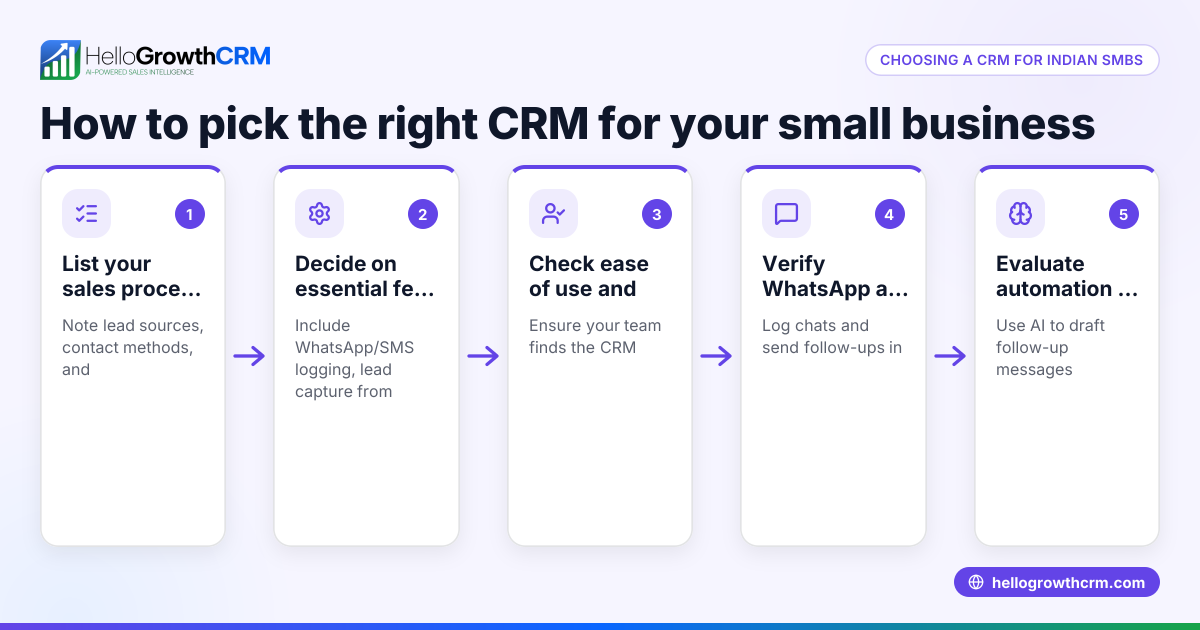
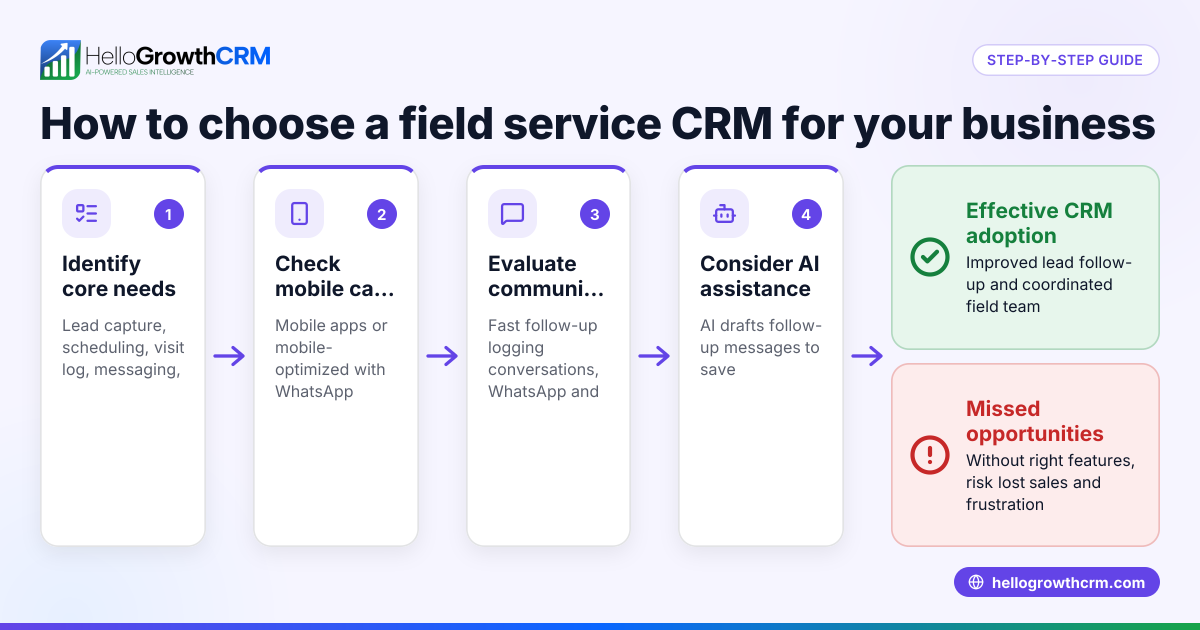
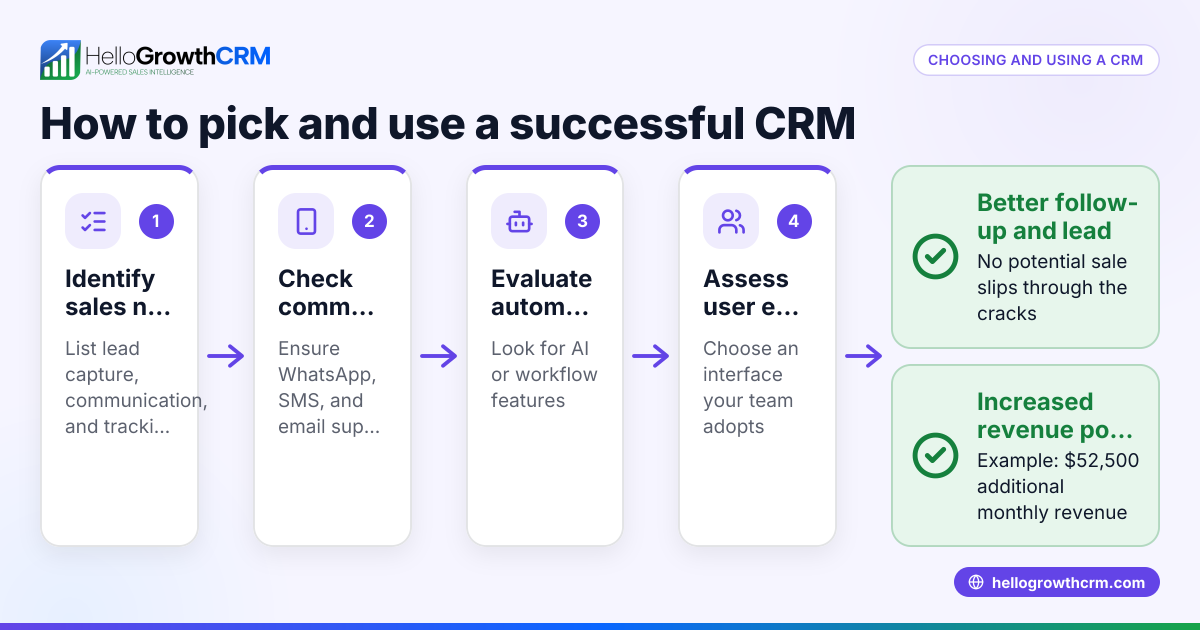
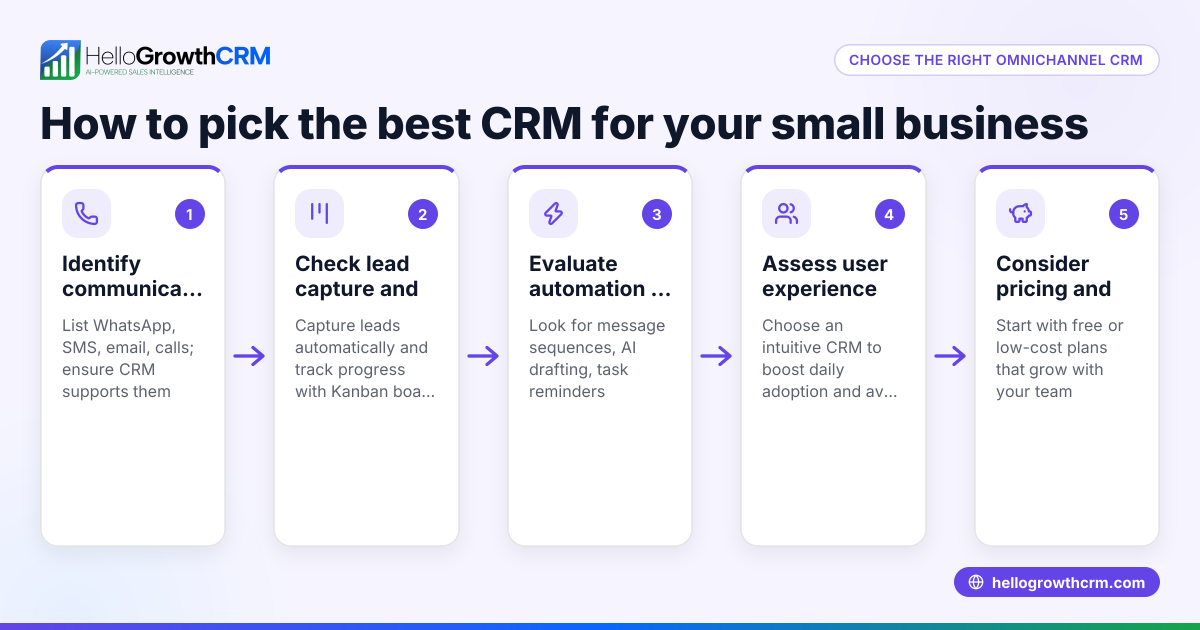
- Identify your sales process and team needs
- List how you currently manage leads and sales (e.g., phone calls, WhatsApp, emails).
- Note the number of users and how they collaborate.
- Check if you need features like lead capture from web forms or AI assistance.
- Check integration options
- Confirm the CRM can connect with your existing tools (e.g., email, website forms).
- Ensure it supports the communication channels you use most, such as WhatsApp and SMS.
- Assess ease of use and adoption
- Choose a CRM with a simple interface suitable for your team’s tech comfort.
- Look for features that automate routine tasks to save time.
- Compare features and costs
- List essential features: lead scoring, pipeline boards, messaging sequences, reporting.
- Review pricing plans, noting any limits on leads or users.
- Trial the CRM
- Use a free or trial version to test real sales scenarios.
- Check how well it logs conversations and manages follow-ups.
- Evaluate support and training
- Confirm availability of onboarding help or managed services if needed.
- Make your decision and plan rollout
- Prepare your team with training.
- Set clear goals for CRM use and lead follow-up.
Example (fictional figures)
A Queenstown-based tourism operator, "Alpine Adventures," wants to choose a CRM to improve their lead follow-up. They have 5 sales reps and handle about 1,000 leads per year.
- Step 1: They identify their main channels as WhatsApp and email.
- Step 2: They need integration with their website lead forms and WhatsApp.
- Step 3: They want simple, mobile-friendly software.
- Step 4: They compare two CRMs:
- CRM A costs NZ$300/month, limits 5 users, includes WhatsApp messaging.
- CRM B costs NZ$200/month, limits 3 users, no WhatsApp.
- Step 5: They trial CRM A for one month.
- Step 6: They check support options and find CRM A offers managed follow-up assistance.
Cost calculation: NZ$300 × 12 months = NZ$3,600 per year
They decide CRM A fits their needs best despite the higher cost because it supports WhatsApp and offers managed services.
Common mistakes
- Choosing a CRM without testing it first: Prevent by always using a free trial to see if it fits your workflow.
- Ignoring integration needs: Prevent by listing all tools you use and confirming CRM compatibility.
- Picking a CRM too complex for your team: Prevent by choosing simple interfaces and involving your team in the decision.
- Overlooking ongoing support: Prevent by checking if the CRM offers managed services or training.
- Focusing only on price: Prevent by balancing cost with features and usability.
- Neglecting mobile or messaging features: Prevent by ensuring the CRM supports WhatsApp and SMS if these are key channels.
Doing this in HelloGrowthCRM
HelloGrowthCRM offers WhatsApp and SMS messaging workflows that log conversations on lead records and send follow-ups as messages, helping your team engage leads where they respond best. Its AI agents draft follow-up messages after calls, so your sales reps only review and send, saving time. For founders without a sales manager, HelloGrowthCRM provides managed RevOps support to keep follow-ups on track every week. Learn more about HelloGrowthCRM for New Zealand businesses and its WhatsApp and SMS CRM features here and here.
Frequently asked questions
What is the most important feature to look for in a small business CRM? The most important feature is ease of use combined with support for your main communication channels, such as WhatsApp and SMS. This ensures your team adopts the CRM and can follow up leads quickly.
Can I try HelloGrowthCRM before buying? Yes, HelloGrowthCRM offers a Free Forever plan with up to 200 leads and no credit card required, letting you test its capabilities before committing.
How does AI help in a CRM? AI agents in HelloGrowthCRM draft follow-up messages after calls, reducing manual work and helping sales reps focus on closing deals.
What if I don’t have a sales manager to run the CRM? HelloGrowthCRM’s managed RevOps service provides weekly follow-up execution and pipeline hygiene, helping founders keep sales moving without a dedicated manager.
Why is WhatsApp integration important? WhatsApp is widely used in New Zealand, and having it integrated into your CRM means all conversations are logged and follow-ups can be automated, improving response times.
How do I know if a CRM will fit my team? Trial the CRM with your team using real leads and sales processes. Check if the interface is intuitive and if the CRM supports your key workflows.
Key takeaways
- Identify your sales process and communication channels before choosing a CRM.
- Check integration options and ease of use to ensure team adoption.
- Trial CRM software with real leads to test fit and features.
- Avoid common mistakes like ignoring support or focusing only on price.
- HelloGrowthCRM supports WhatsApp and SMS messaging, AI follow-up drafting, and managed RevOps to help NZ small businesses.
Start your CRM journey today with HelloGrowthCRM’s Free Forever plan, which supports up to 200 leads and requires no credit card. Get started here: Start on the Free Forever plan (200 leads, no credit card).
Ready to put this into practice?
Set up your pipeline, WhatsApp follow-ups, and AI lead scoring in minutes — free, no credit card.
Try HelloGrowthCRM freeGet CRM tips in your inbox
Join thousands of sales professionals who get weekly insights on CRM strategy, AI automation, and pipeline optimization.

The HelloGrowthCRM team publishes guides on CRM strategy, AI sales tools, and revenue operations for small business sales teams.