HelloGrowthCRM software
Built for real small-business sales teams
HelloGrowthCRM helps reps qualify faster, follow up on time, and close more deals—with practical automation in one place.
- AI lead scoring and pipeline visibility
- Built-in dialer, WhatsApp, and email automation
- Sales forecasting and RevOps-ready reporting
A field service CRM is software designed to help small and mid-sized businesses manage sales, customer communication, and operations for teams working in the field. It centralizes lead information, schedules visits, logs activities, and enables fast follow-up through mobile devices. This makes it easier to coordinate field reps, track performance, and close deals faster.
Why this comes up / what goes wrong
Small business owners with field sales or service teams often struggle with slow lead follow-up, lost information, and inefficient communication. Without a dedicated CRM, teams rely on spreadsheets, text messages, or email chains that lack visibility and accountability. This leads to missed sales opportunities and frustrated customers. Choosing a field service CRM addresses these issues by providing a centralized platform tailored for mobile and on-site operations.
Step-by-step
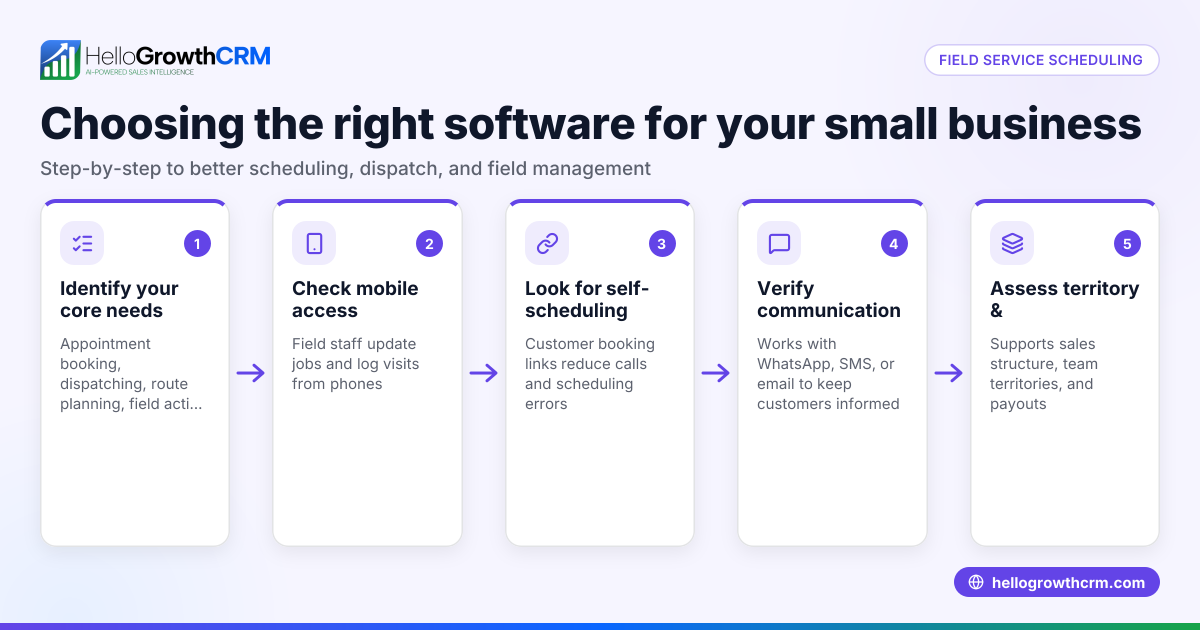
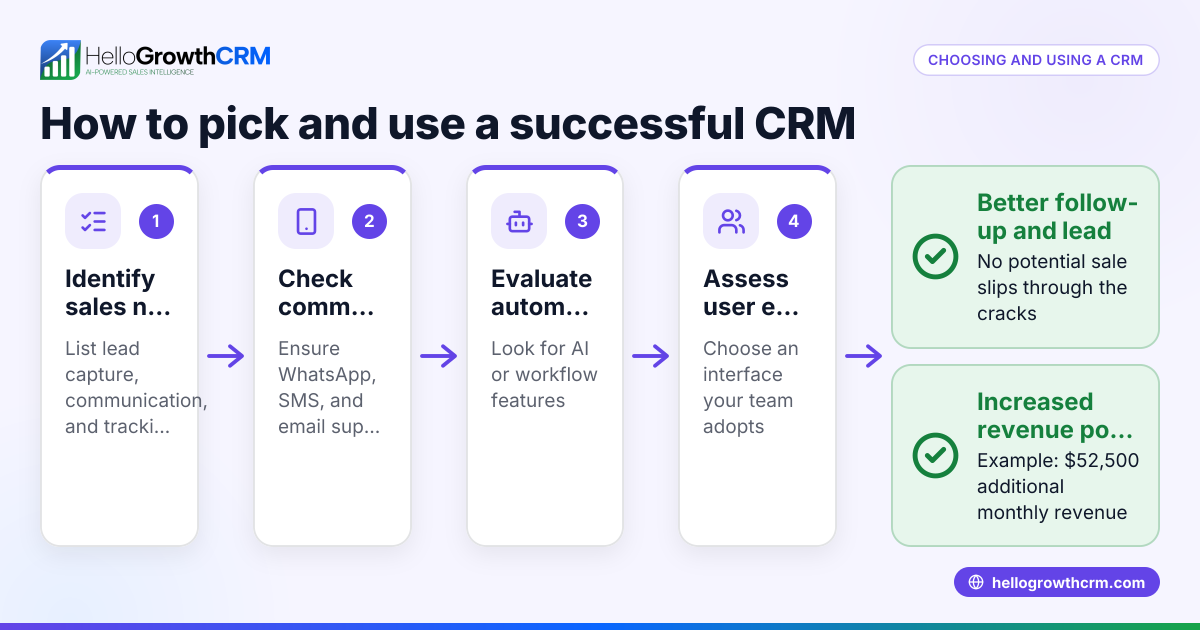
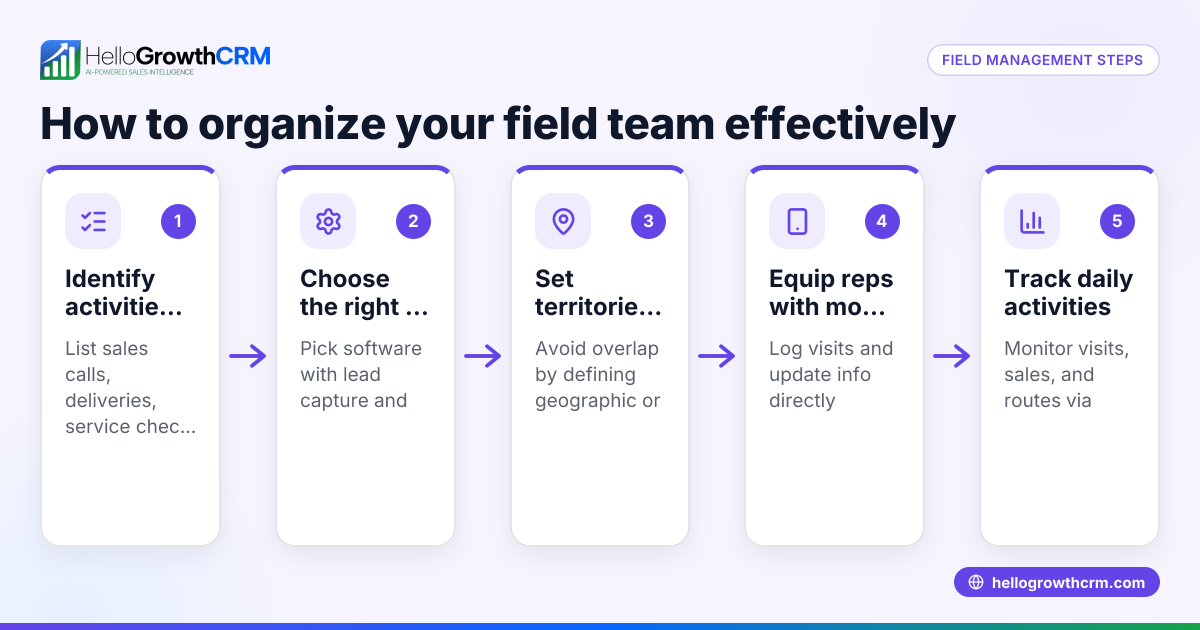
- Identify your core needs: Determine what your field team requires—lead capture, scheduling, visit logging, mobile messaging, commissions tracking, or route planning. Check if the CRM supports these features.
- Check mobile capabilities: Field reps need to update records and communicate from their phones. Verify if the CRM offers mobile apps or mobile-optimized interfaces with messaging channels like WhatsApp and SMS.
- Evaluate communication tools: Fast follow-up is critical. Look for CRMs that log conversations on lead records and support sending follow-ups directly through WhatsApp or SMS. See WhatsApp and SMS CRM.
- Consider AI assistance: Some CRMs offer AI agents that draft follow-up messages after calls, saving reps time. If you want to reduce manual work, check for this feature.
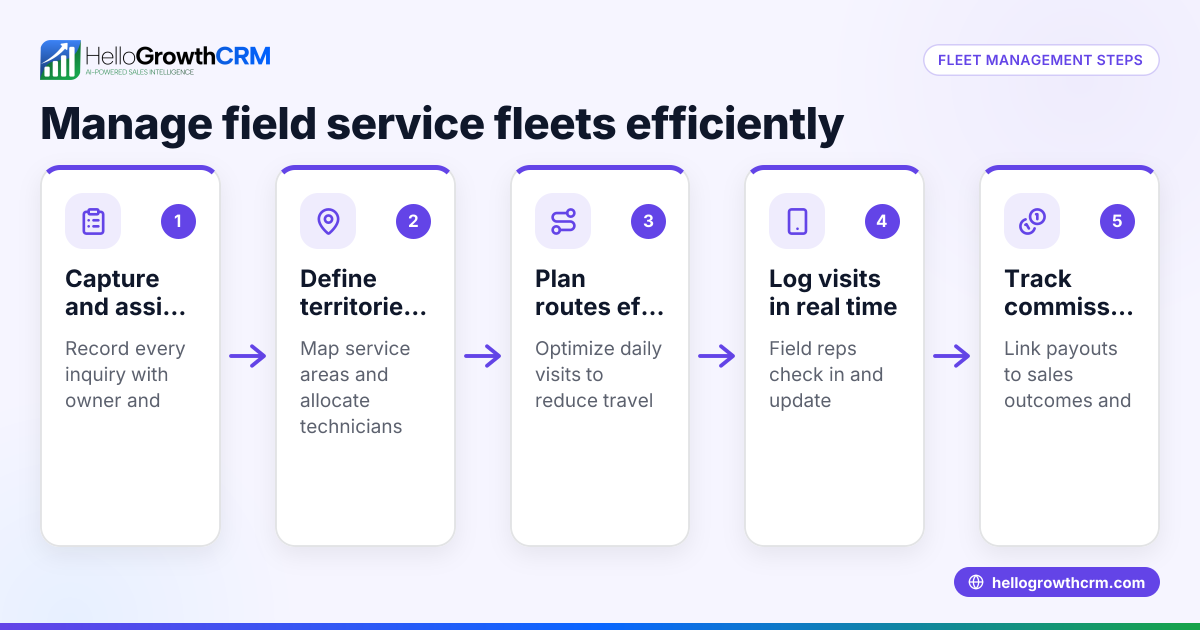
- Assess territory and visit management: For businesses with multiple reps or regions, tools to define territories, log visits from mobile, and track manager oversight are valuable. Learn more at territory management.
- Review commission tracking: If your sales team earns commissions, ensure the CRM links commission tracking to deal outcomes.
- Test integrations and ease of use: The CRM should integrate with your existing web forms and tools to capture leads automatically. It must be simple enough that your team will actually use it.
- Check pricing and plans: Confirm which features are available on each pricing plan and whether there are limits on users or leads.
- Request demos and trials: Try the CRM yourself and have your field reps test it to ensure it fits your workflow.
- Plan training and onboarding: A CRM is only effective if the team adopts it. Plan for training and support during rollout.
Example (fictional figures)
A two-location HVAC service business in Columbus, Ohio, has 5 field technicians and 2 sales reps. They receive about 150 leads monthly and currently convert 15 sales per month at an average sale value of $1,200.
They estimate that improving follow-up speed could increase sales by 3 additional deals monthly.
Calculations:
Additional monthly revenue = 3 sales × $1,200 = $3,600
Annual additional revenue = $3,600 × 12 = $43,200
By choosing a field service CRM that logs WhatsApp conversations and automates follow-ups, they aim to recover lost leads and increase revenue by $43,200 annually.
Common mistakes
- Choosing a CRM without mobile messaging support: Prevent by confirming WhatsApp and SMS integration so field reps can communicate quickly and keep logs.
- Ignoring AI features that save time: Avoid by testing AI agents that draft follow-ups, reducing manual work for reps.
- Not defining territories or tracking visits: Prevent by selecting CRMs with territory management and mobile visit logging to monitor field activity.
- Skipping team training and onboarding: Avoid by planning structured training to ensure adoption.
- Overlooking commission tracking linked to sales: Prevent by verifying the CRM supports commissions tied to deal outcomes.
- Selecting overly complex CRMs: Avoid by choosing user-friendly platforms your team will actually use.
Doing this in HelloGrowthCRM
HelloGrowthCRM supports field service teams with WhatsApp and SMS messaging workflows that log conversations on lead records and send follow-ups as messages. Its AI agents (in beta) draft follow-up messages after calls for reps to review and send, saving time. For field operations, it offers territory definition, mobile visit logging, and manager oversight of daily beats. Commission tracking linked to deal outcomes is also available. Learn more about WhatsApp and SMS CRM and territory management.
Frequently asked questions
What is a field service CRM? A field service CRM is a customer relationship management system designed for businesses with mobile teams. It helps manage leads, schedule visits, log activities on-site, and communicate efficiently through mobile channels like WhatsApp and SMS.
How does mobile messaging improve field sales? Mobile messaging allows field reps to follow up instantly with leads and customers using channels they already use, such as WhatsApp. It keeps conversations logged and accessible, reducing lost leads and improving response times. See WhatsApp and SMS CRM.
Can AI help with field service CRM tasks? Yes, some CRMs include AI agents that draft follow-up messages and update records automatically, reducing the administrative burden on sales reps and helping ensure timely communication. HelloGrowthCRM offers AI agents in beta that draft follow-ups after calls for reps to review.
Why is territory management important in a field service CRM? Territory management helps assign leads and customers to specific reps or regions. It enables managers to track visits, plan routes, and monitor performance, improving coverage and accountability. Learn more at territory management.
What should I look for when choosing a field service CRM? Look for mobile-friendly features, messaging integration, visit logging, territory and commission management, AI assistance, ease of use, and good onboarding support.
Key takeaways
- A field service CRM centralizes lead and customer info for mobile teams.
- Mobile messaging via WhatsApp and SMS speeds follow-up and logs conversations.
- AI agents can draft follow-ups to save reps time.
- Territory and visit management tools improve field team oversight.
- Commission tracking linked to deals helps manage sales incentives.
- Choose a CRM your team will adopt with proper training and support.
Start managing your field sales and service teams more efficiently with a CRM built for mobile communication and AI support. Start on the Free Forever plan (200 leads, no credit card).
Ready to put this into practice?
Set up your pipeline, WhatsApp follow-ups, and AI lead scoring in minutes — free, no credit card.
Try HelloGrowthCRM freeGet CRM tips in your inbox
Join thousands of sales professionals who get weekly insights on CRM strategy, AI automation, and pipeline optimization.

The HelloGrowthCRM team publishes guides on CRM strategy, AI sales tools, and revenue operations for small business sales teams.