HelloGrowthCRM software
Built for real small-business sales teams
HelloGrowthCRM helps reps qualify faster, follow up on time, and close more deals—with practical automation in one place.
- AI lead scoring and pipeline visibility
- Built-in dialer, WhatsApp, and email automation
- Sales forecasting and RevOps-ready reporting
Distributing leads automatically ensures every inquiry is assigned quickly and fairly without manual delays or errors. Small and mid-sized businesses in the USA often lose leads due to slow or inconsistent follow-up. Automatic lead distribution solves this by routing leads as soon as they arrive, so sales reps know exactly which leads to contact next.
Why this comes up / what goes wrong
Many small-business owners in the USA handle leads manually—notes in notebooks, spreadsheets, or scattered messages. This leads to lost or delayed responses, uneven workloads, and missed sales opportunities. Without a clear system, leads pile up unassigned or get assigned unevenly, causing friction in the sales team and lost revenue.
Automatic lead distribution is essential when your business starts getting multiple leads daily from web forms, calls, WhatsApp, or email. It ensures leads are assigned based on fair rules like round-robin (rotating evenly), territory (geography), or lead score (likelihood to convert). This keeps your sales team organized and responsive.
Step-by-step
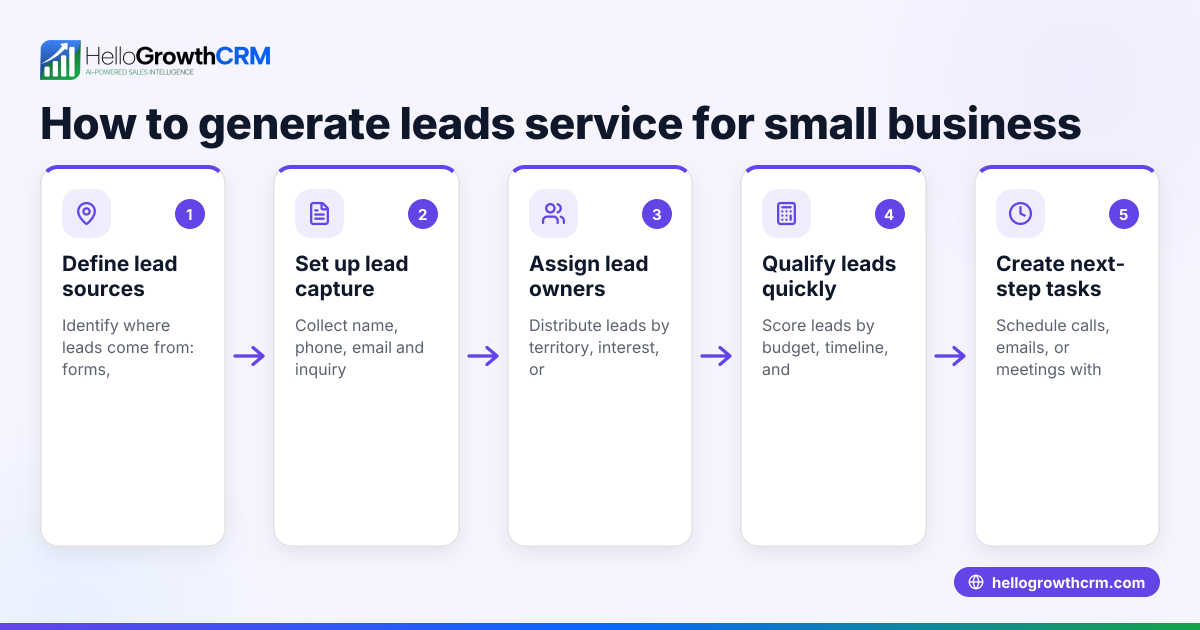
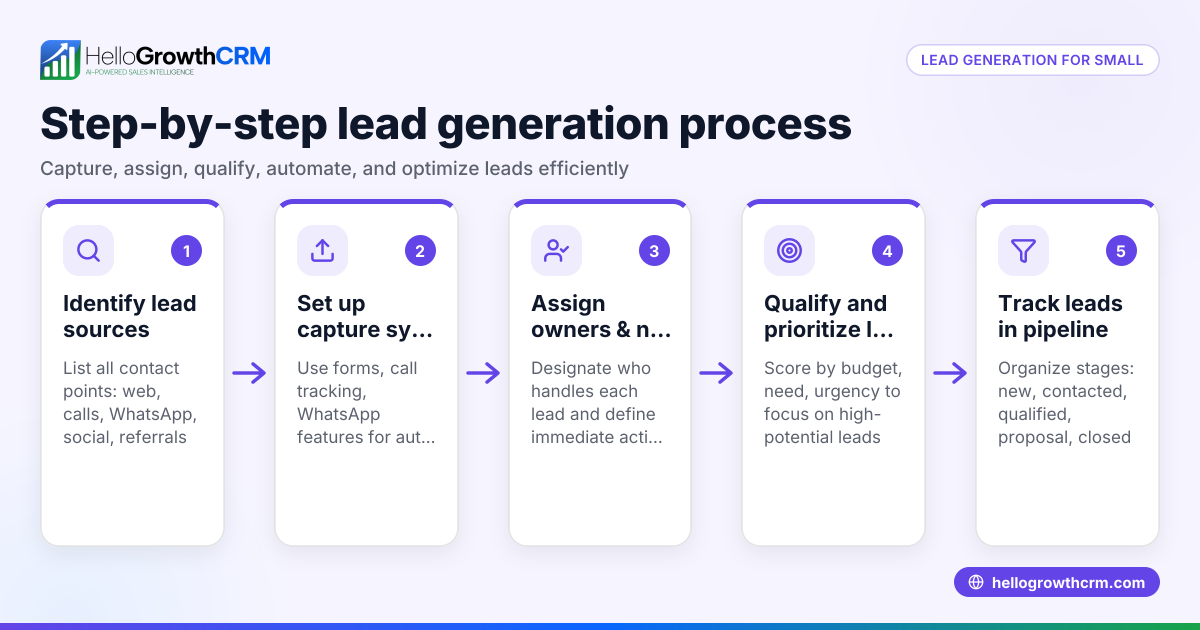
- Collect all lead sources into one place.
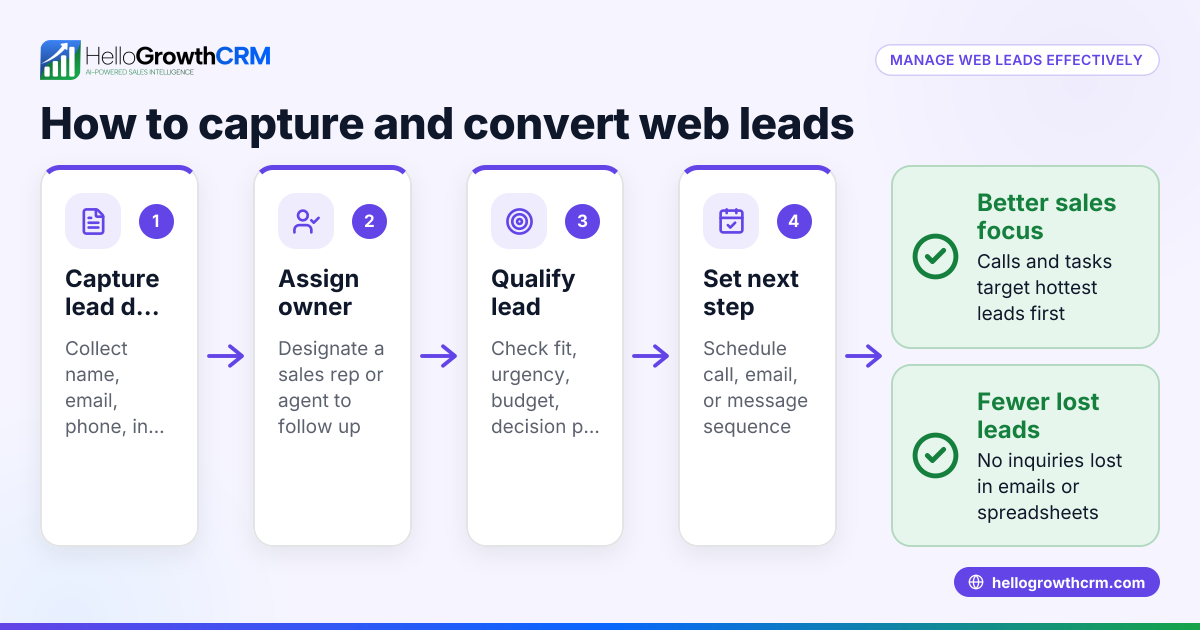
- Gather leads from your website forms, phone calls, WhatsApp messages, and email into a central CRM or lead management tool.
- Check that each new lead entry includes contact info, source, and any qualification data.
- Define lead assignment rules.
- Choose how leads should be distributed: round-robin (rotate evenly among reps), territory-based (assign by location), or skill-based (assign by product expertise).
- Confirm the rules fit your sales team size and structure.
- Set up automatic lead capture.
- Use tools or integrations to automatically send new leads into your CRM.
- Verify that leads are correctly tagged with source and any other relevant data.
- Configure lead routing automation.
- Implement workflows or routing rules in your CRM to assign leads immediately based on your defined criteria.
- Include automatic creation of follow-up tasks for the assigned sales rep.
- Test the system with sample leads.
- Submit test leads from different sources and check that they assign correctly.
- Confirm assigned reps receive notifications and tasks.
- Train your sales team.
- Ensure reps understand the lead distribution process and how to access their assigned leads and tasks.
- Monitor and adjust.
- Regularly review lead assignment reports to ensure fairness and efficiency.
- Adjust rules or team assignments as needed.
Example (fictional figures)
A landscaping contractor in Charlotte, North Carolina, receives 30 new leads weekly from their website and WhatsApp. They have 3 sales reps and want to assign leads evenly using round-robin.
- Total leads per week = 30
- Number of sales reps = 3
Calculate leads per rep:
30 leads ÷ 3 reps = 10 leads per rep per week
Each new lead is assigned to the next rep in rotation:
- Lead 1 → Rep A
- Lead 2 → Rep B
- Lead 3 → Rep C
- Lead 4 → Rep A
- … and so on
This method ensures each rep gets 10 leads weekly, balancing workload and speeding follow-up.
Common mistakes
- Ignoring lead source data: Without tagging leads by source, you can’t route by origin or prioritize hot leads. Prevent this by capturing source info with every lead.
- Manual assignment delays: Assigning leads by hand causes slow response and lost sales. Use automated workflows to assign instantly.
- Unequal lead distribution: Not rotating leads fairly can demotivate reps. Use round-robin or defined rules to balance assignments.
- No follow-up tasks: Assigning leads without creating next-step tasks leads to dropped leads. Automate task creation with each lead assignment.
- Not testing workflows: Skipping tests can cause misrouted leads. Always test lead capture and routing before going live.
- Lack of monitoring: Without reviewing assignment reports, problems go unnoticed. Schedule regular checks and adjust rules as needed.
Doing this in HelloGrowthCRM
HelloGrowthCRM captures every enquiry from forms, calls, or WhatsApp as a lead with an assigned owner and a next step, avoiding lost leads in notebooks. Its AI lead scoring helps telecallers prioritize leads most likely to convert first. Workflows and lead routing rules automate lead assignment by territory, source, score, or round-robin, and create first-call tasks automatically. Learn more about HelloGrowthCRM’s AI lead scoring and built-in CRM dialer features designed for US businesses at HelloGrowthCRM for the United States.
Frequently asked questions
How do I choose the best lead distribution method? Choose based on your team size and sales process. Round-robin evenly distributes leads, territory-based assigns by location, and score-based prioritizes hottest leads. Combining methods can work well too.
Can I distribute leads automatically without a CRM? It’s possible but inefficient. Manual methods risk delays and errors. A CRM with lead capture and routing features streamlines the process and tracks follow-up.
How often should I review lead assignment rules? Review at least monthly or when your team size or lead volume changes. Regular checks ensure fairness and efficiency.
What if some reps get fewer leads? Check if rules are applied correctly and if lead sources vary by territory or skill. Adjust routing rules or team coverage to balance workloads.
Can I automate follow-up tasks with lead distribution? Yes, automated workflows can create tasks like first calls or emails when leads are assigned, ensuring timely follow-up.
Key takeaways
- Centralize all lead sources into one system for easy management.
- Define clear lead assignment rules like round-robin or territory-based.
- Automate lead capture and routing to speed up assignment.
- Test workflows before going live to avoid errors.
- Monitor lead distribution regularly and adjust as needed.
- Use automated task creation to ensure prompt follow-up.
Start automating your lead distribution today to improve sales team efficiency and close more deals. Start on the Free Forever plan (200 leads, no credit card).
Ready to put this into practice?
Set up your pipeline, WhatsApp follow-ups, and AI lead scoring in minutes — free, no credit card.
Try HelloGrowthCRM freeGet CRM tips in your inbox
Join thousands of sales professionals who get weekly insights on CRM strategy, AI automation, and pipeline optimization.

The HelloGrowthCRM team publishes guides on CRM strategy, AI sales tools, and revenue operations for small business sales teams.