HelloGrowthCRM software
Built for real small-business sales teams
HelloGrowthCRM helps reps qualify faster, follow up on time, and close more deals—with practical automation in one place.
- AI lead scoring and pipeline visibility
- Built-in dialer, WhatsApp, and email automation
- Sales forecasting and RevOps-ready reporting
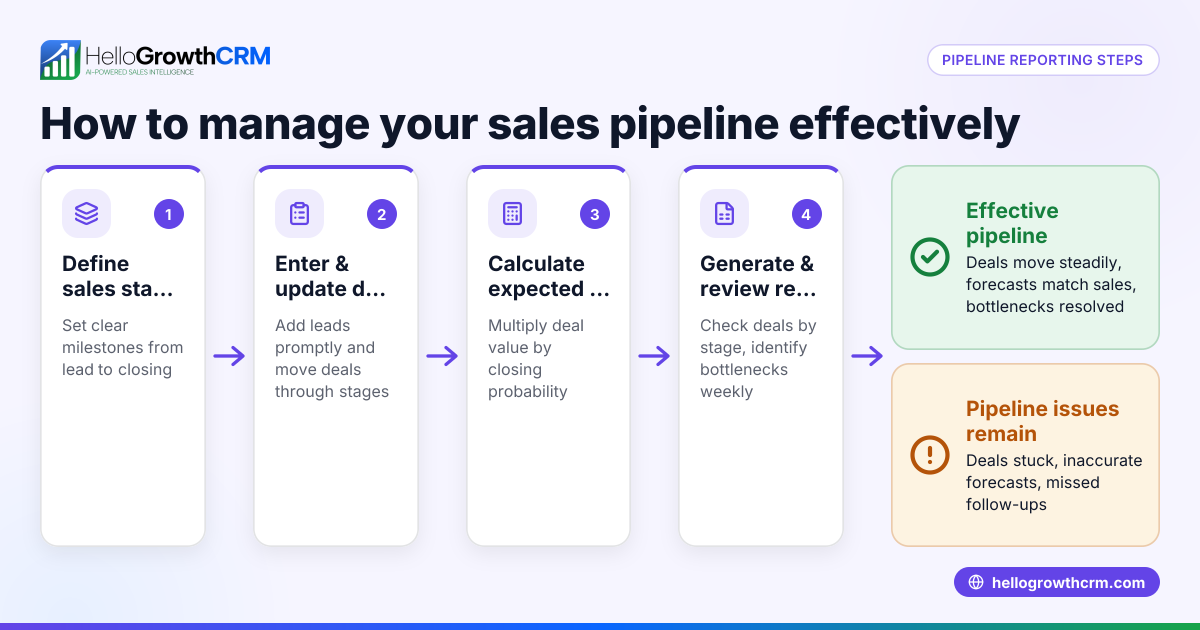
Managing your sales pipeline in Excel involves creating a clear, structured spreadsheet that tracks every lead from first contact to closing. This helps you stay organised, prioritise follow-ups, and forecast revenue.
Why this comes up / what goes wrong
Many small business owners in Canada start with Excel to manage their sales pipeline because it’s accessible and familiar. However, without a clear structure, it’s easy to lose track of leads, miss follow-ups, or misjudge deal probabilities. Sales data scattered across emails, texts, and spreadsheets can cause slow responses and lost opportunities. This article guides you through a practical Excel pipeline setup tailored for Canadian businesses, so you can keep control and improve sales outcomes.
Step-by-step
- Open a new Excel workbook and create a sheet named "Sales Pipeline".
- Set up the following column headers:
- Lead Name
- Contact Information
- Lead Source (e.g., website, referral)
- Stage (e.g., New Lead, Contacted, Quote Sent, Negotiation, Closed Won, Closed Lost)
- Deal Value (C$)
- Probability (%)
- Expected Close Date (YYYY-MM-DD)
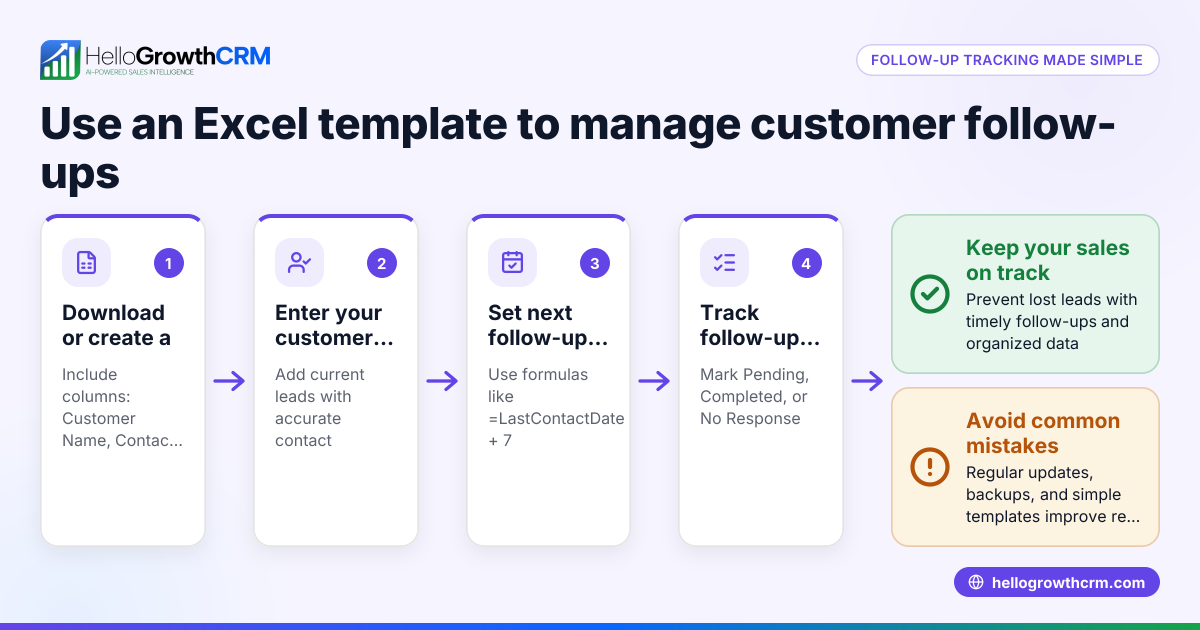
- Next Follow-up Date (YYYY-MM-DD)
- Notes
- Enter your current leads under each column. Ensure dates use the YYYY-MM-DD format for consistency.
- Apply data validation for the "Stage" column:
- Select the Stage column cells.
- Go to Data > Data Validation.
- Choose "List" and enter the stages separated by commas.
- Calculate Expected Revenue:
- Add a new column "Expected Revenue".
- Use the formula:
=Deal Value * Probability / 100for each row.
- Use filters:
- Select the header row.
- Go to Data > Filter.
- This allows you to filter leads by stage, follow-up date, or any other criteria.
- Apply conditional formatting to highlight urgent follow-ups:
- Select the "Next Follow-up Date" column.
- Use Conditional Formatting > Highlight Cell Rules > Less Than.
- Enter
=TODAY()to highlight dates before today, showing overdue tasks.
- Sort your leads regularly by "Next Follow-up Date" or "Stage" to prioritise actions.
- Update the pipeline daily:
- Move leads through stages as they progress.
- Adjust deal values and probabilities based on new information.
- Add notes on interactions.
- Use a summary sheet to track totals:
- Sum deal values and expected revenues by stage.
- Use formulas like
=SUMIF(StageRange, "Quote Sent", DealValueRange).
Example (fictional figures)
A mortgage brokerage in Mississauga, Ontario, uses Excel to track leads.
| Lead Name | Contact Info | Lead Source | Stage | Deal Value (C$) | Probability (%) | Expected Close Date | Next Follow-up Date | Notes | Expected Revenue (C$) |
|---|---|---|---|---|---|---|---|---|---|
| John Doe | 416-555-1234 | Website | Quote Sent | 350,000 | 60 | 2024-05-15 | 2024-05-01 | Sent mortgage quote | =350,000 * 60% = 210,000 |
Calculations:
- Expected Revenue = Deal Value × Probability
- C$350,000 × 60% = C$210,000
This shows John Doe’s lead has a 60% chance to close with an expected revenue of C$210,000. The next follow-up is due on 2024-05-01.
Common mistakes
- Not updating the pipeline regularly: Leads become outdated, causing missed opportunities. Prevent by scheduling daily updates.
- Using inconsistent date formats: Leads to sorting and filtering errors. Always use YYYY-MM-DD.
- No clear stage definitions: Causes confusion on progress. Define and use fixed stages with data validation.
- Ignoring follow-up dates: Leads slip through cracks. Use conditional formatting to highlight overdue tasks.
- Overloading the spreadsheet with too many columns: Makes it hard to read. Keep columns focused on key sales data.
- Not summarising pipeline data: Missing revenue forecasts. Add summary formulas to track totals by stage.
For more on sales forecasting and pipeline management, see sales forecasting.
Doing this in HelloGrowthCRM
HelloGrowthCRM offers a Deals (pipeline) feature that tracks open opportunities from first contact through close, with stage movement, probability, and expected value. For example, a quotation sent last week appears as a deal at the "quote sent" stage with a follow-up date, ensuring it’s not forgotten. Without a sales manager, a founder can use Managed RevOps, where a specialist works the follow-up queue weekly. The built-in dialer lets telecallers call leads directly inside the CRM and log call outcomes. Learn more about these features in AI CRM and HelloGrowthCRM for Canada.
Frequently asked questions
How often should I update my sales pipeline in Excel? Updating your pipeline daily or at least several times a week ensures lead information stays current and follow-ups are timely. Regular updates prevent lost deals and improve forecasting accuracy.
What are the essential columns for a sales pipeline spreadsheet? Key columns include Lead Name, Contact Info, Stage, Deal Value, Probability, Expected Close Date, Next Follow-up Date, and Notes. These capture the critical data to track progress and prioritise actions.
How can I prioritise leads in Excel? Use filters and sorting on "Next Follow-up Date" and "Stage" columns. Conditional formatting can highlight overdue follow-ups to help you focus on urgent leads.
Can Excel handle large sales pipelines effectively? Excel works well for small to medium pipelines but can become cumbersome as data grows. For larger teams or pipelines, consider CRM software with pipeline management features.
What’s the difference between managing a pipeline in Excel and using HelloGrowthCRM? Excel requires manual updates and lacks automation. HelloGrowthCRM automates pipeline tracking, follow-up reminders, and integrates calling, helping teams stay organised and responsive.
Key takeaways
- Set up a clear Excel spreadsheet with defined columns and stages.
- Use data validation and conditional formatting to maintain accuracy and highlight priorities.
- Update your pipeline regularly to avoid losing leads.
- Summarise deal values and expected revenues to forecast sales.
- Avoid common mistakes like inconsistent dates and missing follow-ups.
- Consider HelloGrowthCRM for automated pipeline management and follow-up support.
Start managing your sales pipeline today and improve your sales follow-up efficiency. To explore a CRM built for Canadian small businesses, start on the Free Forever plan (200 leads, no credit card).
Ready to put this into practice?
Set up your pipeline, WhatsApp follow-ups, and AI lead scoring in minutes — free, no credit card.
Try HelloGrowthCRM freeGet CRM tips in your inbox
Join thousands of sales professionals who get weekly insights on CRM strategy, AI automation, and pipeline optimization.

The HelloGrowthCRM team publishes guides on CRM strategy, AI sales tools, and revenue operations for small business sales teams.