HelloGrowthCRM software
Built for real small-business sales teams
HelloGrowthCRM helps reps qualify faster, follow up on time, and close more deals—with practical automation in one place.
- AI lead scoring and pipeline visibility
- Built-in dialer, WhatsApp, and email automation
- Sales forecasting and RevOps-ready reporting
Managing WhatsApp enquiries with a team in Canada requires organisation and clear communication. Without a system, leads can be lost or responses delayed, affecting sales and customer satisfaction. Small businesses often struggle when multiple team members handle messages without coordination, leading to duplicated efforts or missed opportunities.
Why this comes up / what goes wrong
Many Canadian small businesses receive WhatsApp messages from potential customers but lack a structured way to manage these enquiries as a team. Common problems include:
- Multiple people responding to the same enquiry creating confusion.
- No record of conversations or follow-up tasks.
- Losing leads due to slow or inconsistent replies.
- Managing WhatsApp on personal phones without team visibility.
These issues reduce sales effectiveness and frustrate customers expecting quick, clear communication.
Step-by-step
Follow these steps to manage WhatsApp enquiries efficiently with your team:
- Centralise WhatsApp Access: Use a shared WhatsApp Business account or a CRM that integrates WhatsApp messages so all team members can see incoming enquiries.
- Check that the tool logs conversations per lead for easy tracking.
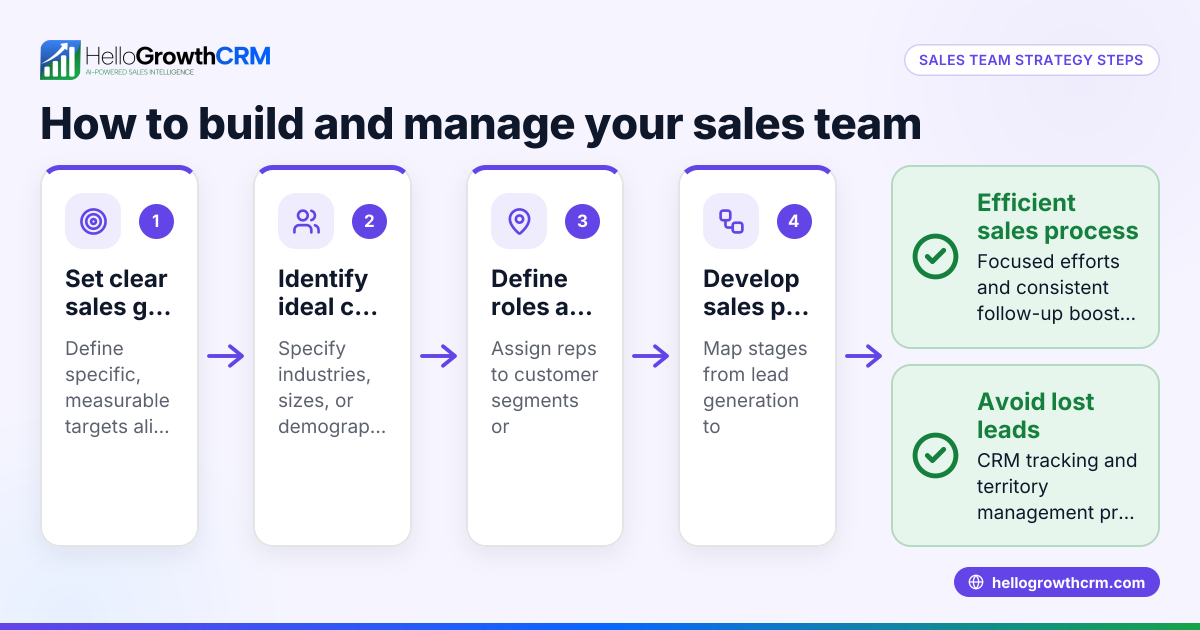
- Assign Responsibilities: Define which team member handles which enquiry or customer segment.
- Use a simple system like tagging or assigning leads in your CRM.
- Confirm everyone knows their tasks and deadlines.
- Create Response Templates: Develop standard replies for common questions to speed up responses.
- Review templates regularly to keep them accurate and friendly.
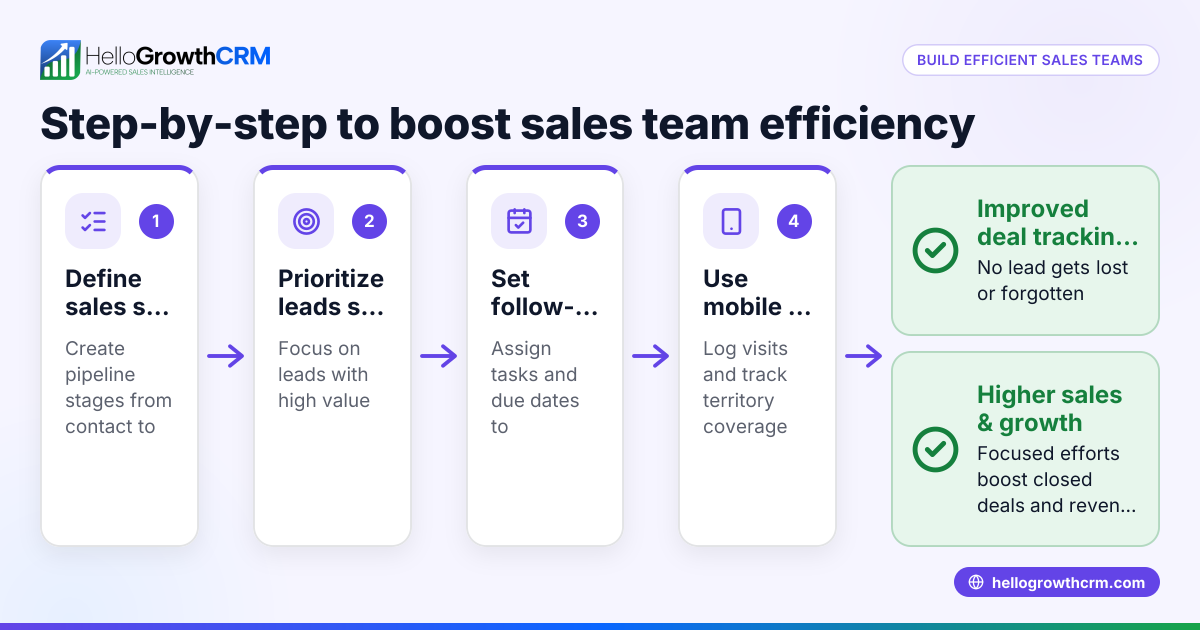
- Track Follow-ups: Set reminders or tasks for each enquiry to ensure timely responses and next steps.
- Verify that follow-ups are logged and visible to the team.
- Use a Shared Task Board: Maintain a pipeline or task board showing enquiry status (new, in progress, closed).
- Check the board daily to update progress and reassign if needed.
- Regular Team Check-ins: Hold brief meetings or chats to review enquiry handling performance and challenges.
- Discuss any bottlenecks and adjust processes accordingly.
- Analyse and Improve: Use reporting tools to track response times and conversion rates.
- Identify trends and train the team to improve.
For more on managing messages, see WhatsApp and SMS CRM.
Example (fictional figures)
A staffing agency in Halifax, Nova Scotia, receives about 50 WhatsApp enquiries weekly about job placements. They want to ensure no lead is missed and that follow-ups happen promptly.
- They centralise messages using a CRM that logs conversations.
- Assign 2 team members to handle new leads, each responsible for 25 enquiries weekly.
- Create templates for common questions about job openings.
- Set follow-up reminders 24 hours after the first message.
- Use a task board to track status: 50 new enquiries = 50 tasks.
Calculations:
50 enquiries ÷ 2 team members = 25 enquiries per member
Each enquiry requires a follow-up within 24 hours.
If each follow-up takes 10 minutes: 25 enquiries × 10 minutes = 250 minutes = 4 hours 10 minutes per team member weekly
This workload is manageable alongside other duties.
Common mistakes
- No centralised message access: Leads to missed or duplicated replies.
- Prevent by using shared WhatsApp access or a CRM.
- Unclear responsibilities: Causes confusion over who replies.
- Prevent by assigning enquiries clearly.
- Ignoring follow-ups: Leads to lost sales opportunities.
- Prevent by setting reminders and tracking tasks.
- Using personal phones only: Limits team visibility.
- Prevent by using business accounts or CRM integrations.
- No standard responses: Slows down replies and causes inconsistent messaging.
- Prevent by preparing templates.
- No performance review: Misses chances to improve.
- Prevent by scheduling regular team check-ins.
Learn more about managing teams with the built-in CRM dialer.
Doing this in HelloGrowthCRM
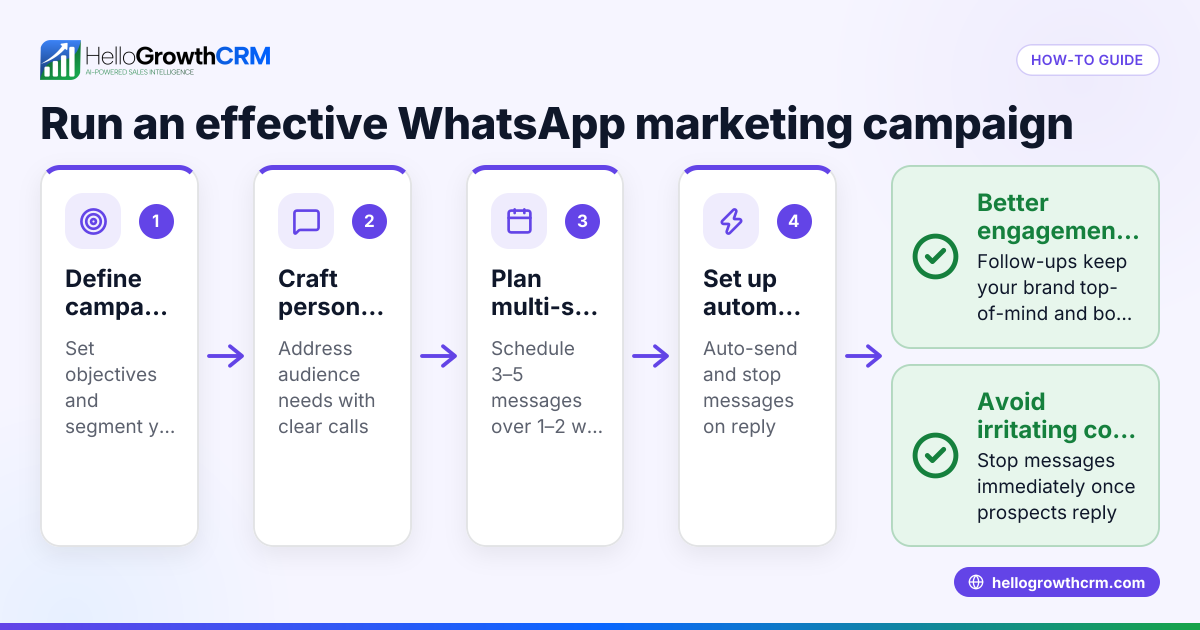
HelloGrowthCRM supports team management of WhatsApp enquiries by logging WhatsApp conversations on each lead record. Follow-ups can be sent directly as WhatsApp or SMS messages, ensuring all communication is tracked and visible to the team. This helps coordinate responses and maintain consistent engagement with leads. For details, see WhatsApp and SMS CRM.
Frequently asked questions
Can multiple team members reply to the same WhatsApp number? Yes, but it requires a shared WhatsApp Business account or a CRM integration that centralises messages. This prevents confusion and duplicate replies.
How do I keep track of who is handling each enquiry? Assign enquiries using tags or lead assignments in your CRM. Use task boards or pipelines to visualise progress and responsibilities.
What if my team is remote? Using a cloud-based CRM with WhatsApp integration allows remote team members to access enquiries and update statuses in real time.
Are WhatsApp message templates useful? Yes, templates speed up replies for common questions and ensure consistent communication.
How do I measure if managing WhatsApp enquiries is working? Track response times, follow-up completion, and conversion rates using your CRM's reporting tools.
See more on managing teams in Canada with HelloGrowthCRM for Canada.
Key takeaways
- Centralise WhatsApp access for team visibility.
- Clearly assign enquiries and track follow-ups.
- Use response templates to speed replies.
- Maintain a shared task board or pipeline.
- Hold regular team reviews to improve processes.
- Use tools like HelloGrowthCRM to log WhatsApp conversations and coordinate follow-ups.
Managing WhatsApp enquiries with a team in Canada is straightforward with a clear process and the right tools. Start organising your team today and never miss a lead. To try a CRM that supports WhatsApp team messaging, Start on the Free Forever plan (200 leads, no credit card).
Ready to put this into practice?
Set up your pipeline, WhatsApp follow-ups, and AI lead scoring in minutes — free, no credit card.
Try HelloGrowthCRM freeGet CRM tips in your inbox
Join thousands of sales professionals who get weekly insights on CRM strategy, AI automation, and pipeline optimization.

The HelloGrowthCRM team publishes guides on CRM strategy, AI sales tools, and revenue operations for small business sales teams.