HelloGrowthCRM software
Built for real small-business sales teams
HelloGrowthCRM helps reps qualify faster, follow up on time, and close more deals—with practical automation in one place.
- AI lead scoring and pipeline visibility
- Built-in dialer, WhatsApp, and email automation
- Sales forecasting and RevOps-ready reporting
To organise customer notes and calls effectively in Singapore, centralise all customer interactions in one system, record detailed notes immediately after each call, use consistent tags or categories, and schedule follow-up tasks with clear due dates. Link each note and call to the appropriate customer record. This article explains why organisation matters, provides step-by-step instructions, a worked example with calculations, common mistakes to avoid, and how HelloGrowthCRM can help streamline the process.
Why this comes up / what goes wrong
Many small and mid-sized businesses in Singapore face challenges organising customer information because notes and call details are scattered across multiple platforms such as WhatsApp chats, emails, spreadsheets, or even handwritten notes. This fragmentation leads to lost leads, missed follow-ups, and an inefficient sales process. Sales teams often waste time searching for past conversations or rely on memory, which causes delays and errors. Without a clear system, customer relationships suffer, resulting in lost revenue and lower customer satisfaction.
Step-by-step
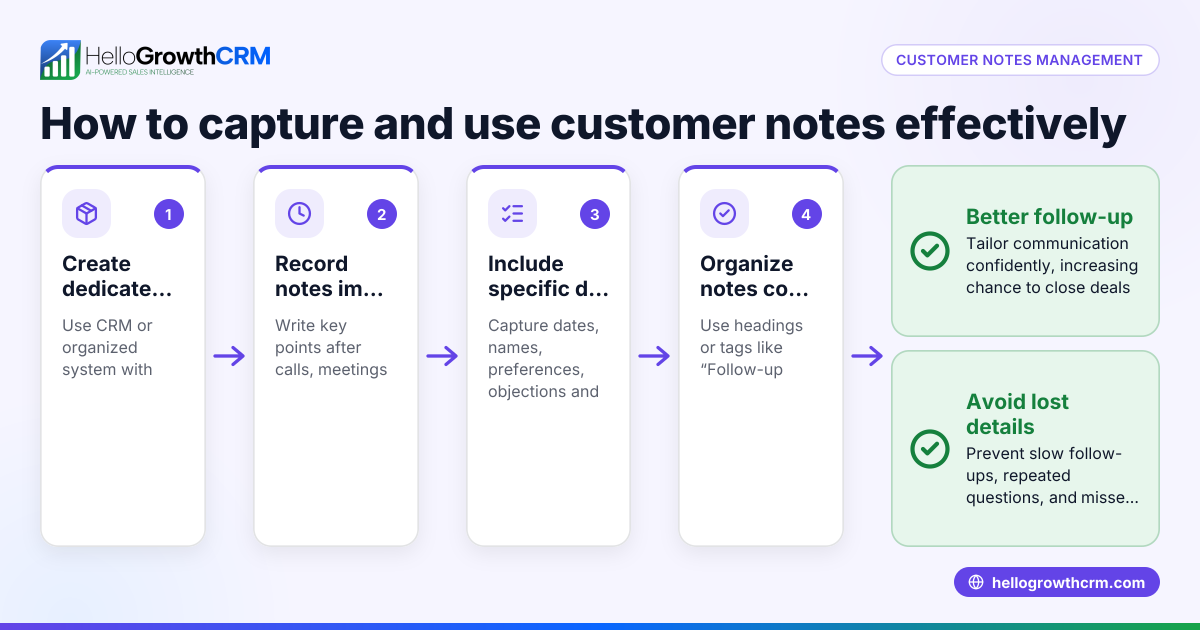
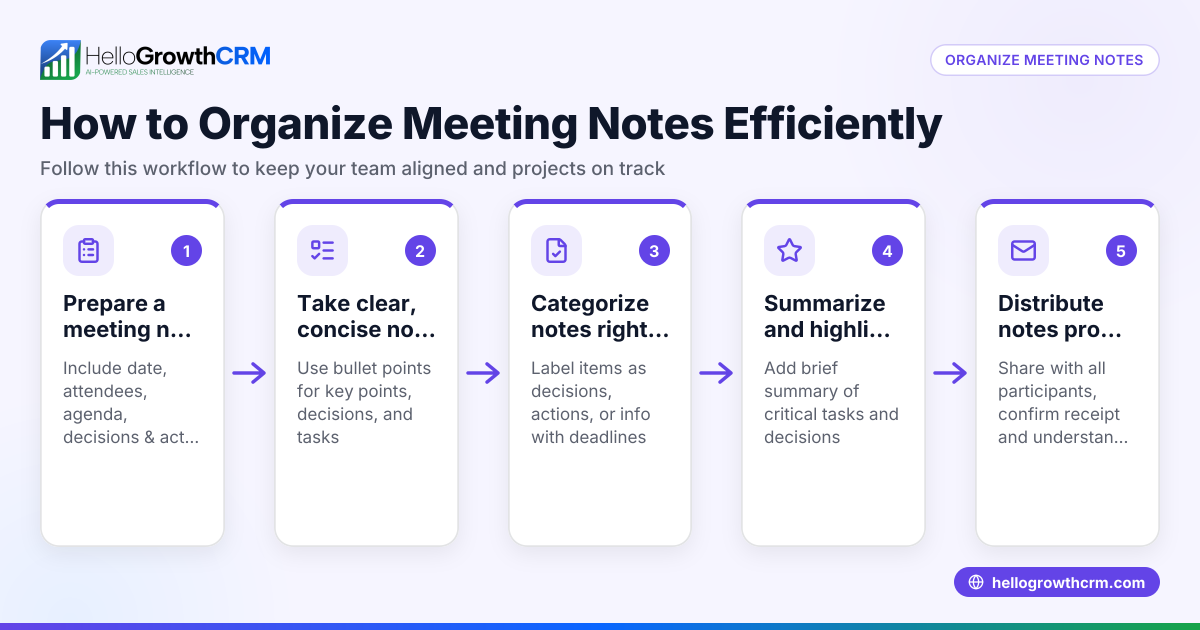
- Centralise all customer notes and calls: Choose one place to store all customer interactions, such as a CRM or a dedicated folder. Check that every note or call summary is linked to the correct customer record.
- Create standard fields for notes: For each call or meeting, record the date, customer name, call purpose, key points discussed, and agreed next steps. Verify these fields are completed immediately after the call to avoid forgetting details.
- Use consistent tags or categories: Assign labels such as "inquiry," "complaint," "follow-up," or priority levels like "high," "medium," or "low." Confirm that tags are applied consistently to make searching and filtering easier.
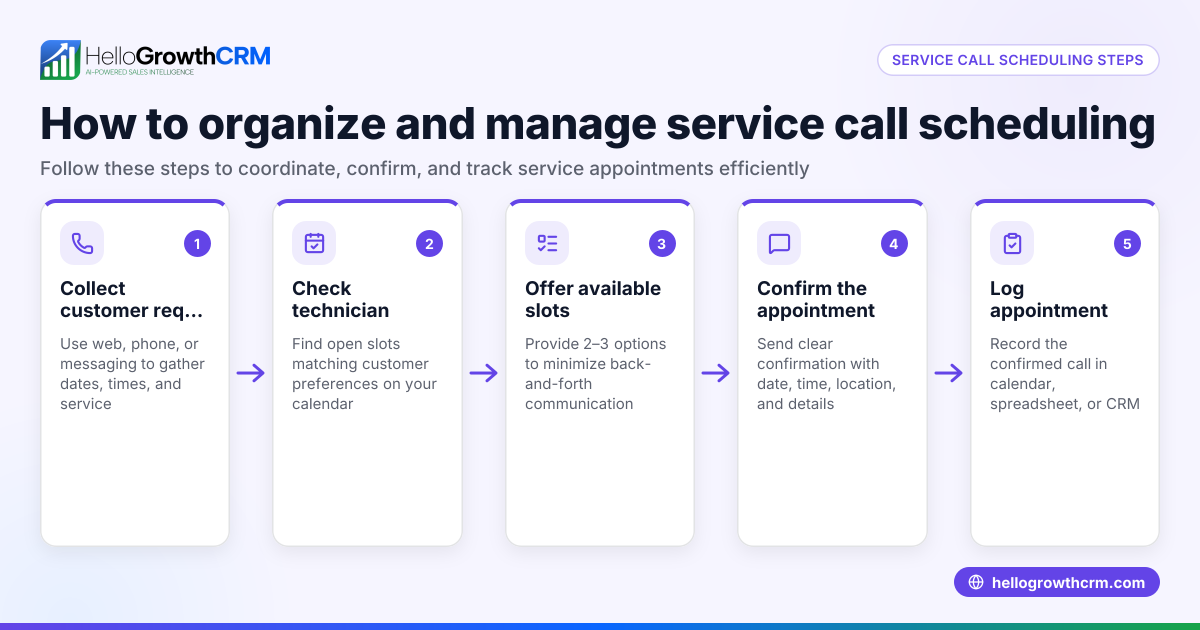
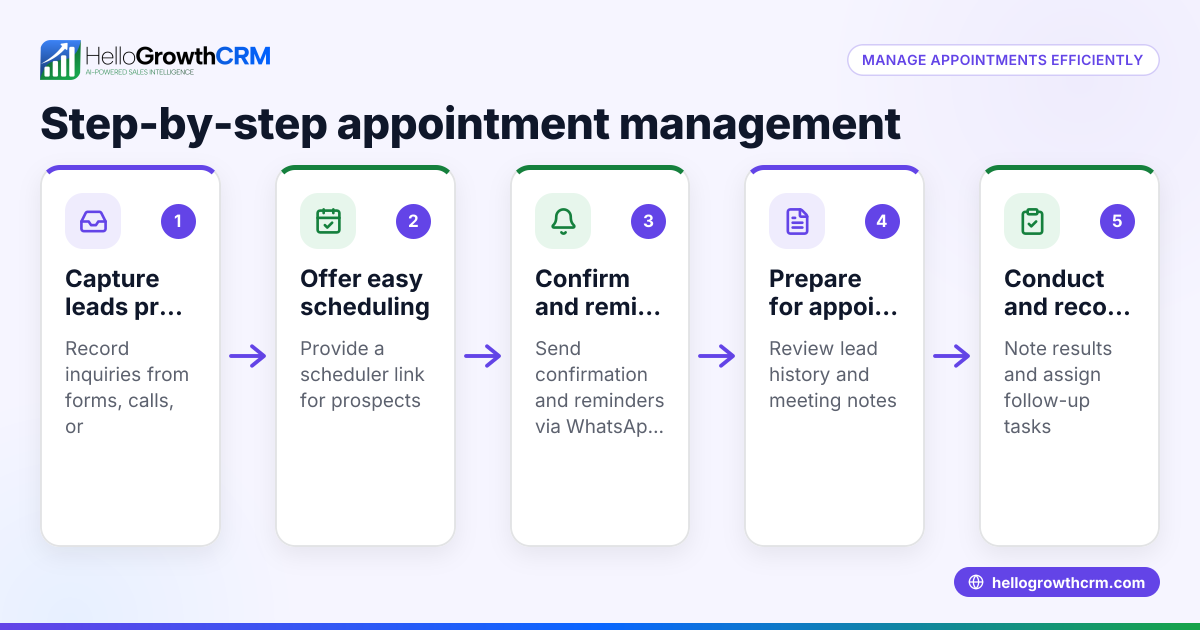
- Schedule follow-up tasks immediately: After each call, create a task with a clear due date for the next action, such as a follow-up call or sending documents. Make sure these tasks appear in your daily work list to stay organised.
- Review notes and calls regularly: Set a weekly review to check for missed actions, update ongoing cases, and clear completed tasks.
- Backup your data securely: Ensure your notes and call logs are saved and backed up regularly to prevent data loss.
Example (fictional figures)
A property agency in Novena receives an enquiry on 15/04/2024 about a S$1,200,000 apartment.
- Call date: 16/04/2024
- Customer: Mr Tan
- Call purpose: Discuss property details
- Key points: Mr Tan is interested in a 3-bedroom unit and requires financing options
- Next step: Follow-up call to provide financing information on 20/04/2024
The agent creates a follow-up task on 16/04/2024 with a due date of 20/04/2024.
This simple record helps the agent track progress and ensures Mr Tan receives timely information.
Calculations:
- Property price = S$1,200,000
- Agent commission rate (assumed) = 2.5%
- Commission = S$1,200,000 × 2.5% = S$30,000
The agent notes the expected commission and schedules follow-ups to close the deal.
Common mistakes
- Scattered notes across multiple apps: Prevent by centralising all notes and calls in one system to avoid losing information.
- Delaying note-taking: Prevent by recording notes immediately after each call to capture accurate details.
- Not scheduling follow-ups: Prevent by creating tasks with due dates right after calls to ensure timely responses.
- Inconsistent tagging or categorisation: Prevent by standardising tags and training your team to apply them uniformly.
- Ignoring old notes: Prevent by reviewing notes regularly to update or close completed actions.
- Relying on memory for calls: Prevent by using task boards that list daily calls and follow-ups, so nothing is missed.
Doing this in HelloGrowthCRM
HelloGrowthCRM helps organise customer notes and calls by keeping all service requests and tickets on the same customer record as the deal through its customer portal and support ticket system. Each follow-up becomes a task with a due date on the activities and task boards, turning your day’s calls into a manageable list rather than a memory test. WhatsApp conversations with leads are logged directly on their records, and follow-ups can be sent as WhatsApp or SMS messages, keeping communication streamlined and easy to track. Learn more about how HelloGrowthCRM supports sales teams in Singapore on the HelloGrowthCRM for Singapore page. For managing your daily follow-ups, check the activities and task boards feature.
Frequently asked questions
How can I quickly find past customer notes and calls? Use a centralised CRM or note system that links all interactions to the customer record. Tag notes consistently and use search filters to locate specific calls or topics.
What is the best way to keep track of follow-up calls? Schedule follow-up tasks immediately after each call with clear due dates. Use task boards that show all pending calls for the day to avoid missing any.
Can WhatsApp messages be organised with calls and notes? Yes, platforms like HelloGrowthCRM log WhatsApp conversations on the lead record, so messages and call notes are stored together for easy reference.
How often should I review my customer notes? Weekly reviews help catch missed follow-ups and update any ongoing customer needs. Regular reviews keep your sales process on track.
Is it necessary to backup notes and call logs? Yes, backing up ensures you don't lose valuable customer information due to technical issues or accidental deletion.
How does HelloGrowthCRM help with organising customer notes and calls? HelloGrowthCRM centralises all customer interactions by linking service requests, calls, WhatsApp messages, and tasks to customer records. This reduces manual tracking and improves follow-up efficiency.
Key takeaways
- Centralise all customer notes and call records in one system.
- Record call details and next steps immediately after each interaction.
- Use consistent tags or categories to organise notes.
- Schedule follow-up tasks with due dates to stay on top of calls.
- Review notes regularly to update and catch missed actions.
- Use task boards and messaging logs to reduce reliance on memory.
Organising your customer notes and calls can improve your sales follow-up and customer satisfaction today. Start on the Free Forever plan (200 leads, no credit card) at HelloGrowthCRM to try these methods in a system built for Singapore businesses.
Ready to put this into practice?
Set up your pipeline, WhatsApp follow-ups, and AI lead scoring in minutes — free, no credit card.
Try HelloGrowthCRM freeGet CRM tips in your inbox
Join thousands of sales professionals who get weekly insights on CRM strategy, AI automation, and pipeline optimization.

The HelloGrowthCRM team publishes guides on CRM strategy, AI sales tools, and revenue operations for small business sales teams.