HelloGrowthCRM software
Built for real small-business sales teams
HelloGrowthCRM helps reps qualify faster, follow up on time, and close more deals—with practical automation in one place.
- AI lead scoring and pipeline visibility
- Built-in dialer, WhatsApp, and email automation
- Sales forecasting and RevOps-ready reporting
Organizing meeting notes is essential for small business owners to keep track of decisions, action items, and follow-ups. Without a clear system, notes can become chaotic, causing missed tasks and wasted time. This article explains why organizing meeting notes is a common challenge, provides a numbered step-by-step method, illustrates the process with a fictional example, highlights common mistakes, and shows how HelloGrowthCRM’s meeting scheduler can simplify your workflow.
Why this comes up / what goes wrong
Small business owners often juggle many roles and rely on notes taken during meetings to manage projects, clients, or vendors. However, notes are frequently scattered across emails, notebooks, or apps without a consistent format. This leads to confusion about who is responsible for what, delays in follow-up, and lost information. When meetings involve multiple participants or complex topics, unorganized notes make it harder to review decisions or track progress.
Step-by-step
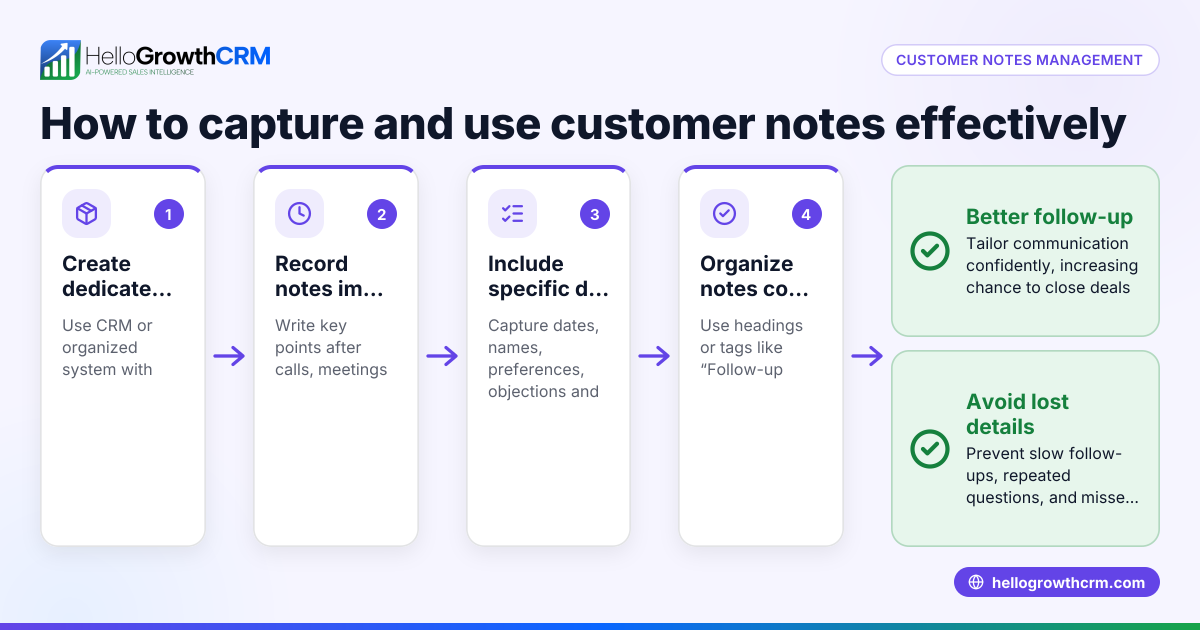
- Prepare a Meeting Notes Template
- Design a simple template including fields for date, attendees, agenda items, discussion points, decisions, and action items.
- Check that the template is easy to fill during or immediately after the meeting.
- Take Clear and Concise Notes During the Meeting
- Focus on capturing key points, decisions made, and assigned tasks.
- Avoid writing full sentences; use bullet points and shorthand.
- Categorize Notes Immediately After the Meeting
- Review your notes and label each item as a decision, action item, or general information.
- Assign responsible persons and deadlines for action items.
- Summarize and Highlight Priorities
- Write a brief summary at the top of your notes highlighting critical decisions and urgent tasks.
- Check that priorities are clear to all readers.
- Distribute Notes Promptly
- Share the organized notes with all meeting participants via email or your preferred communication tool.
- Confirm receipt and understanding.
- Store Notes in a Centralized Location
- Save notes in a shared folder or a CRM system where team members can access them easily.
- Check that notes are indexed by date and project for quick retrieval.
- Review and Follow Up Regularly
- Schedule reminders to check on action item progress.
- Update notes with status changes or new decisions.
Example (fictional figures)
Linda runs a landscaping business in Charlotte, North Carolina. On 04/15/2026, she held a meeting with her team to plan the spring planting schedule and assigned tasks.
- Date: 04/15/2026
- Attendees: Linda, Mike (crew lead), Sarah (supplier contact)
- Agenda: Spring planting schedule, materials procurement, task assignments
Notes taken:
- Decided to plant 500 new shrubs this season.
- Mike to order soil and mulch by 04/20/2026.
- Sarah to confirm delivery dates for shrubs by 04/18/2026.
- Linda to update client project timelines by 04/22/2026.
Categorized and assigned:
- Action item: Mike orders soil and mulch by 04/20/2026.
- Action item: Sarah confirms delivery dates by 04/18/2026.
- Action item: Linda updates timelines by 04/22/2026.
Summary:
- Plant 500 shrubs.
- Mike, Sarah, Linda each have clear tasks with deadlines.
Linda shared these notes with her team via email immediately after the meeting and stored them in a shared Google Drive folder labeled "Spring 2026 Projects."
Common mistakes
- Not using a consistent template: Prevent this by preparing a standard notes format before meetings.
- Writing too much detail: Focus on key points; avoid transcribing everything.
- Delaying note organization: Organize notes immediately after the meeting to ensure accuracy.
- Failing to assign responsibilities: Always link action items to specific people with deadlines.
- Scattering notes in multiple places: Use a centralized location or CRM to keep notes accessible.
- Not following up: Set reminders to review action item progress and update notes.
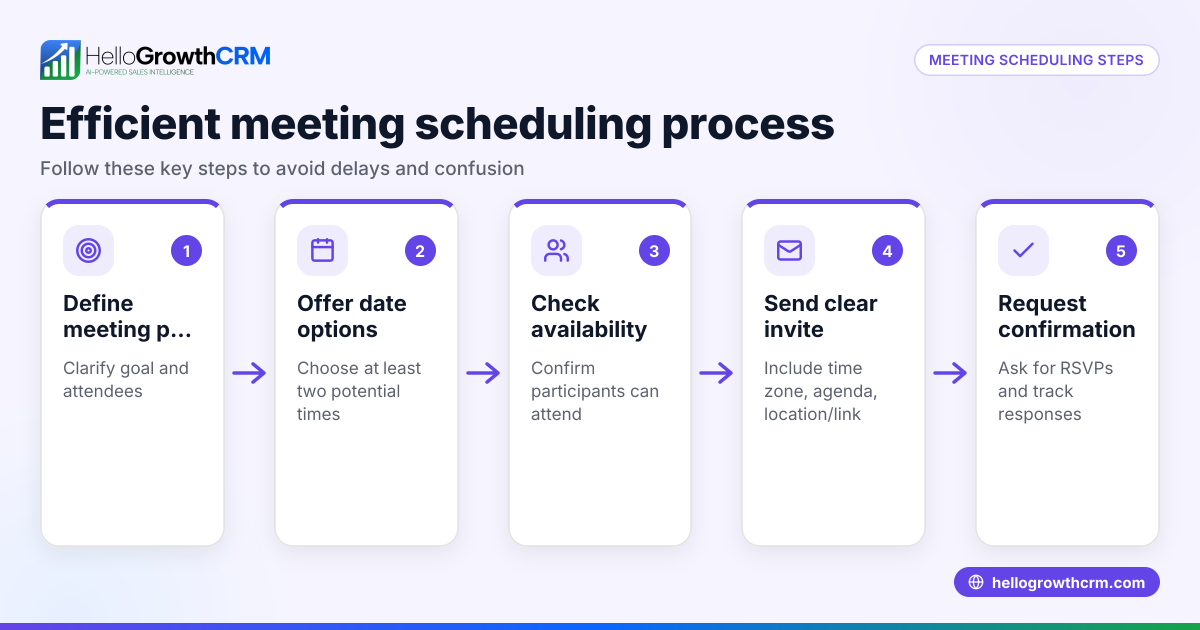
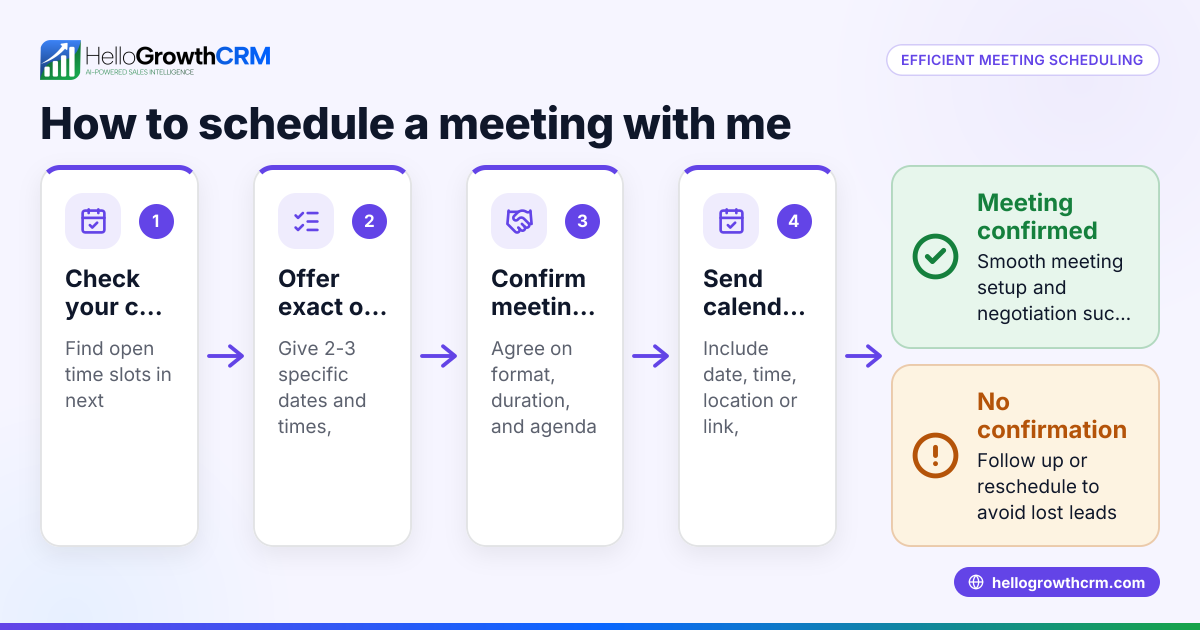
Use tools like HelloGrowthCRM’s meeting scheduler to reduce back-and-forth when setting meetings, helping you focus more on capturing and organizing notes.
Doing this in HelloGrowthCRM
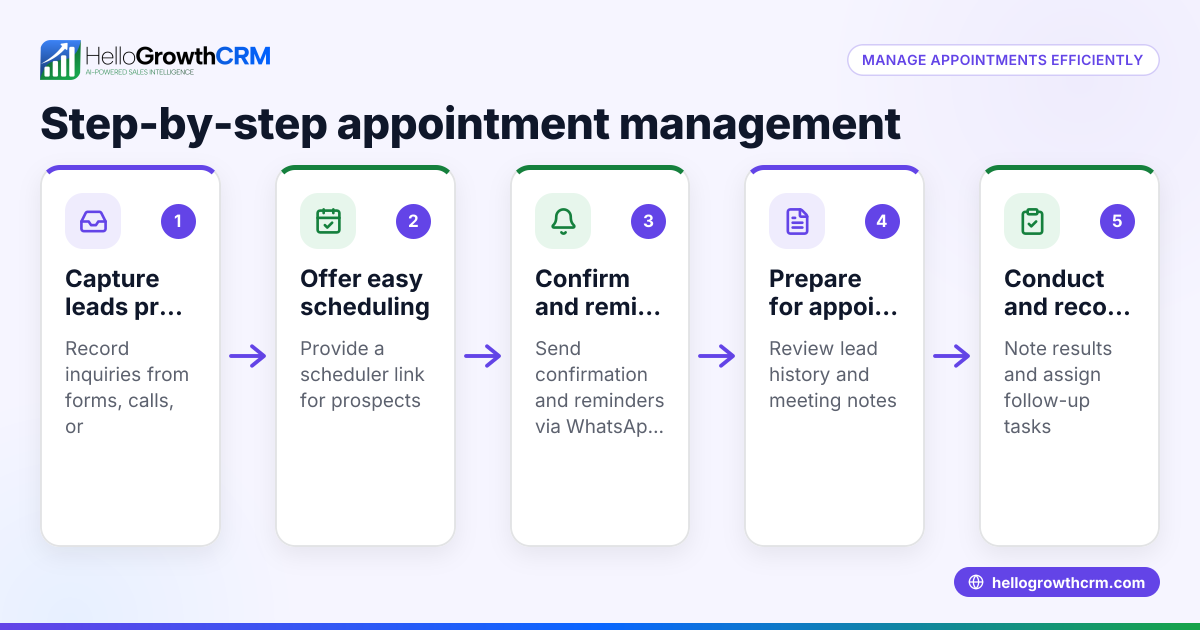
HelloGrowthCRM offers a scheduling and booking feature that lets prospects pick a meeting slot from a link, eliminating the need for back-and-forth messages on WhatsApp. This saves time and helps you prepare for meetings better, so you can concentrate on taking and organizing notes effectively. Learn more about the meeting scheduler.
Frequently asked questions
What is the best format for meeting notes? A simple template with fields for date, attendees, agenda, discussion points, decisions, and action items works best. Use bullet points and clear labels to keep notes readable.
How soon should I organize and share meeting notes? Organize notes immediately after the meeting while details are fresh, then share them with participants within 24 hours to ensure everyone is aligned.
How can I keep meeting notes accessible to my team? Store notes in a centralized, shared location such as a cloud folder or CRM system. This ensures all team members can find and review notes anytime.
Can HelloGrowthCRM help me manage meetings and notes? Yes, HelloGrowthCRM’s WhatsApp and SMS CRM and meeting scheduler features help streamline communication and scheduling, making it easier to focus on capturing and organizing notes.
What should I do if action items are not completed on time? Regularly review notes and follow up with responsible team members. Use reminders or task boards to track progress and update notes accordingly.
Key takeaways
- Use a consistent meeting notes template with clear fields.
- Capture key points and assign action items with deadlines.
- Organize and share notes promptly after meetings.
- Store notes centrally for easy access and review.
- Follow up regularly to ensure tasks are completed.
- Use scheduling tools like HelloGrowthCRM’s meeting scheduler to reduce meeting setup time.
Organizing your meeting notes well improves communication and project tracking in your business. To streamline scheduling and reduce message back-and-forth, try HelloGrowthCRM’s meeting scheduler. Start on the Free Forever plan (200 leads, no credit card) at HelloGrowthCRM.
Ready to put this into practice?
Set up your pipeline, WhatsApp follow-ups, and AI lead scoring in minutes — free, no credit card.
Try HelloGrowthCRM freeGet CRM tips in your inbox
Join thousands of sales professionals who get weekly insights on CRM strategy, AI automation, and pipeline optimization.

The HelloGrowthCRM team publishes guides on CRM strategy, AI sales tools, and revenue operations for small business sales teams.