HelloGrowthCRM software
Built for real small-business sales teams
HelloGrowthCRM helps reps qualify faster, follow up on time, and close more deals—with practical automation in one place.
- AI lead scoring and pipeline visibility
- Built-in dialer, WhatsApp, and email automation
- Sales forecasting and RevOps-ready reporting
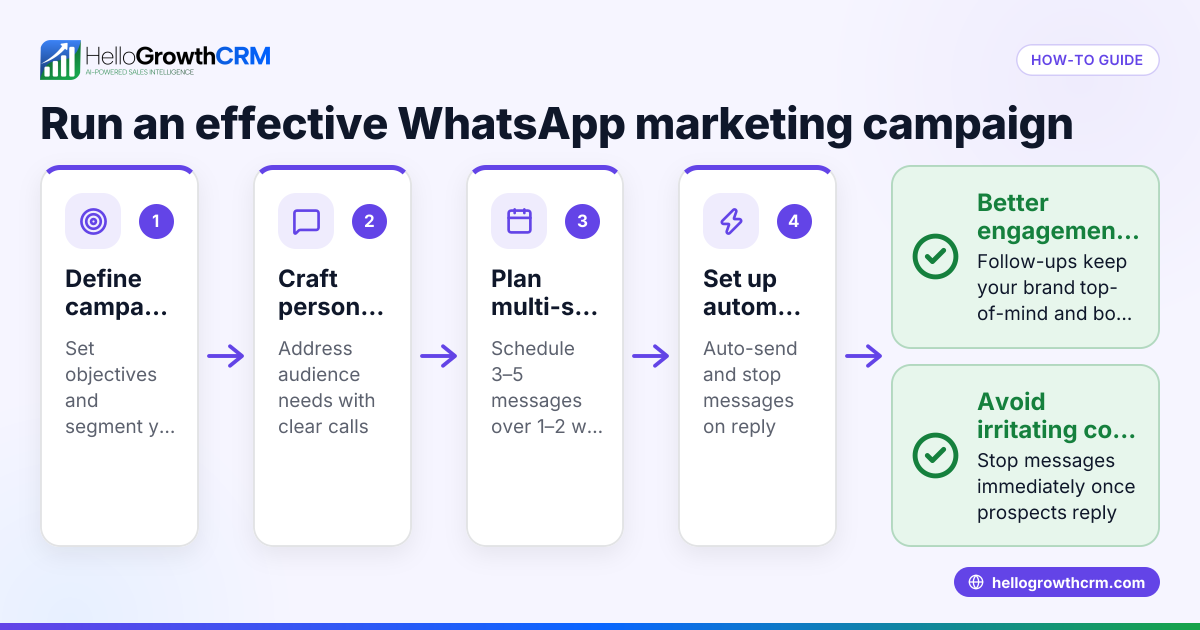
To track leads from WhatsApp campaigns in the USA, you need to capture all incoming inquiries as leads, assign ownership and next steps, log every WhatsApp conversation on the lead record, and use AI lead scoring to prioritize follow-ups. This article explains why tracking WhatsApp leads is important for small businesses, gives you step-by-step instructions, a realistic example, common mistakes to avoid, and how HelloGrowthCRM can help streamline the process.
Why this comes up / what goes wrong
Many small and mid-sized businesses in the USA run WhatsApp campaigns to reach customers directly on their phones. However, without a clear system, leads often get lost in text threads, spreadsheets, or notebooks. This leads to slow follow-up, missed sales opportunities, and difficulty measuring campaign success. Business owners want a straightforward way to capture, track, and prioritize leads from WhatsApp campaigns so their sales teams can respond quickly and close more deals.
Step-by-step
- Set up a dedicated WhatsApp number for campaigns. Use a single number for all campaign messages to centralize lead capture.
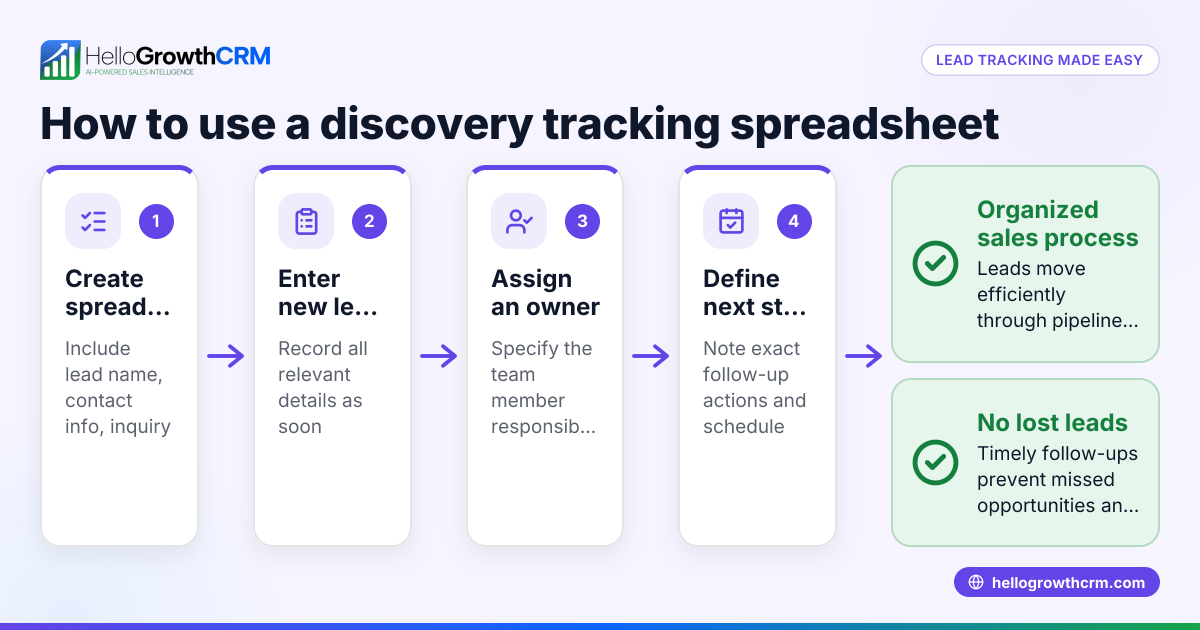
- Create a lead capture process. Every incoming WhatsApp message from a campaign should be logged as a lead with details like name, phone number, and inquiry date.
- Assign lead ownership and next steps. Designate a sales team member responsible for each lead and define the next action (e.g., call, send info).
- Log WhatsApp conversations on the lead record. Keep all messages linked to the lead for context and history.
- Use AI lead scoring to prioritize leads. Focus your calling efforts on leads most likely to convert first.
- Track lead status through a pipeline. Update lead stages (e.g., new, contacted, qualified, won) to monitor progress.
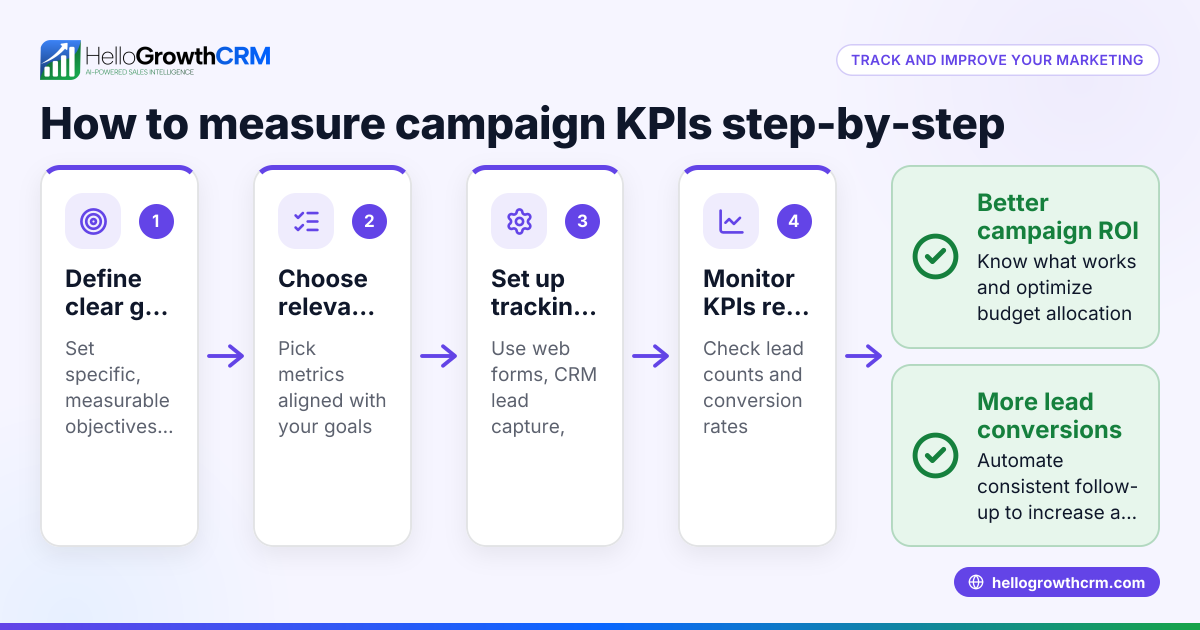
- Regularly review campaign performance. Check how many leads came from WhatsApp, conversion rates, and follow-up speed.
Example (fictional figures)
A landscaping contractor in Charlotte, North Carolina, runs a WhatsApp campaign starting 03/01/2024.
- Campaign sends messages to 5,000 contacts.
- 200 contacts reply with inquiries.
- Each inquiry is logged as a lead on 03/01/2024.
- Sales assigns 4 telecallers to follow up.
- AI lead scoring ranks 50 leads as high priority.
Calculations:
200 leads captured = total inquiries from WhatsApp 50 leads × 80% conversion estimate = 40 expected sales (assumed illustrative rate) NEEDS EXPERT REVIEW
If average sale value = $2,500
40 sales × $2,500 = $100,000 potential revenue
This example shows how capturing and scoring WhatsApp leads helps prioritize sales efforts and forecast revenue.
Common mistakes
- Not centralizing lead capture: Leads scattered across messages and spreadsheets get lost. Use a system that collects all leads in one place.
- Failing to assign ownership: Without a responsible person, follow-ups are delayed. Always assign leads immediately.
- Ignoring conversation logging: Missing message history causes repeated questions and poor customer experience. Log WhatsApp chats on the lead record.
- Skipping lead prioritization: Calling leads randomly wastes time. Use AI lead scoring to focus on the best prospects. See AI lead scoring.
- Neglecting pipeline updates: Without updating lead stages, you can’t track progress or spot bottlenecks.
- Overlooking campaign review: Regularly analyze WhatsApp campaign results to improve messaging and targeting.
Doing this in HelloGrowthCRM
HelloGrowthCRM helps you track WhatsApp campaign leads by capturing every inquiry from WhatsApp as a lead with an owner and next step. WhatsApp conversations with leads are logged automatically on their lead records, making follow-ups easy and informed. The AI lead scoring feature prioritizes leads most likely to convert, so your sales team calls the right prospects first. Learn more about WhatsApp and SMS CRM and HelloGrowthCRM for the United States.
Frequently asked questions
How do I capture leads automatically from WhatsApp campaigns? Use a CRM that integrates with WhatsApp to automatically log incoming messages as leads with contact details and inquiry dates. This eliminates manual entry and reduces missed leads.
What is AI lead scoring and how does it help? AI lead scoring ranks leads based on their likelihood to convert using data from interactions and profile information. This lets your sales team focus on high-potential leads first, improving efficiency.
Can I track WhatsApp conversations in one place? Yes, a WhatsApp-native CRM logs all messages on the lead record, providing full conversation history for better context during follow-up calls or messages.
How do I measure the success of my WhatsApp campaigns? Track the number of leads generated, conversion rates, and revenue attributed to WhatsApp campaigns. Use pipeline stages and reporting tools in your CRM to monitor these metrics.
Is it possible to send follow-up messages from the CRM? With a WhatsApp-enabled CRM, you can send follow-up messages and sequences directly from the lead record, ensuring timely and consistent communication.
Key takeaways
- Capture every WhatsApp inquiry as a lead with assigned ownership and next steps.
- Log all WhatsApp conversations on the lead record for context.
- Use AI lead scoring to prioritize the leads most likely to convert.
- Track lead progress through pipeline stages to monitor sales flow.
- Regularly review WhatsApp campaign performance to optimize results.
- Avoid common mistakes like scattered lead data and unassigned follow-ups.
Start tracking your WhatsApp campaign leads today with an easy-to-use CRM. Start on the Free Forever plan (200 leads, no credit card) to organize your leads, log WhatsApp conversations, and prioritize follow-ups effectively.
Ready to put this into practice?
Set up your pipeline, WhatsApp follow-ups, and AI lead scoring in minutes — free, no credit card.
Try HelloGrowthCRM freeGet CRM tips in your inbox
Join thousands of sales professionals who get weekly insights on CRM strategy, AI automation, and pipeline optimization.

The HelloGrowthCRM team publishes guides on CRM strategy, AI sales tools, and revenue operations for small business sales teams.