HelloGrowthCRM software
Built for real small-business sales teams
HelloGrowthCRM helps reps qualify faster, follow up on time, and close more deals—with practical automation in one place.
- AI lead scoring and pipeline visibility
- Built-in dialer, WhatsApp, and email automation
- Sales forecasting and RevOps-ready reporting
To use email marketing for sales, build a targeted and segmented email list, create personalized messages with clear calls to action, send emails in planned sequences, and follow up promptly. Track responses and refine your approach based on results. This article explains why email marketing is important for sales, provides step-by-step instructions, a worked example, common mistakes to avoid, and how HelloGrowthCRM supports this process.
Why this comes up / what goes wrong
Small business owners often lose sales because their email marketing lacks structure and follow-up. They may send emails irregularly or use generic messages that don't engage leads effectively. Without a system to manage leads and track responses, important opportunities are missed. Owners want clear, actionable steps to use email marketing to increase sales without confusion or wasted effort.
Step-by-step
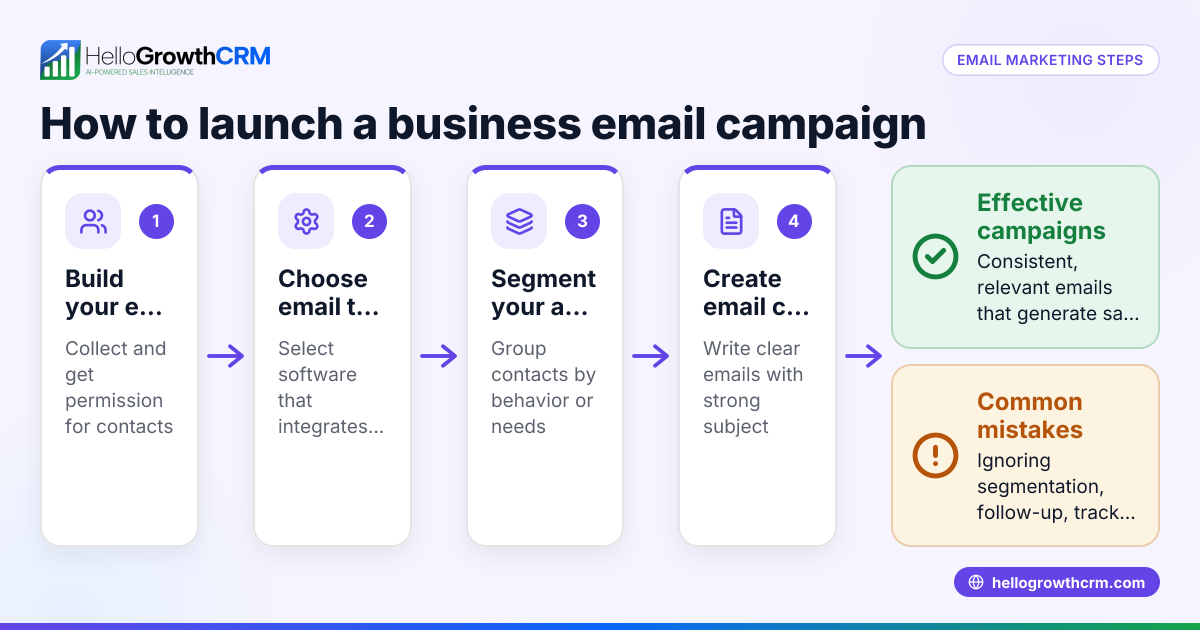
- Build a targeted email list
- Collect emails from your website, events, or customer database.
- Verify that contacts have opted in to receive emails to comply with laws.
- Segment your list
- Group contacts by interest, past purchases, or source.
- Check segments for accuracy to send relevant messages.
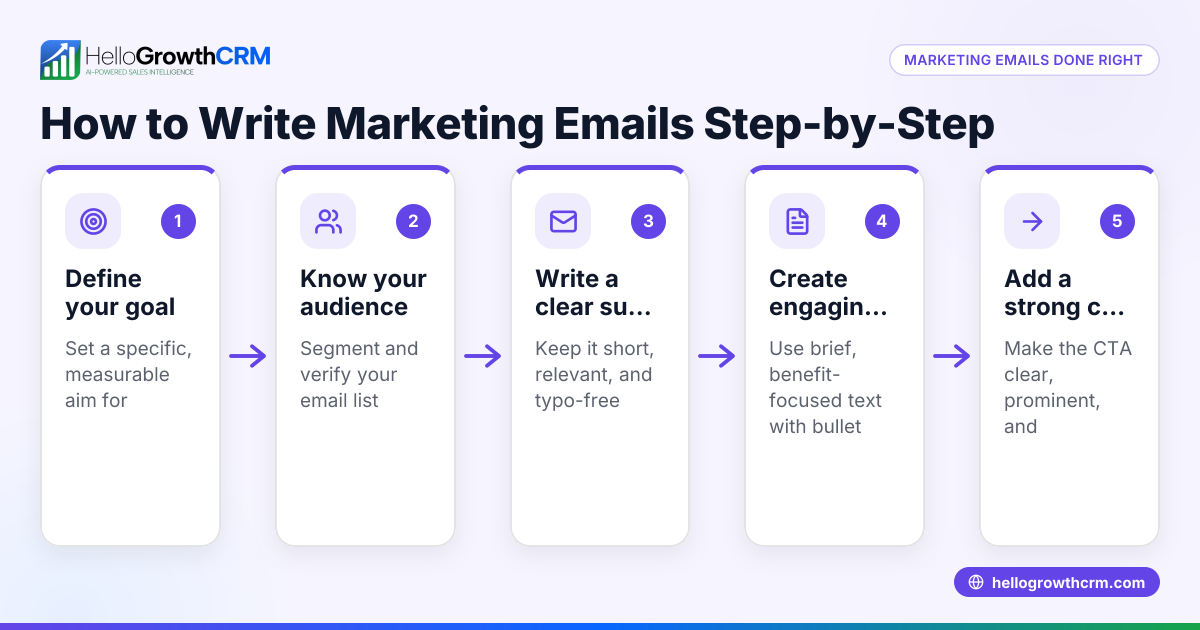
- Create personalized email content
- Write subject lines that get attention.
- Address the recipient’s needs and include a clear call to action (CTA), like scheduling a call or requesting a quote.
- Set up an email sequence
- Plan a series of emails that move leads from awareness to decision.
- Check the timing between emails for consistency.
- Send emails and monitor responses
- Track opens, clicks, and replies.
- Adjust your messages based on what works best.
- Follow up promptly
- Reply quickly to interested leads.
- Schedule follow-ups for those who don’t respond.
- Analyze results and refine
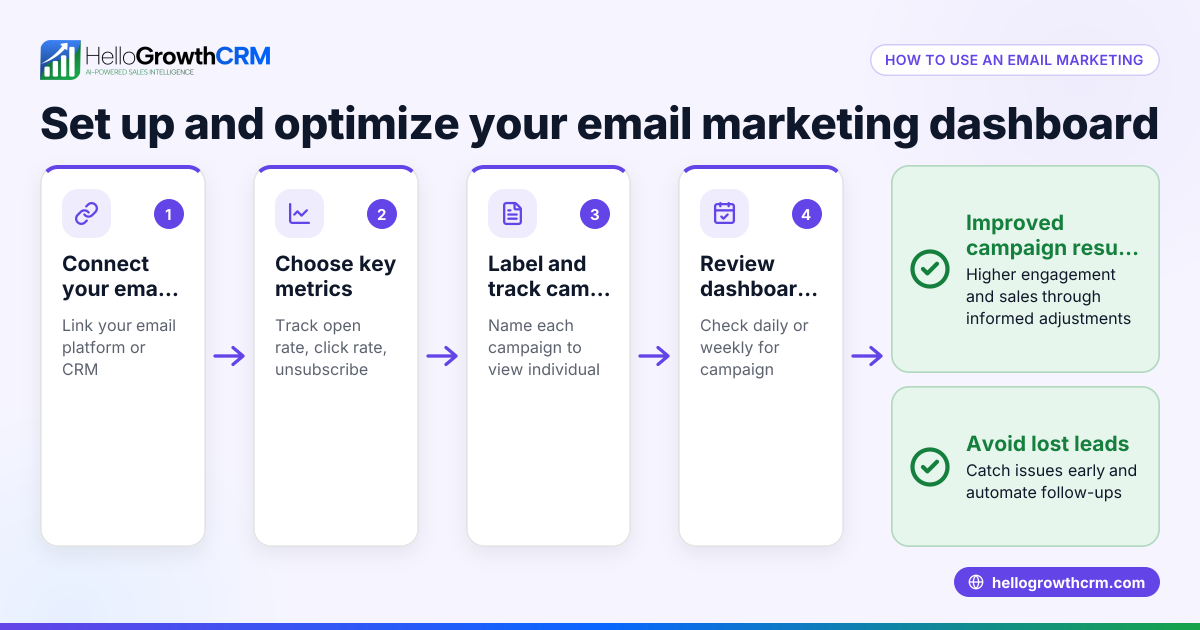
- Review metrics such as conversion rates and sales.
- Improve subject lines, content, or timing accordingly.
For help automating this process, see email automation and sequences.
Example (fictional figures)
A plumbing company in Austin, Texas wants to increase drain cleaning sales using email marketing.
- They collect 500 email addresses from their website and local events.
- Segment 200 contacts who showed interest in drain cleaning.
- Create a 3-email sequence:
- Email 1 (Intro): "Keep Your Drains Clear This Spring"
- Email 2 (Benefit): "How Our Drain Cleaning Saves You Money"
- Email 3 (Offer): "Schedule Your $99 Drain Cleaning Today"
Assuming an open rate of 20% and a click-through rate of 10%:
Email 1 opens: 200 × 20% = 40 Email 1 clicks: 40 × 10% = 4
Email 2 opens: 200 × 20% = 40 Email 2 clicks: 40 × 10% = 4
Email 3 opens: 200 × 20% = 40 Email 3 clicks: 40 × 10% = 4
If 3 of these clicks convert to sales at $150 each:
Sales: 3 × $150 = $450
This example shows how targeted emails and follow-up can lead to $450 in sales from 200 contacts.
Common mistakes
- Sending generic emails to all contacts: Prevent by segmenting your list and personalizing messages.
- Failing to follow up: Prevent by scheduling follow-ups and tracking responses.
- Ignoring email performance metrics: Prevent by regularly reviewing open rates, clicks, and conversions.
- Overloading emails with too much information: Prevent by keeping messages clear and focused on one call to action.
- Using personal email clients for sales emails: Prevent by using a shared inbox to keep the team aligned (see HelloMail below).
For more on avoiding mistakes, visit our help center.
Doing this in HelloGrowthCRM
HelloGrowthCRM supports email marketing for sales with the HelloMail shared inbox, letting your team see all replies to quotation emails on the deal. Its Deals (pipeline) feature tracks quotations with follow-up dates so no lead is forgotten. If you don’t have a sales manager, Managed RevOps assigns someone to work your follow-up queue weekly, keeping sales moving. Learn more at HelloGrowthCRM for the United States.
Frequently asked questions
How often should I send sales emails? Send a sequence of emails spaced a few days apart. Adjust frequency based on engagement to avoid overwhelming leads.
What should I include in a sales email? Include a clear subject line, a personalized greeting, concise content focused on benefits, and a strong call to action like scheduling a call or requesting a quote.
How do I measure email marketing success for sales? Track open rates, click-through rates, reply rates, and conversions to sales. Use these metrics to refine your emails and timing.
Can I automate email follow-ups? Yes, automation tools allow scheduling sequences and triggering follow-ups based on recipient actions. HelloGrowthCRM supports email automation and sequences.
How do I keep my sales team coordinated on email replies? Use a shared inbox so all team members see replies and collaborate on next steps. HelloMail in HelloGrowthCRM offers this feature.
Key takeaways
- Build and segment a targeted email list before sending sales emails.
- Create personalized, clear messages with a focused call to action.
- Use email sequences and follow up consistently to nurture leads.
- Track email metrics and sales results to improve your approach.
- Avoid common mistakes like generic emails and lack of follow-up.
- Use tools like HelloGrowthCRM to manage emails, pipelines, and follow-ups efficiently.
Start using email marketing for sales today with clear steps and the right tools. To get started with a CRM that helps you organize leads and follow-ups, Start on the Free Forever plan (200 leads, no credit card).
Ready to put this into practice?
Set up your pipeline, WhatsApp follow-ups, and AI lead scoring in minutes — free, no credit card.
Try HelloGrowthCRM freeGet CRM tips in your inbox
Join thousands of sales professionals who get weekly insights on CRM strategy, AI automation, and pipeline optimization.

The HelloGrowthCRM team publishes guides on CRM strategy, AI sales tools, and revenue operations for small business sales teams.