HelloGrowthCRM software
Built for real small-business sales teams
HelloGrowthCRM helps reps qualify faster, follow up on time, and close more deals—with practical automation in one place.
- AI lead scoring and pipeline visibility
- Built-in dialer, WhatsApp, and email automation
- Sales forecasting and RevOps-ready reporting
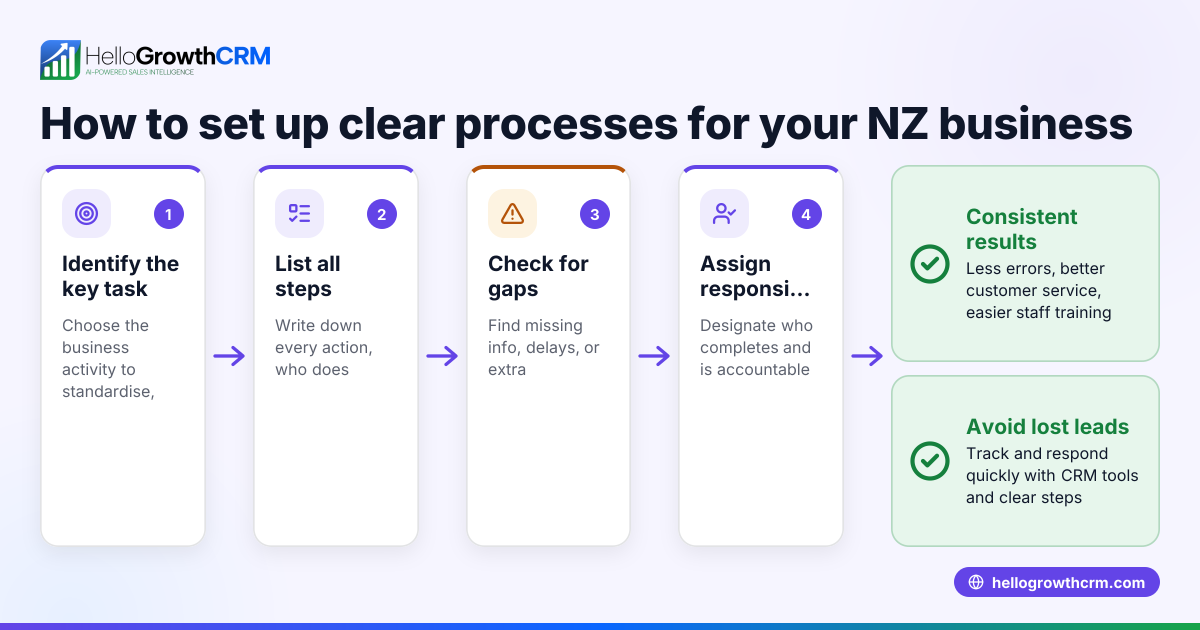
To use WhatsApp Business for sales in New Zealand effectively, you need a clear process for managing your contacts, conversations, and sales progress. Start by creating a dedicated business profile with your company information, then organise contacts into labels such as leads, prospects, and customers. Use quick replies and message templates to respond promptly. Track conversations and follow-ups carefully, recording sales progress outside WhatsApp or with a CRM to avoid losing leads.
Why this comes up / what goes wrong
Many small New Zealand businesses adopt WhatsApp Business for sales because it is familiar and allows direct communication. However, without a structured approach, leads can get lost among chat threads, follow-ups are missed, and sales opportunities slip away. Business owners often juggle WhatsApp messages alongside emails and spreadsheets, causing confusion and slow responses. They seek a simple, step-by-step method to manage sales conversations on WhatsApp while keeping track of progress and next steps.
Step-by-step
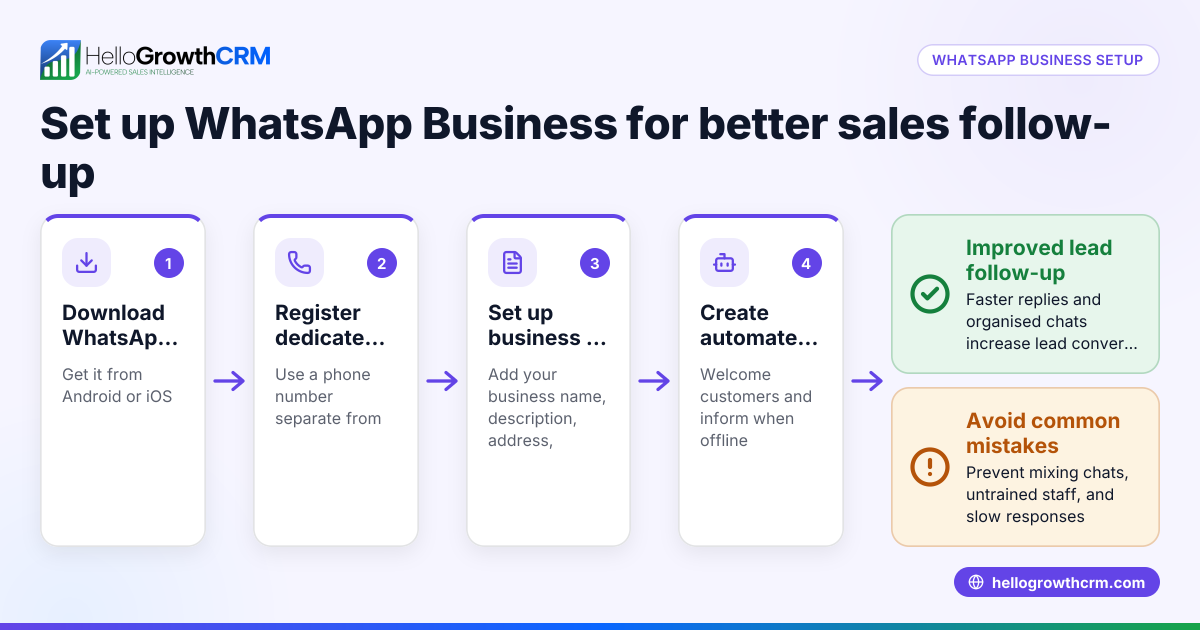
- Download and set up WhatsApp Business: Install the WhatsApp Business app on your smartphone. Use a dedicated business number separate from personal use. Complete your profile with your business name, description, address, and opening hours. This helps customers recognise your business.
- Import contacts and label them: Add your existing sales leads and customer contacts into WhatsApp. Use labels such as “New Lead,” “Follow-up,” or “Customer” to organise chats clearly. This makes it easier to prioritise messages and find contacts later.
- Create quick replies and message templates: Prepare standard responses for common questions to save time. For example, set up a greeting message, pricing details, or delivery times as quick replies.
- Respond quickly and track conversations: Reply to inquiries as soon as possible to keep leads engaged. Use the starred messages feature to mark important chats or messages that need follow-up.
- Record sales progress outside WhatsApp: Use a spreadsheet or a CRM to log lead details, conversation dates, quotes sent, and next steps. This prevents losing track of where each lead is in your sales pipeline.
- Set reminders for follow-ups: Use your phone calendar or task app to remind you to follow up on quotes or unanswered messages on specific dates.
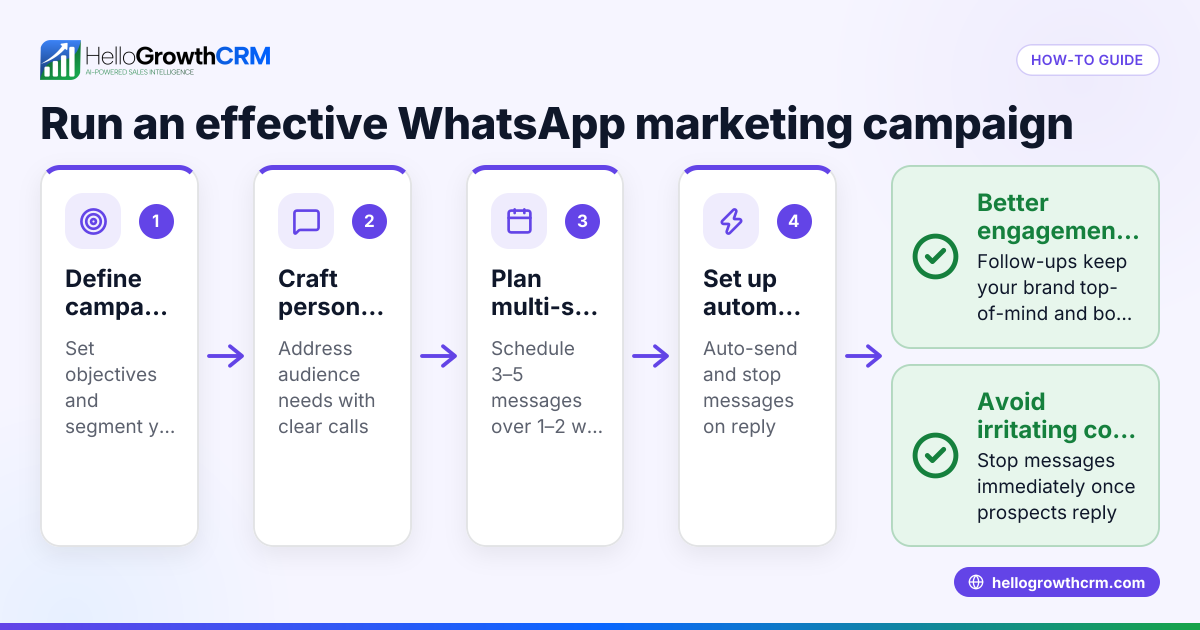
- Use broadcast lists carefully: Send updates or promotions to groups of customers without creating group chats. Ensure you only message contacts who have your number saved, respecting privacy and WhatsApp policies.
- Review and update regularly: At least weekly, check your chats and follow-up lists to ensure no lead is forgotten. Adjust labels and notes as needed.
Example (fictional figures)
A Christchurch building company uses WhatsApp Business to manage sales leads. On 01/06/2024, they receive an enquiry from a potential client asking for a quote.
- They label the contact as “New Lead.”
- They send a quick reply with estimated pricing: NZ$48,000.
- They log this lead in a spreadsheet:
- Lead name: John Smith
- Date contacted: 01/06/2024
- Quote amount: NZ$48,000
- Follow-up date: 08/06/2024
- On 08/06/2024, they remind themselves to follow up.
- John agrees to proceed on 10/06/2024.
- They update the spreadsheet:
- Status: Quote accepted
- Sale value: NZ$48,000
Worked example calculations:
Quote amount = NZ$48,000
Follow-up date set 7 days after initial contact: 01/06/2024 + 7 days = 08/06/2024
Sale value recorded = NZ$48,000
This simple tracking helps the company avoid losing leads in chat and keeps sales organised.
Common mistakes
- Not using labels or organisation: Leads get mixed up with personal chats. Prevent by labelling contacts and keeping business chats separate.
- Delaying responses: Slow replies lose customer interest. Prevent by setting notifications and using quick replies.
- Not tracking sales progress: Leads get forgotten or duplicated. Prevent by logging details in a spreadsheet or CRM.
- Forgetting follow-up dates: Leads go cold. Prevent by setting reminders or calendar alerts.
- Overusing broadcast lists: Can annoy customers or violate WhatsApp rules. Prevent by segmenting lists carefully and respecting opt-outs.
- Mixing personal and business numbers: Causes confusion and missed messages. Use a dedicated business number.
Doing this in HelloGrowthCRM
HelloGrowthCRM helps New Zealand businesses manage WhatsApp sales by logging WhatsApp conversations on each lead record, so you never lose track of messages. Follow-ups can be sent as WhatsApp or SMS messages directly from the CRM. If you don’t have a sales manager, Managed RevOps support can keep your follow-up queue active weekly. Deals (pipeline) features show quotations sent with follow-up dates at the 'quote sent' stage, ensuring no sales opportunity is forgotten. Learn more about WhatsApp and SMS CRM and HelloGrowthCRM for New Zealand.
Frequently asked questions
Can I use WhatsApp Business on multiple devices? WhatsApp Business primarily works on one phone number and device, but you can use WhatsApp Web or Desktop to access messages on a computer. For multiple users, consider a CRM with WhatsApp integration.
Is WhatsApp Business free to use for sales? Yes, the WhatsApp Business app is free. However, managing many leads and follow-ups manually can be time-consuming, so using a CRM may be more efficient.
How do I keep sales organised using WhatsApp? Organise contacts with labels, use quick replies, track conversations externally, and set follow-up reminders. Alternatively, use a CRM like HelloGrowthCRM to automate these steps.
Can I send marketing messages via WhatsApp Business? You can send updates using broadcast lists, but only to contacts who have your number saved, respecting privacy and WhatsApp policies.
How do I avoid losing leads from WhatsApp chats? Record lead details and conversation status outside WhatsApp, set follow-up tasks, and consider a CRM that logs all messages on lead records. See our help center for tips.
Key takeaways
- Set up a dedicated WhatsApp Business profile with clear business info.
- Label contacts and use quick replies to respond quickly.
- Track sales progress outside WhatsApp to avoid losing leads.
- Set reminders for timely follow-ups.
- Use broadcast lists carefully to respect customer privacy.
- HelloGrowthCRM integrates WhatsApp sales messages and follow-ups, helping you manage leads and pipeline efficiently.
Start managing your sales conversations today with HelloGrowthCRM. Start on the Free Forever plan (200 leads, no credit card).
Ready to put this into practice?
Set up your pipeline, WhatsApp follow-ups, and AI lead scoring in minutes — free, no credit card.
Try HelloGrowthCRM freeGet CRM tips in your inbox
Join thousands of sales professionals who get weekly insights on CRM strategy, AI automation, and pipeline optimization.

The HelloGrowthCRM team publishes guides on CRM strategy, AI sales tools, and revenue operations for small business sales teams.