HelloGrowthCRM software
Built for real small-business sales teams
HelloGrowthCRM helps reps qualify faster, follow up on time, and close more deals—with practical automation in one place.
- AI lead scoring and pipeline visibility
- Built-in dialer, WhatsApp, and email automation
- Sales forecasting and RevOps-ready reporting
HVAC field service software is designed to help businesses that install, maintain, and repair heating, ventilation, and air conditioning systems manage their field teams and customer interactions more efficiently. It often includes tools for scheduling, dispatching, logging visits, and tracking commissions. This article explains why HVAC businesses seek such software, how to evaluate options, and what to watch out for.
Why this comes up / what goes wrong
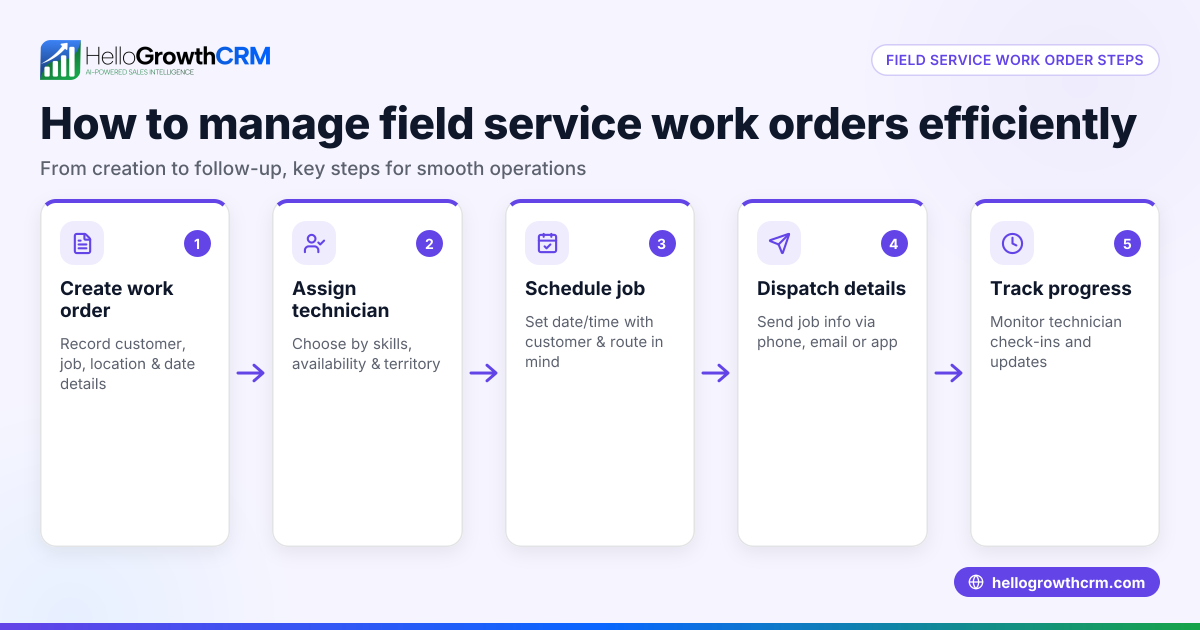
Small HVAC businesses often rely on manual methods like spreadsheets, phone calls, and text messages to handle field service operations. This can cause delays in dispatching technicians, lost or incomplete visit records, inefficient routing, and difficulty tracking sales commissions. As the business grows, these inefficiencies lead to lost revenue, poor customer experience, and frustrated field staff. HVAC field service software aims to solve these problems by centralizing scheduling, visit logging, and communication.
Step-by-step
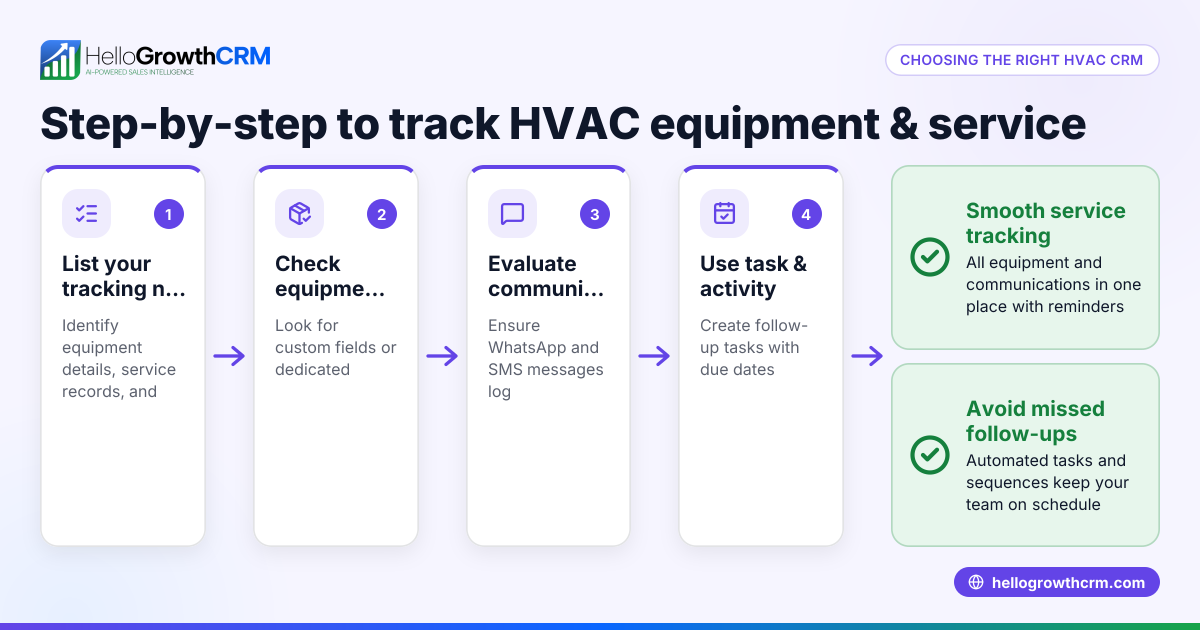
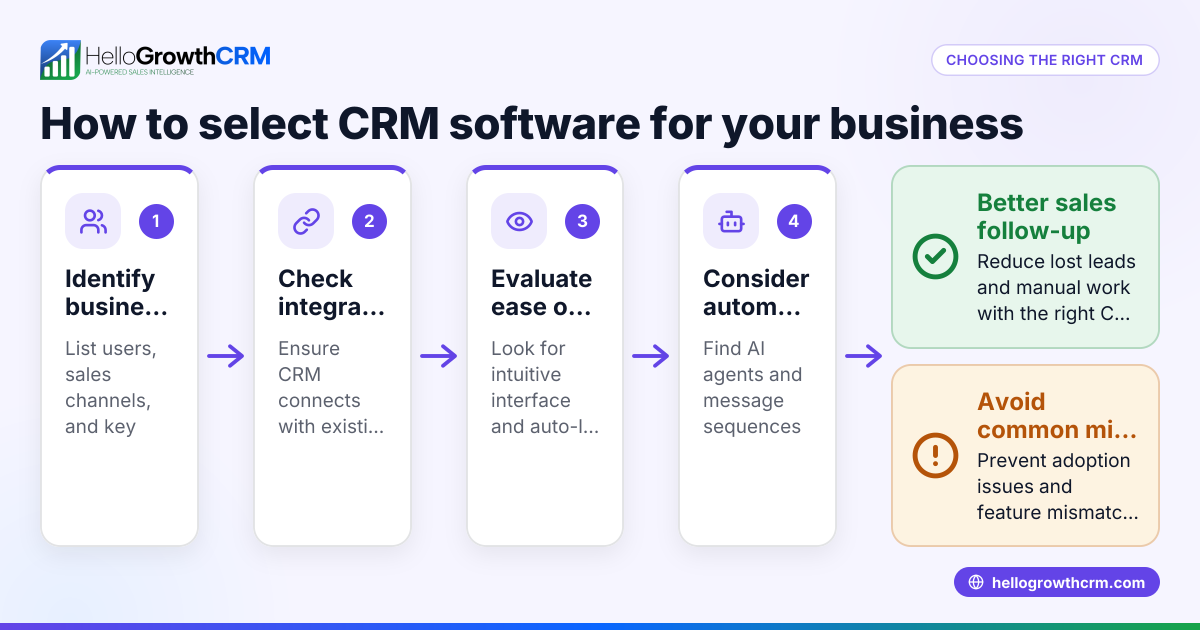
- Identify your business needs: Determine what features are essential, such as visit logging, route planning, technician check-ins, commission tracking, or integration with existing tools.
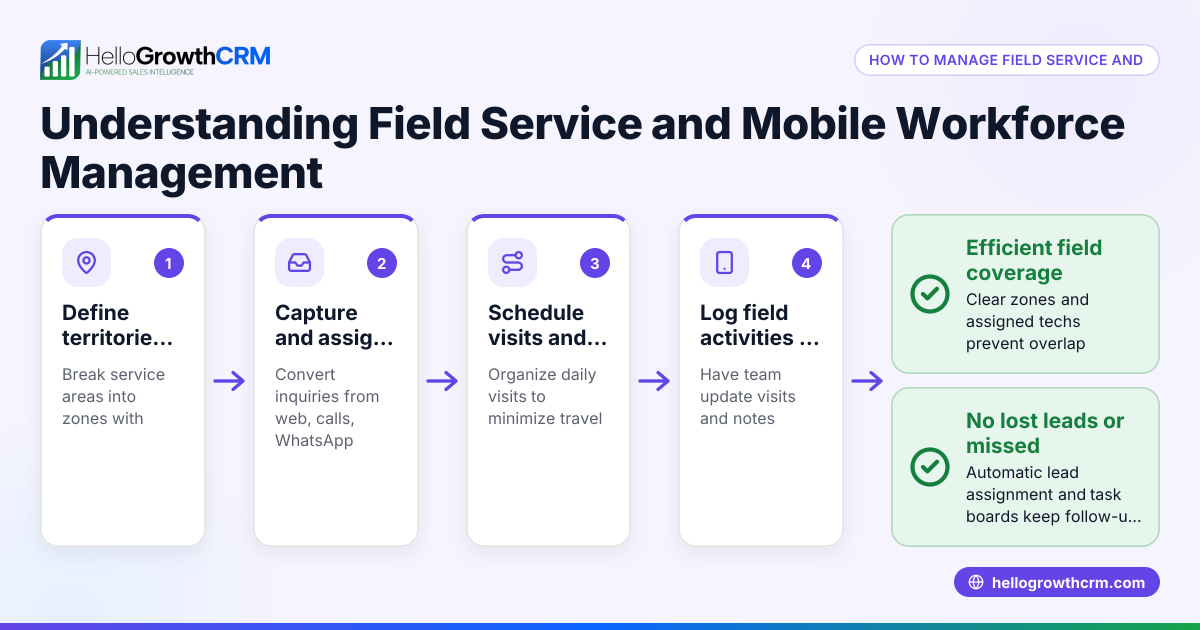
- Check mobile capabilities: Since HVAC technicians work on-site, the software must support mobile visit logs and activity capture from phones.
- Evaluate territory and route management: Good software lets you define territories and plan routes to optimize technician schedules and reduce travel time.
- Assess commission tracking: If your business pays commissions based on sales or completed jobs, look for software that links commissions to deal outcomes.
- Consider integration options: Ensure the software can integrate with your CRM, accounting, or communication tools to avoid data silos.
- Test the user interface: The software should be easy for field staff to use daily without extensive training.
- Review reporting and visibility: Managers need real-time views of field activities and sales performance.
- Compare pricing and plans: Check what features come with each pricing tier and whether there are limits on users or records.
- Ask about support and updates: Reliable customer support and regular software updates are important for smooth operations.
Example (fictional figures)
A small HVAC company in Austin, Texas, "CoolAir Solutions," wants to improve its field service management. They currently lose about $5,000 monthly due to inefficient routing and untracked commissions.
- Monthly lost revenue: $5,000
- Software subscription cost: $500 per month (assumed illustrative)
- Estimated savings from better routing and commission tracking: 60% of lost revenue
Calculation:
$5,000 × 60% = $3,000 (monthly savings)
Annual savings:
$3,000 × 12 = $36,000
Net annual benefit after software cost:
$36,000 - ($500 × 12) = $36,000 - $6,000 = $30,000
By investing in HVAC field service software, CoolAir Solutions gains $30,000 net annually through improved efficiency.
Common mistakes
- Choosing software without mobile visit logging: Prevent by confirming the app allows technicians to log visits and activities from their phones.
- Ignoring territory and route planning features: Prevent by ensuring the software supports defining territories and optimizing routes to reduce travel time.
- Overlooking commission tracking: Prevent by selecting software that links commissions to completed deals to avoid manual errors.
- Picking software that’s too complex for field staff: Prevent by testing the user interface with your team before committing.
- Not verifying integration capabilities: Prevent by checking if the software integrates with your existing CRM or communication tools like WhatsApp or SMS.
- Failing to evaluate reporting features: Prevent by confirming the software provides real-time visibility for managers.
Doing this in HelloGrowthCRM
HelloGrowthCRM supports territories, field operations, and commissions, making it suitable for HVAC businesses. Field reps can log visits directly from their phones, and managers can see the day’s beat, helping optimize field activities. Territory definition and ownership tools help organize sales areas, and commission tracking links payouts to deal outcomes. Learn more about these features at HelloGrowthCRM for the United States.
Frequently asked questions
What features should HVAC field service software have? Essential features include mobile visit logging, territory and route management, commission tracking, scheduling, and real-time reporting. Integration with communication tools like WhatsApp and SMS can improve team coordination.
How does HVAC field service software differ from roofing field service software? Both types share core features like scheduling and dispatching, but HVAC software often emphasizes commission tracking and detailed visit logs for service calls. Roofing software may focus more on project management and materials tracking. For more on communication, see WhatsApp and SMS CRM.
Can I track commissions within HVAC field service software? Yes, many modern solutions, including HelloGrowthCRM, link commissions directly to deal outcomes, simplifying payout calculations and ensuring accuracy.
Is mobile access important for field service software? Absolutely. Technicians need to log visits and update job statuses on-site. Software with mobile apps or mobile-friendly interfaces ensures data is captured in real time.
How can I improve communication between field techs and managers? Using software with built-in messaging, visit logs, and real-time updates helps keep everyone informed. HelloGrowthCRM’s built-in CRM dialer allows quick calls and follow-ups; see built-in CRM dialer.
Key takeaways
- HVAC field service software centralizes scheduling, visit logging, and commission tracking.
- Mobile capabilities and territory management are critical for efficient field operations.
- Choosing software without considering ease of use leads to poor adoption.
- Integration with communication tools like WhatsApp and SMS improves team coordination.
- Tracking commissions linked to deal outcomes reduces errors and manual work.
- Managers benefit from real-time visibility into field activities and sales performance.
Start managing your HVAC field operations more effectively today. You can Start on the Free Forever plan (200 leads, no credit card) and see how HelloGrowthCRM supports your field team with territory and visit logging tools.
Ready to put this into practice?
Set up your pipeline, WhatsApp follow-ups, and AI lead scoring in minutes — free, no credit card.
Try HelloGrowthCRM freeGet CRM tips in your inbox
Join thousands of sales professionals who get weekly insights on CRM strategy, AI automation, and pipeline optimization.

The HelloGrowthCRM team publishes guides on CRM strategy, AI sales tools, and revenue operations for small business sales teams.