HelloGrowthCRM software
Built for real small-business sales teams
HelloGrowthCRM helps reps qualify faster, follow up on time, and close more deals—with practical automation in one place.
- AI lead scoring and pipeline visibility
- Built-in dialer, WhatsApp, and email automation
- Sales forecasting and RevOps-ready reporting
Field service work order management is the process of creating, assigning, tracking, and completing work orders for jobs performed outside the office, like repairs, installations, or maintenance. It ensures that field teams receive clear instructions, schedules, and updates to complete tasks efficiently. This article covers why managing work orders well matters, step-by-step instructions, common pitfalls, a practical example, and how HelloGrowthCRM supports field operations.
Why this comes up / what goes wrong
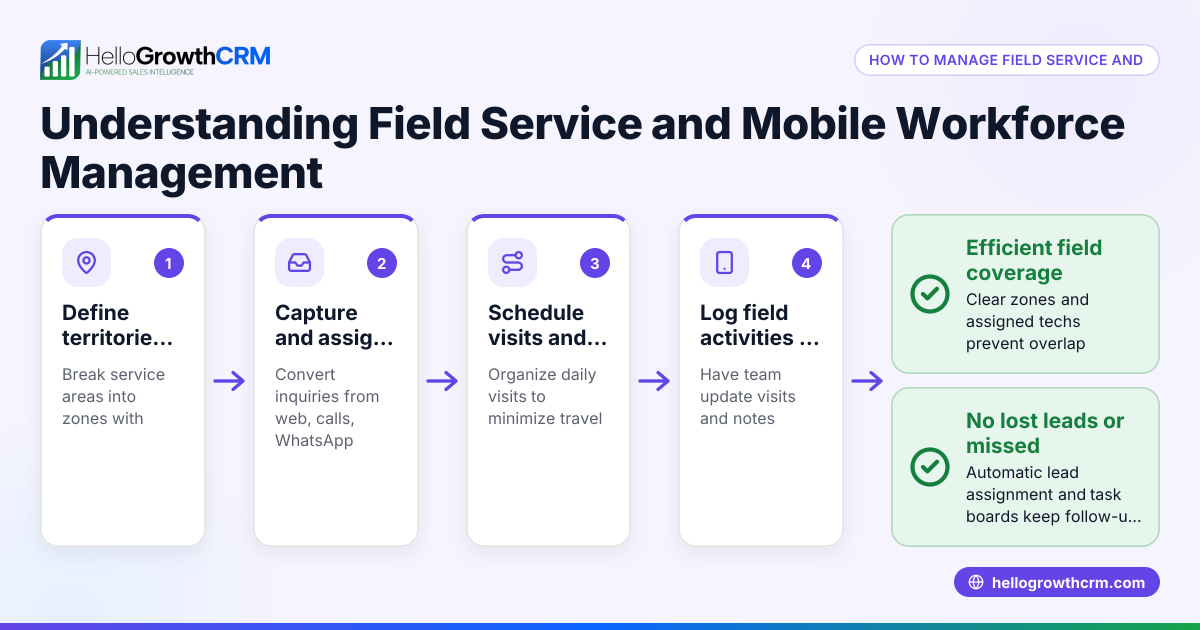
Small business owners who provide field services—such as HVAC repair, landscaping, or equipment installation—often struggle to keep work orders organized. Without a clear system, work can be delayed or forgotten, customers get frustrated, and billing or follow-up suffers. Many still rely on notebooks, text messages, or spreadsheets, which can cause lost information, miscommunication, and slow response times. Managing work orders properly helps track each job’s status, assign the right technician, and keep customers informed.
Step-by-step
- Create the work order: Record customer details, job description, location, and requested date. Check that all necessary information is included to avoid delays.
- Assign the work order: Choose the appropriate technician or field team based on skills, availability, and territory. Confirm that the assigned person has access to the work details.
- Schedule the job: Set the date and time for the service visit, keeping customer preferences and technician routes in mind. Verify the schedule to avoid conflicts.
- Dispatch the work order: Send the job details to the field technician via phone, email, or a mobile app. Confirm receipt and clarity.
- Track progress: Monitor the technician’s check-ins, visit logs, and job status updates. Check for any delays or issues needing attention.
- Complete and close the work order: Confirm the job is finished to customer satisfaction, capture any notes or photos, and update billing information.
- Follow up: Schedule any necessary follow-up visits or maintenance reminders. Check customer feedback.
Using a system that organizes leads and field operations helps make these steps smoother and more trackable.
Example (fictional figures)
A landscaping contractor in Charlotte, North Carolina, receives a request on 06/10/2026 for lawn aeration and fertilization at a residential property.
- Create work order with customer info and job details.
- Assign technician Mike, who covers the Charlotte territory and is available on 06/15/2026.
- Schedule the job for 06/15/2026 at 9:00 AM.
- Dispatch work order details to Mike’s phone.
- Mike logs his visit and completes the job.
- Customer is charged $350 for the service.
Calculations:
Service charge = $350
If Mike’s commission is 10%:
$350 × 10% = $35 commission
Total payout to Mike = $35
This example shows how clear steps and tracking help complete and close work efficiently.
Common mistakes
- Using manual notes or spreadsheets: Leads to lost or duplicated work orders. Prevent by using a digital system where every enquiry becomes a tracked lead.
- Poor scheduling: Assigning jobs without checking technician availability or territory causes delays. Prevent by confirming schedules and routes.
- Lack of real-time updates: Not tracking technician check-ins or progress leaves managers unaware of issues. Prevent by using mobile tools for field activity capture.
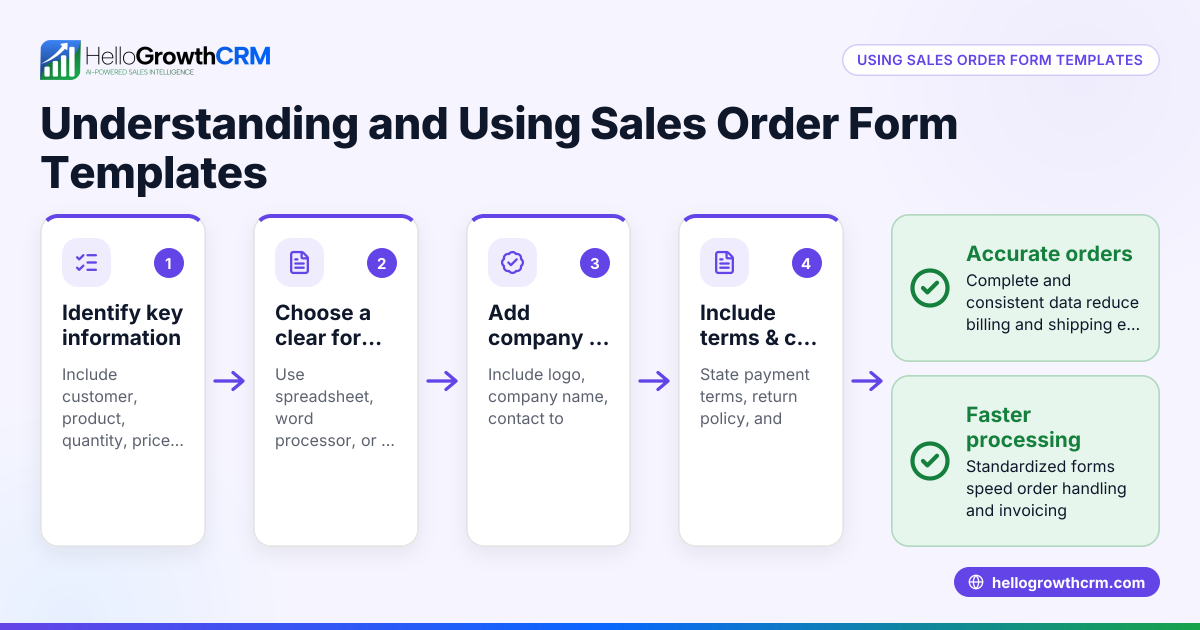
- Incomplete job details: Missing customer or job info leads to confusion onsite. Prevent by standardizing work order forms.
- No follow-up process: Missing chances to upsell or ensure satisfaction. Prevent by scheduling follow-ups and tracking customer feedback.
For better management, consider tools that handle leads, territories, and field operations together, like the WhatsApp and SMS CRM and built-in CRM dialer features.
Doing this in HelloGrowthCRM
HelloGrowthCRM captures every enquiry from forms, calls, or WhatsApp as a lead with an assigned owner and next step, replacing scattered notes. Its territory and field operations tools let field reps log visits from their phones, while managers see the day’s route and activity. This makes assigning, tracking, and closing work orders more transparent and efficient. Learn more about HelloGrowthCRM for the United States.
Frequently asked questions
What is the difference between a work order and a service ticket? A work order is a detailed document or digital record that authorizes and describes the field service job to be done. A service ticket often refers to a customer’s request or issue logged in a system. Work orders are generated to fulfill service tickets.
How can I track field technicians’ progress in real time? Using mobile apps or CRM tools that allow technicians to log check-ins, visit notes, and job status updates helps managers monitor progress live. This reduces delays and improves communication.
What information should a work order include? It should have customer contact details, job description, location, scheduled date/time, assigned technician, and any special instructions or parts needed.
How does territory management improve work order handling? Defining territories ensures jobs are assigned to technicians who cover specific geographic areas. This optimizes routes, reduces travel time, and improves responsiveness.
Can I automate follow-ups after work order completion? Yes, some CRM tools let you schedule automated messages or reminders for follow-up visits or customer satisfaction surveys.
Key takeaways
- Field service work order management organizes jobs from request to completion.
- Clear creation, assignment, scheduling, and tracking steps prevent delays.
- Using digital tools reduces errors and improves communication.
- Territory and field operation features help assign and monitor technicians effectively.
- Follow-ups ensure customer satisfaction and repeat business.
Start managing your field work orders better today. Start on the Free Forever plan (200 leads, no credit card) with HelloGrowthCRM to keep every enquiry organized and track your field team’s visits from the phone.
Ready to put this into practice?
Set up your pipeline, WhatsApp follow-ups, and AI lead scoring in minutes — free, no credit card.
Try HelloGrowthCRM freeGet CRM tips in your inbox
Join thousands of sales professionals who get weekly insights on CRM strategy, AI automation, and pipeline optimization.

The HelloGrowthCRM team publishes guides on CRM strategy, AI sales tools, and revenue operations for small business sales teams.